
This is due to long delivery times and limited product warranties.
JBL speakers and headphones for pure and deep sound!
In cart {{totalProductsCount}} item(s)
Your cart is empty
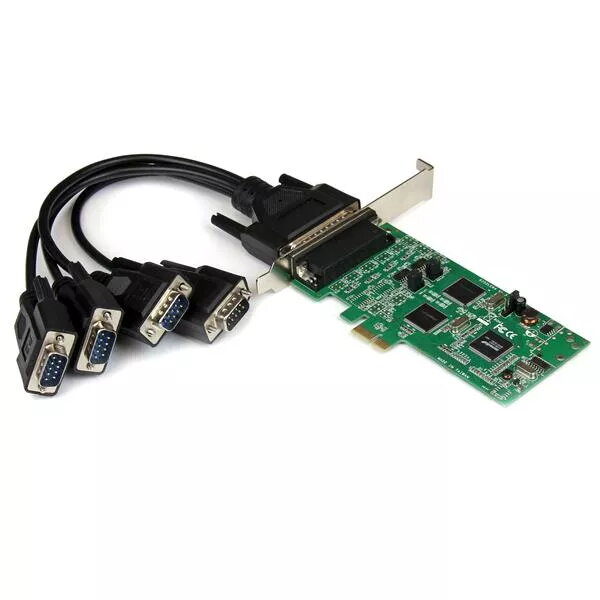
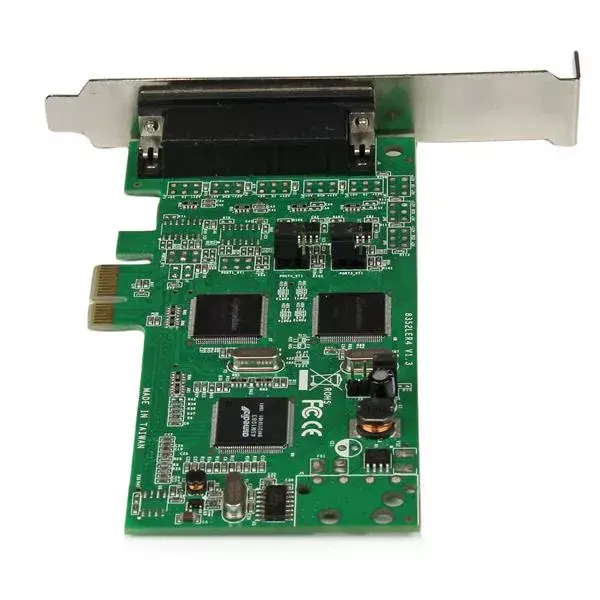
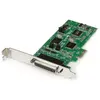
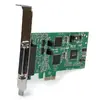
Serial Combo Card StarTech.com PEX4S232485
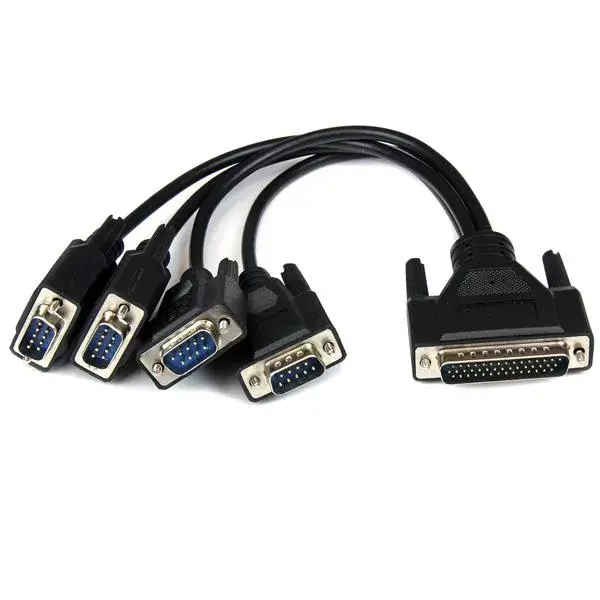
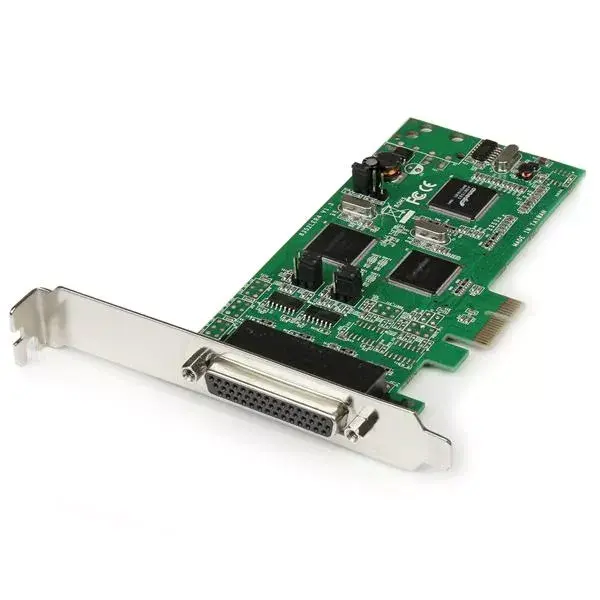
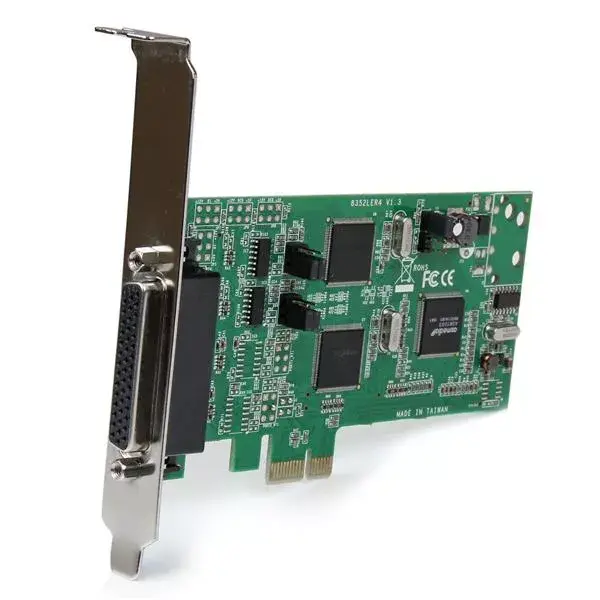
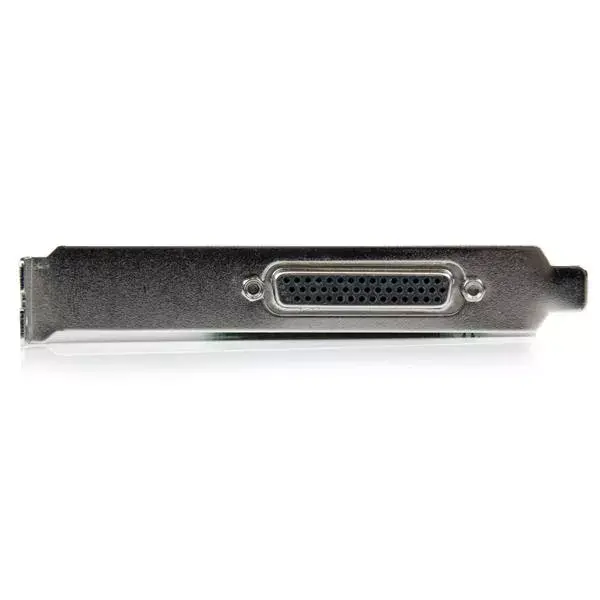
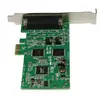
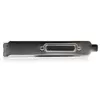
The StarTech.com PEX4S232485 is a 4-port PCI Express serial combo card that provides two RS232 and two RS422/RS485 ports for expanding serial connectivity on desktop and small form factor PCs. Designed to fit a PCIe expansion slot, the card uses a SystemBase SB16C1052PCI chipset and a 256-byte FIFO buffer to reliably handle serial data streams. Physical dimensions are 125 mm x 70 mm x 20 mm, and the card includes both full-height and low-profile brackets plus a breakout cable for tidy external connections.
This single-board solution supports RS-232, RS-422 and RS-485 (2-wire and 4-wire) communication modes, enabling connection to a wide range of serial devices and mixed-protocol environments. The included breakout cable reduces cable clutter and installation time, while the dual bracket design ensures compatibility with full-size and small form factor systems. The onboard FIFO buffer improves data handling under high-throughput or burst conditions.
Power down the PC and insert the PEX4S232485 into an available PCIe slot, then secure the card using the appropriate bracket (full-height or low-profile). Connect the breakout cable to the card and route the cable to your serial devices. Install any required drivers for your operating system; the card supports common Windows versions including Windows 2000 through Windows 7. Configure serial port settings (baud rate, parity, data bits, stop bits, and protocol mode RS232/RS422/RS485) within your application or operating system to match the connected devices.
For reliable communication, match serial settings between the PEX4S232485 and each connected device and use shielded cabling where possible in electrically noisy environments. When using RS485 in multi-drop configurations, implement proper termination and biasing resistors to prevent signal reflections. Verify driver compatibility with your specific Windows build before deployment and retain the low-profile bracket if installing in compact systems.
{{highlightedFeature.featureTitle}}:
{{getProductFeatureValueById(product, highlightedFeature.featureId)}}