
Dreame vacuums for fast and efficient cleaning!
In cart {{totalProductsCount}} item(s)
Your cart is empty
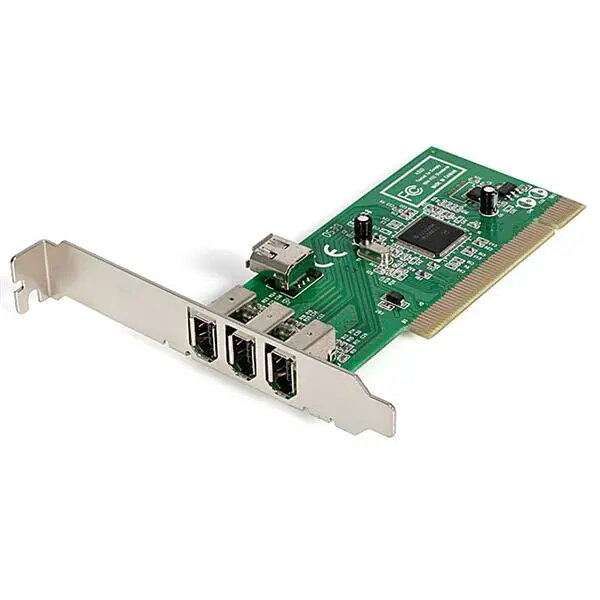
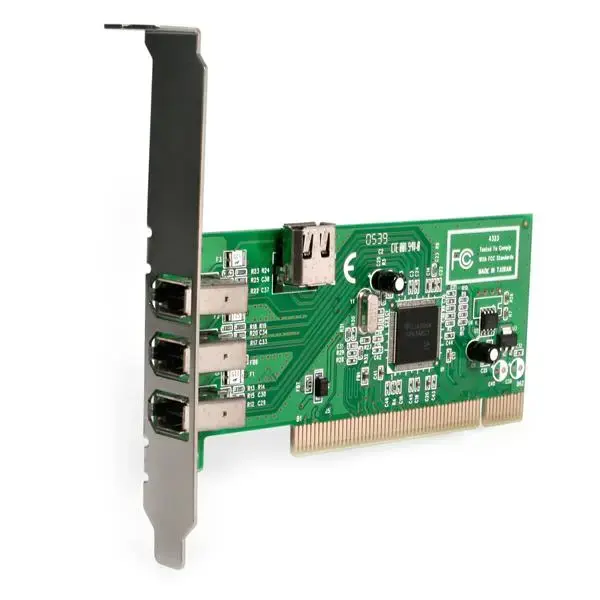
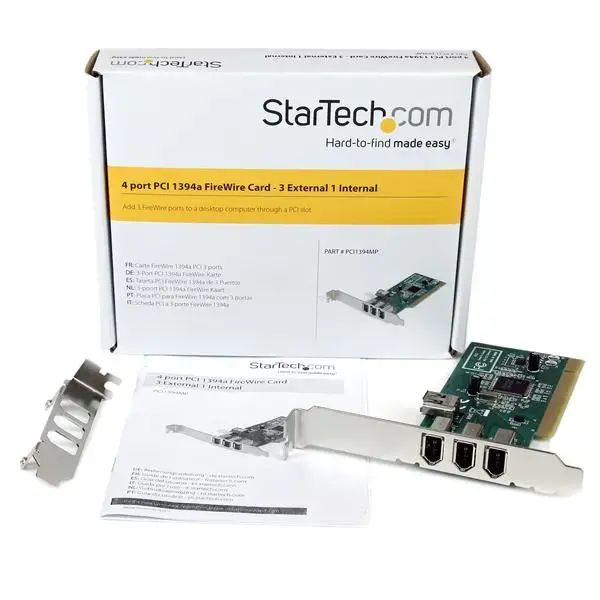
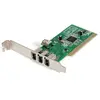
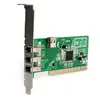
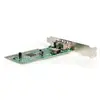
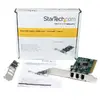
StarTech.com PCI1394MP 4-Port PCI FireWire IEEE 1394a Adapter Card with Texas Instruments Chipset
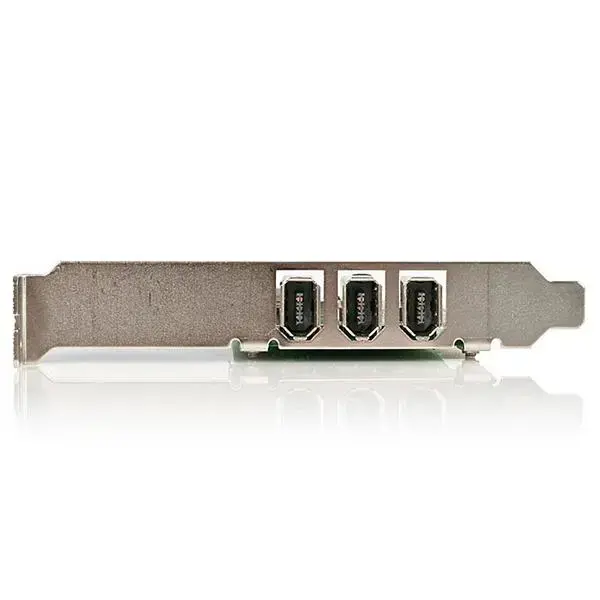
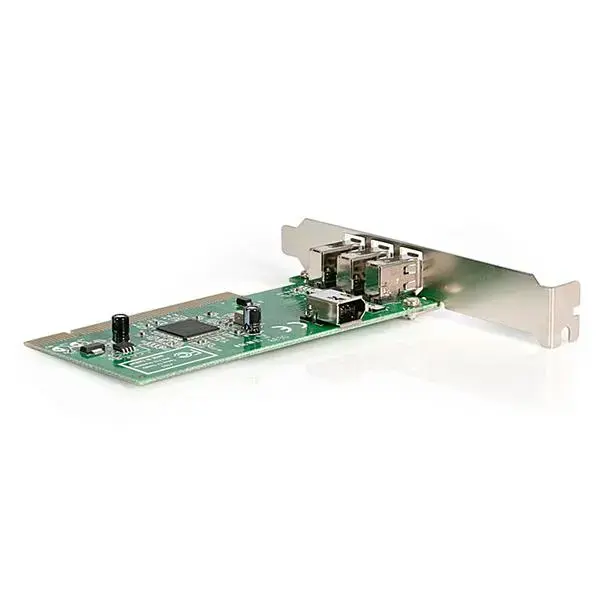
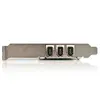
The StarTech.com PCI1394MP is a high-quality 4-port PCI FireWire adapter card designed to expand the connectivity of your desktop computer. Equipped with a reliable Texas Instruments TSB12LV26 chipset, this card ensures stable and efficient data transmission for legacy devices. It features three external IEEE 1394a ports for peripheral connections and one internal port for internal hardware, supporting data transfer speeds of up to 400 Mbps.
This adapter card offers the significant advantage of utilizing a high-performance Texas Instruments chipset, which is widely recognized for its superior compatibility with various FireWire devices, including digital camcorders and audio interfaces. The inclusion of both standard and low-profile brackets allows for versatile installation in both full-size and small form factor desktop systems. Furthermore, the card supports hot-swapping, enabling users to connect and disconnect peripherals without the need to restart the computer, which enhances workflow efficiency and convenience.
This card is designed specifically for the legacy PCI interface and will not function in modern computers that only feature PCIe slots. If your system lacks a physical PCI slot, this adapter cannot be installed.
To install the card, power down your computer and disconnect it from the power source. Open the computer case and locate an available PCI slot. Remove the corresponding slot cover from the back of the case, insert the card firmly into the PCI slot, and secure it with a screw. If you are using a small form factor case, ensure you have attached the included low-profile bracket before installation. Once installed, close the case, reconnect the power, and boot your computer. The operating system should automatically detect the card, though you may need to ensure your peripheral drivers are up to date.
For optimal performance, ensure that the card is fully seated in the PCI slot and that all peripheral cables are securely connected. If you are performing digital video editing, ensure your software is configured to recognize the IEEE 1394 interface correctly.
{{highlightedFeature.featureTitle}}:
{{getProductFeatureValueById(product, highlightedFeature.featureId)}}
{{ productComparisonGenerationError }}