Powerful EcoFlow stations for energy anywhere!
In cart {{totalProductsCount}} item(s)
Your cart is empty
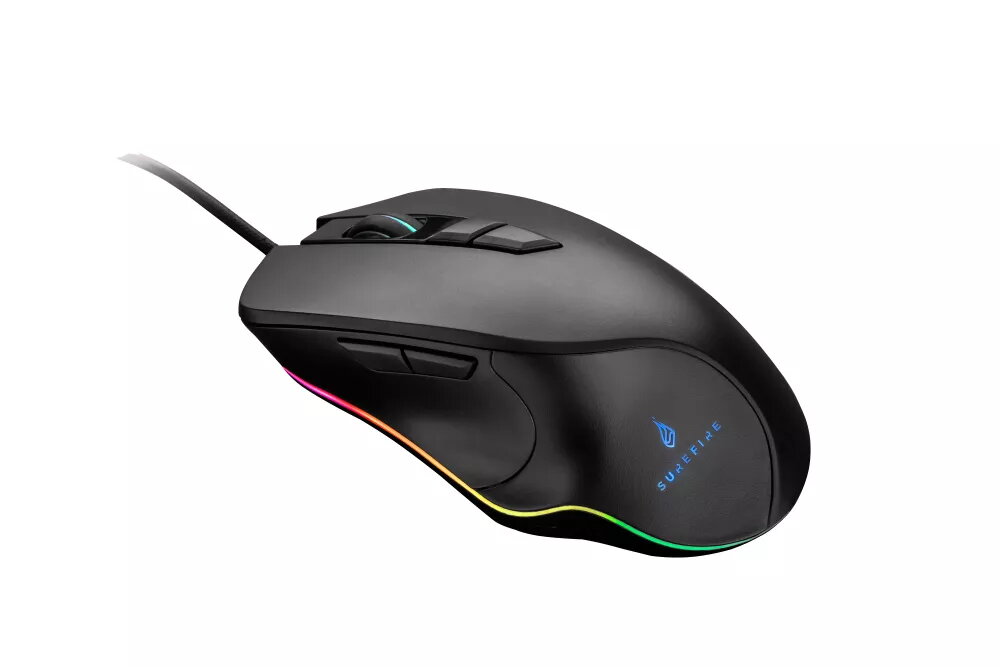
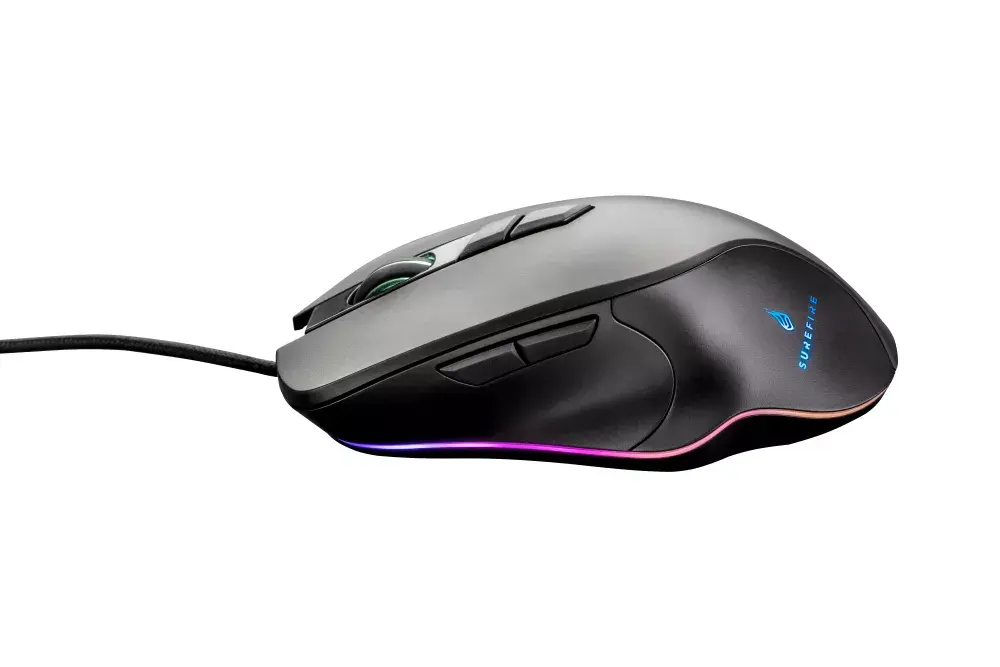
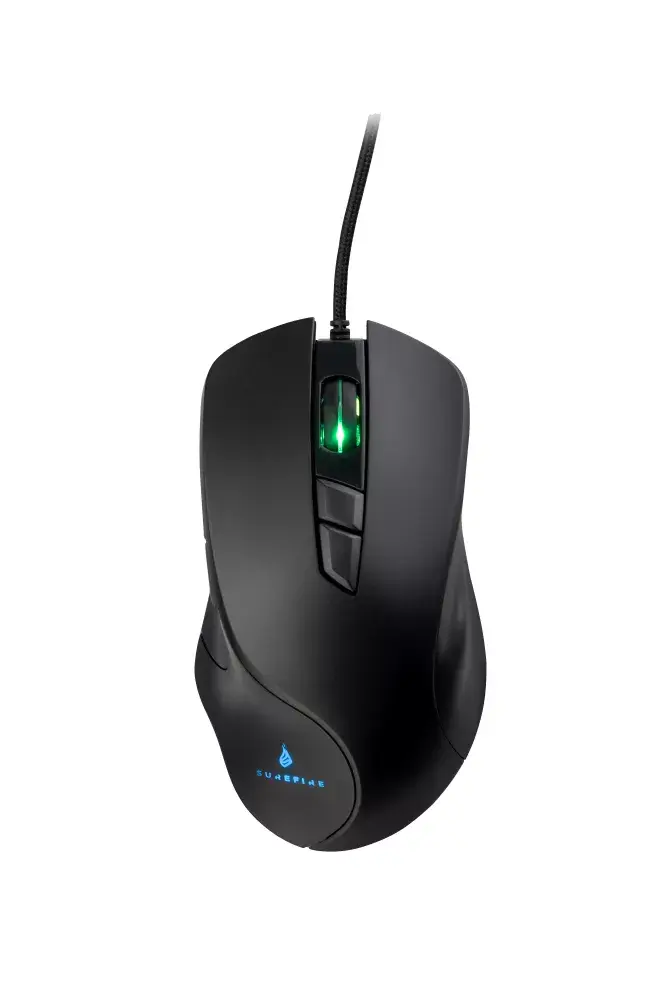
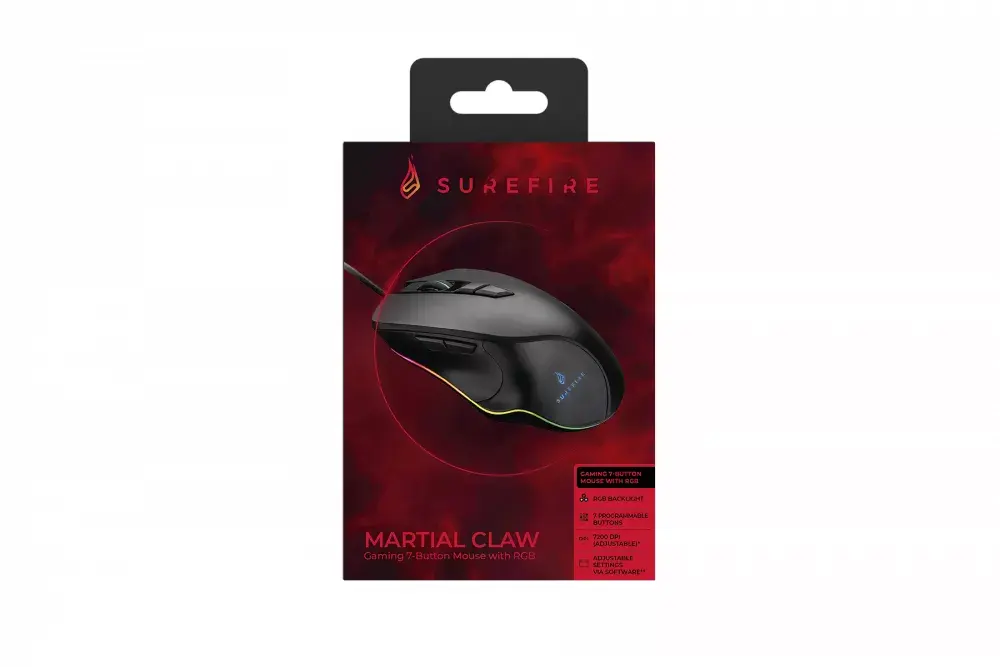
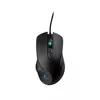
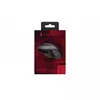
SureFire Martial Claw Gaming Mouse Right-hand USB Type-A Optical 7200 DPI 7 Buttons Black
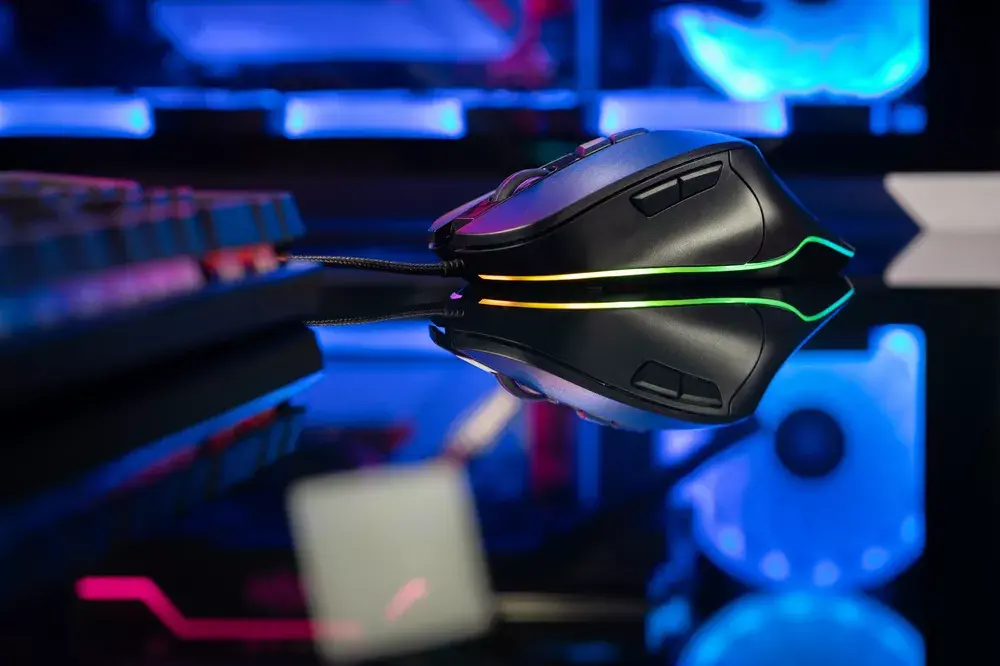
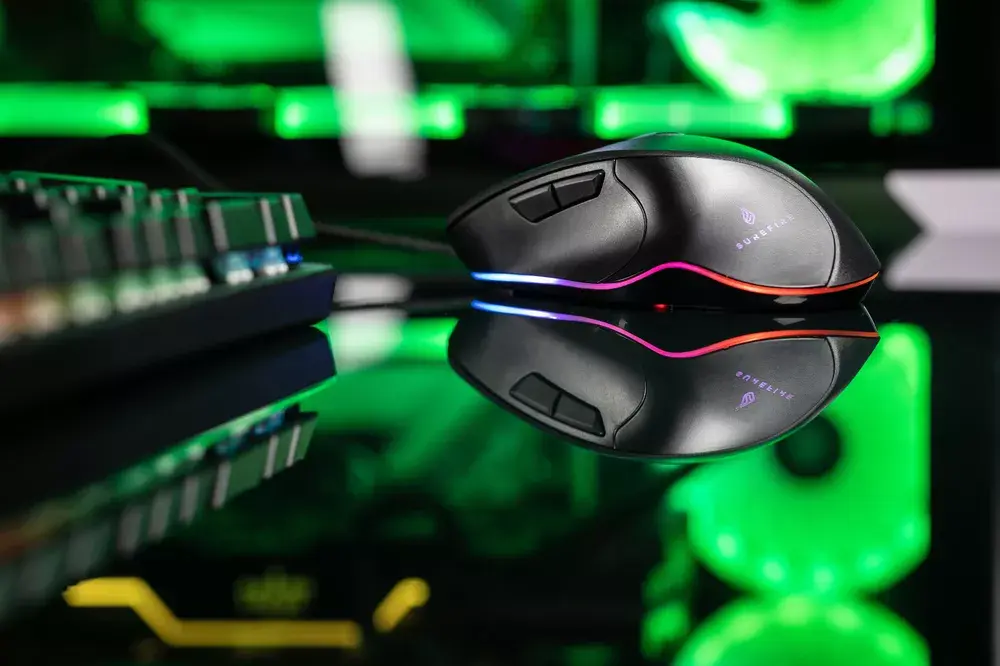
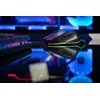
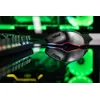
The SureFire Martial Claw Gaming Mouse Right-hand USB Type-A Optical 7200 DPI 7 Buttons Black is a wired gaming peripheral designed specifically for right-handed users seeking reliable performance and precision. Featuring an optical sensor with an adjustable resolution up to 7200 DPI, this mouse offers accurate tracking and responsive control for various gaming scenarios. The black chassis includes multi-color RGB illumination in blue, green, and red around the base and scroll wheel, creating a distinct visual style for your setup. Connected via a standard USB Type-A cable, it ensures a stable and lag-free wired connection during intense sessions.
The SureFire Martial Claw provides high precision and flexibility through its adjustable DPI settings, allowing users to switch between different sensitivity levels ranging from 800 up to 7200 DPI depending on the current task. With seven programmable buttons, gamers can easily assign custom macros and commands to streamline their gameplay. The ergonomic right-handed form factor supports comfortable movement over extended periods, while the durable construction is built to withstand up to 10 million clicks. Additionally, the included Windows-compatible software enables extensive customization of lighting effects, button assignments, and speed settings.
This device may not be suitable for left-handed users due to its right-handed ergonomic form factor. Furthermore, advanced button programming and software customization features are officially supported exclusively on Windows operating systems, which may limit full feature configuration for users on other platforms.
To start using the SureFire Martial Claw Gaming Mouse, plug the USB Type-A cable into an available port on your computer. The device is typically plug-and-play for basic functions, but to unlock advanced features, download and install the dedicated software on a compatible Windows PC. Through the software interface, you can adjust the DPI levels, program the seven buttons, configure macros, and customize the RGB lighting effects to match your preferences.
For optimal performance and longevity, connect the mouse directly to a primary USB port on your computer and keep the optical sensor clean from dust and debris.
{{highlightedFeature.featureTitle}}:
{{getProductFeatureValueById(product, highlightedFeature.featureId)}}
{{ productComparisonGenerationError }}