Save time and money with our discounts!
In cart {{totalProductsCount}} item(s)
Your cart is empty
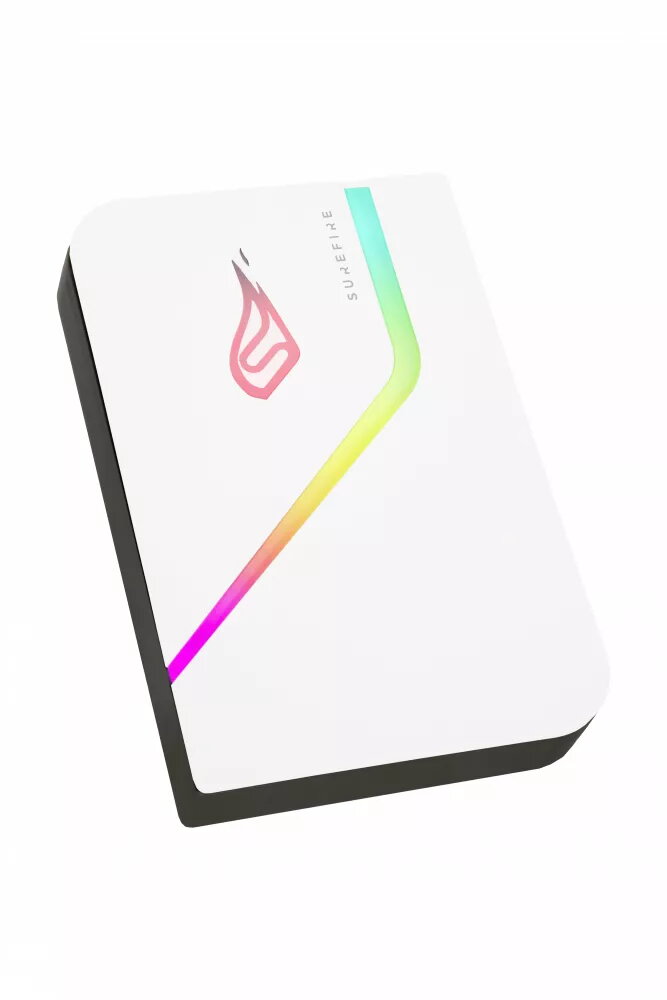
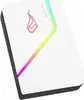
SureFire PyroDrive Gaming External SSD 1TB USB 3.2 Gen 1 White
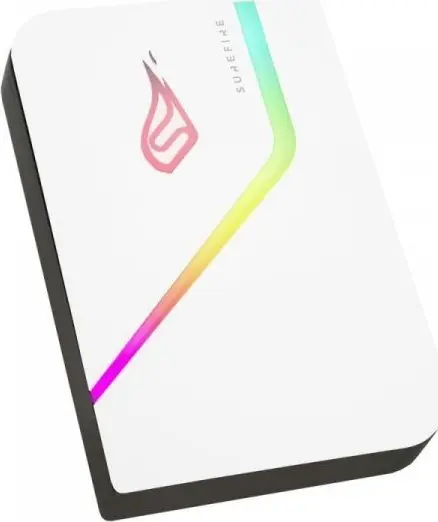
The SureFire PyroDrive Gaming External SSD 1TB is a high-performance storage solution designed specifically for gamers who need to expand their console or PC game library. With a sleek white finish and integrated RGB lighting, this 2.5-inch drive combines aesthetic appeal with fast data transfer capabilities, ensuring your games load quickly and run smoothly directly from the external device.
This external SSD utilizes high-speed flash memory and a USB 3.2 Gen 1 interface to deliver read speeds of up to 460 MB/s and write speeds of up to 440 MB/s. Because it contains no moving parts, the drive is significantly more durable, silent, and energy-efficient than traditional hard drives. The inclusion of customizable RGB lighting allows you to sync the device with your existing gaming setup, while the compact design makes it an ideal portable storage solution for gamers on the move.
This device may not be suitable for users who require massive multi-terabyte storage for professional video editing or archival purposes, as the 1TB capacity may be insufficient for such high-demand tasks. Additionally, the included Nero Backup software is exclusively compatible with Windows operating systems, limiting its utility for automated backup scheduling on macOS or Linux environments.
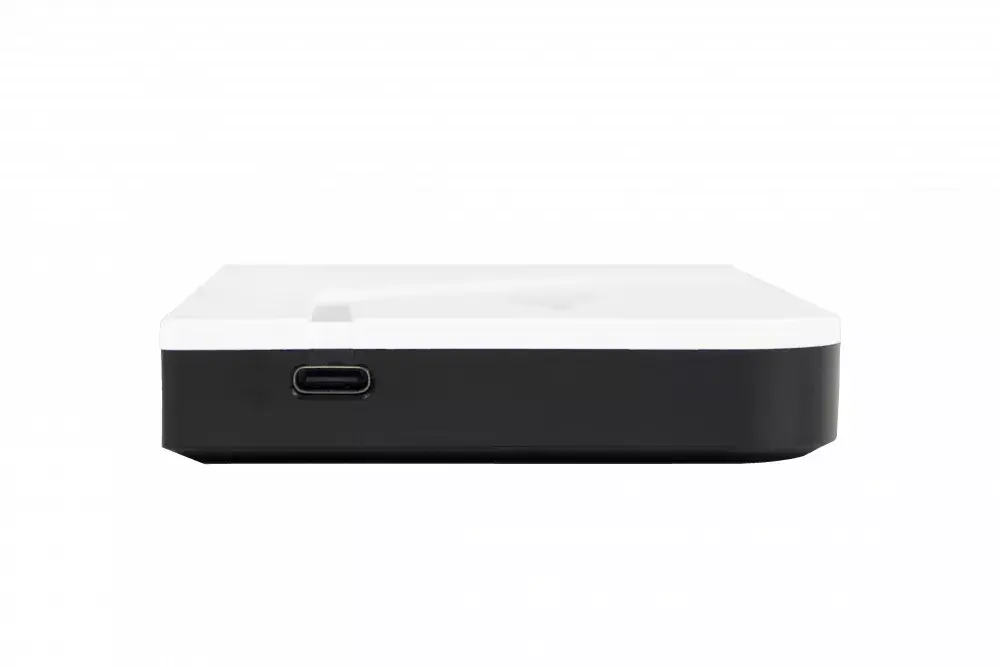
To use the SureFire PyroDrive, simply connect the device to your console or PC using the provided USB cable or the included USB-C adapter. If you are using the drive with a gaming console, you may need to format the drive through the console's system settings before it can be used for game storage. For PC users, the drive is plug-and-play for file storage. To utilize the RGB lighting features, ensure the device is connected to a compatible system and use the appropriate lighting management software.
For the best performance and longevity, always safely eject the drive from your operating system before disconnecting the USB cable. If using the drive for console gaming, perform a full backup of your existing data before reformatting the drive to ensure no files are lost during the setup process.
{{highlightedFeature.featureTitle}}:
{{getProductFeatureValueById(product, highlightedFeature.featureId)}}