JBL speakers and headphones for pure and deep sound!
In cart {{totalProductsCount}} item(s)
Your cart is empty
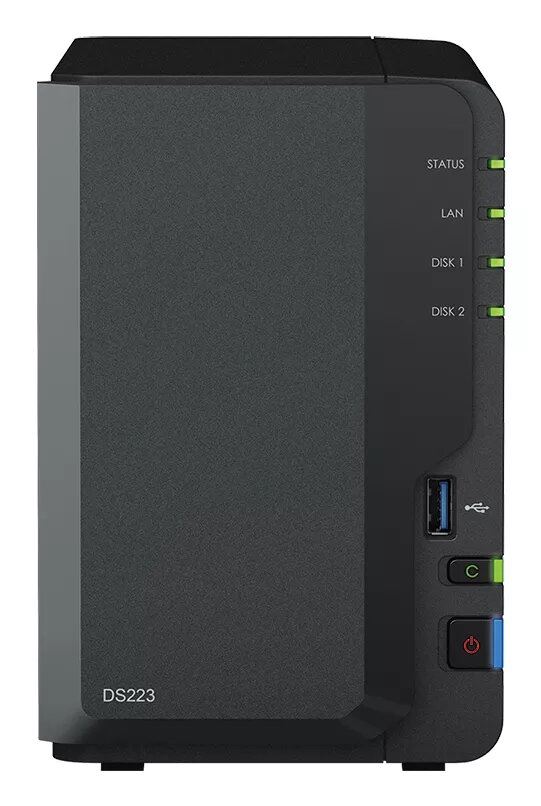
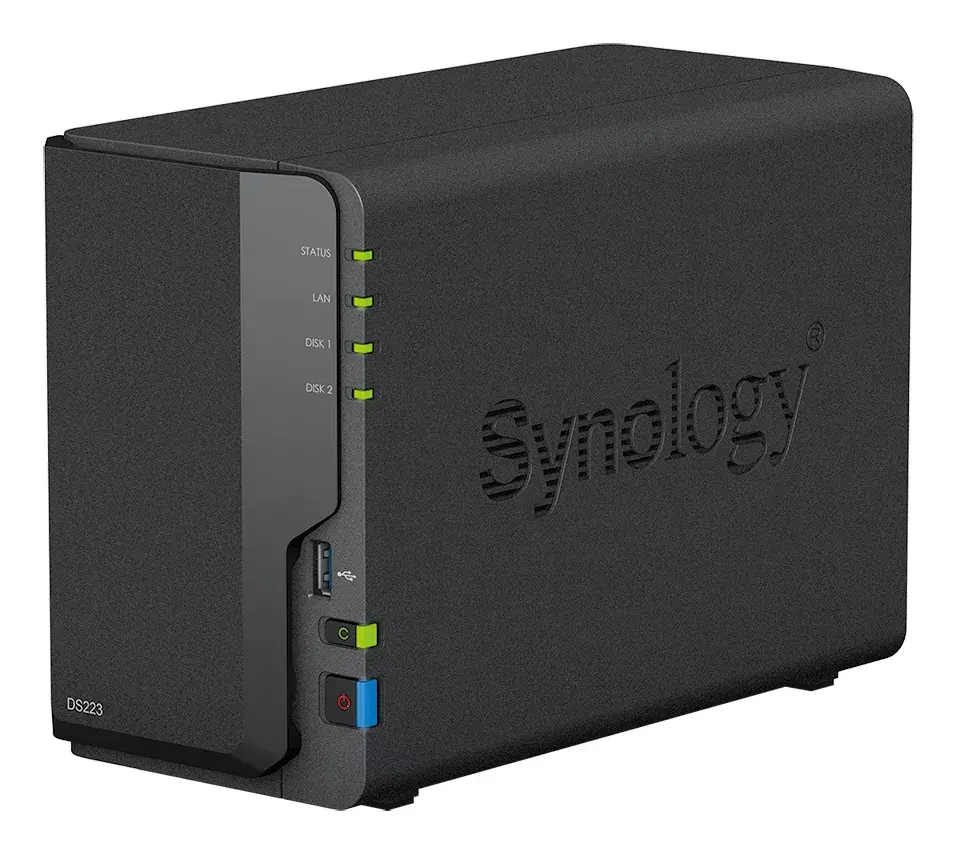
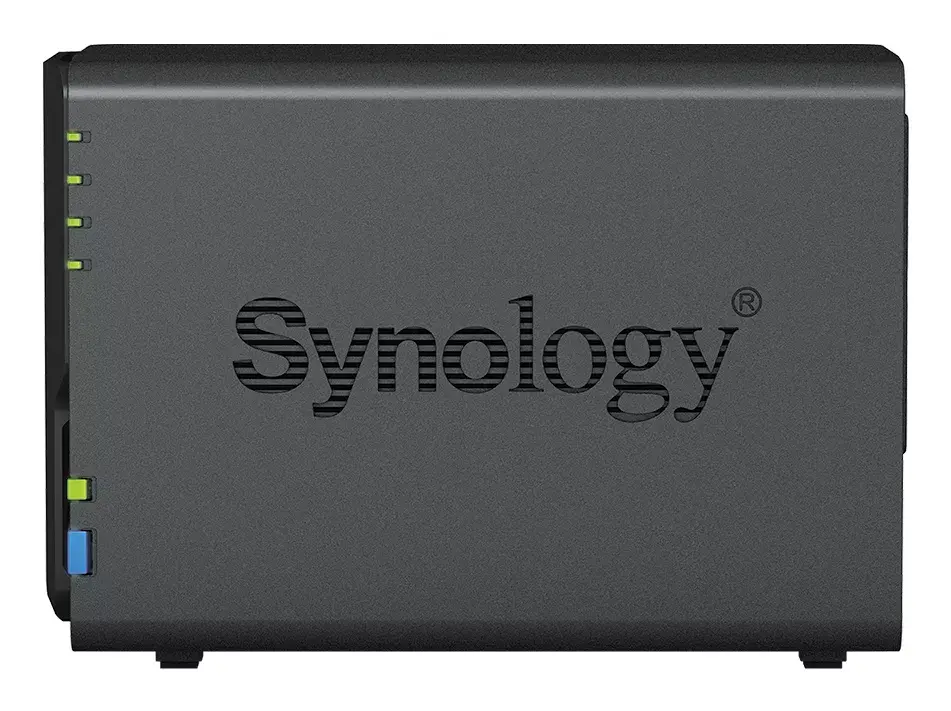
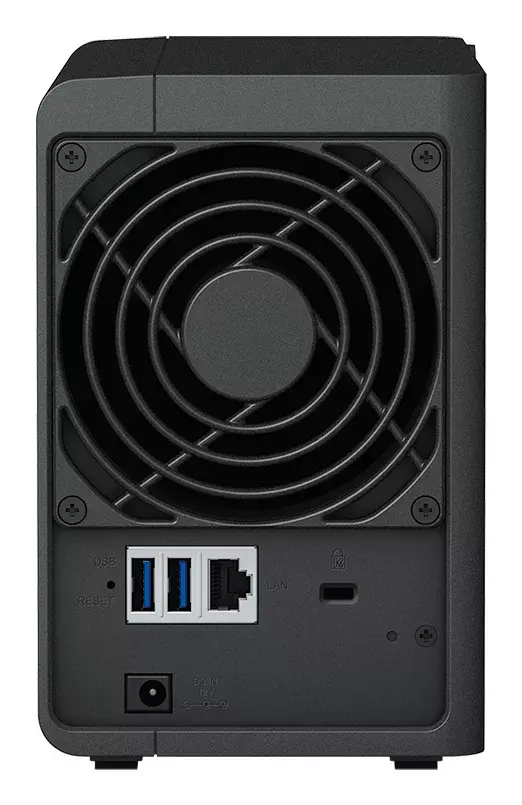
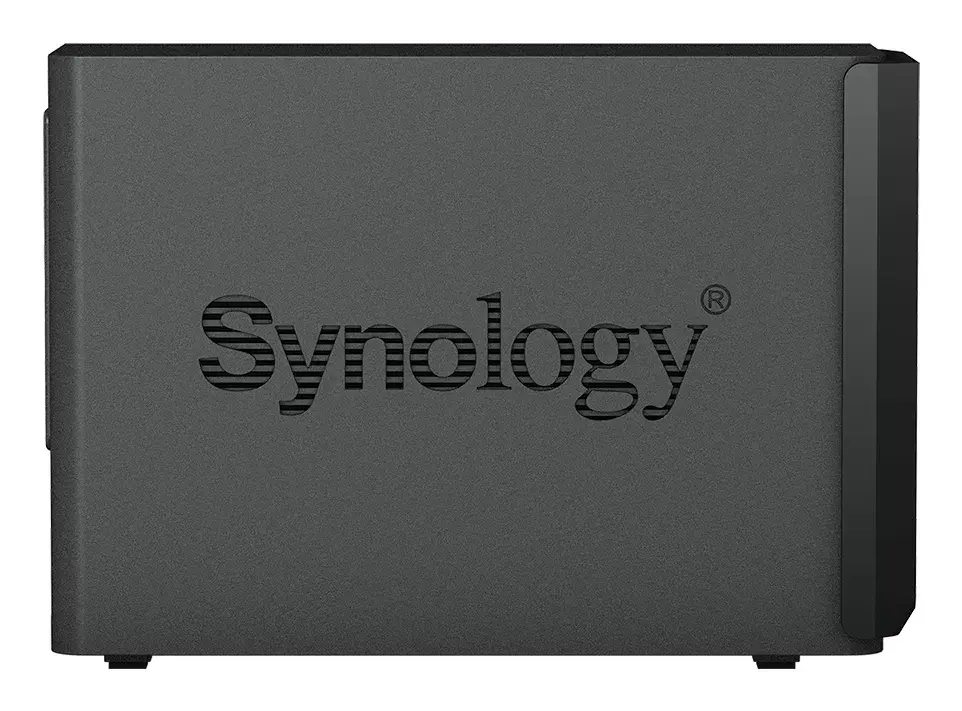
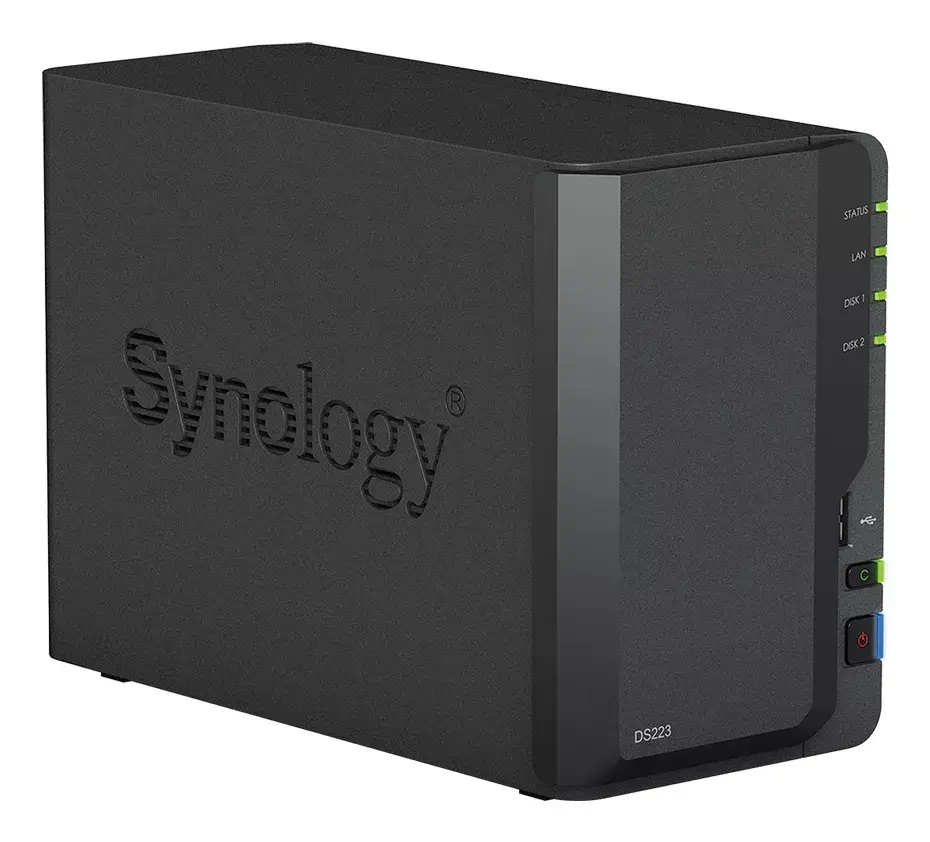
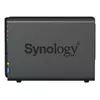
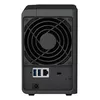
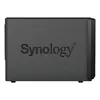
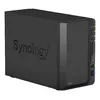
NAS Synology DiskStation DS223 Mini Tower Realtek RTD1619B 2 GB DDR4 12 TB HDD
The Synology DiskStation DS223 is a Mini Tower NAS designed for home and small office use. It consolidates files from multiple sources into a private cloud, runs DiskStation Manager (DSM) and uses the Btrfs file system to help protect data against corruption and enable snapshot-based rollbacks. The unit ships with 2 GB DDR4 memory, a Realtek RTD1619B processor and a total of 12 TB HDD storage in a two-bay chassis, providing a compact solution for centralized file storage and management.
DS223 simplifies private cloud setup and file synchronization across PCs, Macs, Linux, Chromebooks, Android and iOS devices, and provides browser-based access. On-demand sync saves local disk space by downloading files only when accessed, while pinning allows selected files to remain available offline. Integration with public cloud services and continuous synchronization between Synology devices enable flexible workflows and fast local access. The DSM operating system with Btrfs and snapshot technology increases resilience against accidental or malicious changes. Built-in backup and license-free protection tools let you configure multi-destination backups and near-continuous point-in-time copies.
Connect the DS223 to your network and power it on, then use Synology’s DiskStation Manager (DSM) to complete initial setup, create volumes and configure user accounts and shared folders. Import data from PCs, Macs or external drives using DSM’s file import and sync tools, install Synology Drive or Synology Photos on client devices for automatic upload and synchronization, and enable on-demand mode on Windows or macOS clients to conserve local storage. Configure backup tasks, snapshot schedules and any desired public cloud sync options through DSM’s backup and cloud sync applications.
For reliable performance and data protection, place the NAS in a well-ventilated area, keep DSM updated, schedule regular snapshots and backups to additional destinations, and consider using RAID and supported SSD caching if needed for higher performance or redundancy.
{{highlightedFeature.featureTitle}}:
{{getProductFeatureValueById(product, highlightedFeature.featureId)}}
{{ productComparisonGenerationError }}