Dreame vacuums for fast and efficient cleaning!
In cart {{totalProductsCount}} item(s)
Your cart is empty
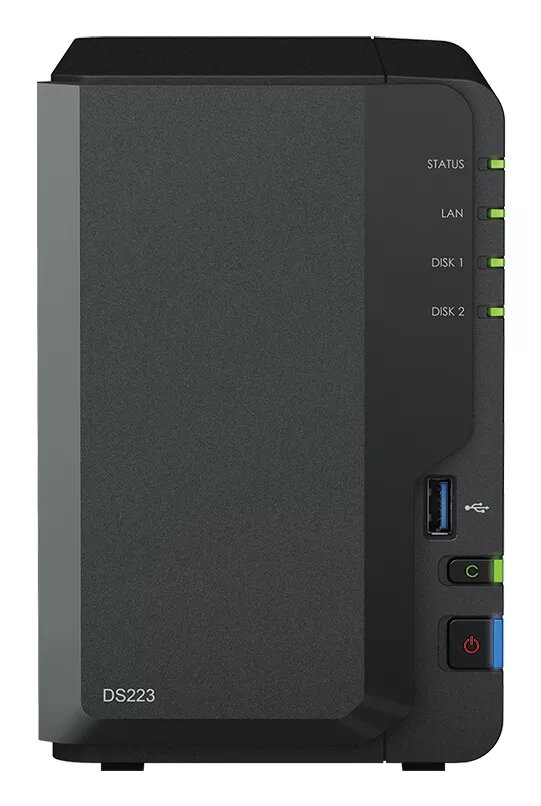
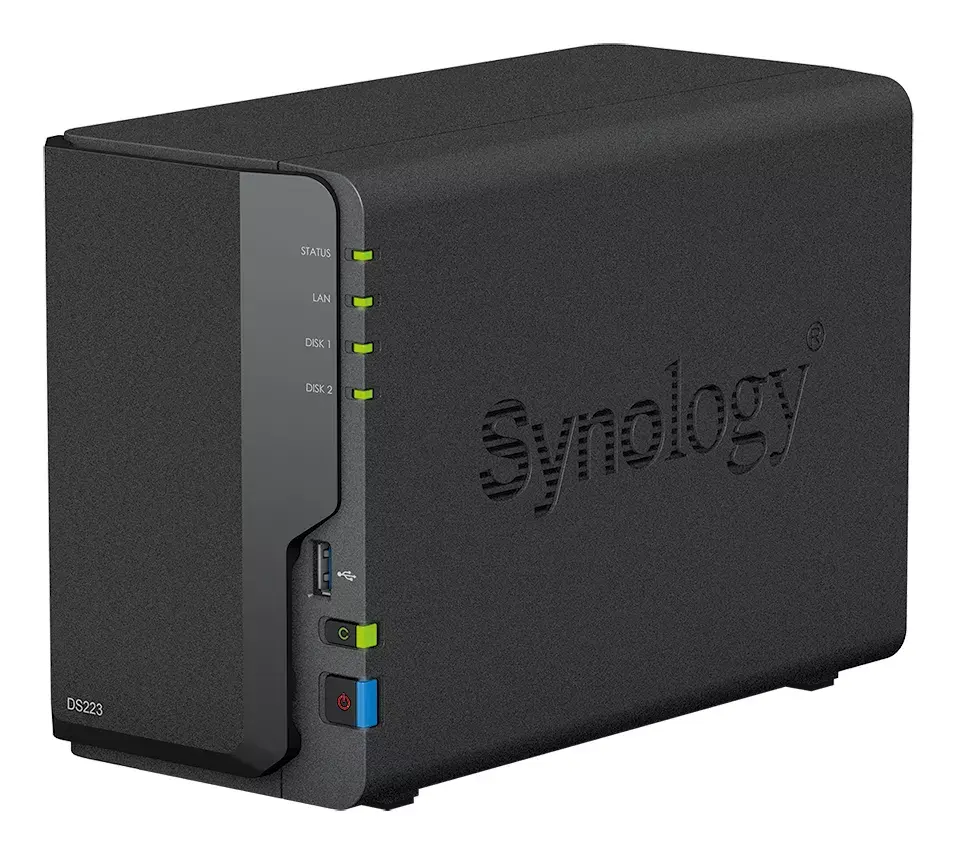
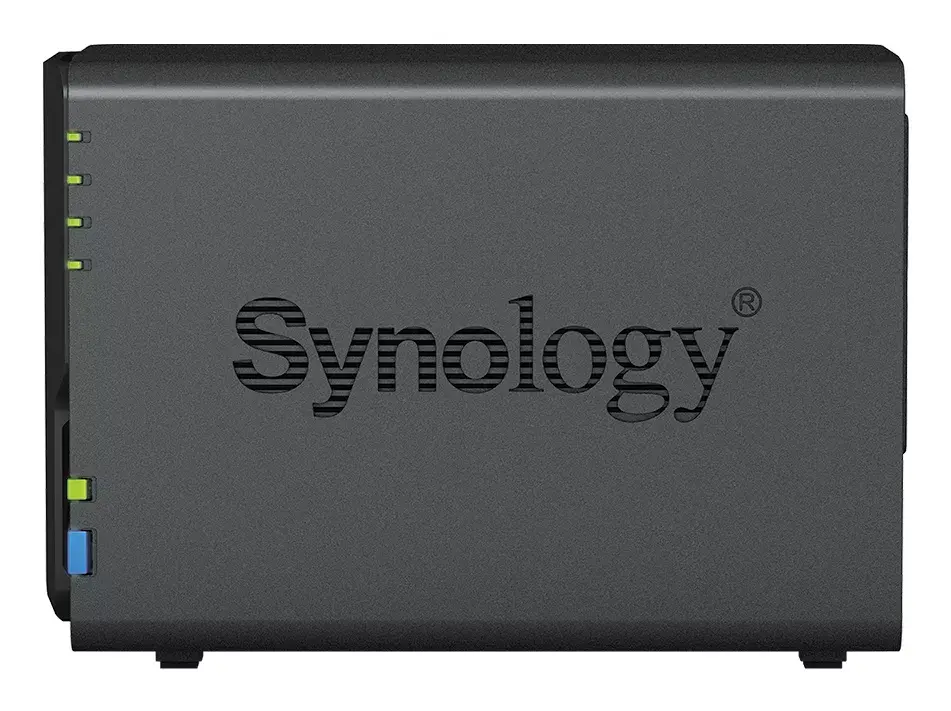
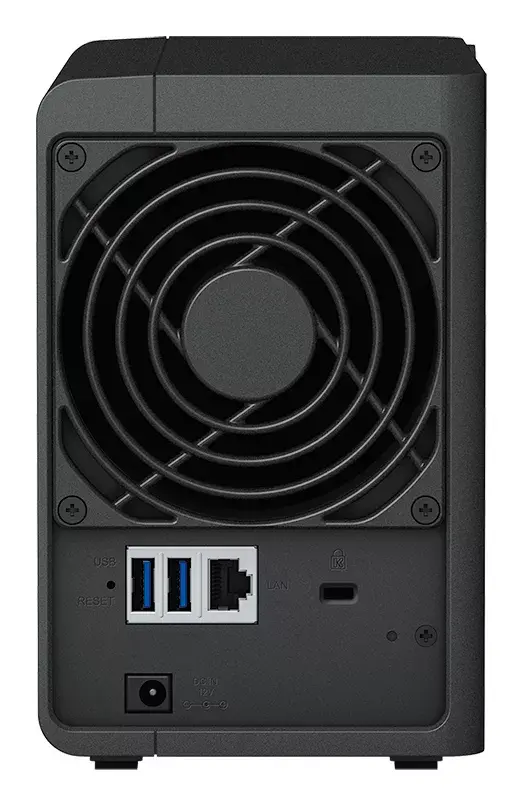
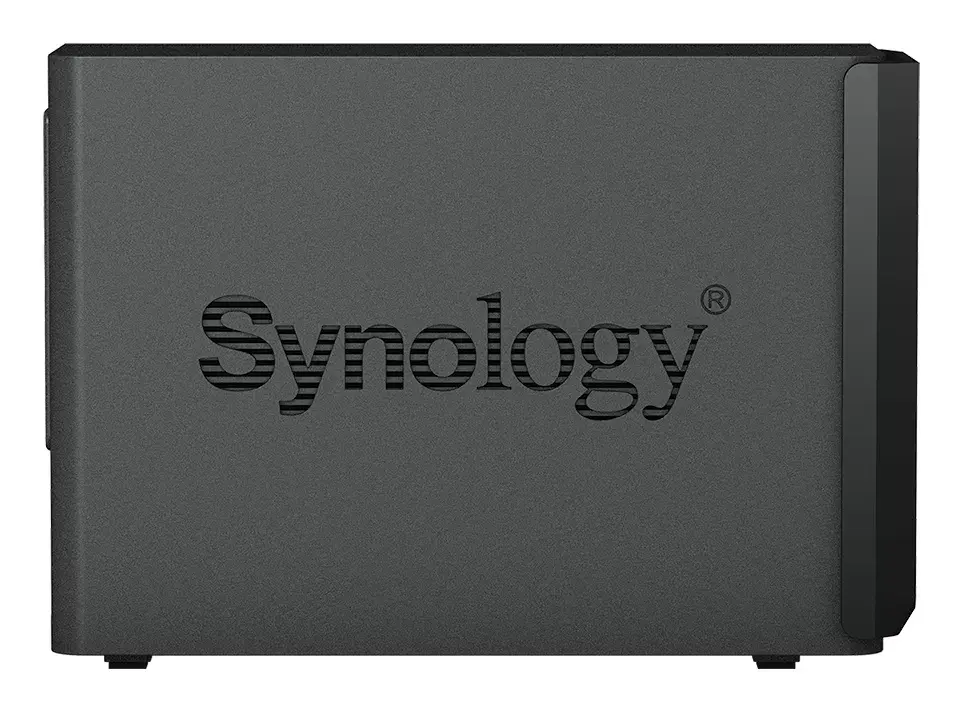
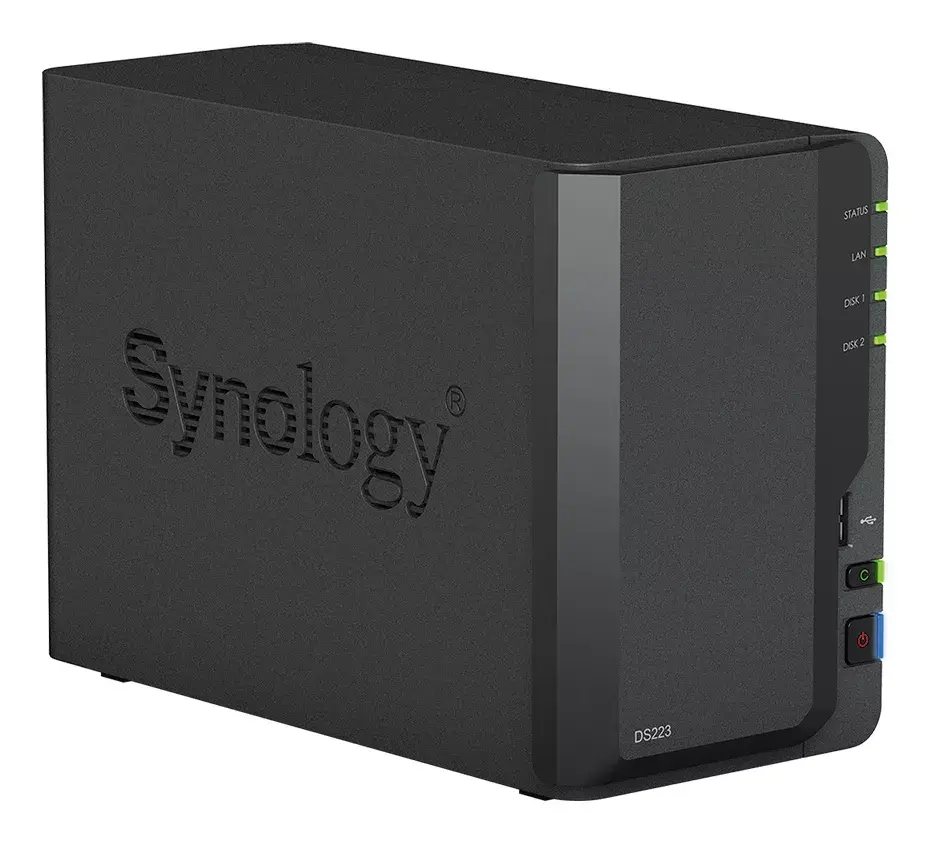
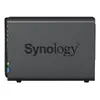
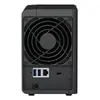
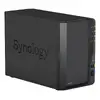
NAS Synology DiskStation DS223 Mini Tower Realtek RTD1619B 2 GB DDR4 8 TB HDD
The Synology DiskStation DS223 Mini Tower is a compact NAS for home and small office use. It is powered by a Realtek RTD1619B processor (1.7 GHz), 2 GB DDR4 memory and comes with 8 TB HDD capacity. Running DiskStation Manager (DSM), the DS223 centralizes files from multiple sources into a private cloud while offering tools for backup, synchronization, media management and surveillance support.
DS223 simplifies file consolidation and synchronization across PCs, Macs, Linux, Chromebooks, Android and iOS devices and web browsers. On-demand mode reduces local storage use by downloading files only when accessed, while pinning supports offline access to frequently used items. Integration with public cloud providers such as Google Drive, Dropbox and Microsoft OneDrive enables hybrid workflows with local copies retained for centralized control. DSM uses the Btrfs file system and snapshot technology to protect data against corruption and to restore point-in-time versions. The device supports up to two drives with RAID options and is compatible with a wide range of surveillance cameras and license-free backup solutions.
Connect the DS223 to your network via Ethernet, install or verify the preinstalled drives, and complete initial setup using Synology Assistant or the DSM web interface. Install Synology Drive or Synology Photos to import and synchronize files from PCs, Macs and mobile devices. Configure on-demand mode on Windows or macOS clients to save local disk space, and pin frequently used files for offline access. Use the built-in backup applications to schedule real-time or periodic backups of computer folders, and enable snapshot replication for point-in-time copies of shared folders. For surveillance, add compatible IP cameras in the Surveillance application and configure recording and notifications.
Keep DSM and installed packages up to date, enable regular backups to multiple destinations, and configure snapshots to provide near-continuous protection. Use RAID and maintain at least one external backup copy to ensure data availability in case of drive failure.
{{highlightedFeature.featureTitle}}:
{{getProductFeatureValueById(product, highlightedFeature.featureId)}}
{{ productComparisonGenerationError }}