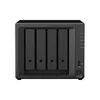
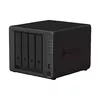
Hurry and order now – up to 50% off!
In cart {{totalProductsCount}} item(s)
Your cart is empty
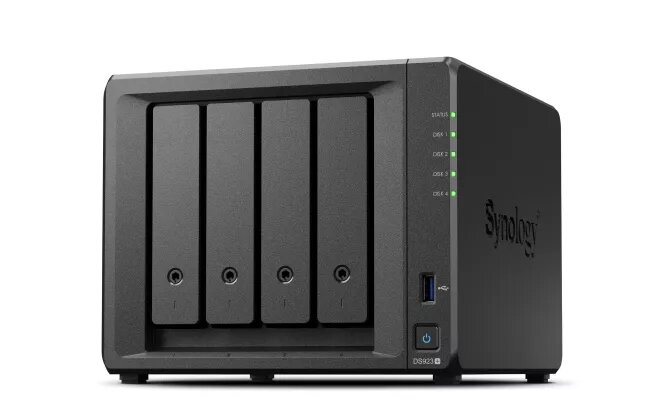
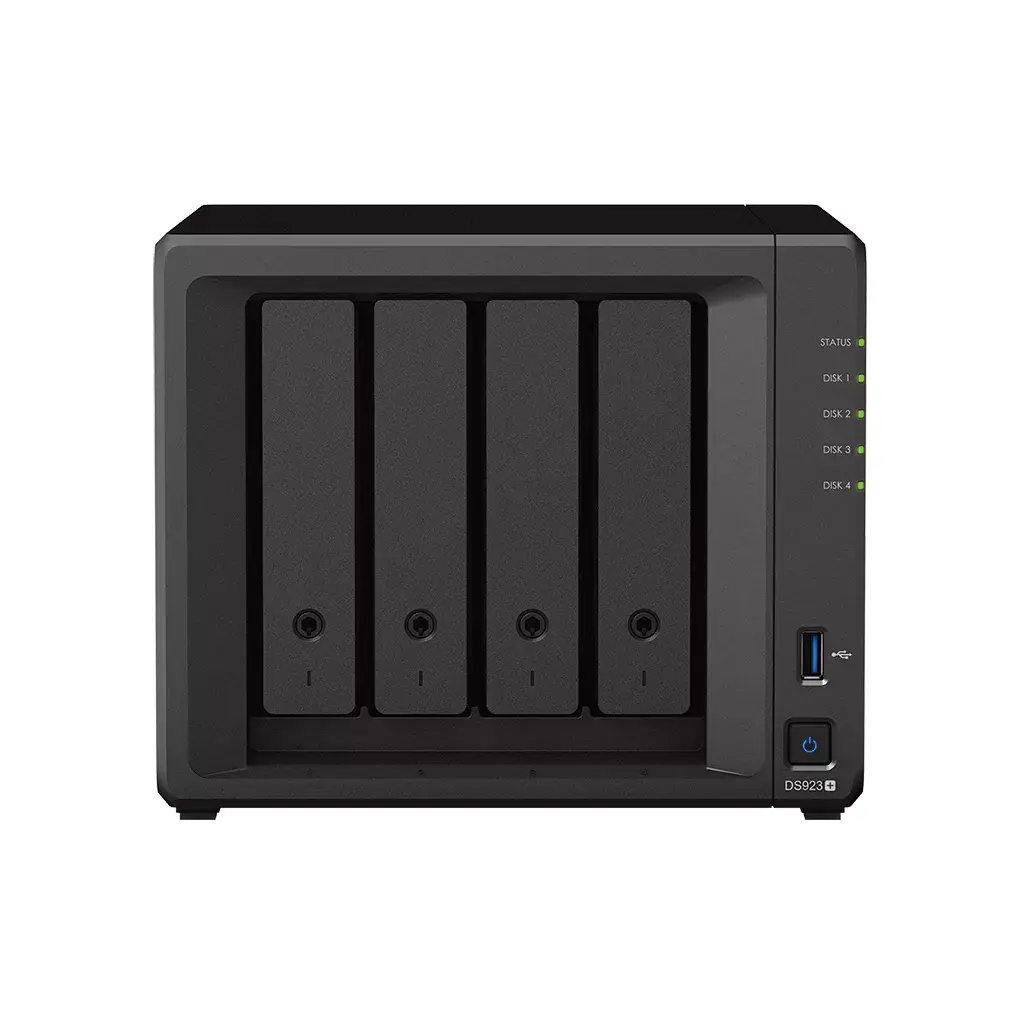
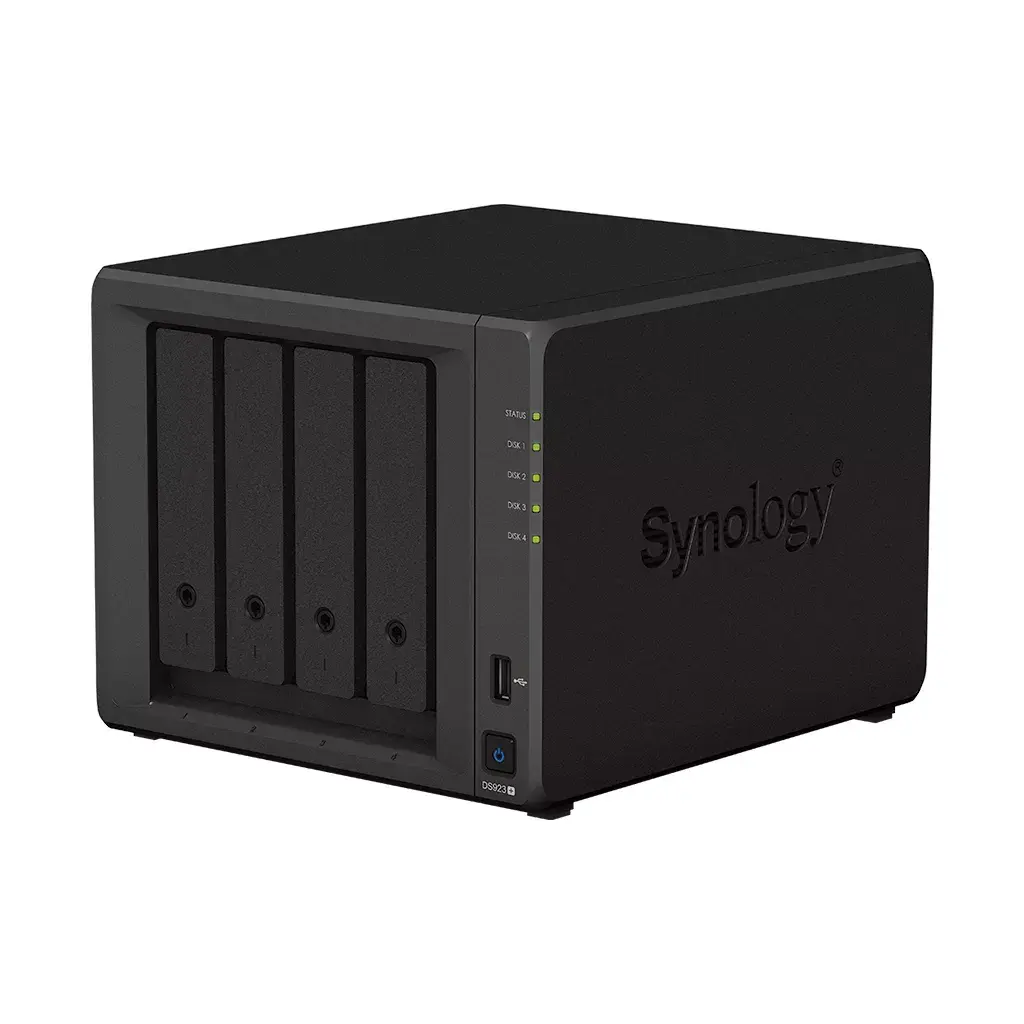
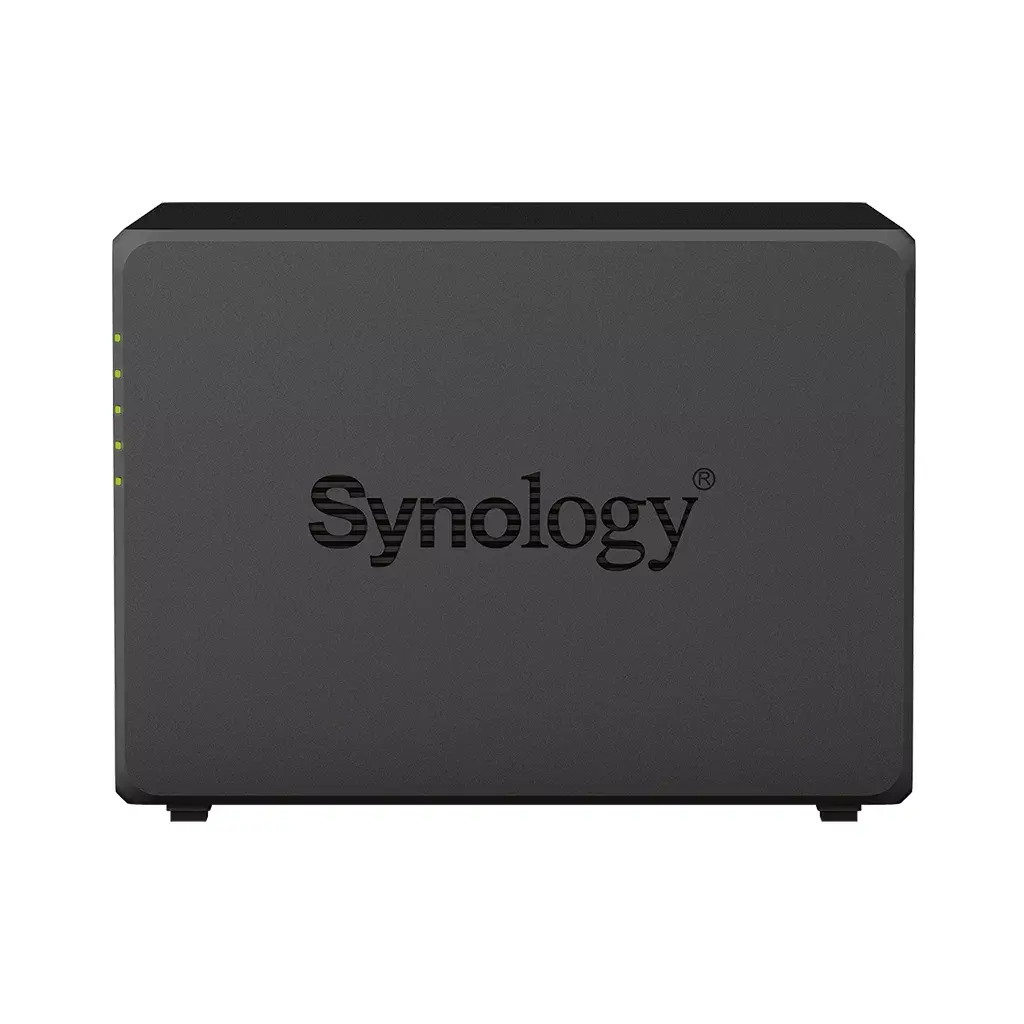
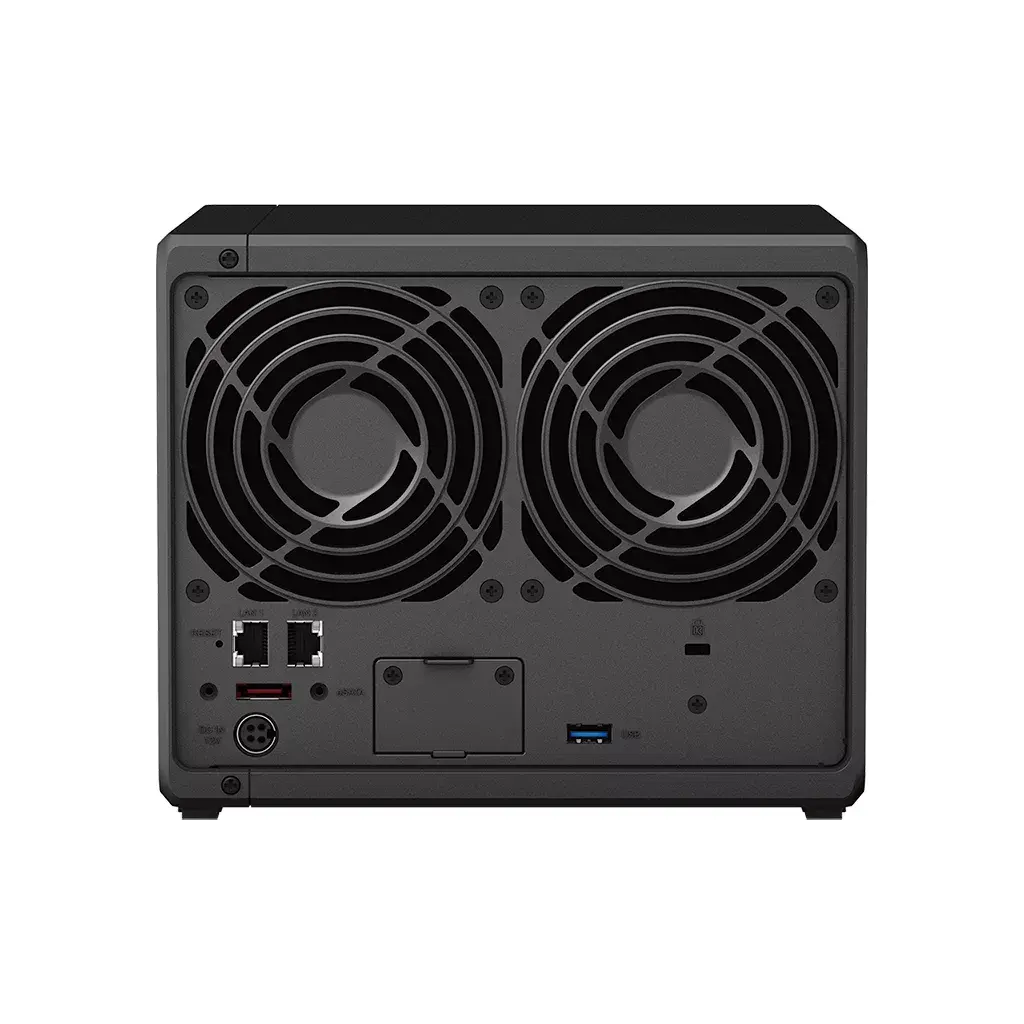
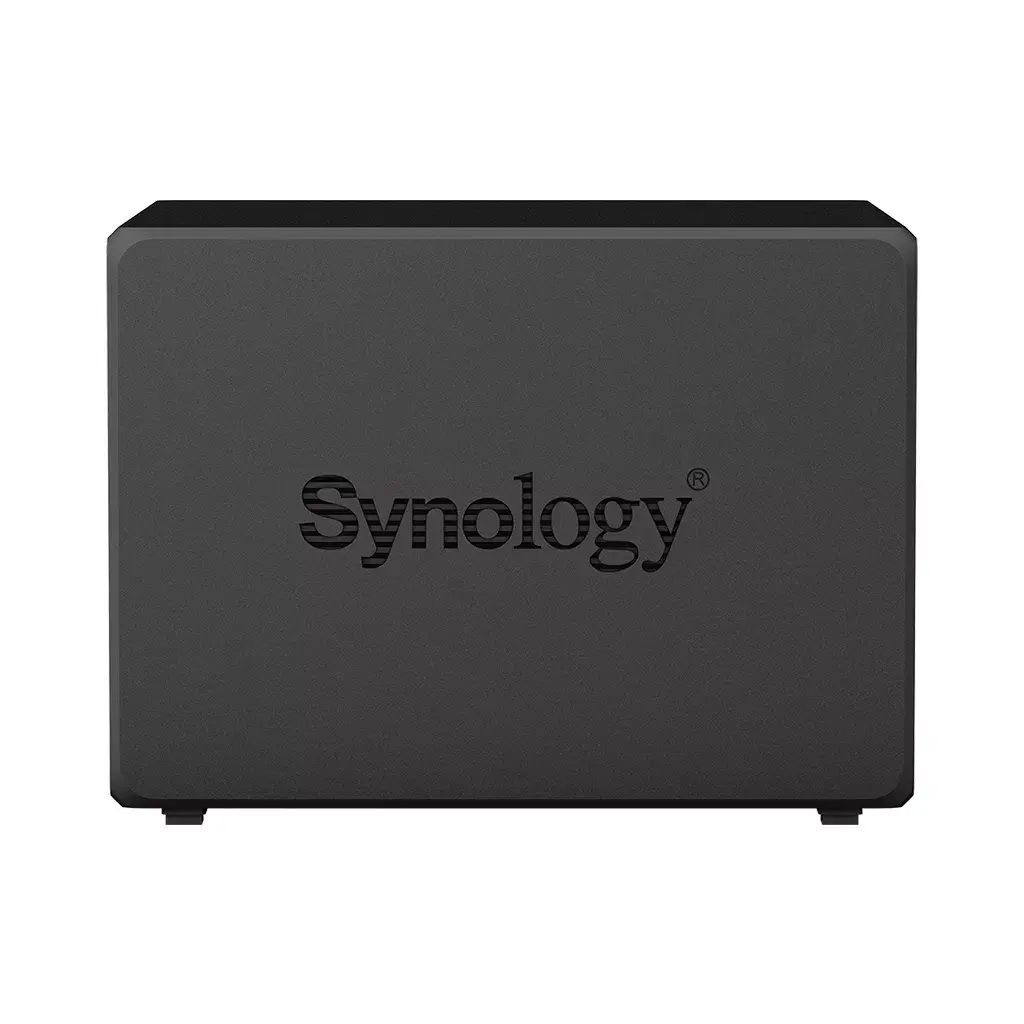
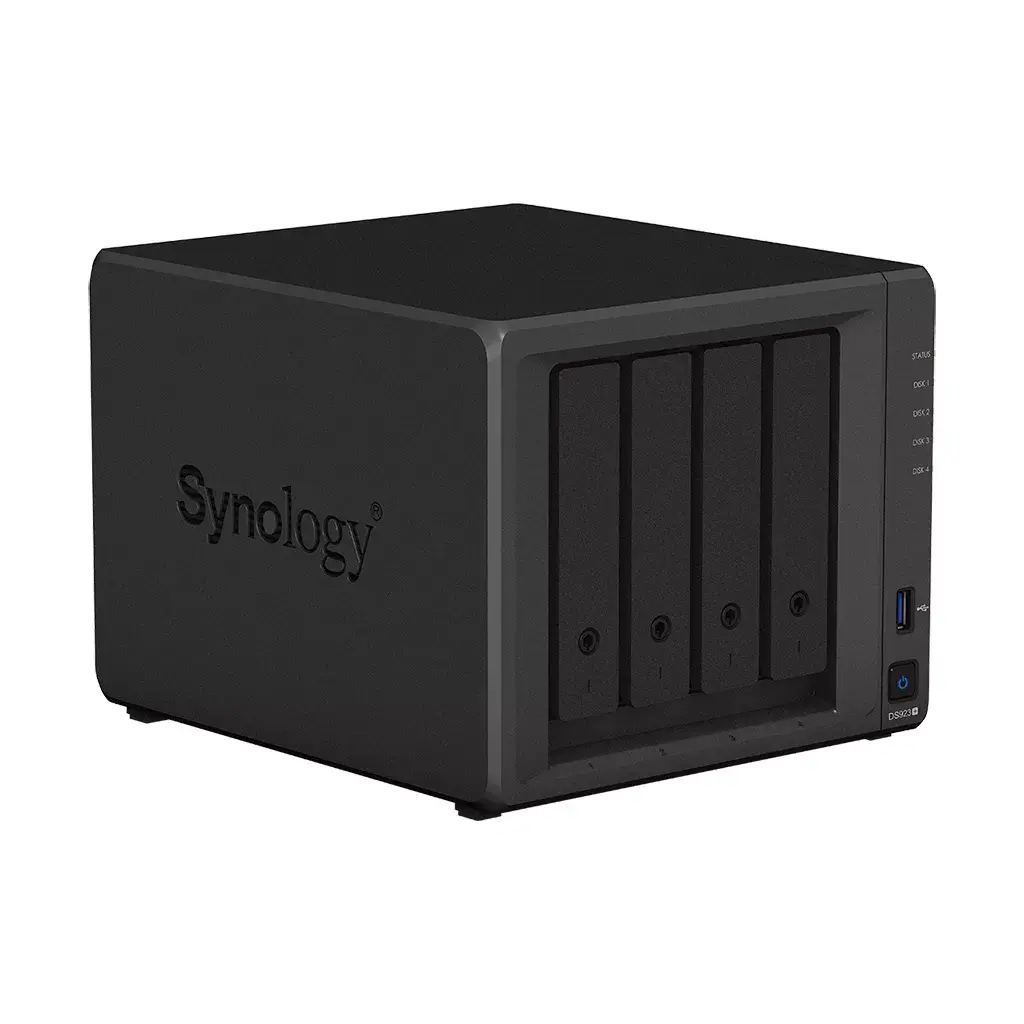
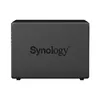
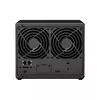
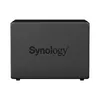
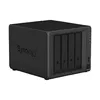
NAS Synology DiskStation DS923+ Tower Ryzen Embedded R1600 4GB DDR4L
The Synology DiskStation DS923+ Tower Ryzen Embedded R1600 4GB DDR4L is a compact four-bay NAS designed for home users and small businesses that require reliable centralized storage. Powered by a Ryzen Embedded R1600 processor at 2.6 GHz and 4 GB of DDR4L memory, the DS923+ supports both HDD and SSD drives and offers RAID support to protect stored data. The unit’s tower chassis and black finish make it suitable for desktop placement in an office or home environment, while expansion options such as optional 10GbE networking and NVMe caching enable scalable performance for heavier workloads.
The DS923+ combines a multi-core embedded CPU and energy-efficient memory to deliver steady file transfer and multitasking performance for backup, file sharing, and media streaming. Native RAID support and Synology’s software ecosystem provide layered data protection, backup automation, and surveillance capabilities. Its four-bay design allows up to tens of terabytes of consolidated storage with the option to expand capacity via Synology expansion units. Compact dimensions and straightforward setup make it practical for both home offices and small business racks or desks.
Install compatible 3.5" or 2.5" HDD/SSD drives into the four bays, configure RAID according to your redundancy and capacity needs, and connect the DS923+ to your local network via Ethernet. Use Synology DiskStation Manager (DSM) to initialize the device, set up user accounts, shared folders, and backup tasks. Optional NVMe drives can be installed to enable caching, and additional network or storage expansion can be added to improve throughput and capacity. Regularly apply DSM updates and configure backup policies to maintain data integrity.
For reliable performance, use enterprise- or NAS-rated HDDs or SSDs and enable a RAID level that matches your tolerance for redundancy versus usable space. Enable scheduled backups and snapshots through DSM, consider adding NVMe caching if you require faster random I/O, and deploy Synology Surveillance Station for managed camera recording. For remote access and hybrid cloud workflows, configure Hybrid Share or cloud backup options while maintaining local encrypted copies for privacy.
{{highlightedFeature.featureTitle}}:
{{getProductFeatureValueById(product, highlightedFeature.featureId)}}
{{ productComparisonGenerationError }}