JBL speakers and headphones for pure and deep sound!
In cart {{totalProductsCount}} item(s)
Your cart is empty
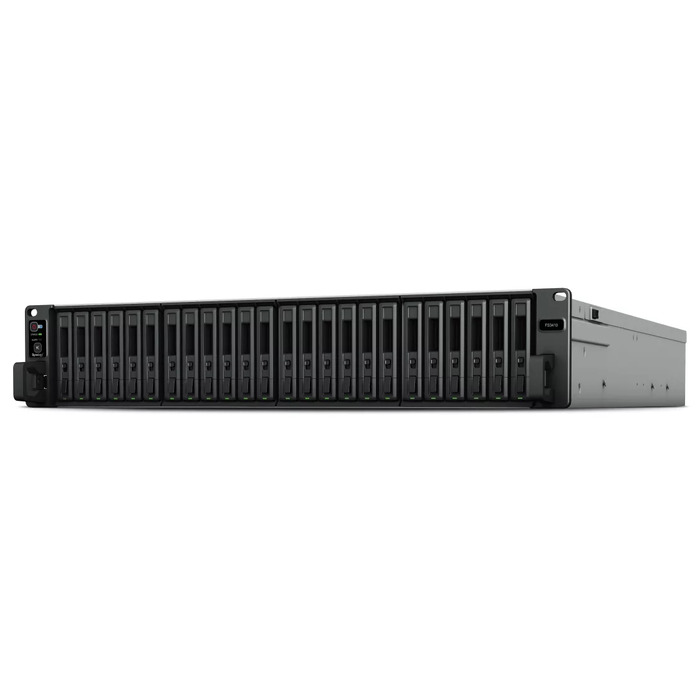
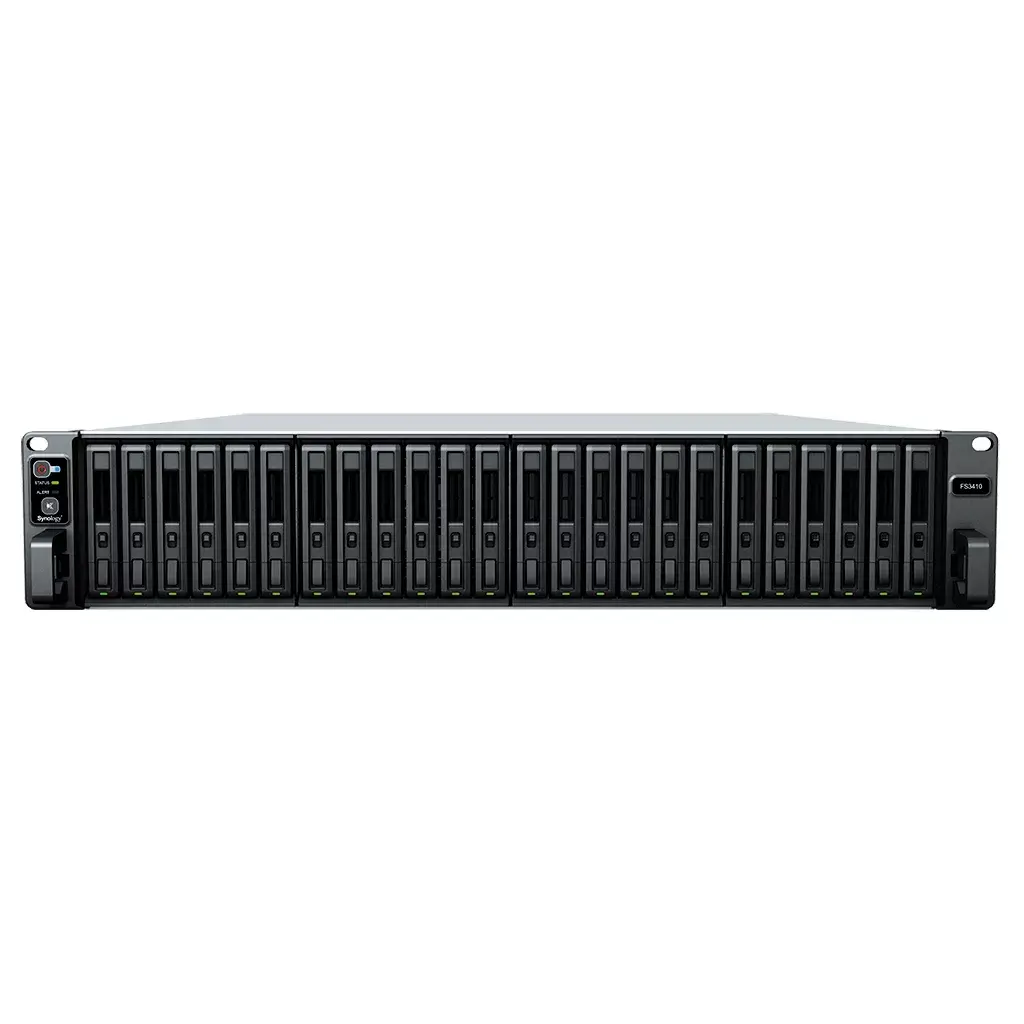
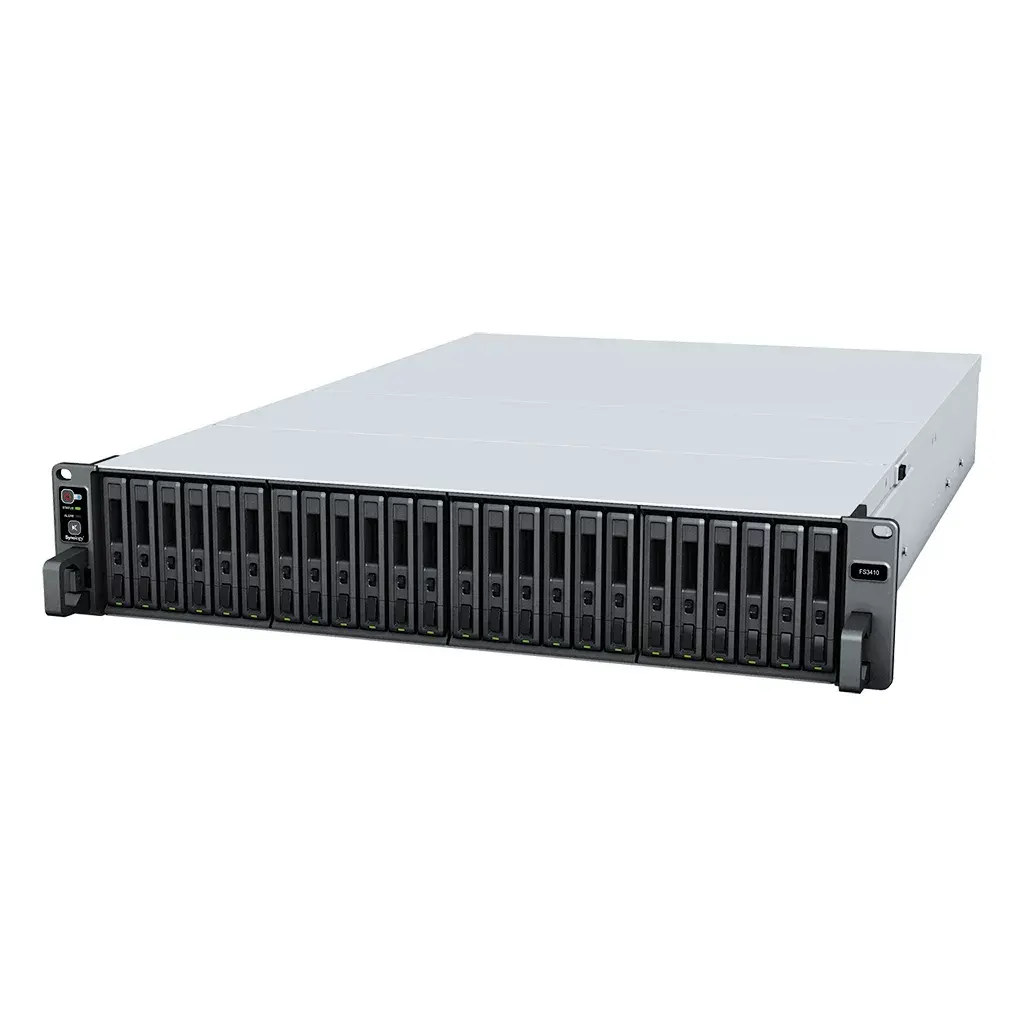
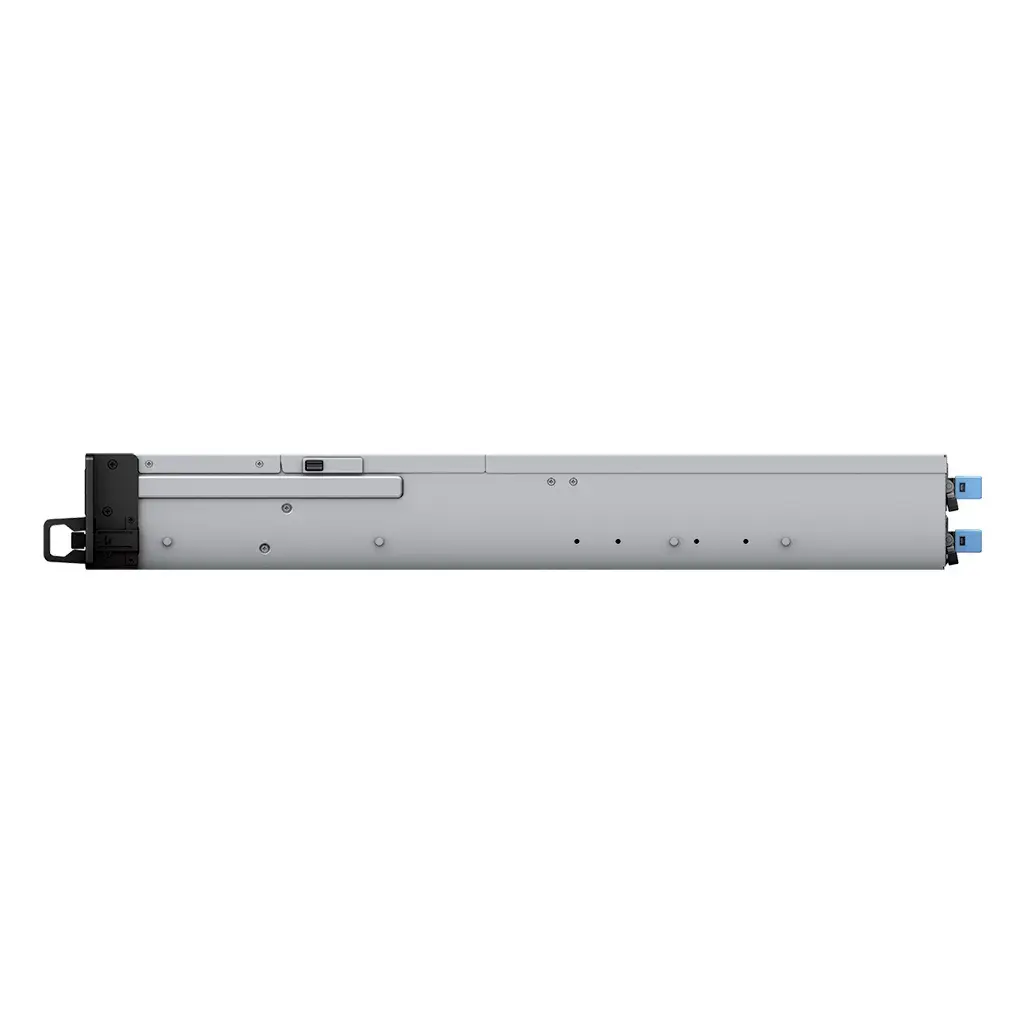
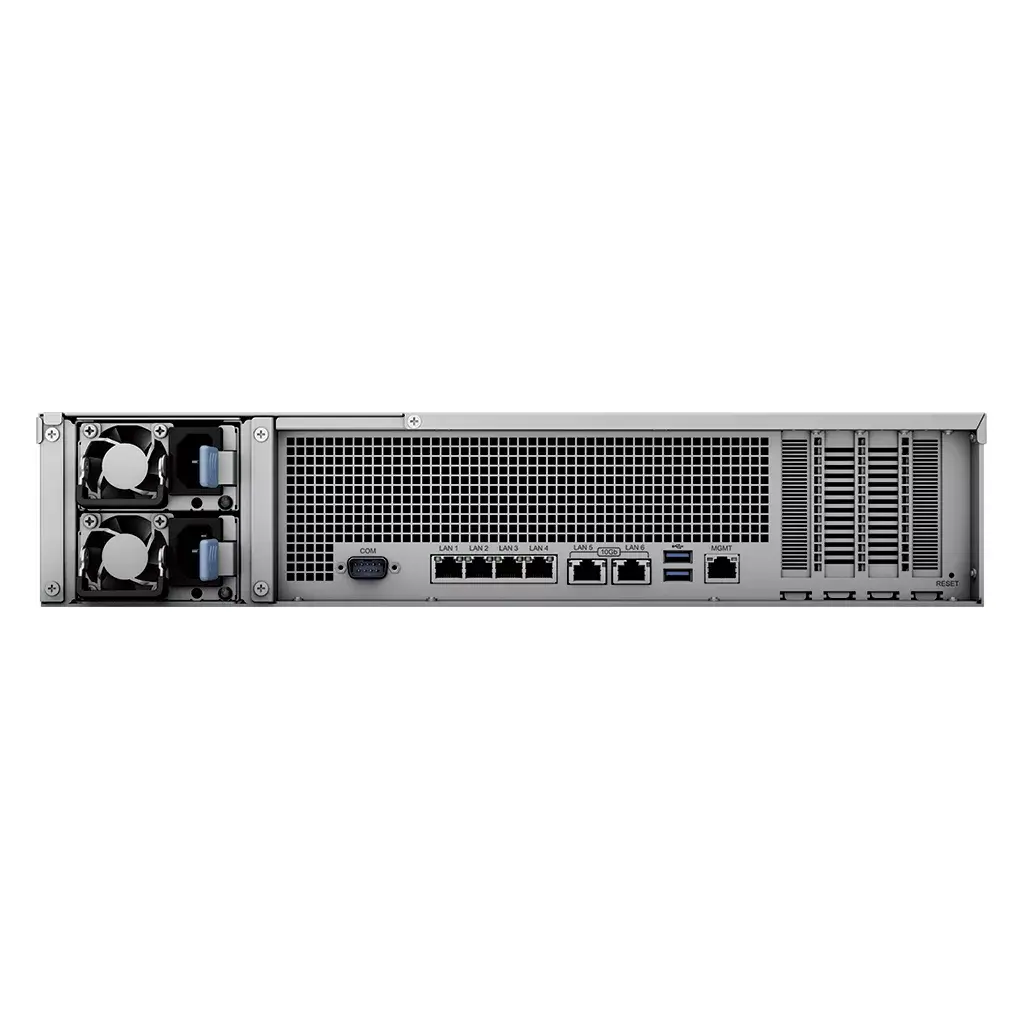
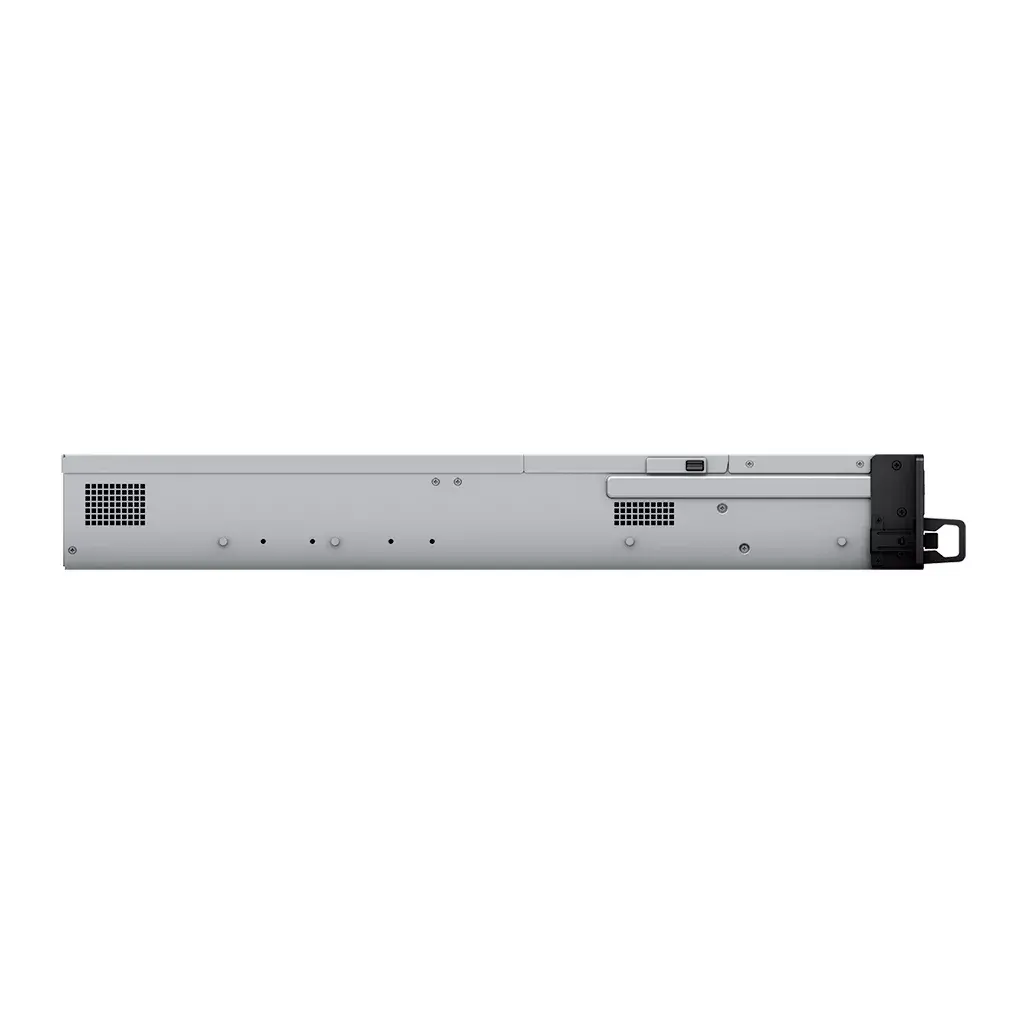
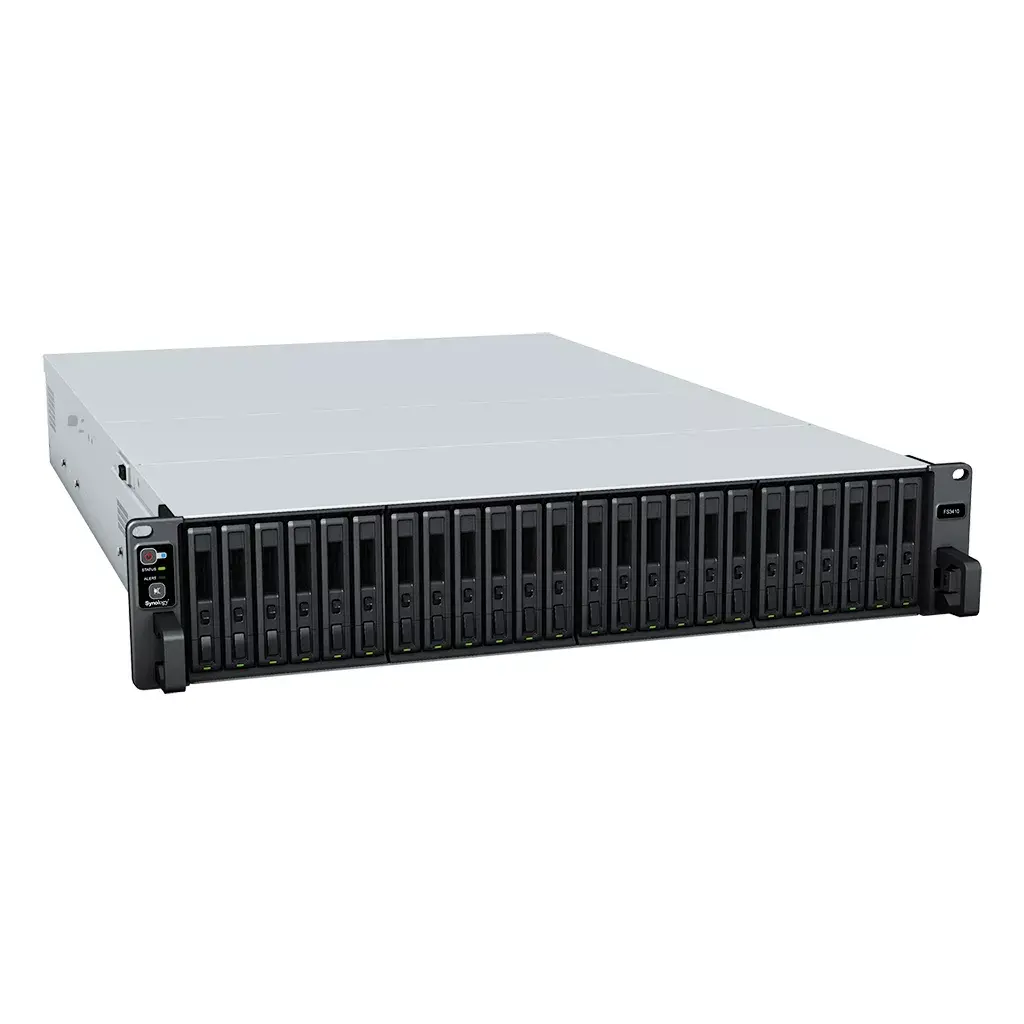
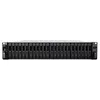
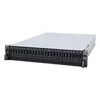
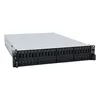
Storage server Synology FlashStation FS3410 Rack 2U Intel Xeon D-1541 16GB DDR4
The Synology FlashStation FS3410 is a 2U rackmount all-flash storage server designed for SMBs, enterprise offices, and data centers that require sustained high I/O performance. It supports 24 x 2.5” SATA SSDs, is powered by an Intel Xeon D-1541 CPU, and ships with 16 GB DDR4 ECC RDIMM memory expandable up to 128 GB. The FS3410 provides a mix of built-in and optional high-speed networking and redundant hardware features to ensure availability for demanding workloads such as virtual machines, video post-production, enterprise email servers, and online transaction processing.
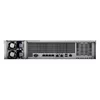
The FS3410 delivers over 356,500/129,400 iSCSI 4K random read/write IOPS, combining all-flash performance with Synology’s system management and reliability. It includes two 10GbE RJ-45 ports and four Gigabit Ethernet ports out of the box, plus two PCIe 3.0 slots for optional 10/25/40GbE NICs. Built-in reliability features include dual redundant power supplies, out-of-band management for remote troubleshooting, and support for Synology High Availability to enable automatic failover between paired units.
Install up to 24 compatible 2.5” SATA SSDs into the drive trays, rack the unit in a standard 19-inch 2U space, and connect power and network cables. Configure storage volumes, RAID arrays, and network settings using Synology DSM. For higher network throughput, install optional 10/25/40GbE NICs into the PCIe 3.0 slots and configure link aggregation or failover as needed. Enable Synology High Availability when deploying two FS3410 units to minimize downtime during maintenance or server failure.
For sustained high-performance workloads, use enterprise-grade SATA SSDs and enable ECC memory; deploy dual power supplies and pair units with Synology High Availability for mission-critical environments. Regularly update DSM and firmware, monitor SMART data for installed SSDs, and plan RAID and backup strategies according to your recovery objectives.
{{highlightedFeature.featureTitle}}:
{{getProductFeatureValueById(product, highlightedFeature.featureId)}}
{{ productComparisonGenerationError }}