This is due to long delivery times and limited product warranties.
Save time and money with our discounts!
In cart {{totalProductsCount}} item(s)
Your cart is empty
NAS Synology SA SA3410
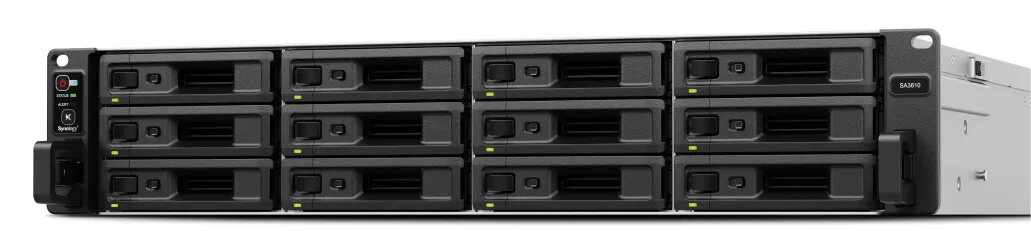
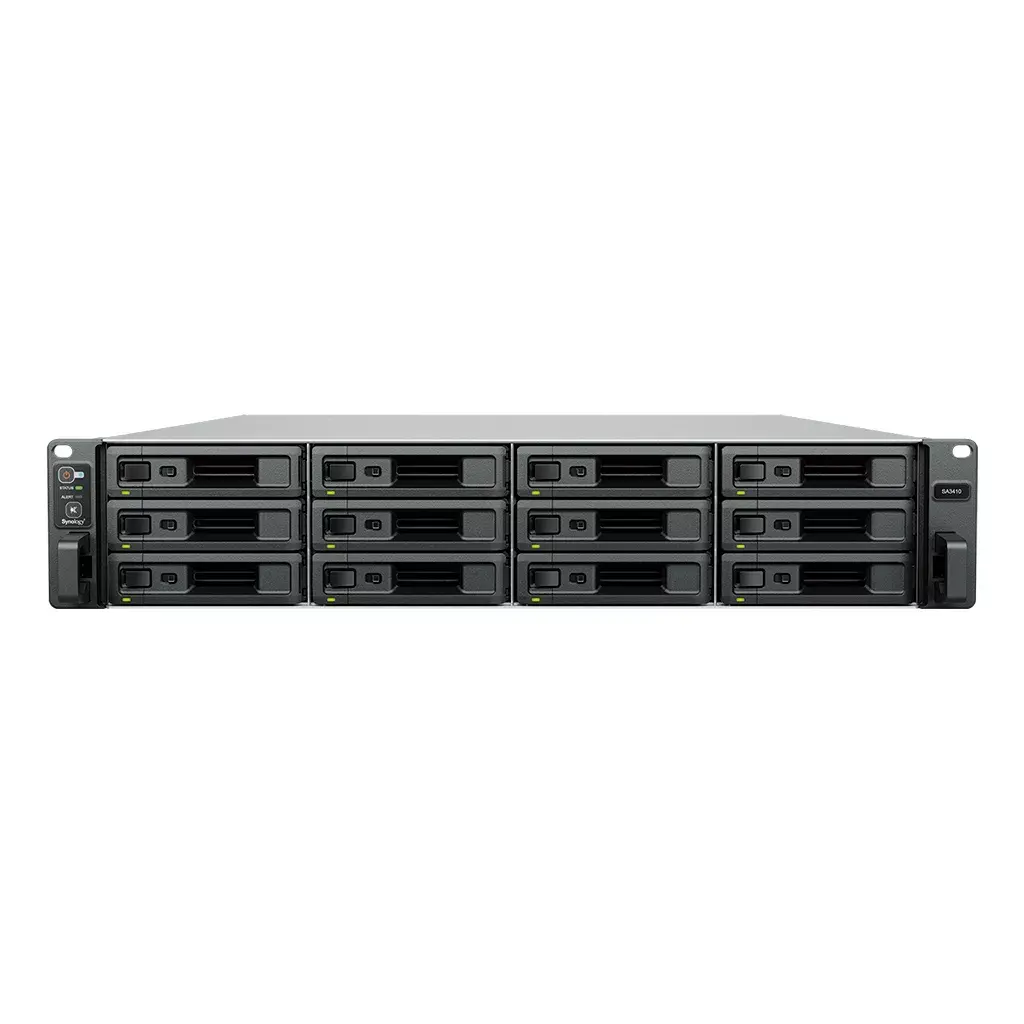
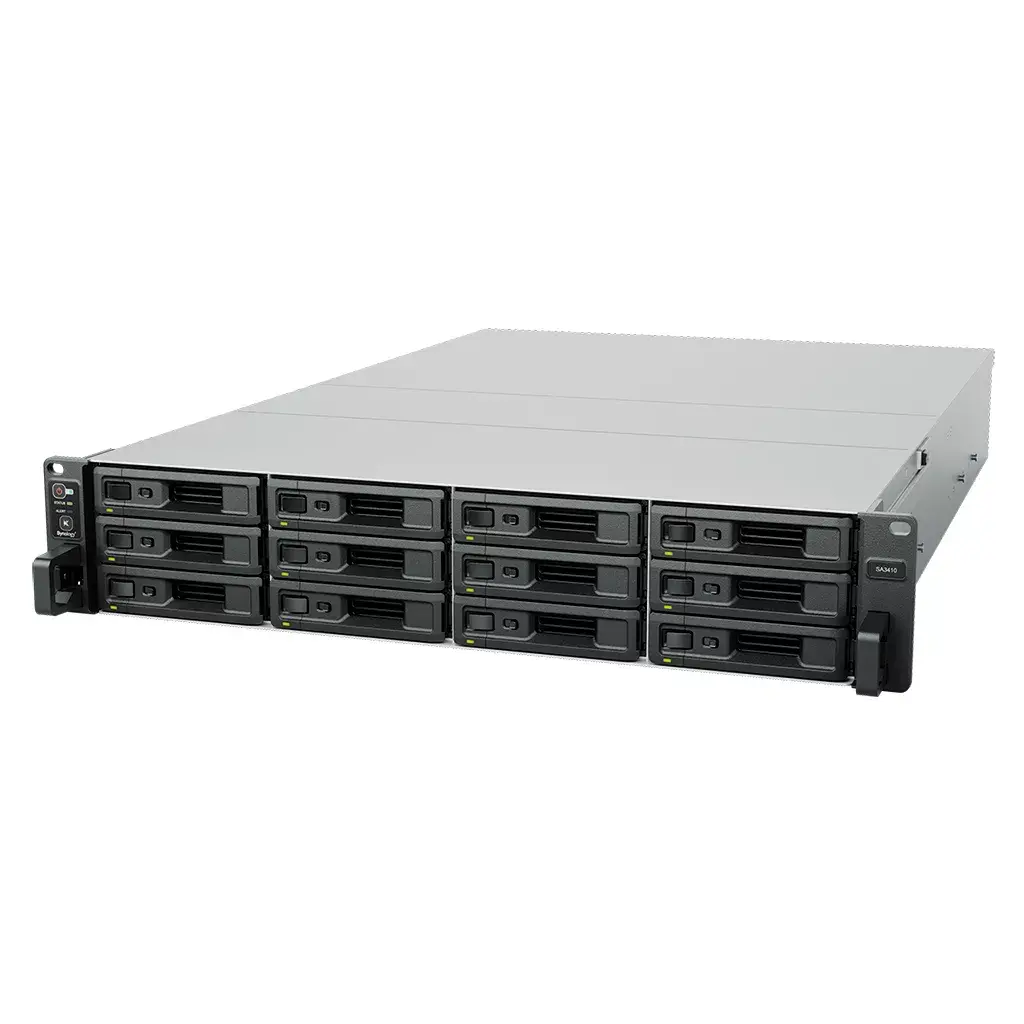
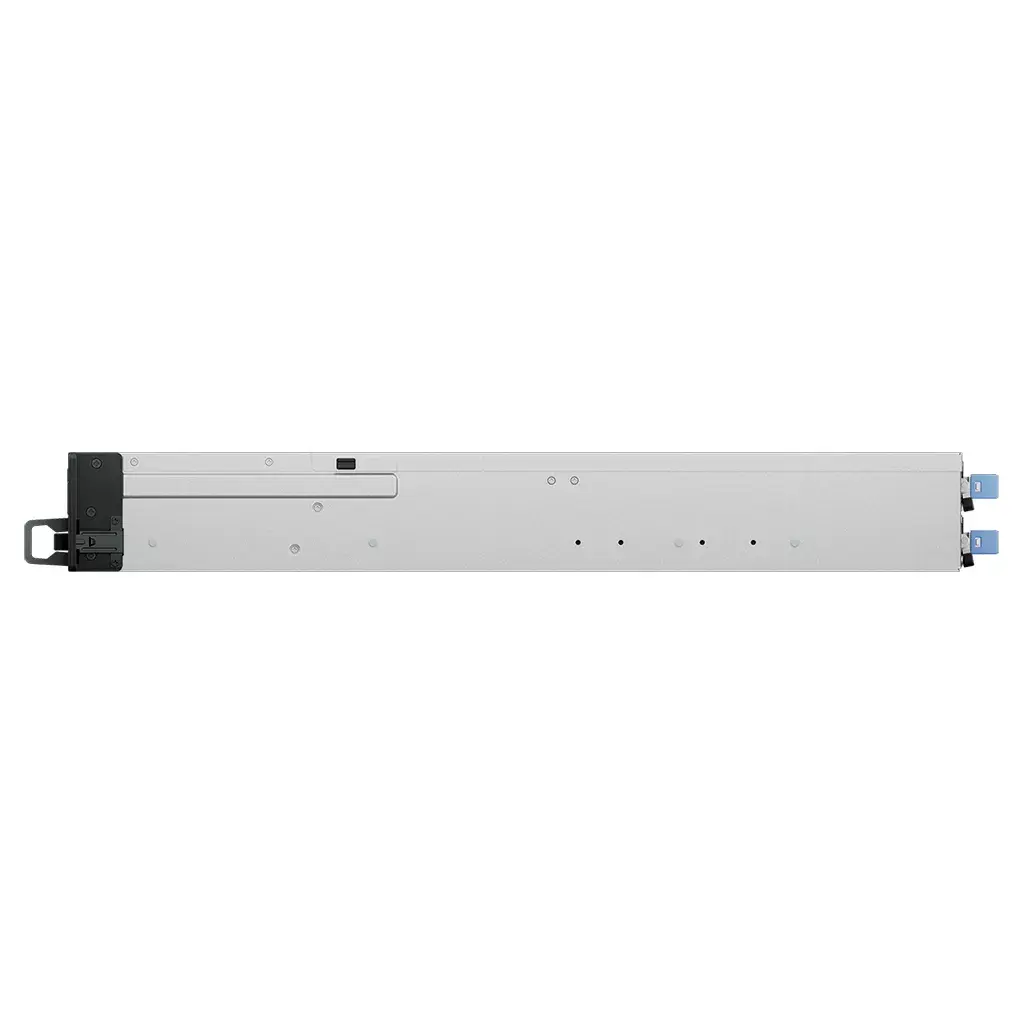
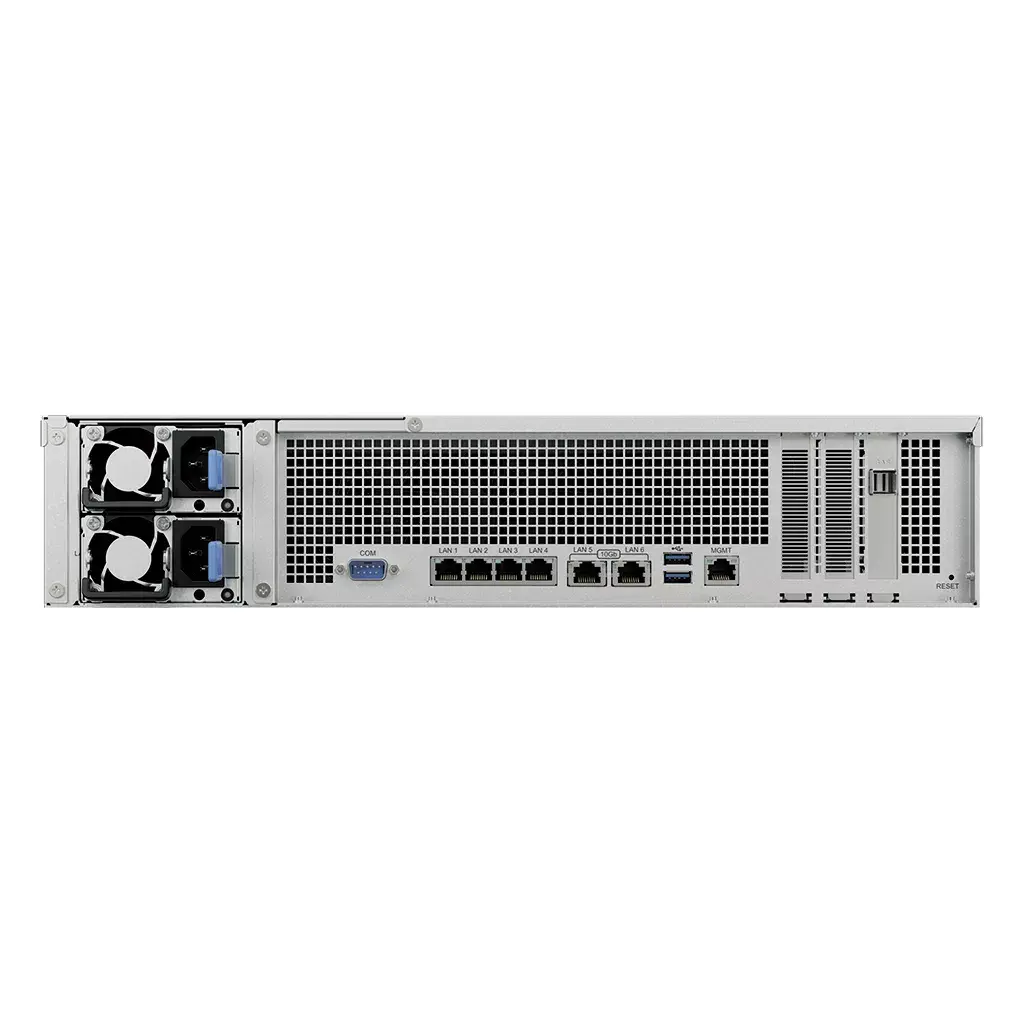
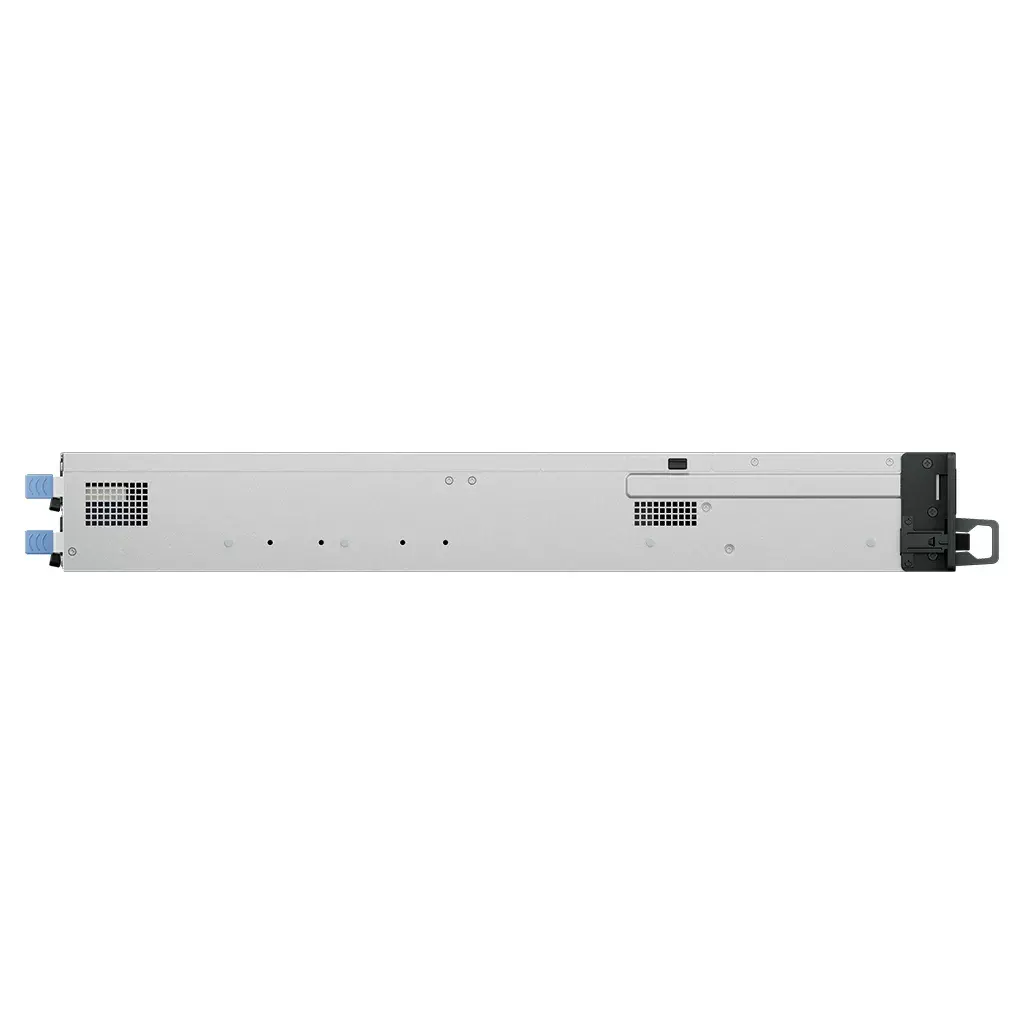
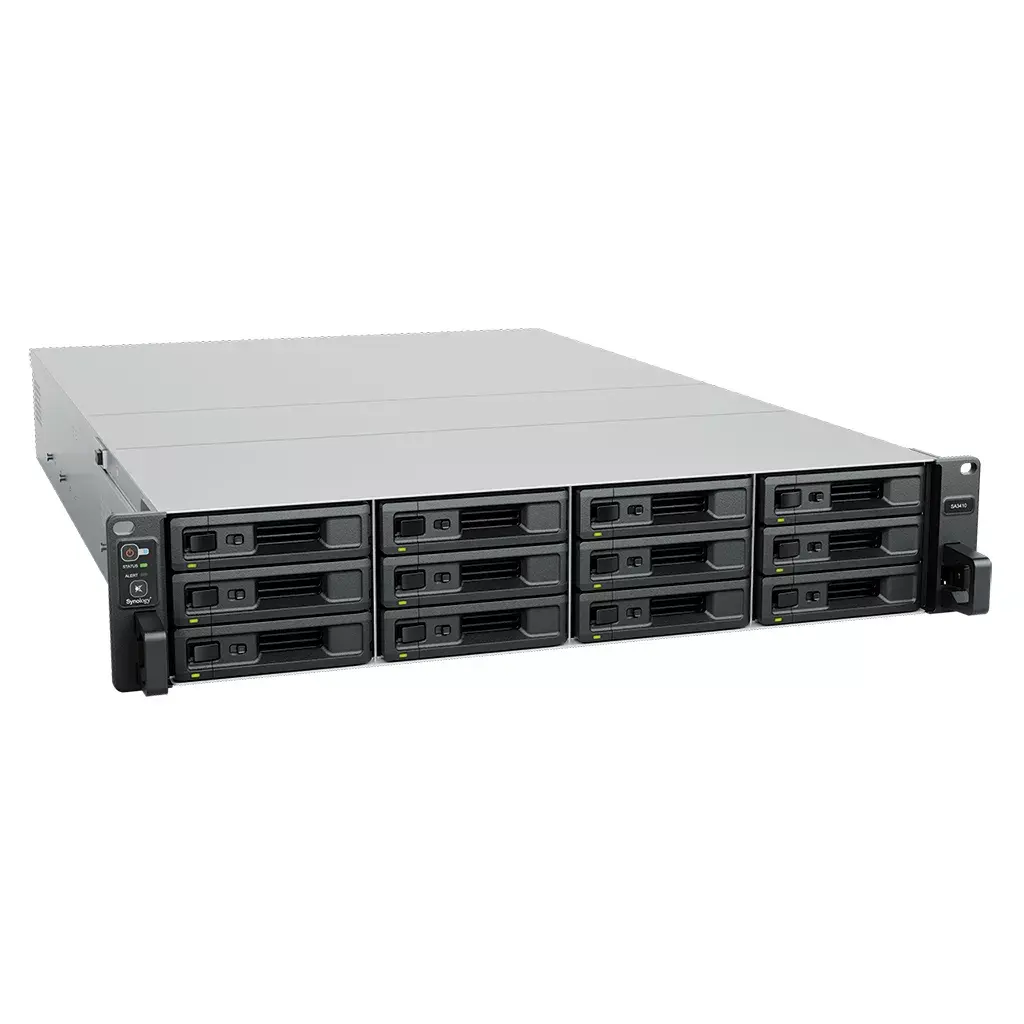
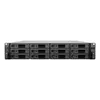
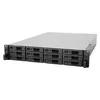
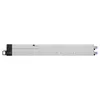
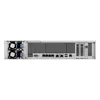
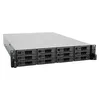
The Synology SA SA3410 is a 2U rack-mounted NAS designed for small and medium businesses. Powered by an Intel® Xeon® D-1541 processor at 2.1 GHz and equipped with 16 GB of DDR4 RAM, this model runs DiskStation Manager to provide centralized data management, virtualization support and scalable storage expansion. The chassis supports up to 12 drives and is delivered without installed drives, allowing administrators to populate the unit with HDDs or SSDs according to performance and capacity requirements. The SA3410 combines enterprise-class processing and memory with a compact 2U form factor intended for server racks in office or data center environments.
The Synology SA SA3410 offers a balance of processing power and memory suitable for multi-user file services, virtualization hosts and concurrent I/O workloads. Its rack 2U chassis supports mixed drive configurations (HDD and SSD) and flexible RAID options to protect data while enabling capacity scaling. Running DiskStation Manager, the unit benefits from Synology’s storage management tools, backup solutions and network services, simplifying administration and integration with existing IT infrastructure. The absence of preinstalled drives lets organizations choose drive types and capacities that match their budget and performance needs.
Install compatible 3.5" or 2.5" HDDs/SSDs into the available bays following rack-mount and drive installation procedures. Mount the 2U chassis into a standard server rack using the included rails or brackets, connect Ethernet network interfaces to your switch or router, and apply power according to the site’s electrical requirements. Use Synology’s DiskStation Manager for initial setup: create volumes, configure RAID arrays, set up user accounts, enable network services, and install packages for backup, virtualization storage or file sharing. Monitor system health and storage utilization through the DSM interface and apply firmware updates when available.
For optimal performance and reliability, select enterprise-grade HDDs or SSDs that match the expected workload and implement RAID configurations appropriate for your redundancy and capacity needs. Ensure the rack environment provides sufficient cooling and power redundancy. Regularly back up critical data and use DSM’s snapshot and replication features for additional protection. When deploying as VM storage, consider using SSDs or SSD cache to improve I/O performance for latency-sensitive workloads.
{{highlightedFeature.featureTitle}}:
{{getProductFeatureValueById(product, highlightedFeature.featureId)}}
| Warehouse | Stock | Delivery to the store | Store Price | |
| WH94 | 1 | 30.06.2026 Best delivery | 8,482.99 € | |
| EU3 | 6 | 30.06.2026 Best delivery | 8,605.49 € | |
| WH354 | 1 | 07.07.2026 | 9,399.49 € |
| Warehouse | Stock | Delivery to the store | Store Price | |
| WH109 | 6 | 14.07.2026 | 8,319.99 € |
|
8,482.99 €
Stock:
1
Delivery Date:
30.06.2026
Best delivery
Warehouse: WH94
|
|
8,605.49 €
Stock:
6
Delivery Date:
30.06.2026
Best delivery
Warehouse: EU3
|
|
9,399.49 €
Stock:
1
Delivery Date:
07.07.2026
Warehouse: WH354
|
|
8,319.99 €
Stock:
6
Delivery Date:
14.07.2026
Warehouse: WH109
|