









Dreame vacuums for fast and efficient cleaning!
In cart {{totalProductsCount}} item(s)
Your cart is empty
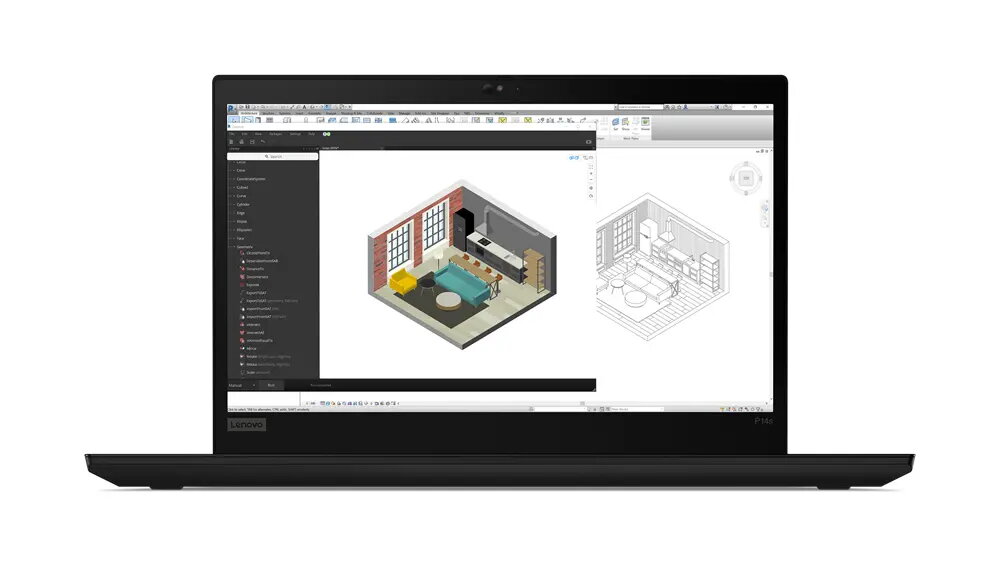
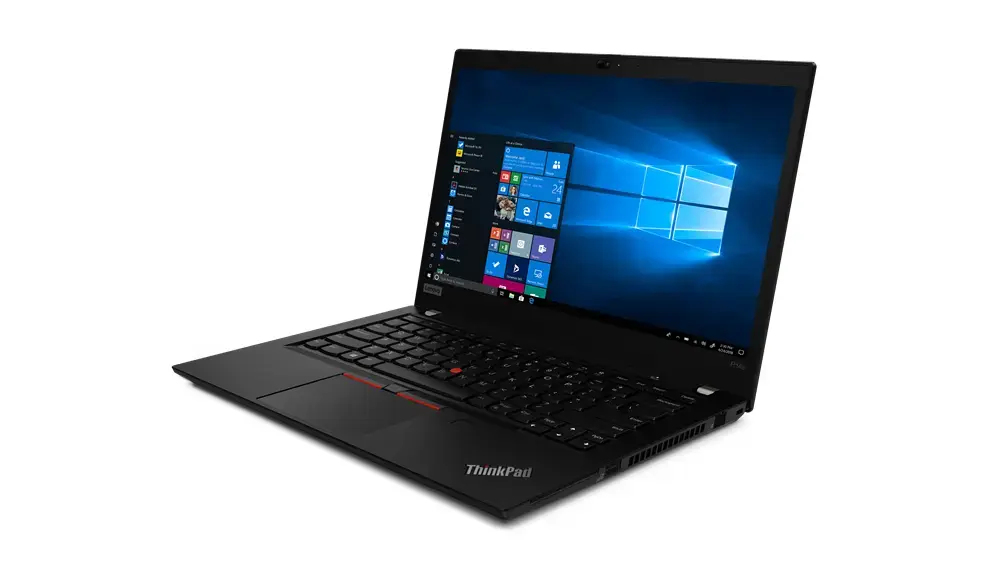
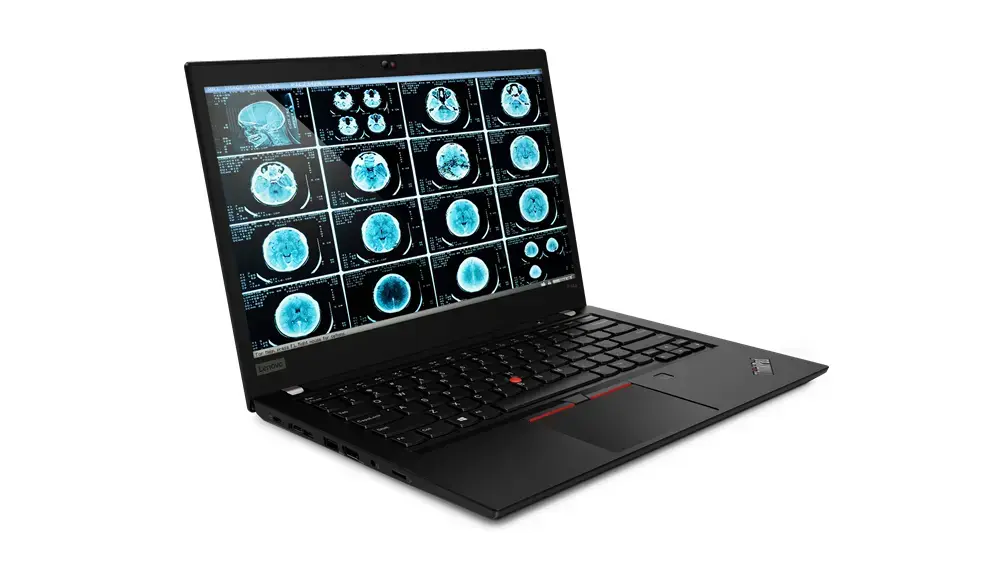
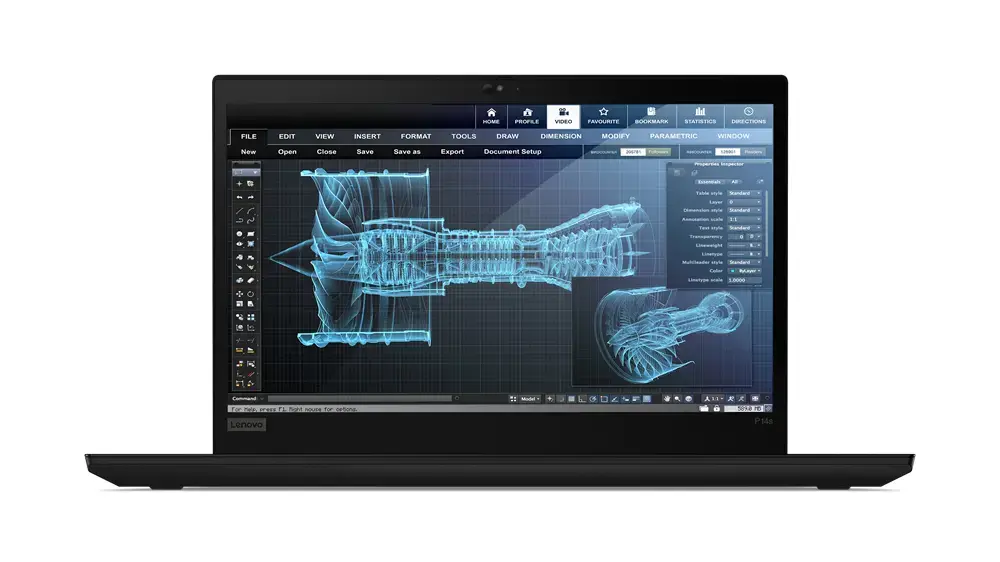
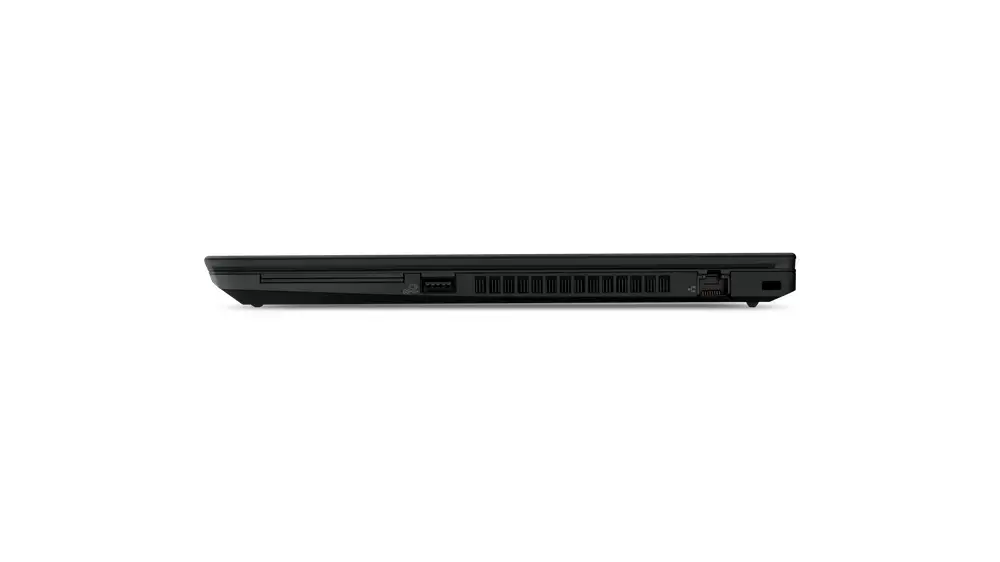
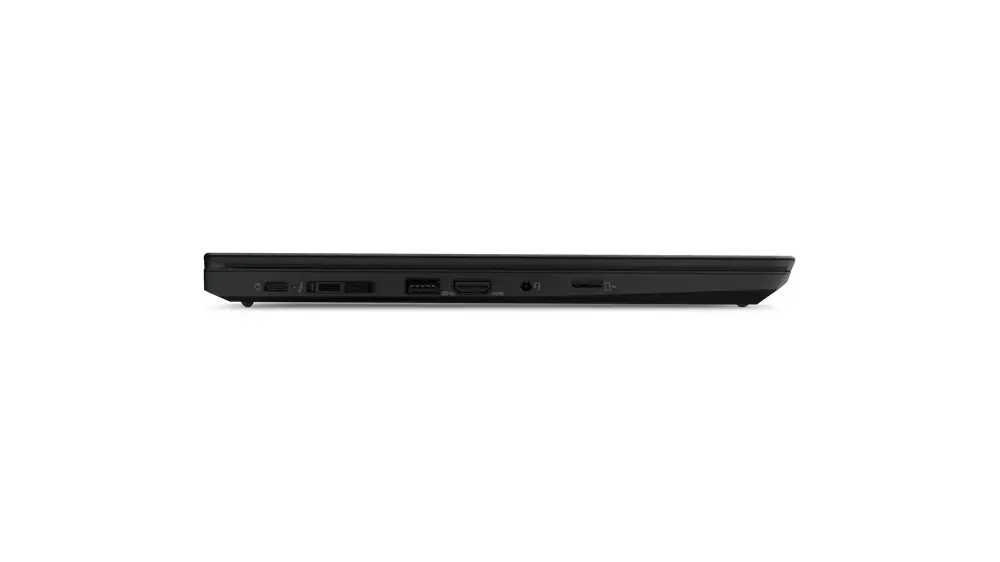
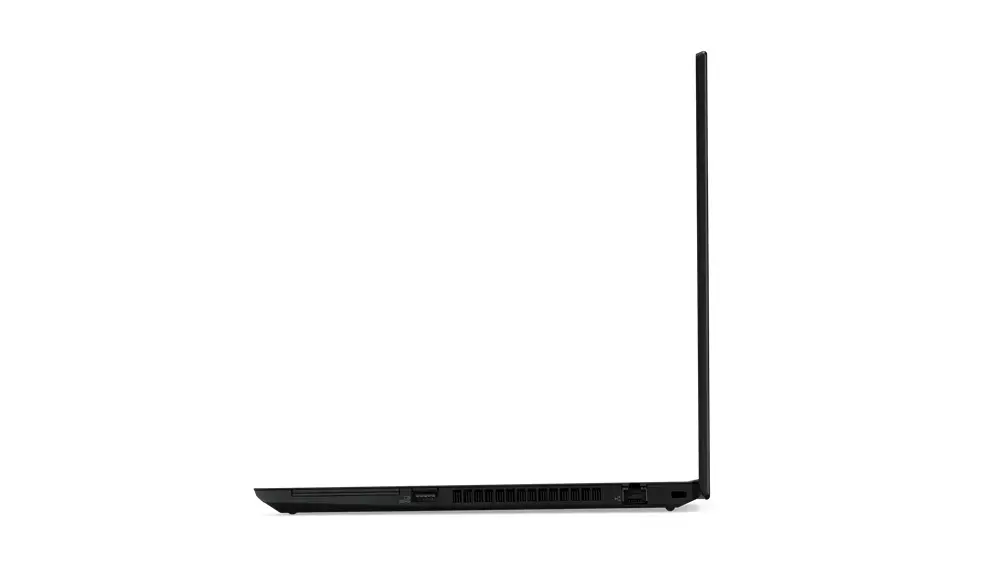
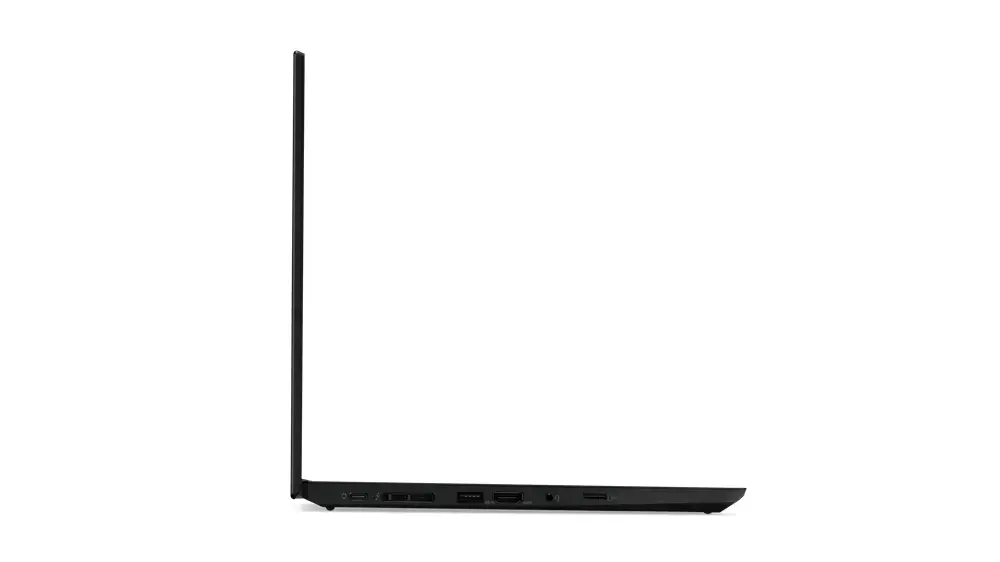
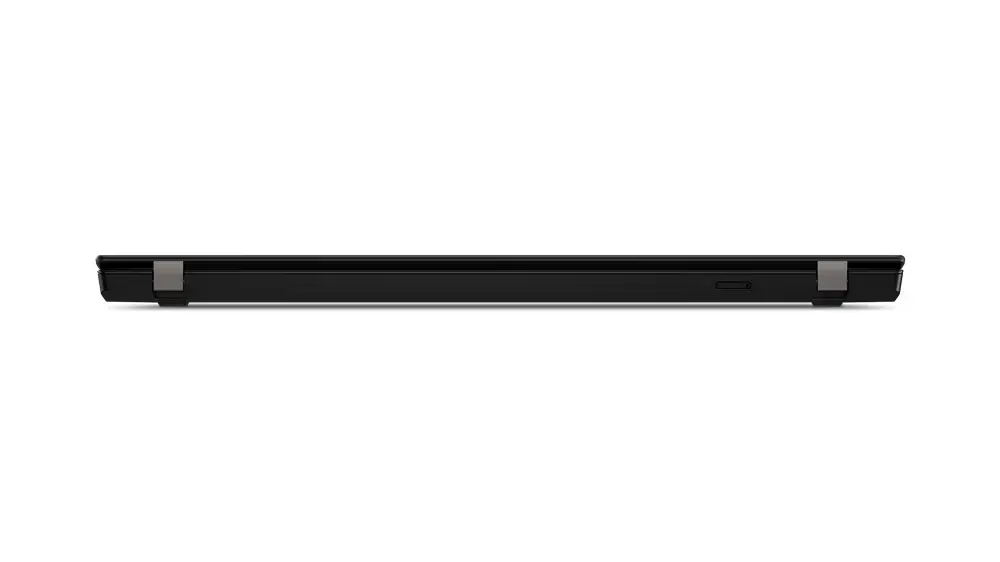
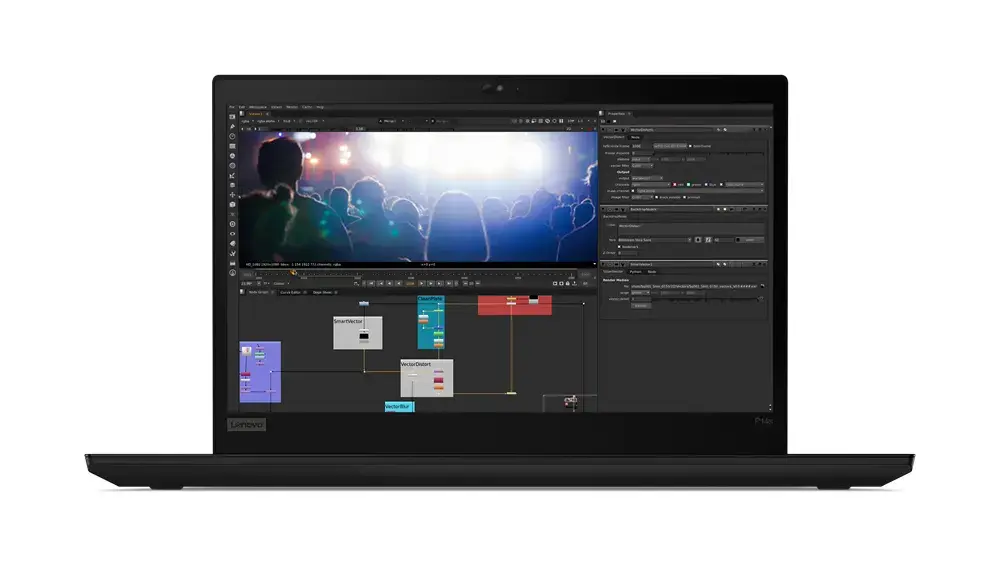
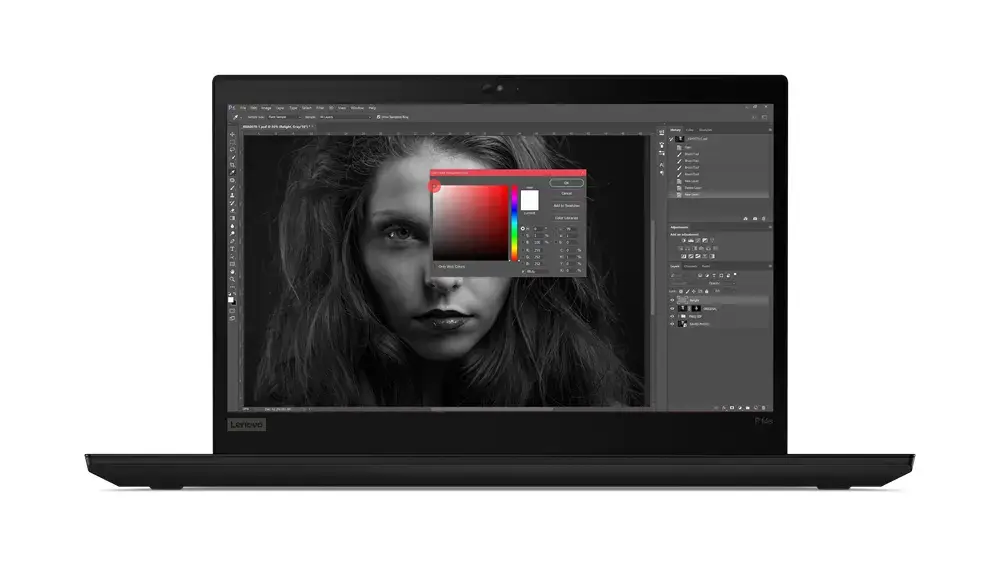
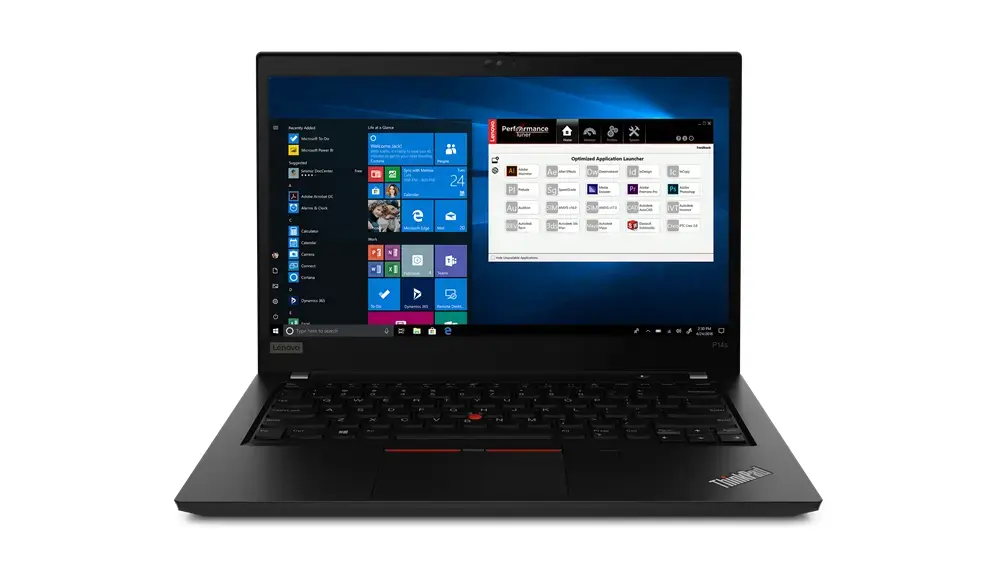
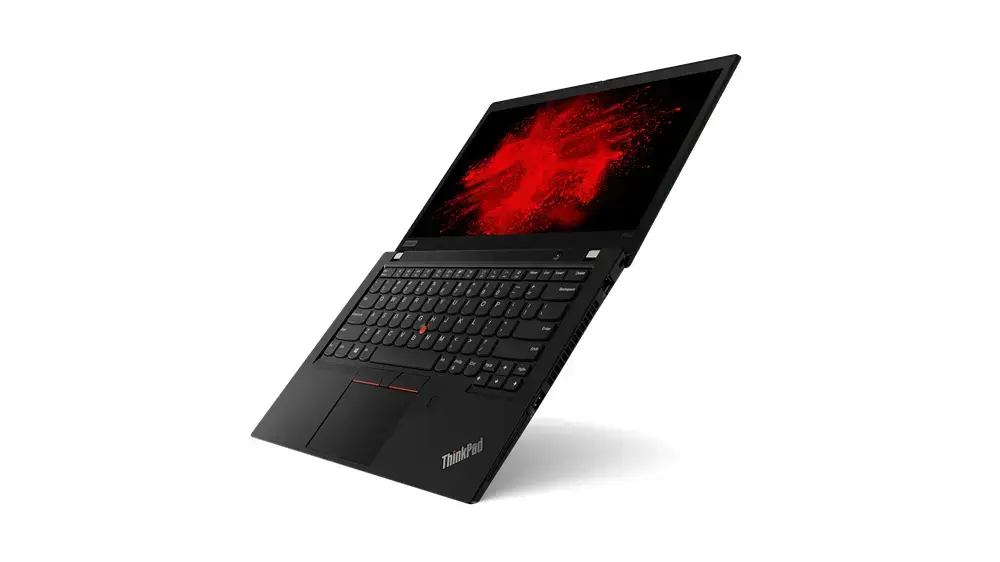
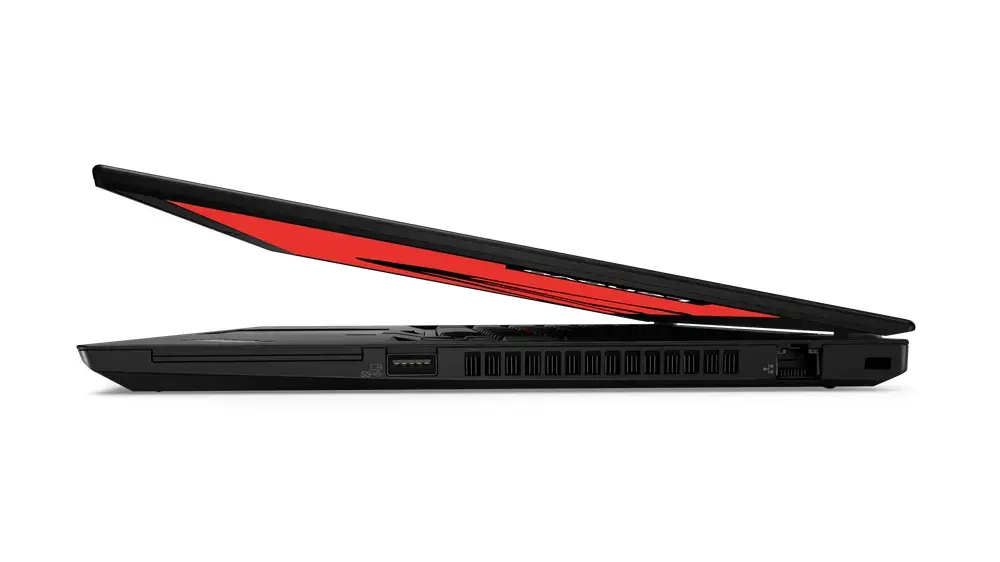
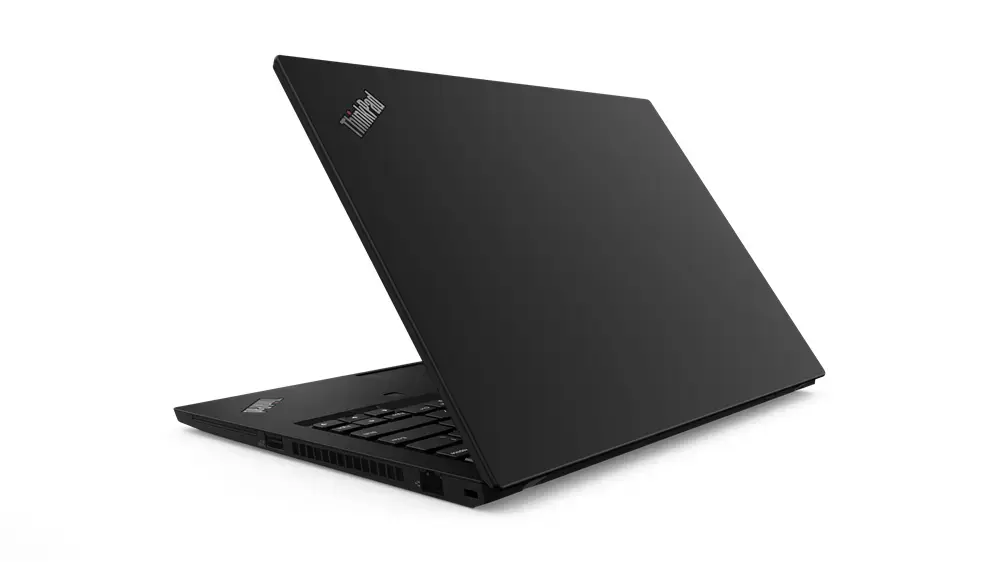
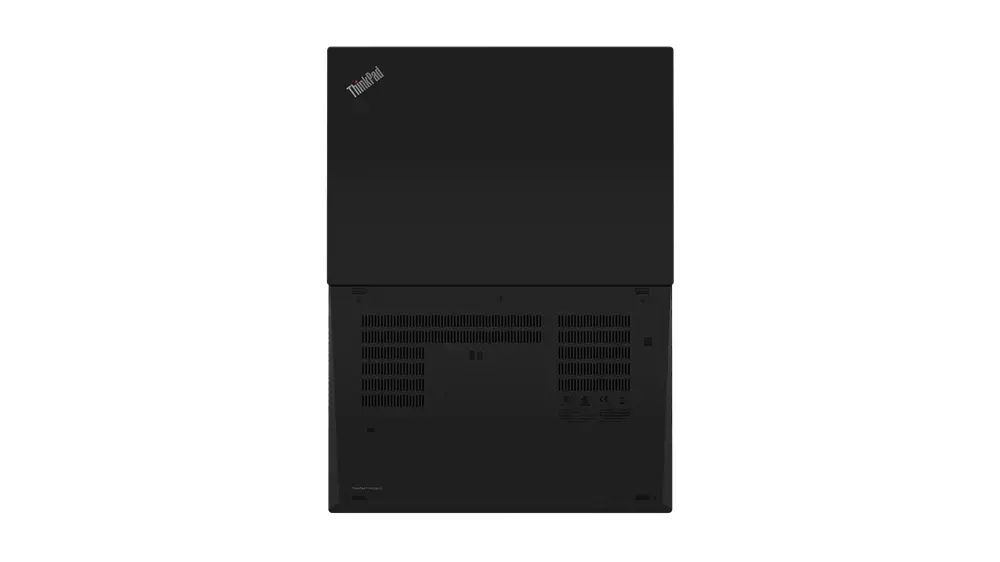
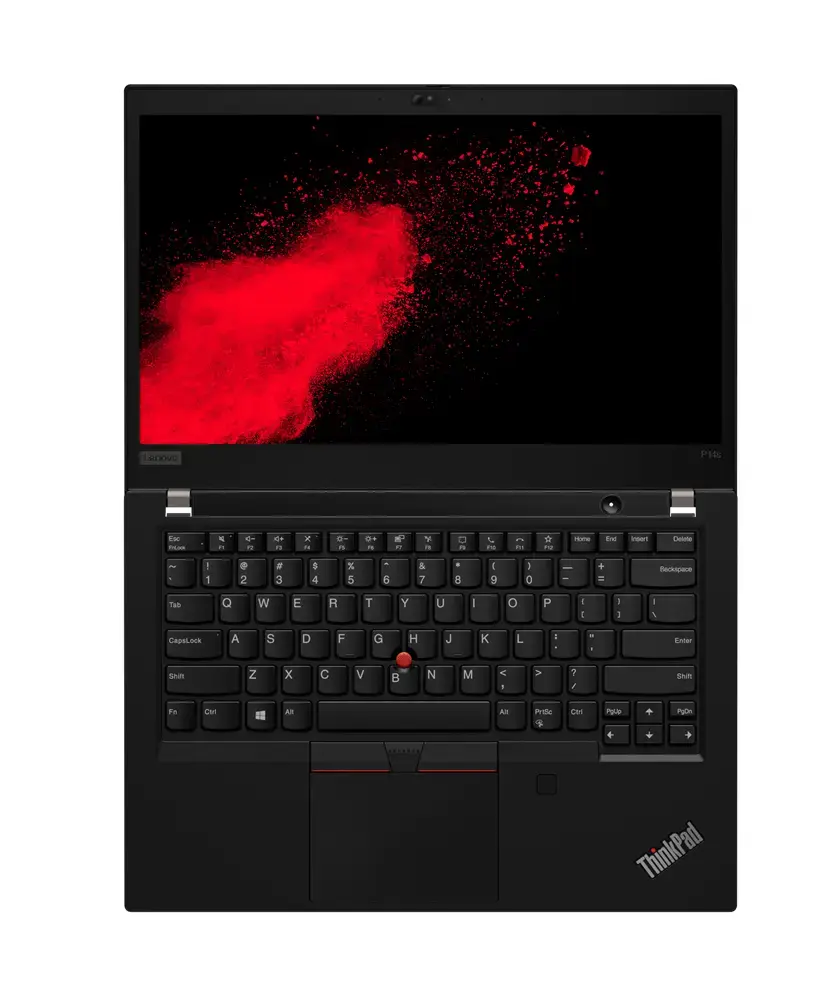
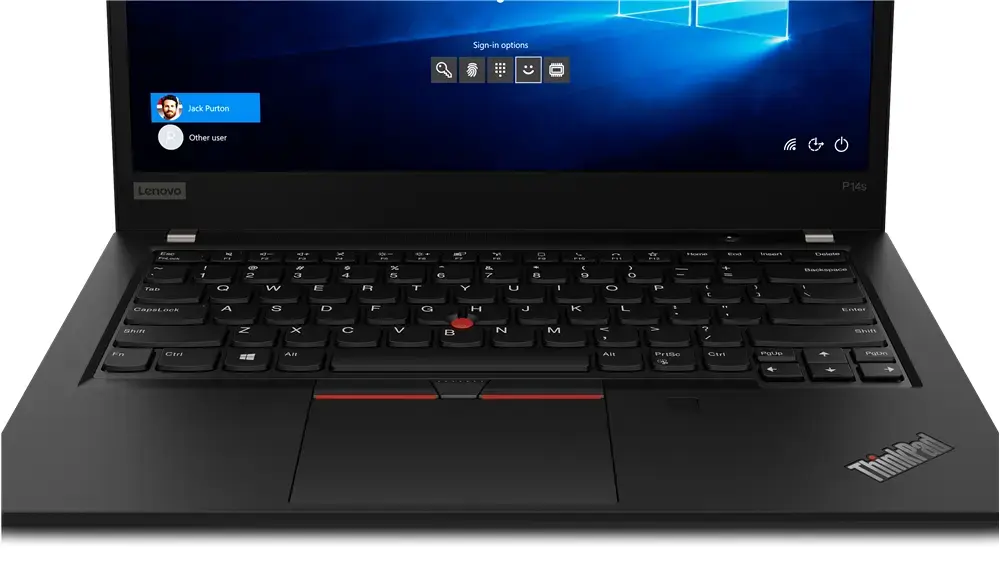
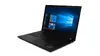
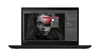
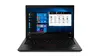
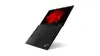
Mobile workstation T1A Lenovo ThinkPad P14s Gen 2 — Intel Core i5-1145G7, 14" FHD, 16 GB DDR4, 256 GB SSD, Windows 11 Pro, Black
Refurbished mobile workstation T1A Lenovo ThinkPad P14s Gen 2 equipped with an Intel Core i5-1145G7 processor and Intel Iris Xe Graphics. The 14" Full HD (1920×1080) display and 16 GB DDR4 memory provide a balanced combination of portability and multitasking capability. The 256 GB SSD offers responsive storage and faster boot times. The device ships in black, in a clamshell form factor, and runs Windows 11 Pro. Each refurbished unit is GDPR-compliant with secure data erasure and is backed by five ISO certifications covering quality, environment, security, anti-bribery and occupational health and safety. A customer satisfaction return option is available if the product does not meet the described condition.
The T1A Lenovo ThinkPad P14s Gen 2 provides a compact 14" workstation footprint suitable for mobile professionals who need a reliable balance of CPU performance and integrated graphics. The Intel Core i5-1145G7 and Intel Iris Xe Graphics deliver adequate performance for office applications, web-based workflows and light content tasks while 16 GB of DDR4 RAM supports efficient multitasking. The 256 GB SSD reduces application load and system start times. Refurbishment processes include GDPR-compliant data erasure and verification, and the product is supplied with Windows 11 Pro for familiar productivity features.
Power on the workstation using the power button and complete the initial Windows 11 Pro setup or sign in with your existing Microsoft account. Connect to a wired or wireless network to install updates and drivers. Use preinstalled productivity applications or install your preferred software from trusted sources. For secure handling, follow the included refurbishment documentation regarding warranty, returns and data erasure confirmation.
For stable performance during multitasking, keep the system updated with Windows updates and driver updates provided by the vendor. Use the SSD for your operating system and active projects and consider cloud or external backup for larger file archives. When travelling, operate on balanced power settings to extend battery life and connect to power for sustained heavy workloads.
{{highlightedFeature.featureTitle}}:
{{getProductFeatureValueById(product, highlightedFeature.featureId)}}