Save time and money with our discounts!
In cart {{totalProductsCount}} item(s)
Your cart is empty
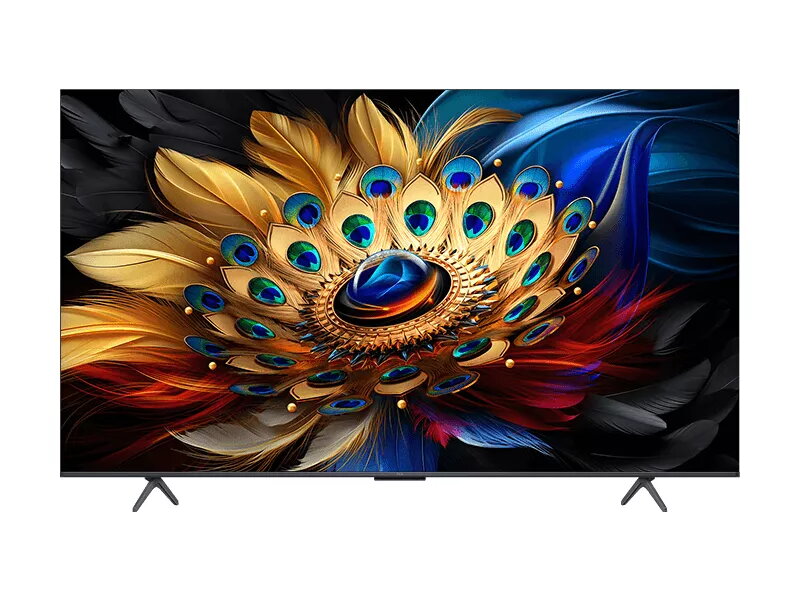
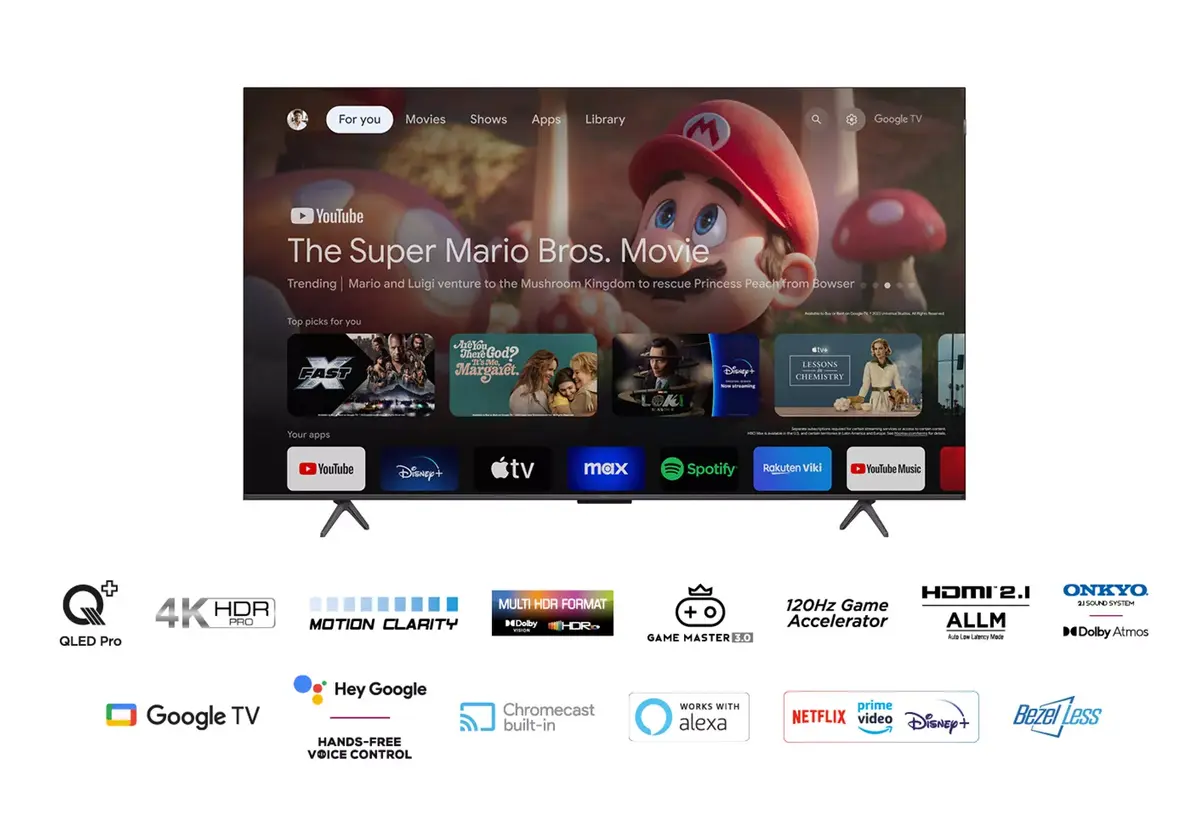
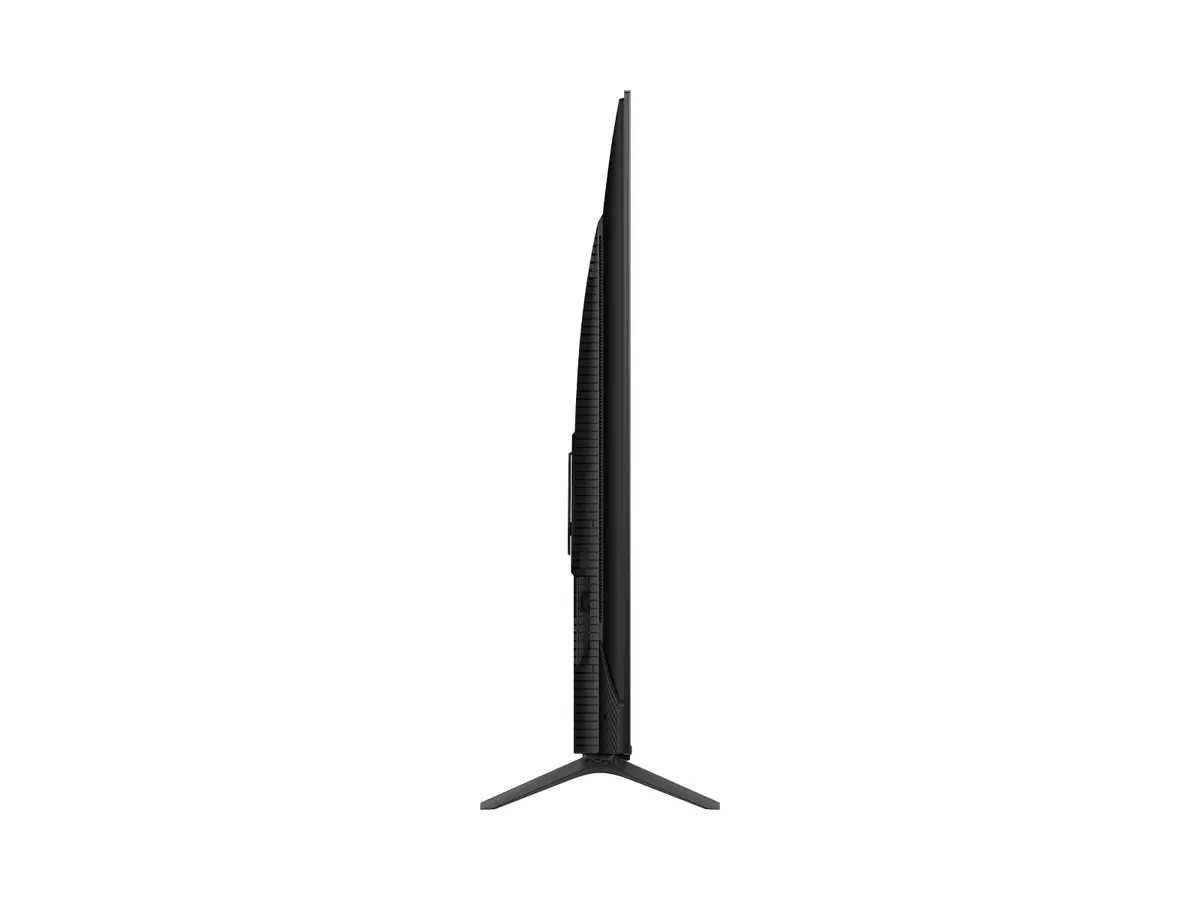
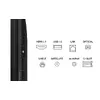
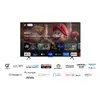
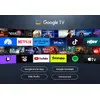
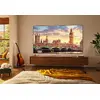
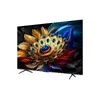
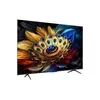
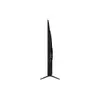
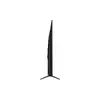
TCL C65 Series 55-inch 4K Ultra HD QLED Smart TV with Google TV
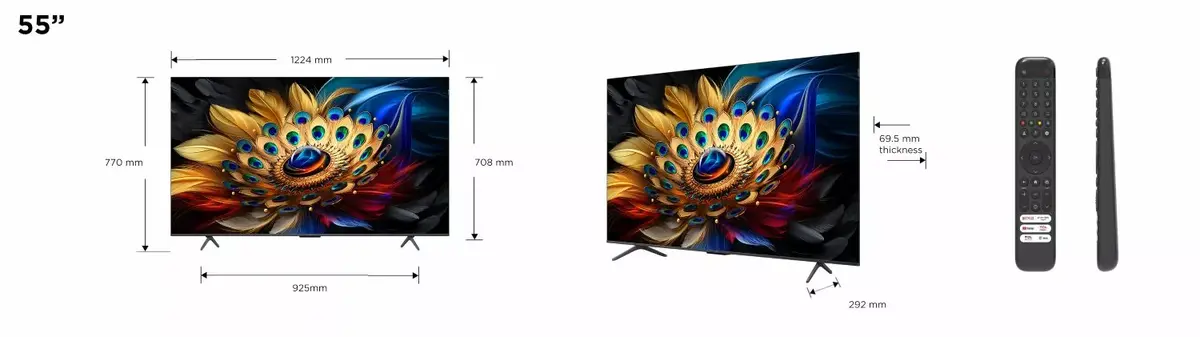
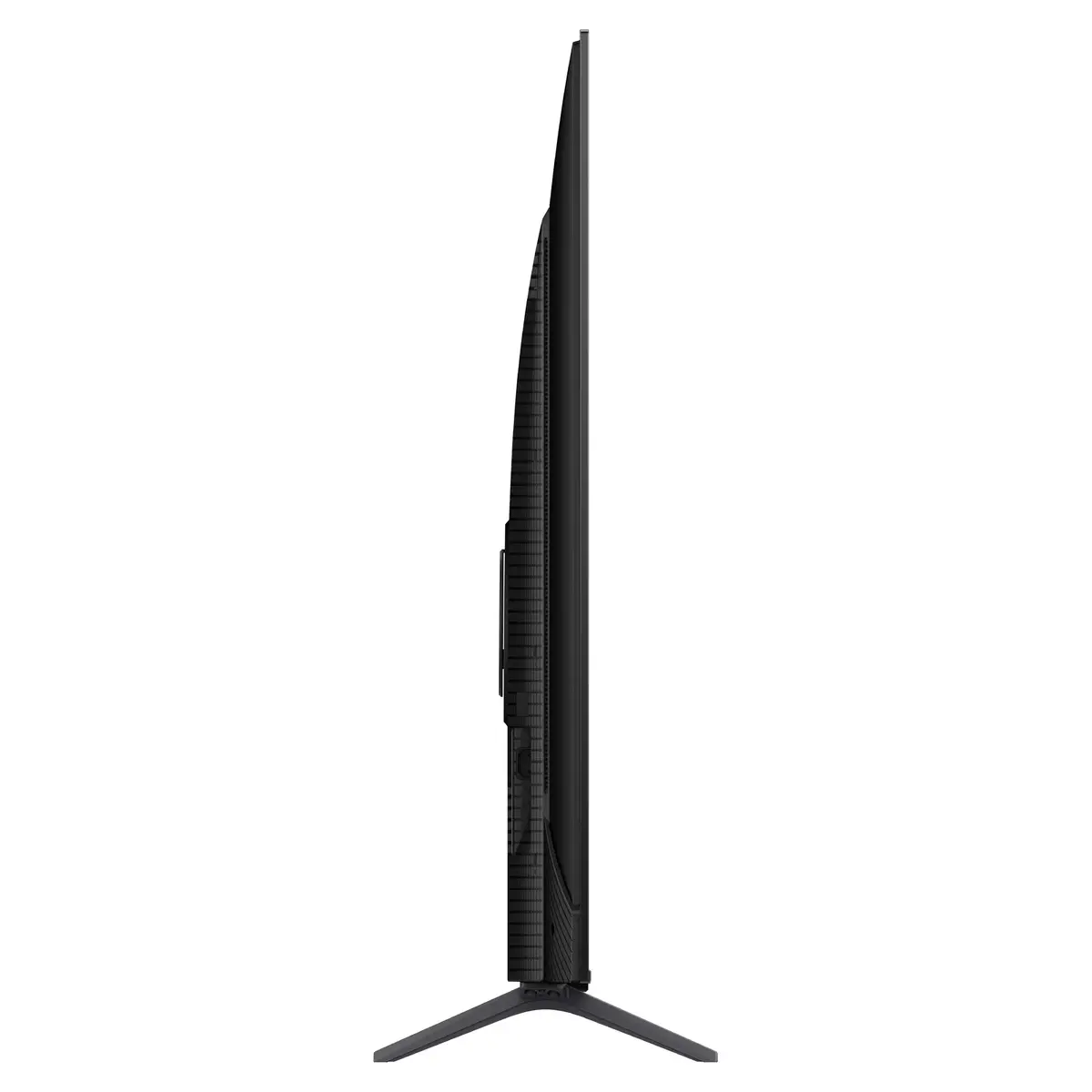
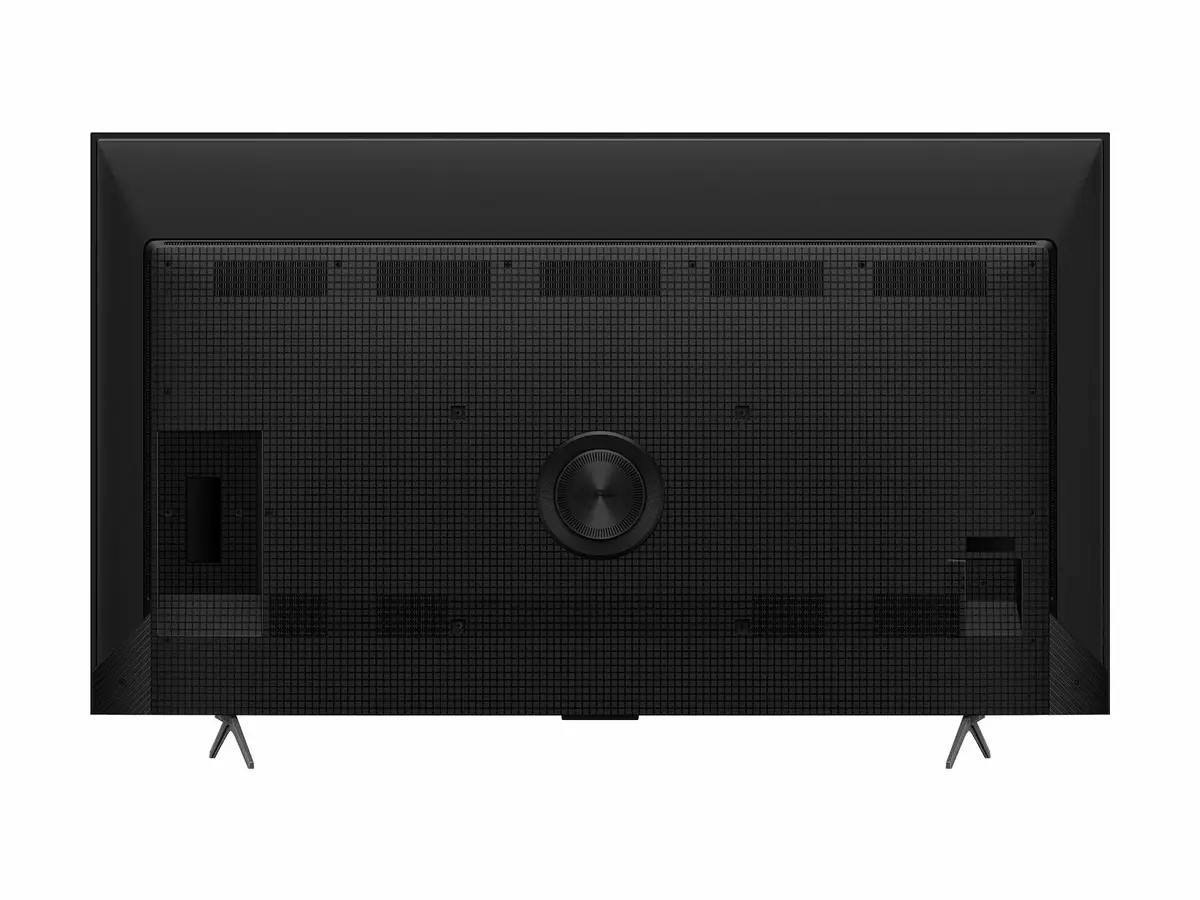
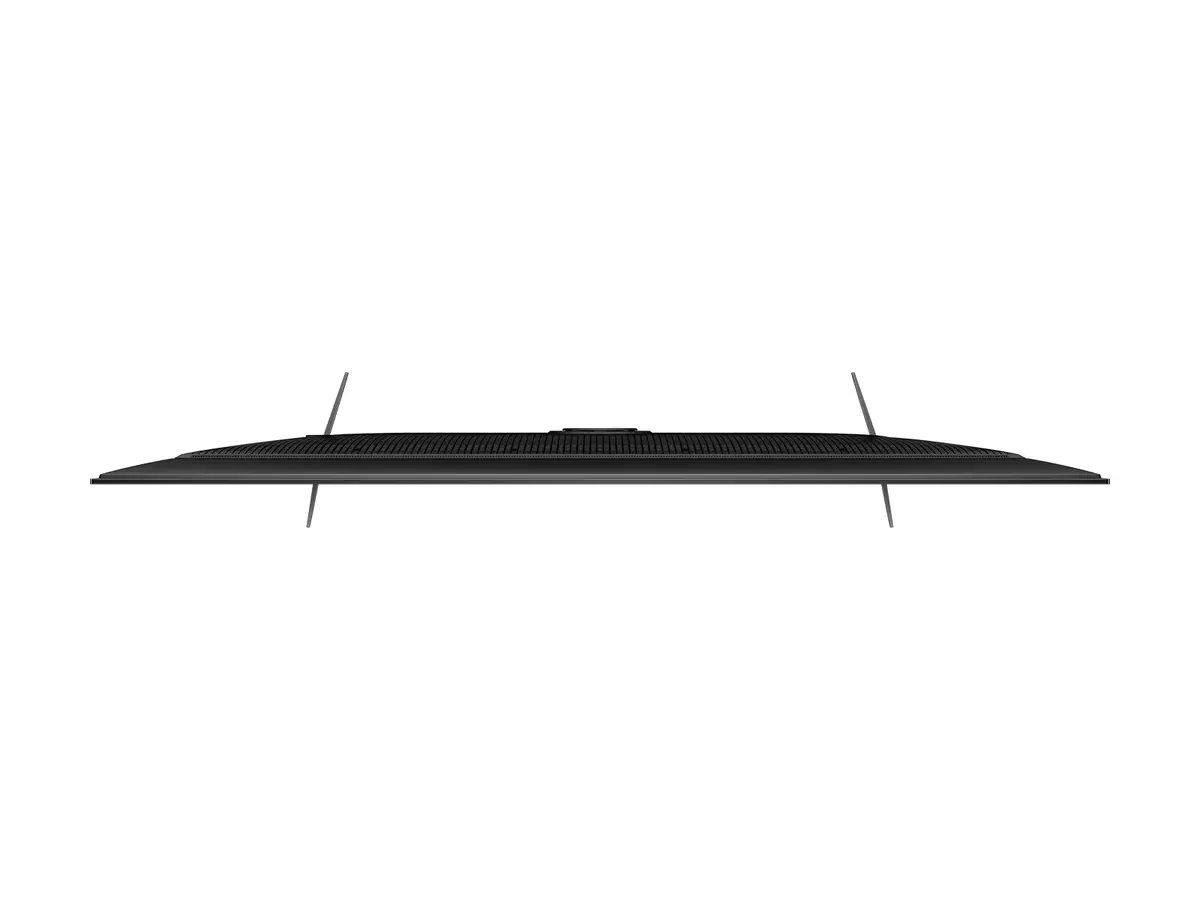
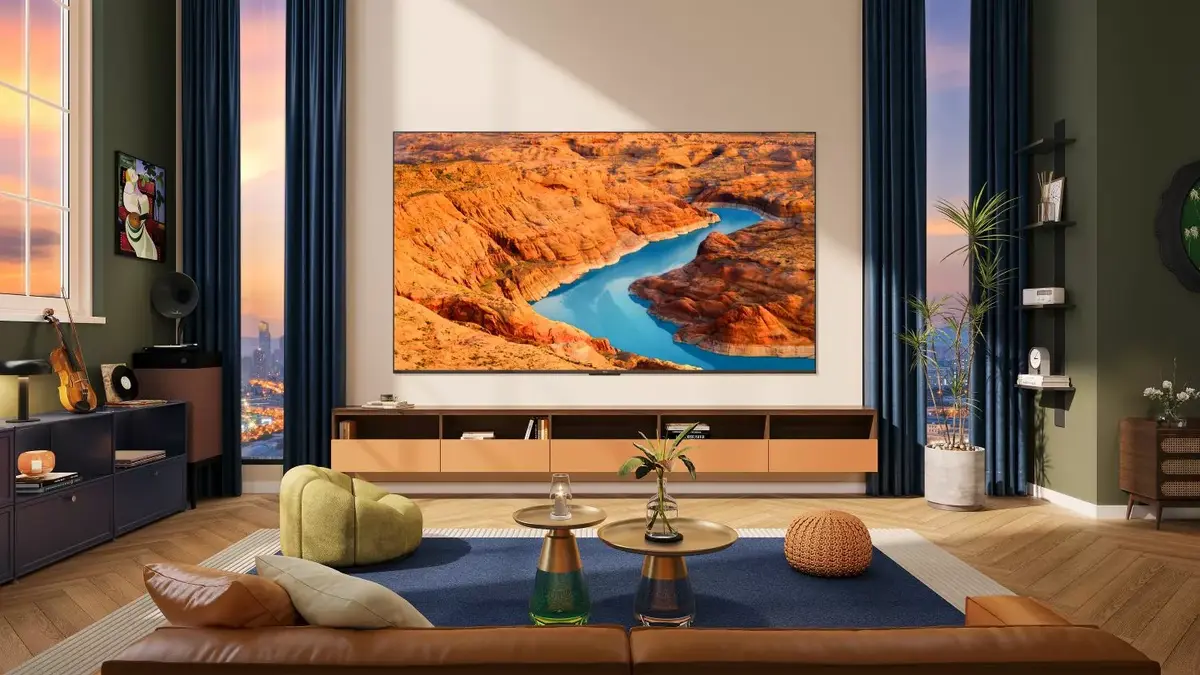
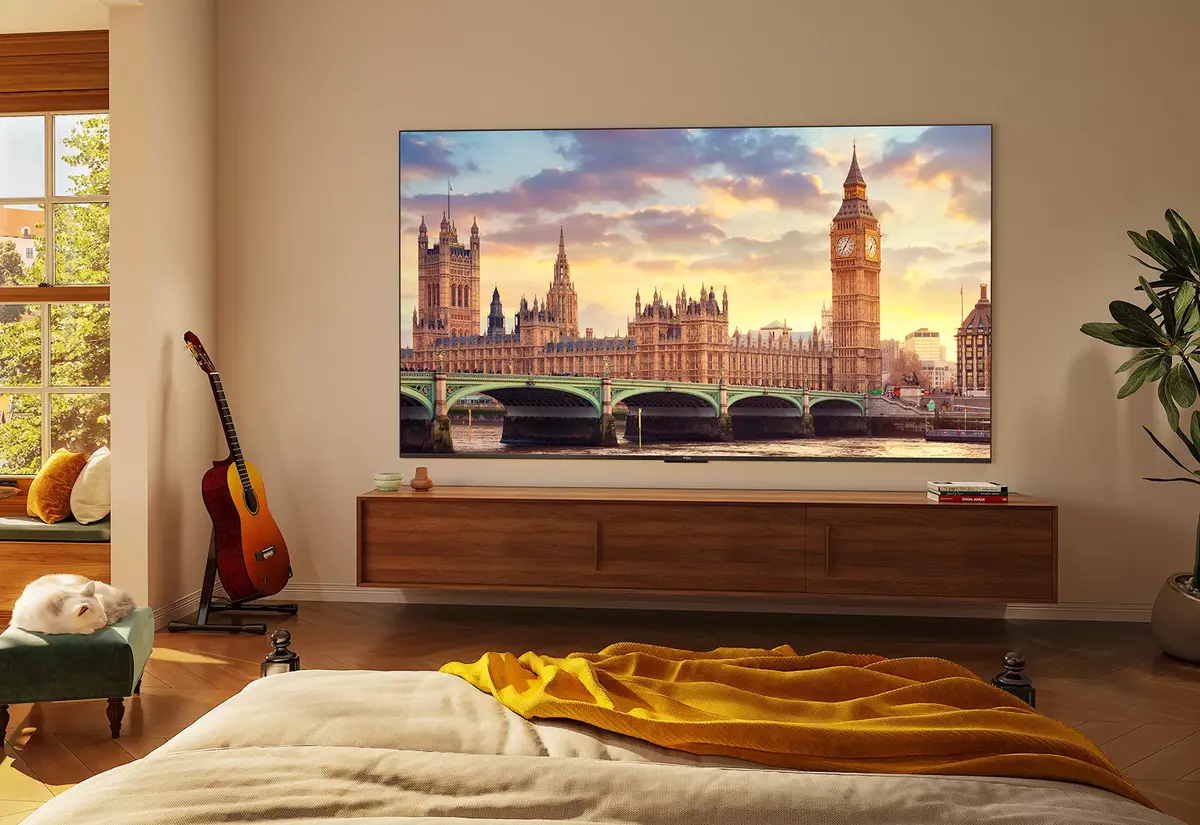
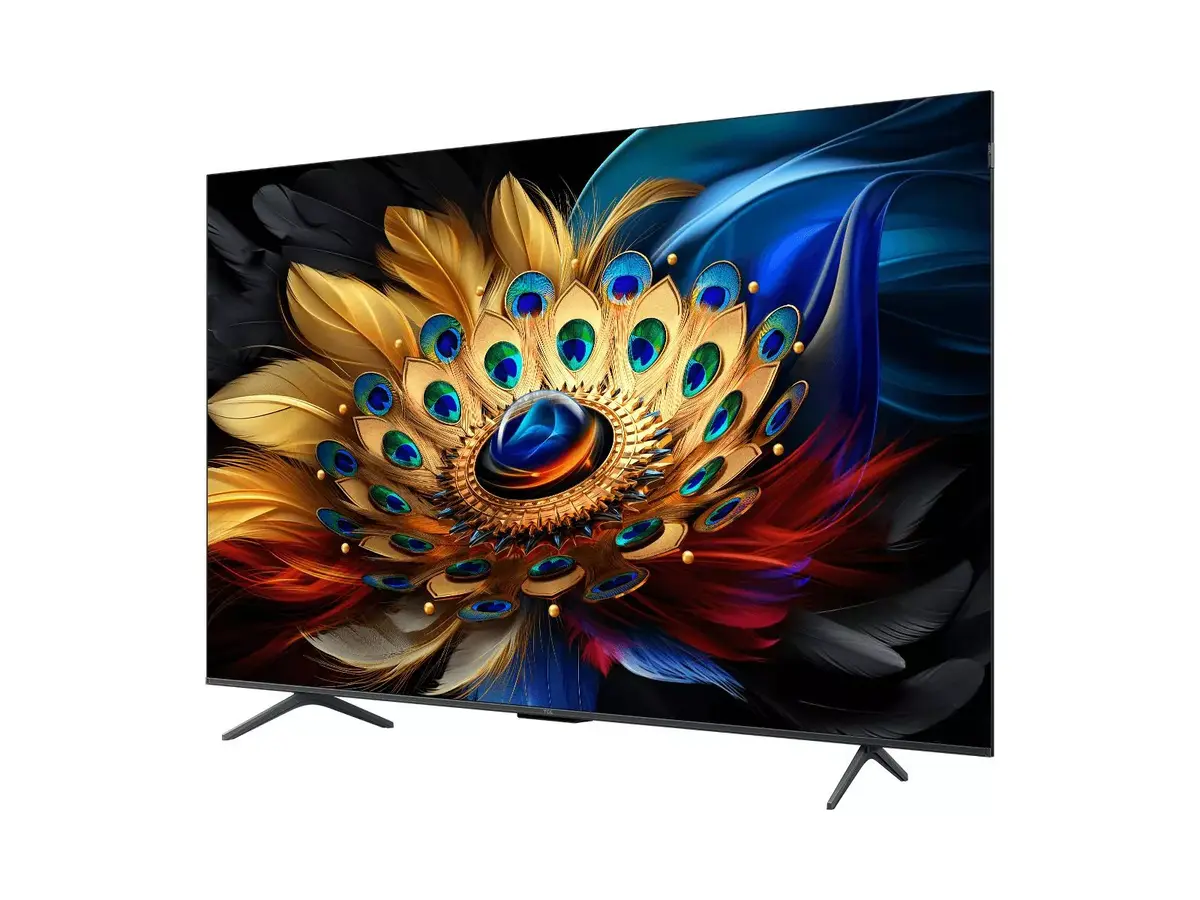
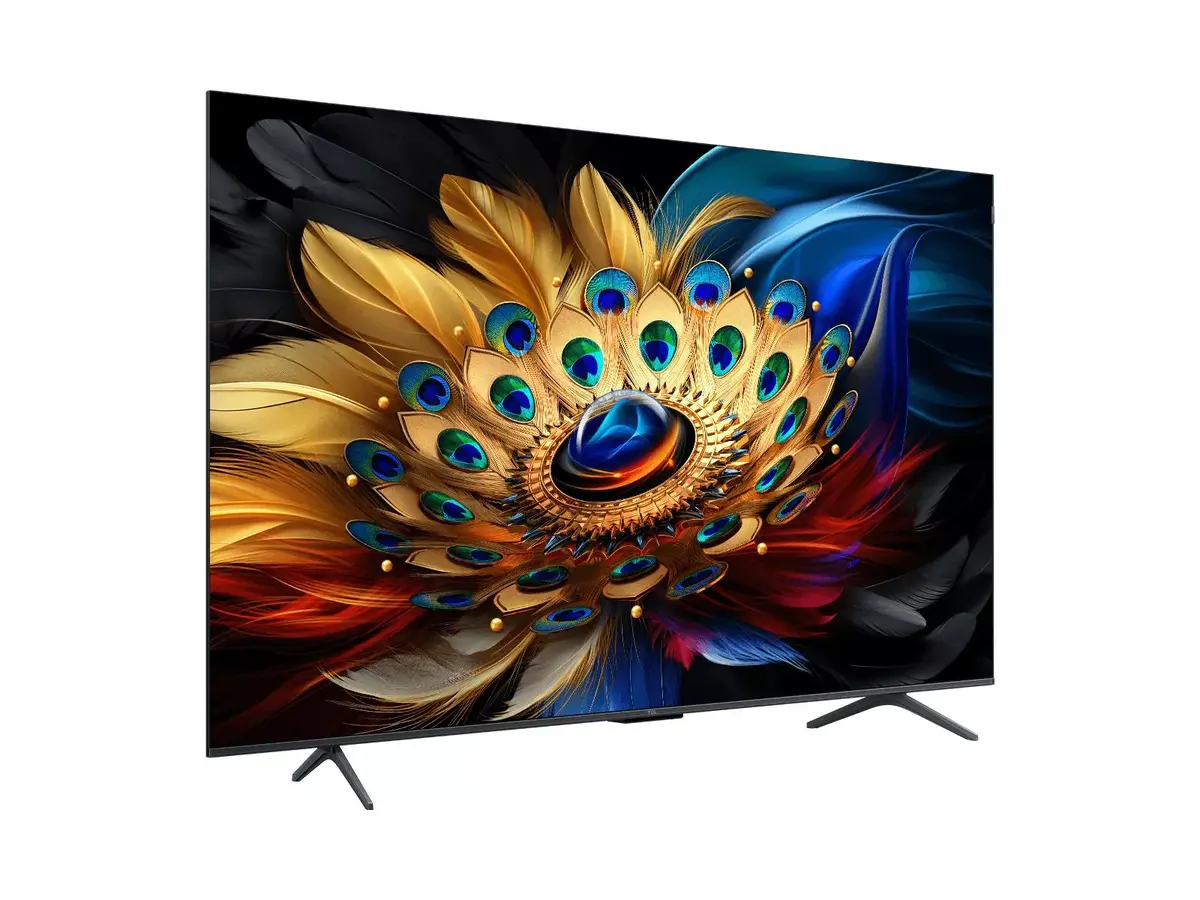
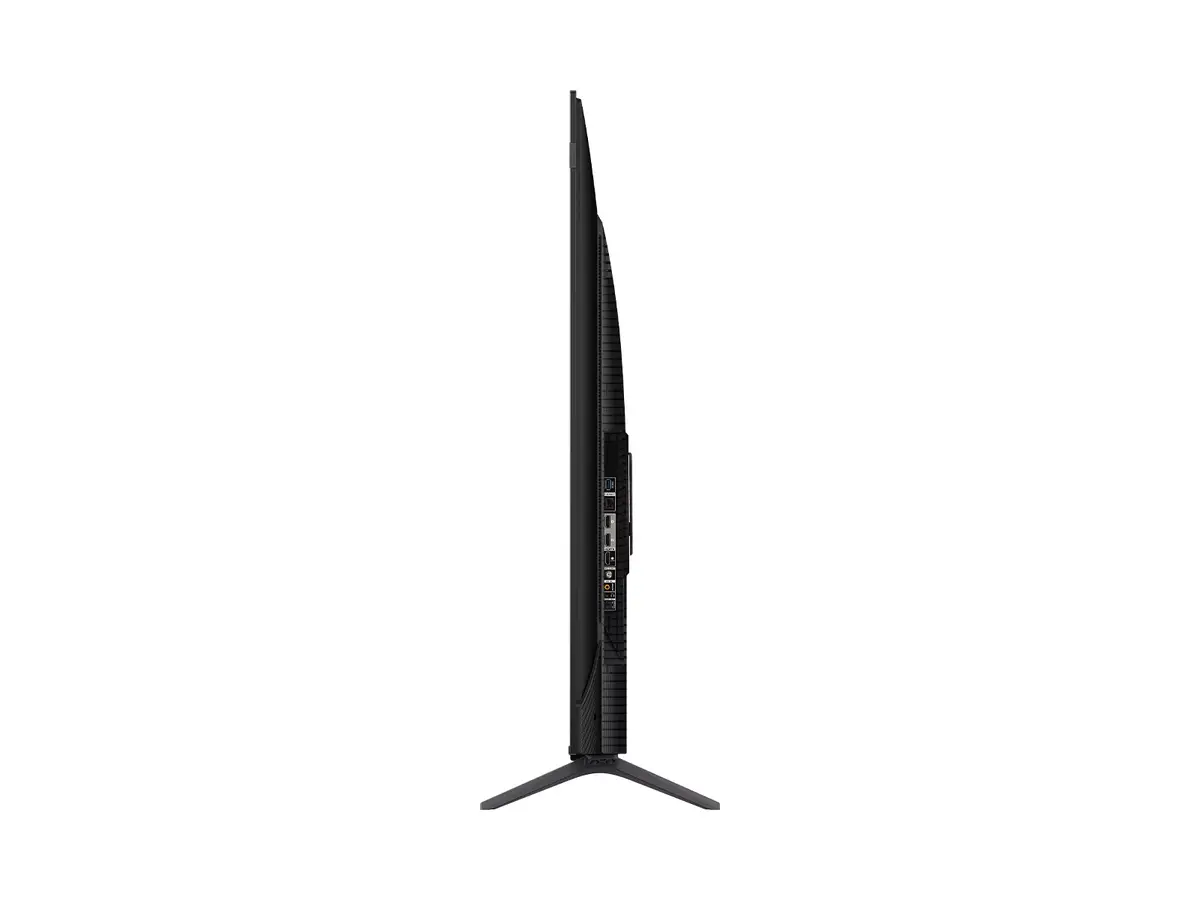
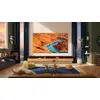
The TCL C65 Series 55-inch 4K Ultra HD QLED Smart TV offers a premium viewing experience by combining advanced display technology with the intuitive Google TV platform. Featuring a 55-inch screen with a 3840 x 2160 resolution, this television delivers sharp, detailed imagery and vibrant colors. Its sleek titanium finish and modern design allow it to integrate seamlessly into any contemporary living space, providing both aesthetic appeal and high-performance entertainment capabilities.
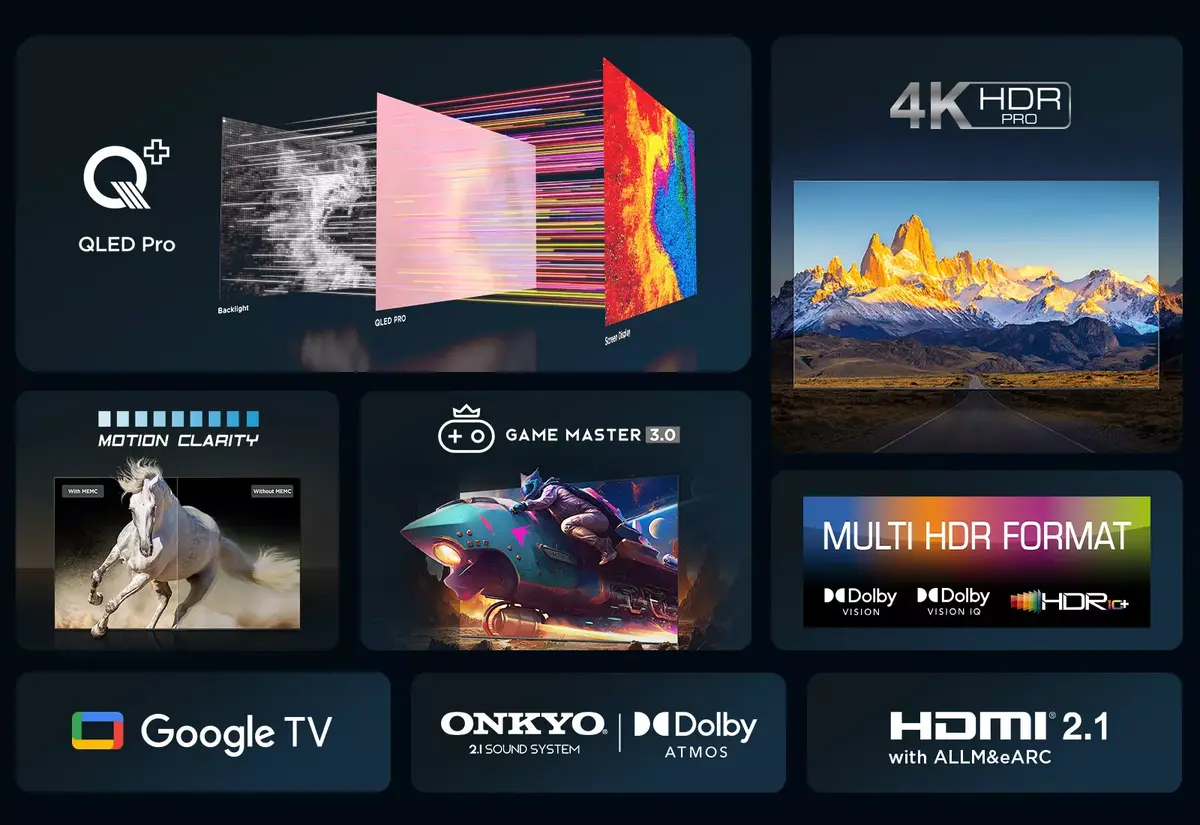
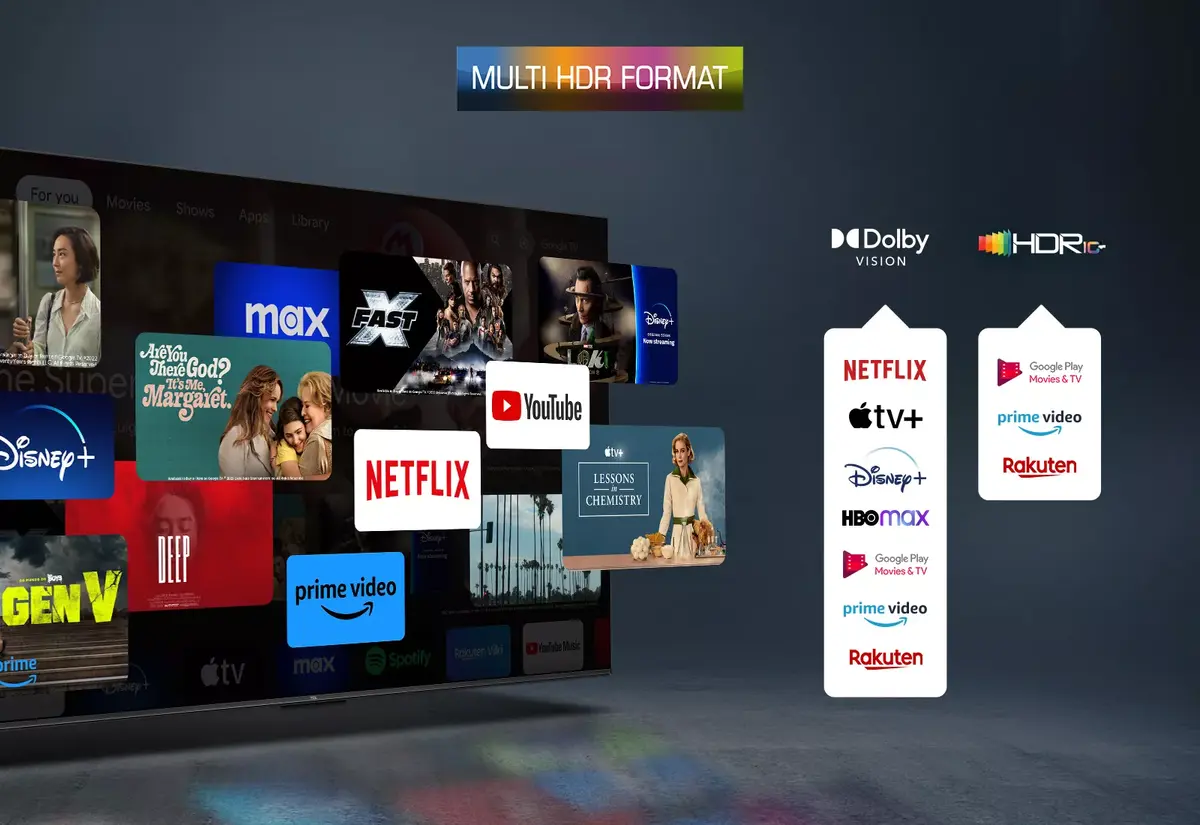
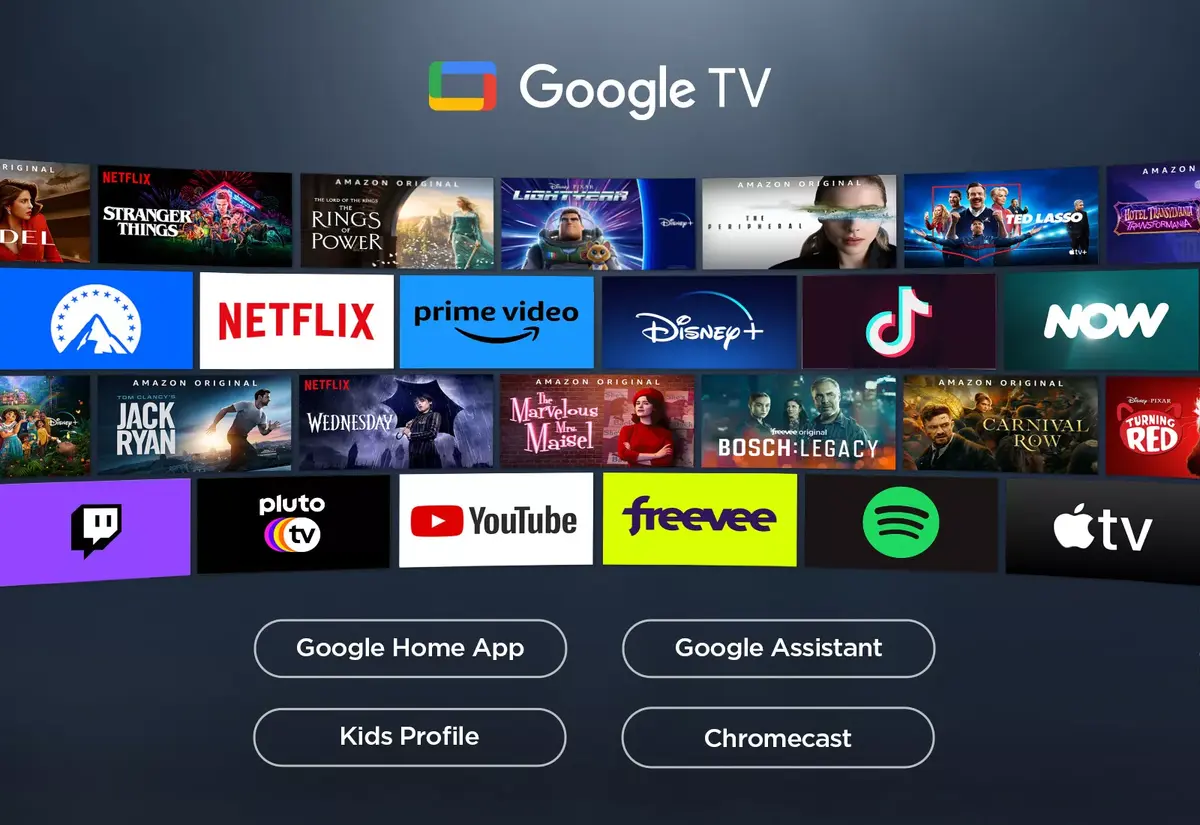
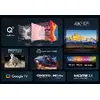
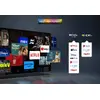
The primary benefit of this model is its QLED display technology, which ensures superior color accuracy and brightness compared to standard LED screens. The integration of Google TV provides a user-friendly interface with access to a vast library of streaming services and applications. With a brightness level of 450 cd/m² and an anti-glare screen, the television maintains clear visibility even in well-lit rooms. The inclusion of advanced HDR support further enhances the cinematic quality of movies and shows, while the Direct-LED backlighting ensures uniform light distribution across the entire panel.
This television may not be the ideal choice for users who require professional-grade color grading monitors or those who primarily use legacy analog equipment, as it is optimized for modern digital streaming and high-definition content. Additionally, users with very limited wall space or those seeking a smaller screen size may find the 55-inch dimensions too large for their specific setup.
To begin using the TCL C65 Series, connect the television to a power source and follow the on-screen setup instructions to configure your Wi-Fi network and Google account. Once connected, you can navigate the Google TV interface using the remote control to download your preferred streaming apps and customize your home screen. Ensure the device is placed on a stable surface or mounted securely to a wall using a compatible VESA mount to prevent accidental damage.
For the best viewing experience, position the television at eye level and ensure that your Wi-Fi router is located within a reasonable distance to maintain a stable connection for high-definition streaming. Regularly update the system software through the settings menu to ensure optimal performance and access to the latest features.
{{highlightedFeature.featureTitle}}:
{{getProductFeatureValueById(product, highlightedFeature.featureId)}}
{{ productComparisonGenerationError }}
Device manufacturer code
Device manufacturer
iagonal of the visible part of the screen expressed in centimeters and inches.
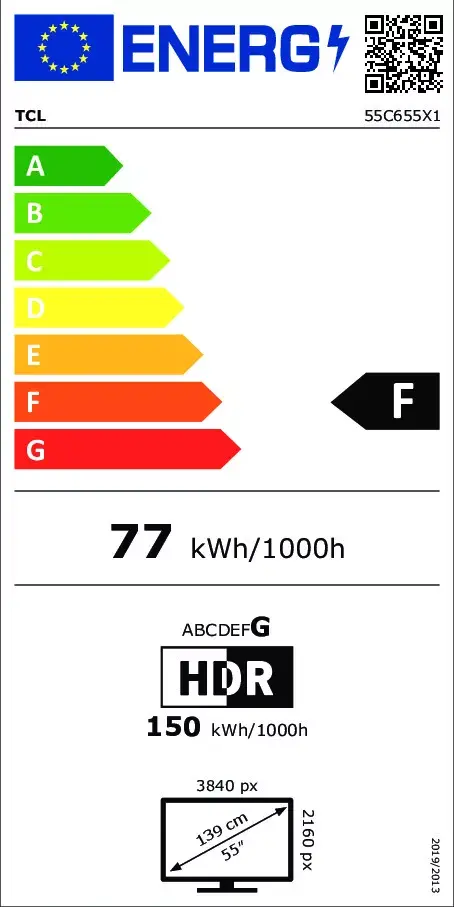
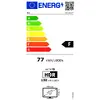
Rating of how efficiently a device uses energy, affecting power consumption and costs.
Energy efficiency class is a standard classification that is used all over Europe and which is understandable at first sight. Products can be efficiently compared according to classes, starting from A (the most energy efficient class), and ending with G (the most energy-intensive class). The classification of energy efficiency is based on annual energy consumption which is being calculated on the basis of several different parameters.
Power consumption in switched-on state expressed in W.