





JBL speakers and headphones for pure and deep sound!
In cart {{totalProductsCount}} item(s)
Your cart is empty
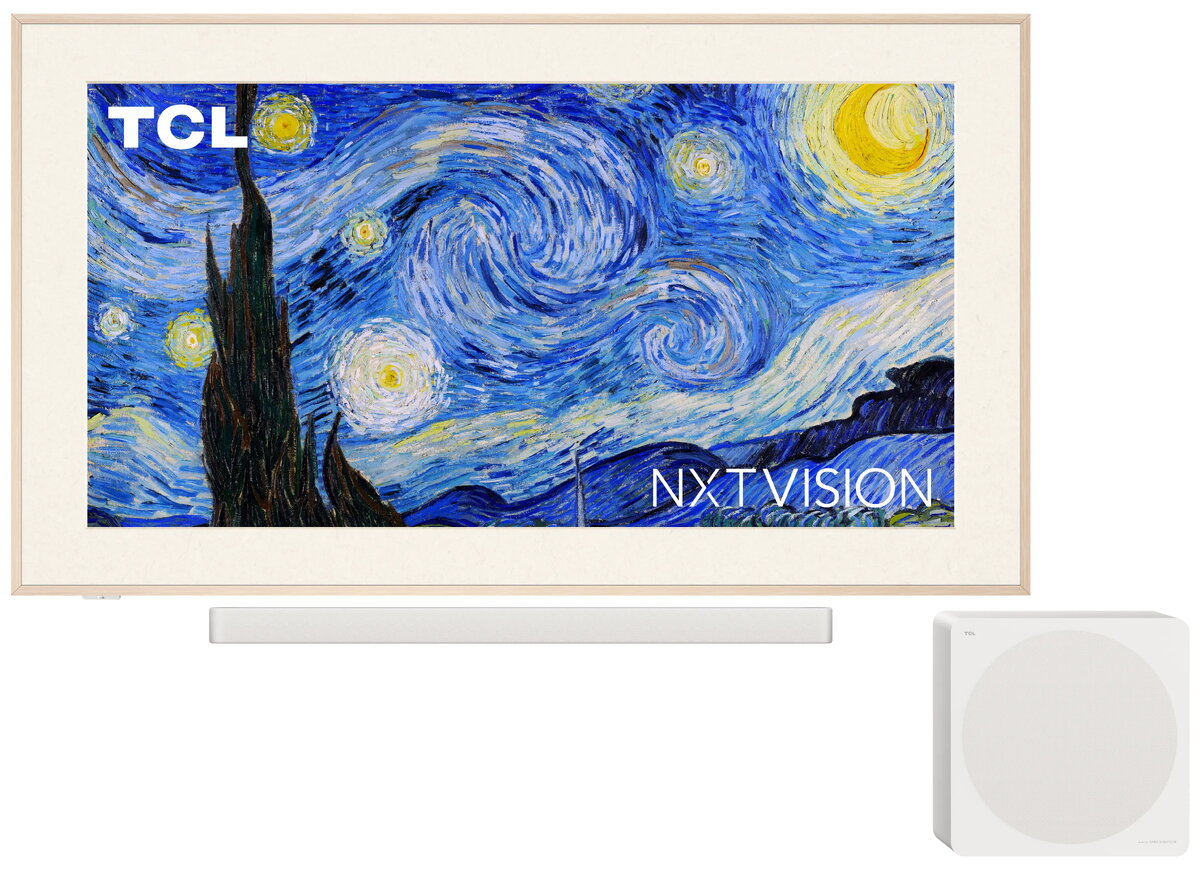
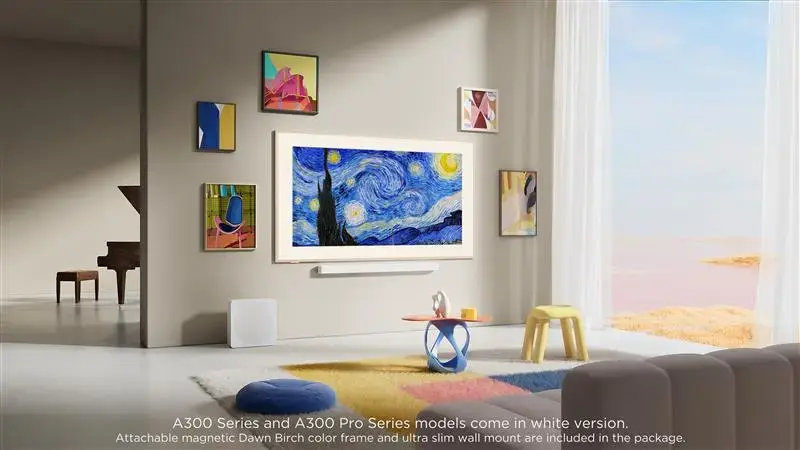
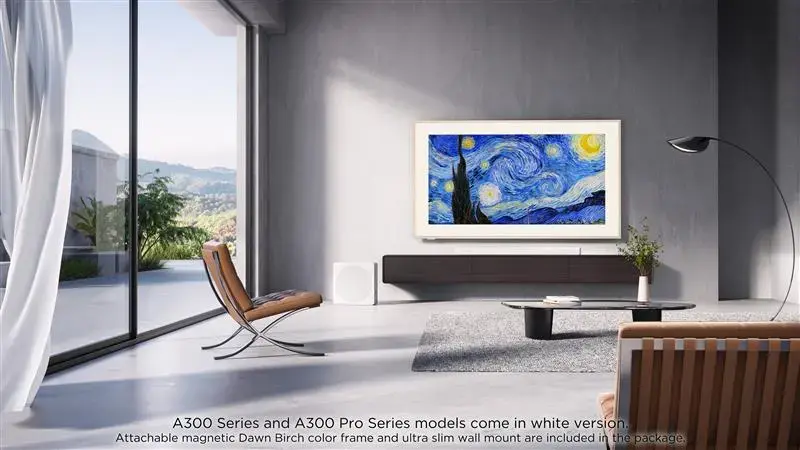
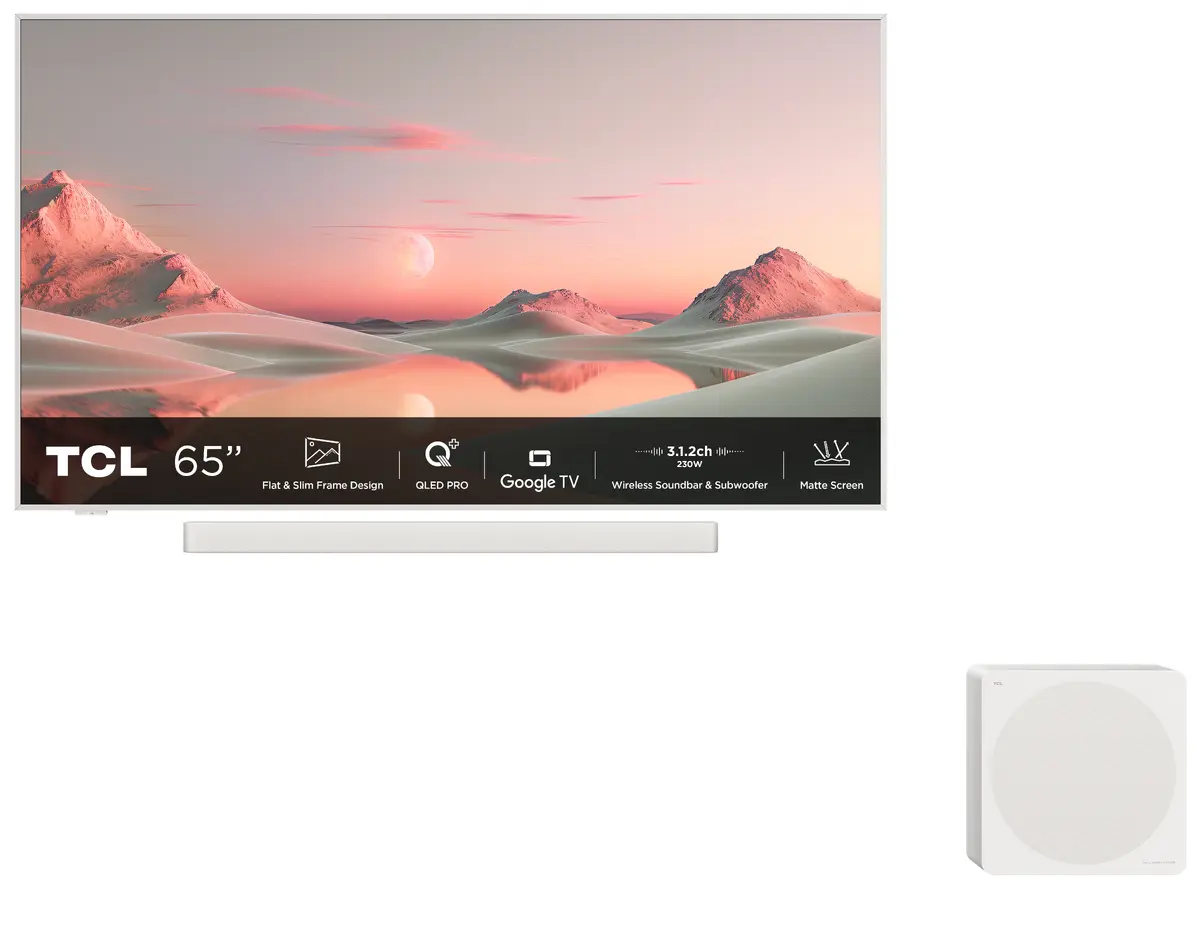
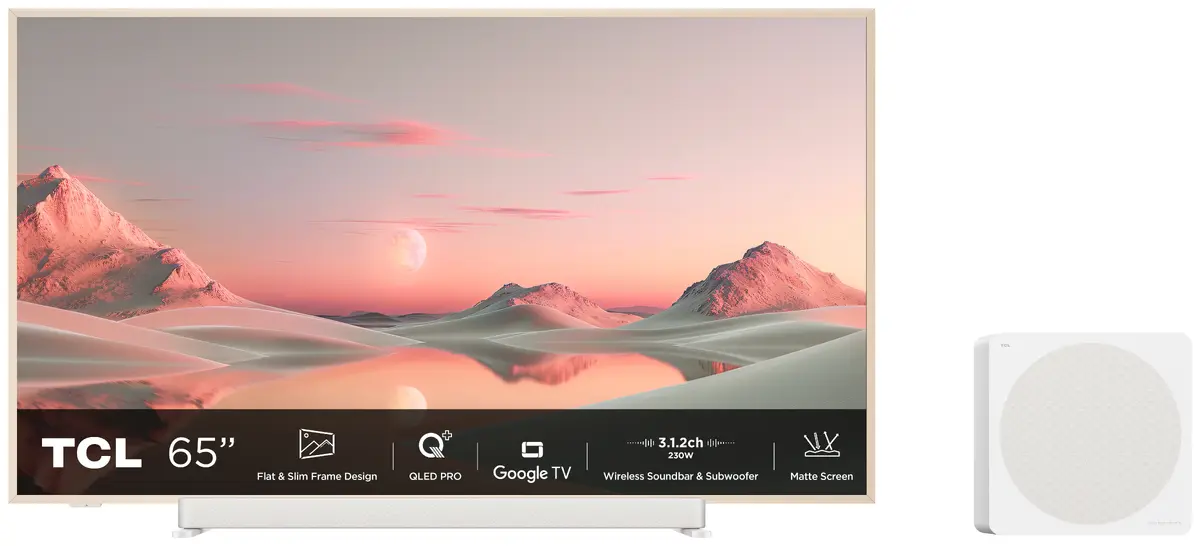
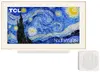
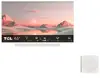
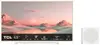
Television TCL 65A300 Pro 65" (165.1 cm) QLED 4K Ultra HD, 3840×2160, Edge-LED, PPI 3600, 450 cd/m², Wi‑Fi, DVB-T2/C/S2, White
TCL 65A300 Pro is a 65" (165.1 cm) QLED 4K Ultra HD Smart TV with Edge‑LED backlighting and a native 16:9 flat screen. The panel delivers 3840×2160 resolution, up to 450 cd/m² peak brightness and a fast 5.7 ms response time combined with PPI 3600 motion interpolation. The set includes digital tuners for DVB‑T2/C/S2, built‑in Wi‑Fi and Ethernet for streaming and smart apps, and supports modern HDR formats and gaming features for home cinema, streaming and broadcast TV in living rooms.
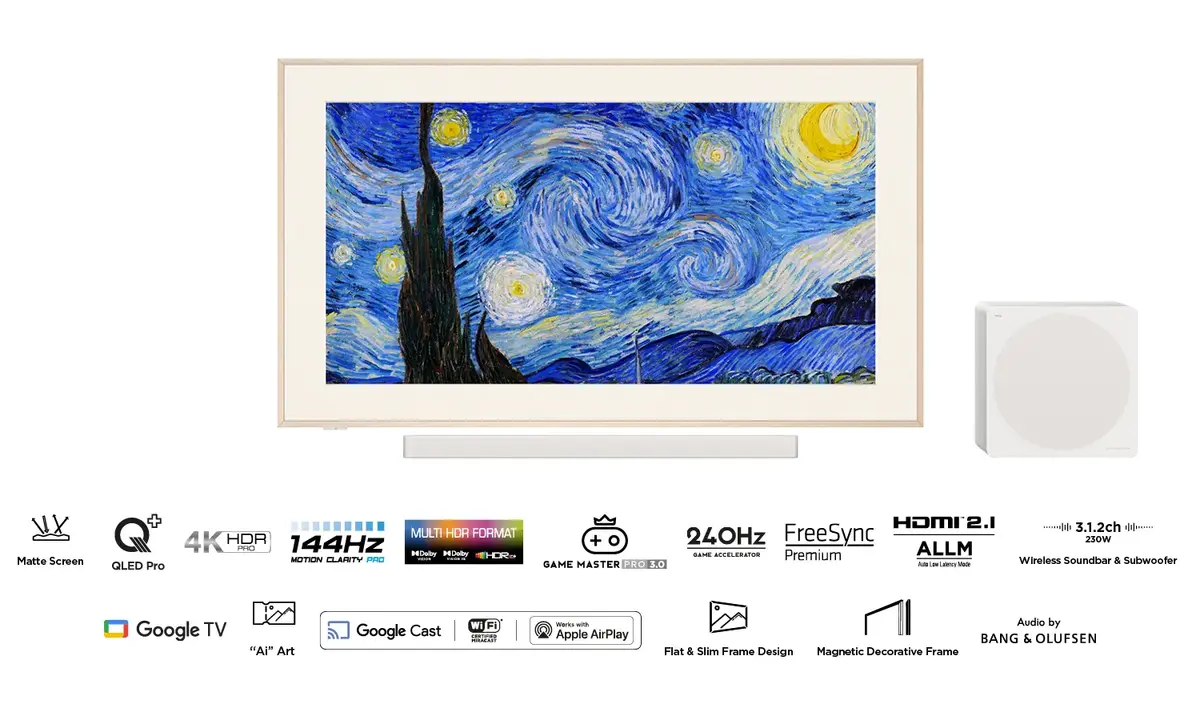
The QLED PRO panel with matte finish reduces reflections while preserving color saturation and contrast for clear 4K HDR images. Edge‑LED backlighting and HDR processing provide improved dynamic range and detail in bright and dark scenes. Built‑in Google TV with Google Assistant and integrated Chromecast enable easy access to streaming services and voice control. Audio tuned by Bang & Olufsen and the included 3.1.2 wireless Dolby Audio soundbar and subwoofer system deliver up to 230 W maximum power for a fuller listening experience. Gaming features such as HDMI 2.1, ALLM, VRR and high refresh support enhance responsiveness for fast‑paced content.
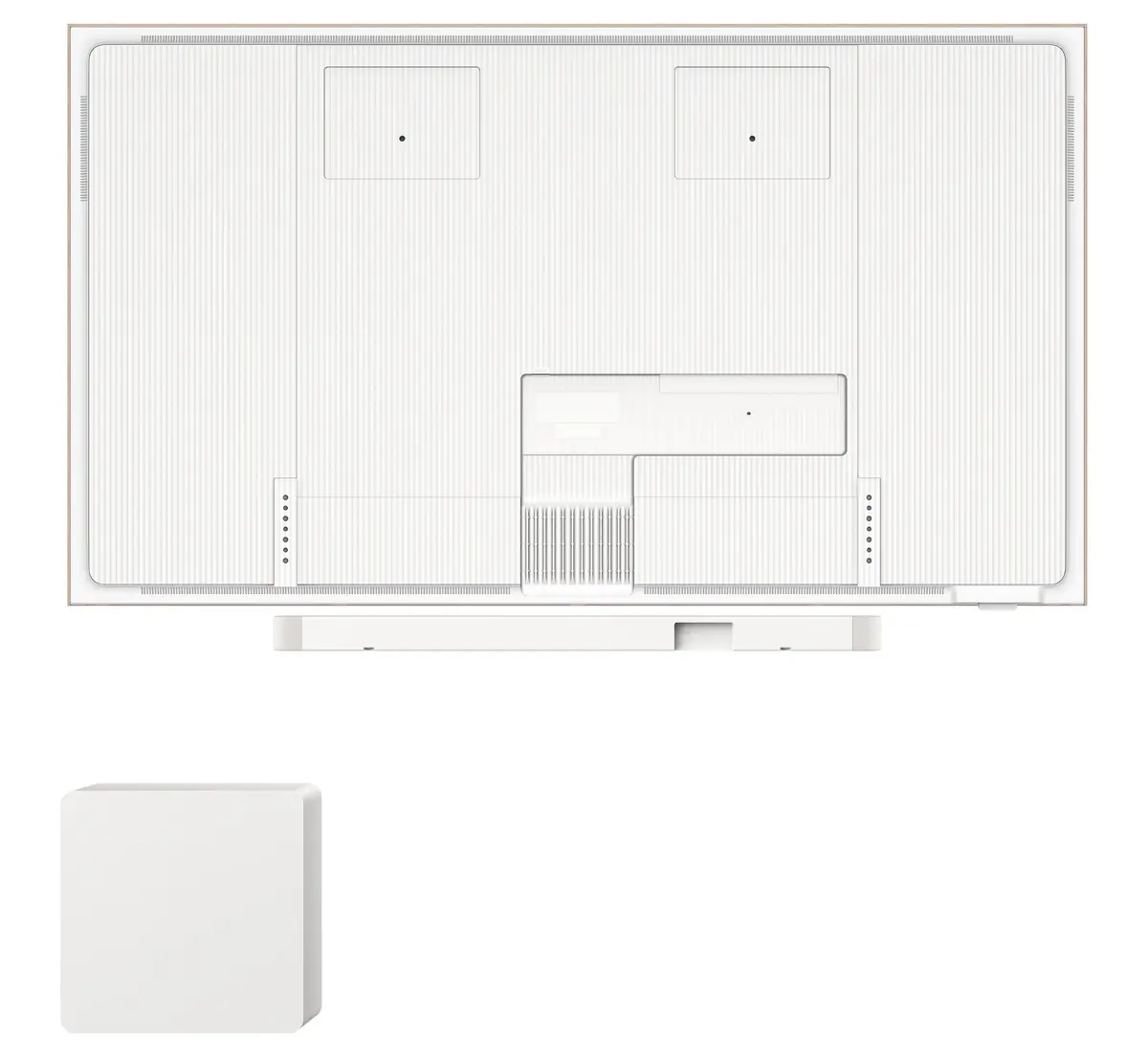
Place the TV on a stable stand or mount it on a wall using the compatible VESA bracket. Connect the power and your HDMI, satellite, cable or antenna sources. Use the initial on‑screen setup to connect the TV to your Wi‑Fi network and sign in to your Google account to enable Google TV services and Chromecast. For gaming, connect supporting HDMI 2.1 devices and enable Game Mode in the settings to activate low latency and high refresh features. Adjust picture presets, brightness and HDR settings according to room lighting and content type. For the best audio experience, follow the soundbar pairing instructions to connect the wireless soundbar and subwoofer and use the audio settings to select Dolby Audio or preferred sound profiles.
To maintain image quality, position the TV to minimize direct sunlight on the matte screen, use the ambient relaxation modes for low‑light viewing, and keep firmware updated to ensure HDR and gaming feature compatibility. For optimal audio, allow some clearance around the soundbar and subwoofer and use the provided calibration options to adapt sound to room acoustics.
{{highlightedFeature.featureTitle}}:
{{getProductFeatureValueById(product, highlightedFeature.featureId)}}
{{ productComparisonGenerationError }}
Device manufacturer code
Device manufacturer
iagonal of the visible part of the screen expressed in centimeters and inches.
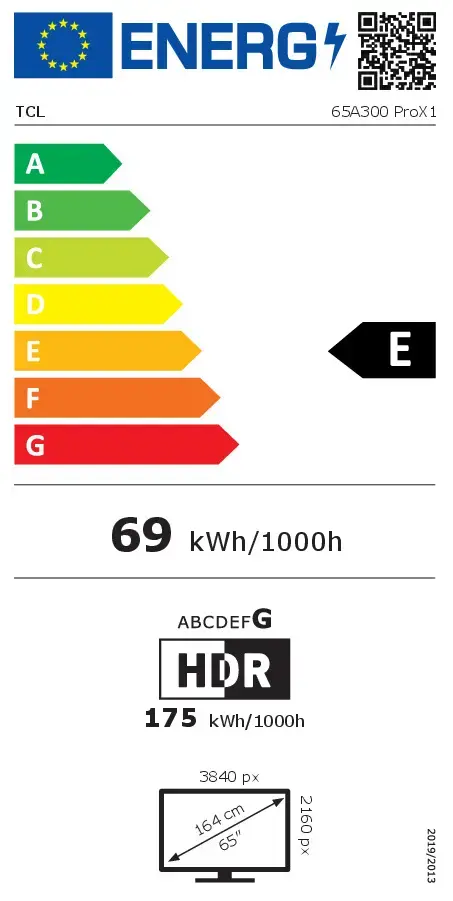
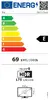
Energy efficiency class is a standard classification that is used all over Europe and which is understandable at first sight. Products can be efficiently compared according to classes, starting from A (the most energy efficient class), and ending with G (the most energy-intensive class). The classification of energy efficiency is based on annual energy consumption which is being calculated on the basis of several different parameters.
Power consumption in switched-on state expressed in W.