

Leave your address - as soon as the price of the product goes down, you'll know about it right away
TCL SOCL100BL In-Ear Wired Headphones for Calls and Music, Blue
In cart {{totalProductsCount}} item(s)
Your cart is empty
TCL SOCL100BL In-Ear Wired Headphones for Calls and Music, Blue
Leave your address - as soon as the price of the product goes down, you'll know about it right away
TCL SOCL100BL In-Ear Wired Headphones for Calls and Music, Blue
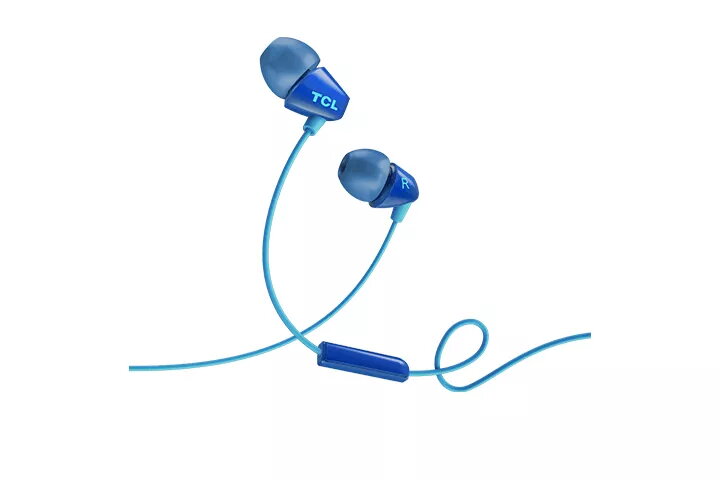
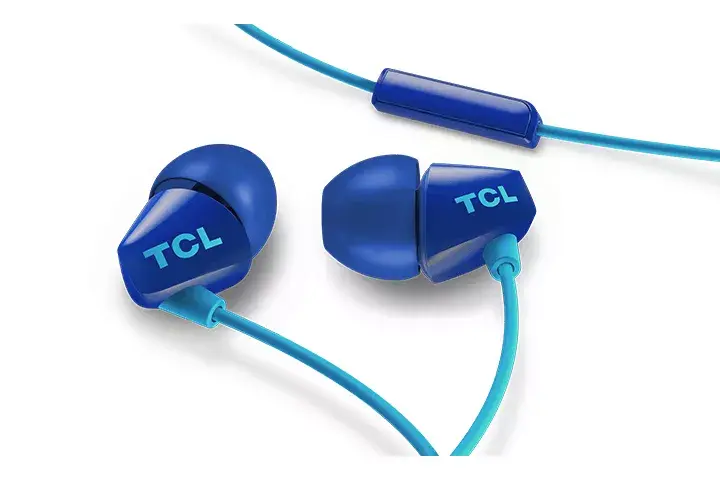
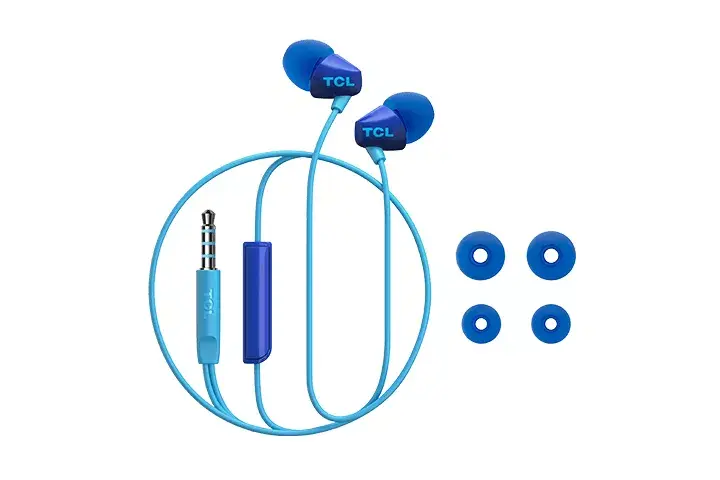
The TCL SOCL100BL in-ear wired headphones are designed to deliver a balanced and clear audio experience for both music playback and voice calls. Featuring an ergonomic intraaural design, these headphones provide a secure and comfortable fit, making them suitable for extended periods of use throughout the day. The stylish blue finish adds a modern aesthetic, while the wired connectivity ensures a stable and reliable connection to a wide range of mobile devices and audio players.
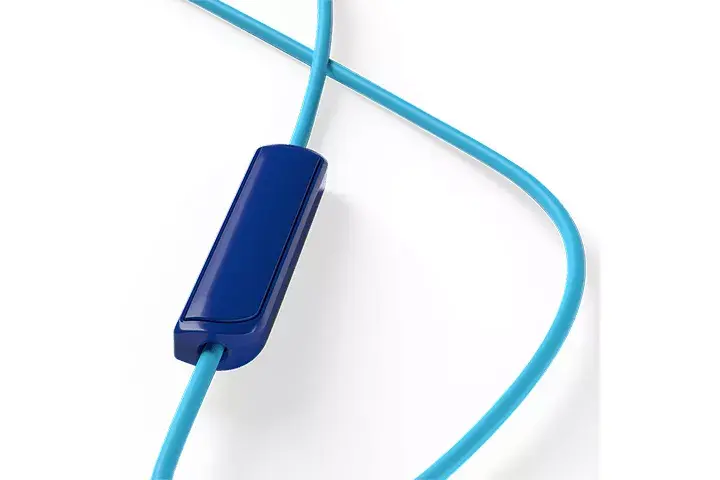
These headphones stand out due to their precision-engineered audio drivers that work in harmony with a specialized acoustic tube design to produce high-fidelity sound. The ergonomic shape of the ear caps ensures that the headphones remain comfortable even during long listening sessions. Furthermore, the integrated in-line remote control allows users to manage music playback and handle incoming calls conveniently without needing to access their mobile device directly, offering a seamless user experience for those on the move.
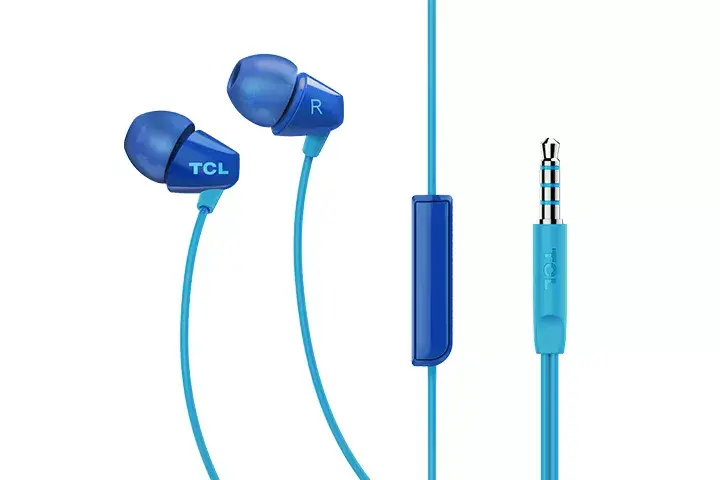
These headphones may not be the ideal choice for users who require wireless connectivity or active noise cancellation features for high-noise environments. Additionally, they are designed for standard 3.5mm audio jacks, so users with devices lacking this port will require an external adapter.
To use the TCL SOCL100BL headphones, simply insert the 3.5mm connector into the headphone jack of your smartphone, tablet, or laptop. Ensure the ear caps are positioned correctly in your ear canal for the best acoustic seal and comfort. Use the in-line remote button to play or pause your music, and to answer or end phone calls as needed.
For the best sound quality and comfort, experiment with the placement of the ear caps to ensure a snug fit. Keep the cable free from sharp bends to maintain the longevity of the internal wiring.
{{highlightedFeature.featureTitle}}:
{{getProductFeatureValueById(product, highlightedFeature.featureId)}}