Filters you can trust. Pure water every day.
In cart {{totalProductsCount}} item(s)
Your cart is empty
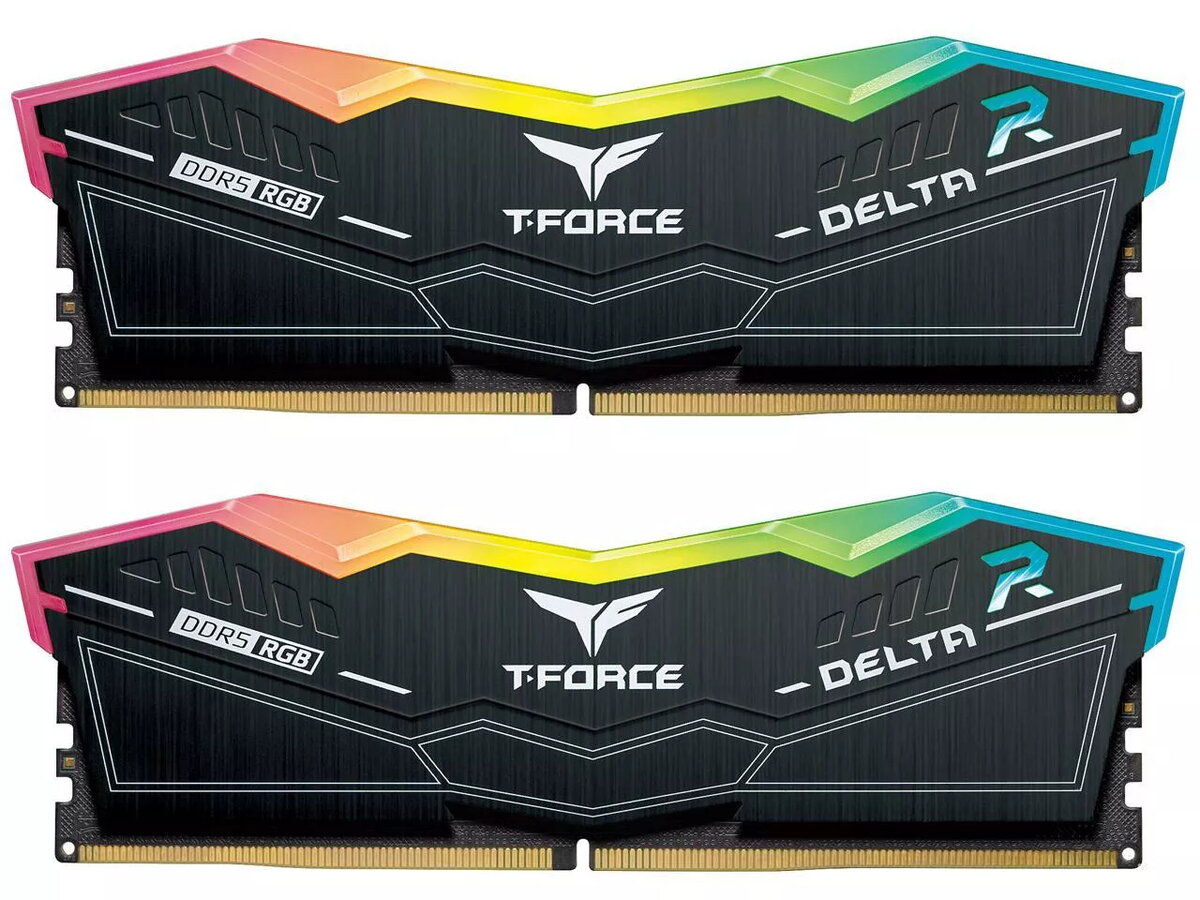
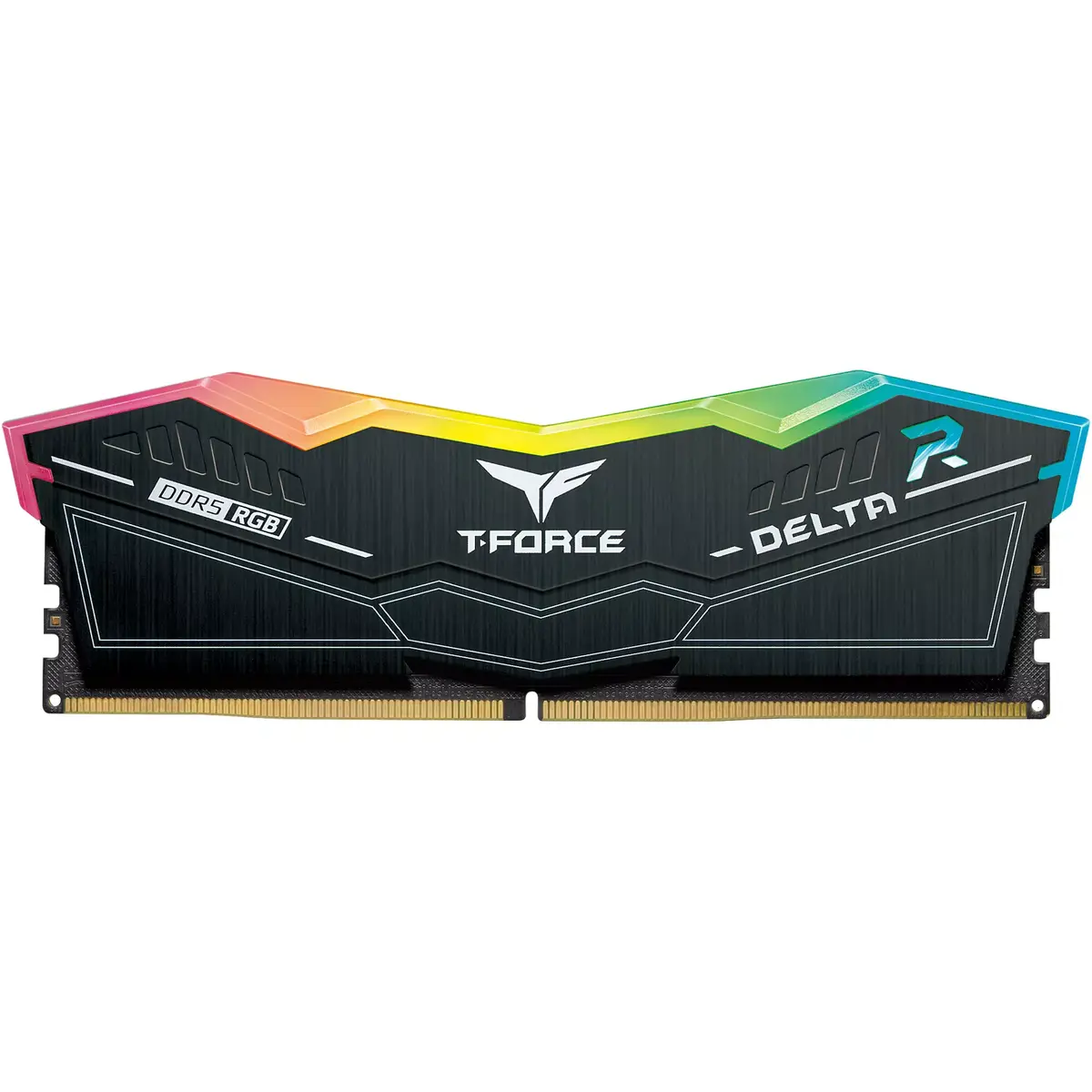
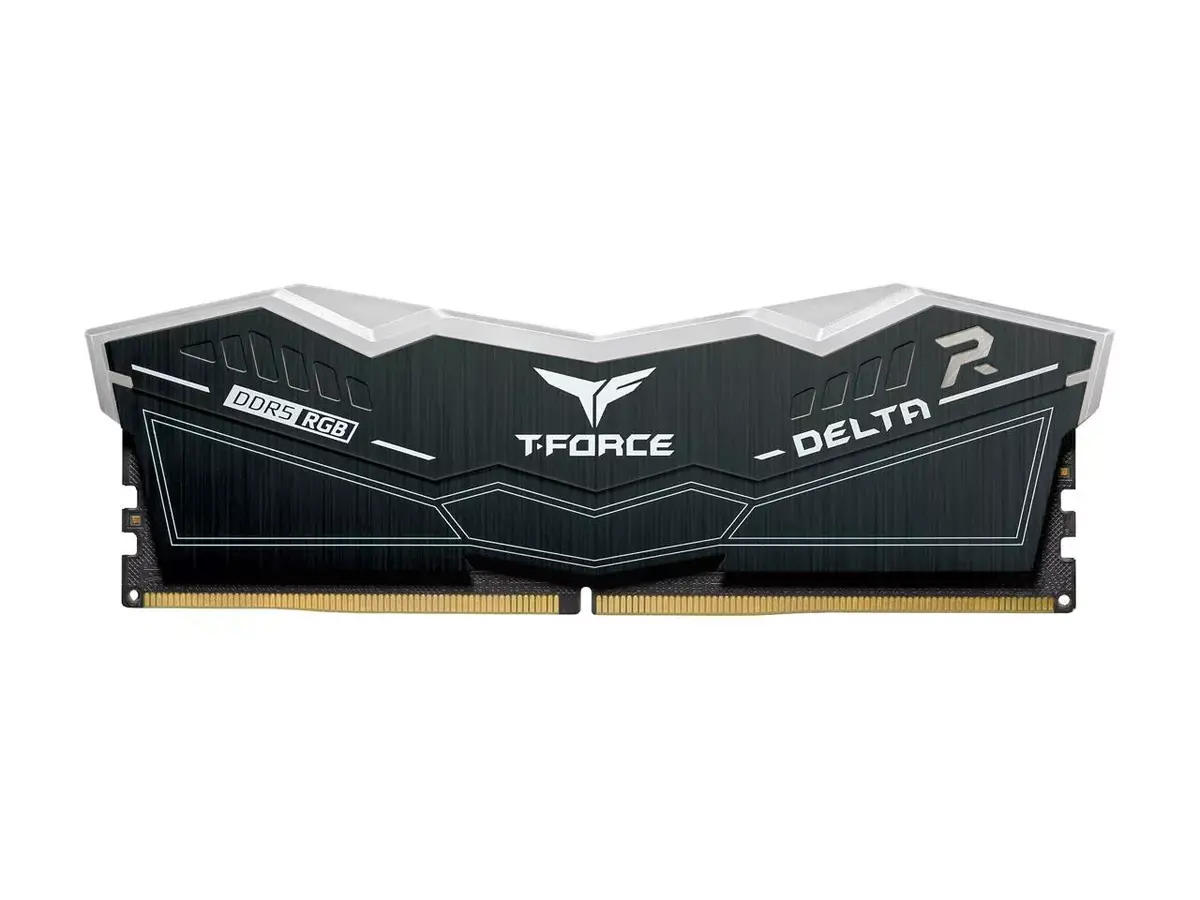
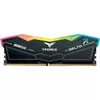
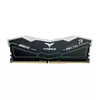
Memory module Team Group DELTA DDR5 32 GB 7800 MHz
The Team Group DELTA DDR5 32 GB 7800 MHz memory module is a high-performance RAM kit designed to elevate your computing experience. Featuring a total capacity of 32 GB arranged in a 2 x 16 GB configuration, this dual-channel kit provides the bandwidth and speed required for demanding applications. With a striking design inspired by stealth aircraft and an ultra-wide 120-degree RGB lighting angle, it combines aesthetic appeal with cutting-edge technical specifications to deliver a premium upgrade for modern desktop systems.
This memory kit excels by offering exceptional clock speeds of 7800 MHz, which significantly reduces data bottlenecks during intensive tasks. The integration of on-die ECC and a dedicated power management integrated circuit ensures superior system stability and efficient power distribution, even under heavy workloads. Furthermore, the support for Intel XMP 3.0 technology allows users to achieve optimized performance settings with a single click, making it accessible for both enthusiasts and professionals who require reliable, high-speed memory.
This memory module may not be suitable for older computer systems that only support DDR4 or earlier memory standards, as it is physically and electrically incompatible with those slots. Additionally, users with motherboards that do not support high-frequency DDR5 memory or the Intel XMP 3.0 profile may not be able to utilize the full 7800 MHz speed without manual configuration or hardware limitations.
To install the memory, ensure your computer is powered off and disconnected from the electrical outlet. Open your PC case and locate the DIMM slots on your motherboard. Carefully align the notch on the memory module with the key in the slot and press down firmly until the locking tabs click into place. Once installed, enter your motherboard BIOS settings to enable the XMP profile to ensure the RAM operates at its rated 7800 MHz frequency.
For optimal performance and stability, it is recommended to install the modules in the primary slots as specified by your motherboard manual and to keep your BIOS updated to the latest version to ensure full compatibility with XMP 3.0 profiles.
{{highlightedFeature.featureTitle}}:
{{getProductFeatureValueById(product, highlightedFeature.featureId)}}
{{ productComparisonGenerationError }}