Filters you can trust. Pure water every day.
In cart {{totalProductsCount}} item(s)
Your cart is empty
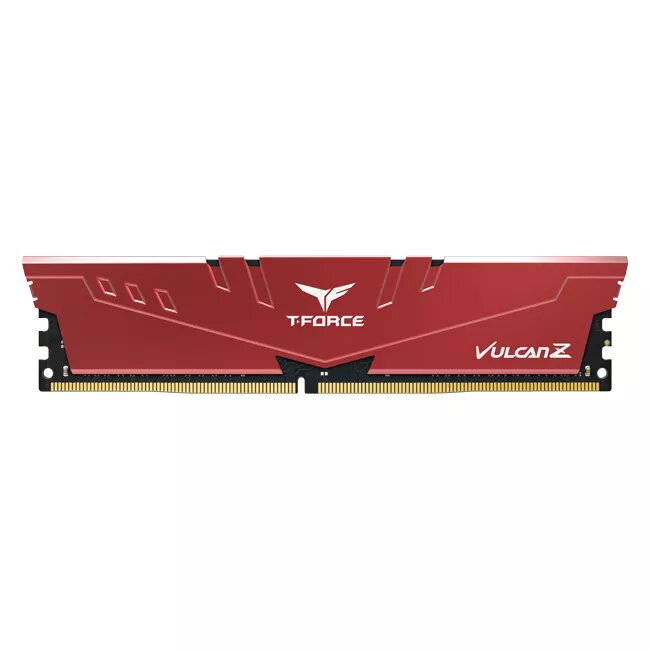
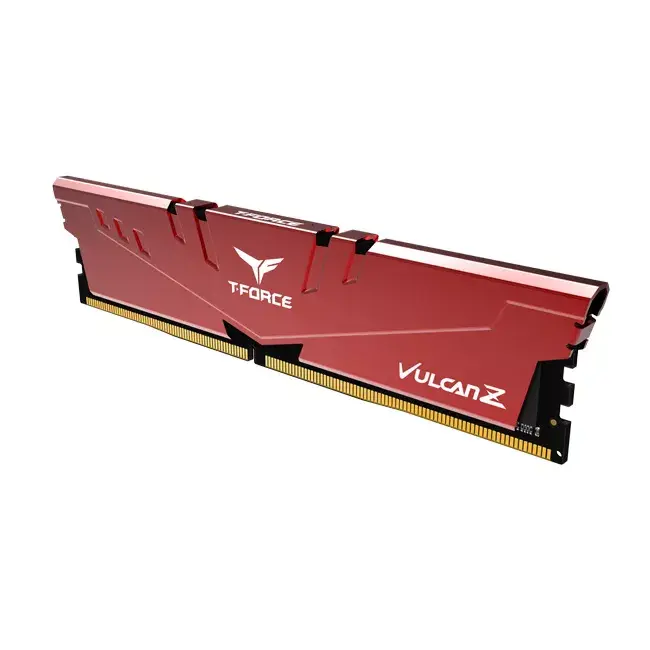
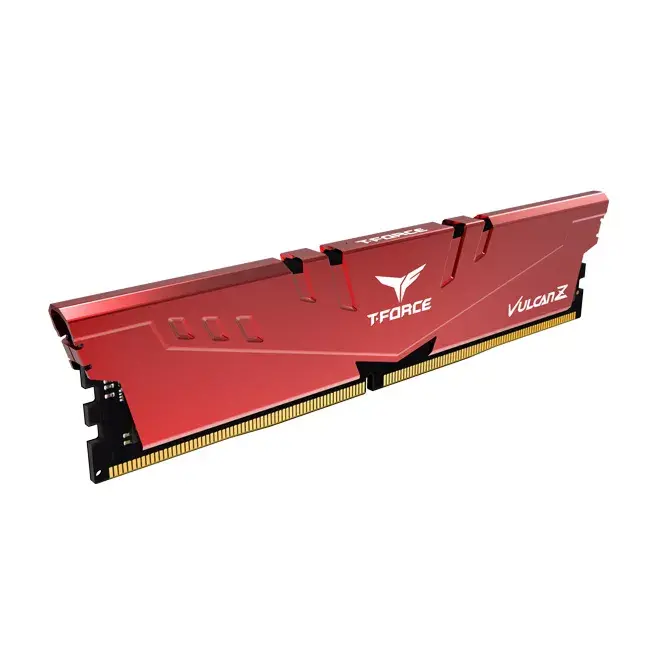
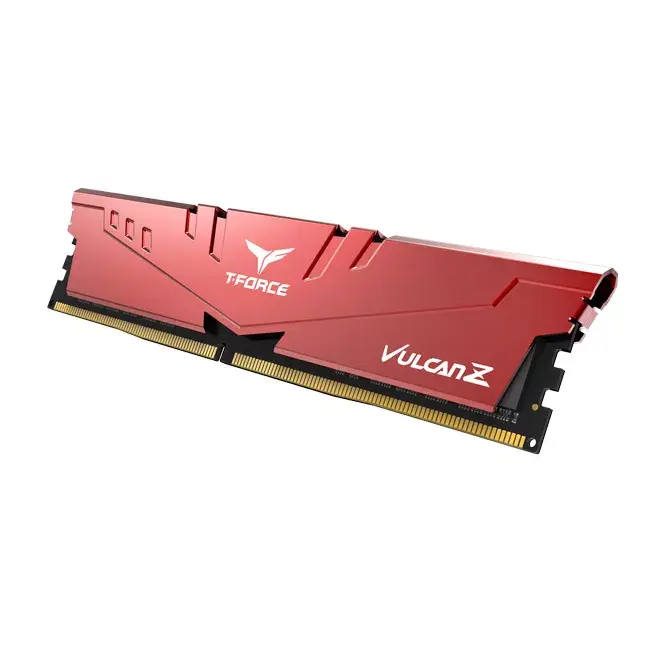
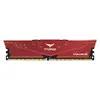
Memory module Team Group T-FORCE VULCAN Z TLZRD416G3200HC16F01 16 GB DDR4 3200 MHz 288-pin DIMM
Memory module Team Group T-FORCE VULCAN Z TLZRD416G3200HC16F01 is a single 16 GB DDR4 288-pin DIMM designed for desktop systems and compatible server motherboards. It operates at 3200 MHz with CL16 latency and a nominal voltage of 1.35 V. The module features a red one-piece aluminum heatspreader formed by a punch press process and anodized for improved corrosion resistance and electrical insulation. Selected IC chips and manufacturing tests ensure compatibility and stable operation across Intel and AMD platforms. The module supports Intel XMP profiles for easy automatic overclocking and is intended for system upgrades, gaming rigs, and content-creation workstations.
The reinforced one-piece 0.8 mm alloy aluminum heatspreader improves structural rigidity and thermal dissipation while the electrolytic anodizing treatment increases corrosion resistance and prevents electrical conductivity. Selected and tested IC chips provide consistent stability and longevity under load. Operating at a higher clock rate with DDR4 efficiency, the module delivers increased data transfer rates and comparatively low power consumption. Intel XMP support enables simple plug-and-play overclocking without manual BIOS adjustments.
Power off the PC and unplug it before installation. Open the case, locate an available 288-pin DIMM slot and align the module with the slot notch. Firmly press the module into the slot until the retention clips lock into place. After installation, close the case, reconnect power and boot the system. Enter BIOS/UEFI to verify recognition of the 16 GB module and enable the Intel XMP profile if automatic overclocking to 3200 MHz is desired; otherwise the module will operate at standard JEDEC speeds until XMP is enabled.
Install modules in matched pairs where supported by the motherboard to enable dual-channel memory mode for improved bandwidth. Ensure the motherboard BIOS is updated to the latest version for optimal compatibility, and monitor system temperatures when overclocking. For multi-module builds, consult the motherboard memory QVL and populate recommended slots to achieve stable operation.
{{highlightedFeature.featureTitle}}:
{{getProductFeatureValueById(product, highlightedFeature.featureId)}}
{{ productComparisonGenerationError }}