Hurry and order now – up to 50% off!
In cart {{totalProductsCount}} item(s)
Your cart is empty
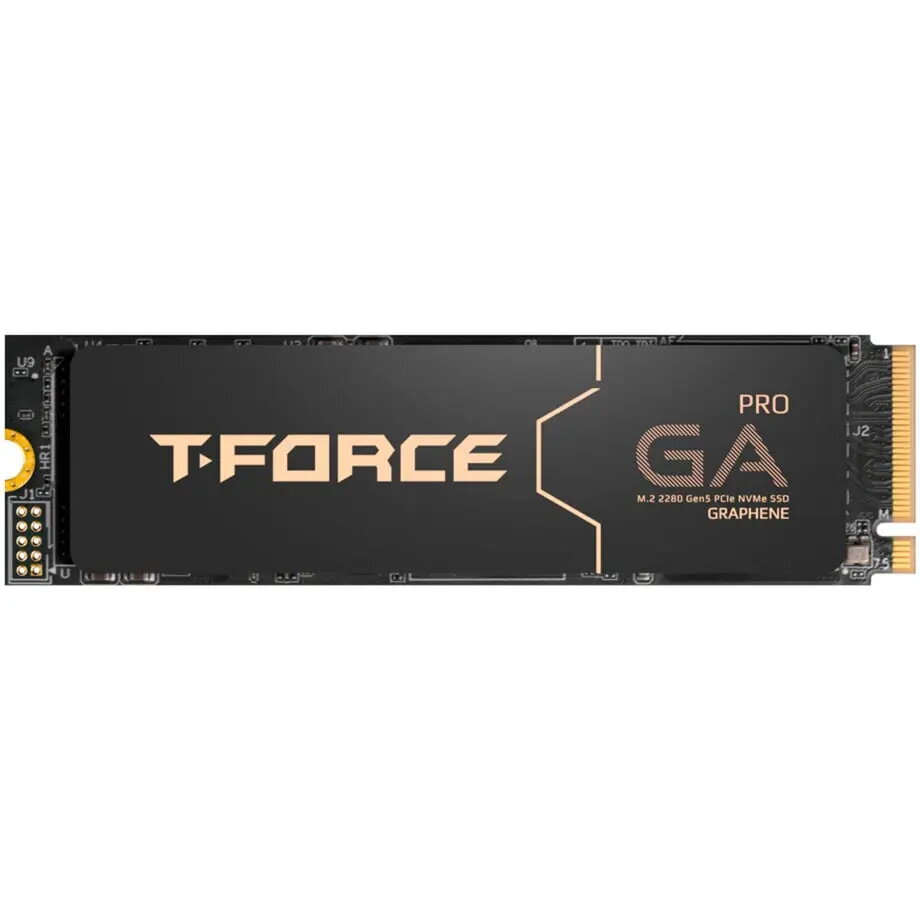
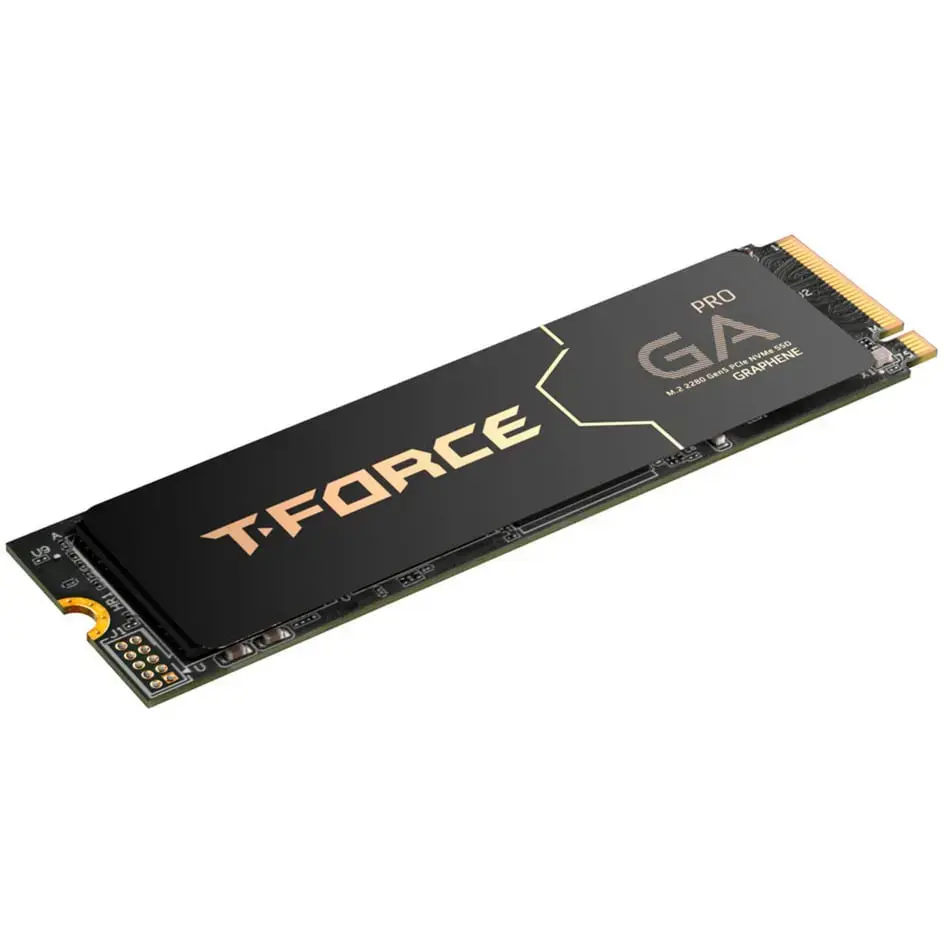
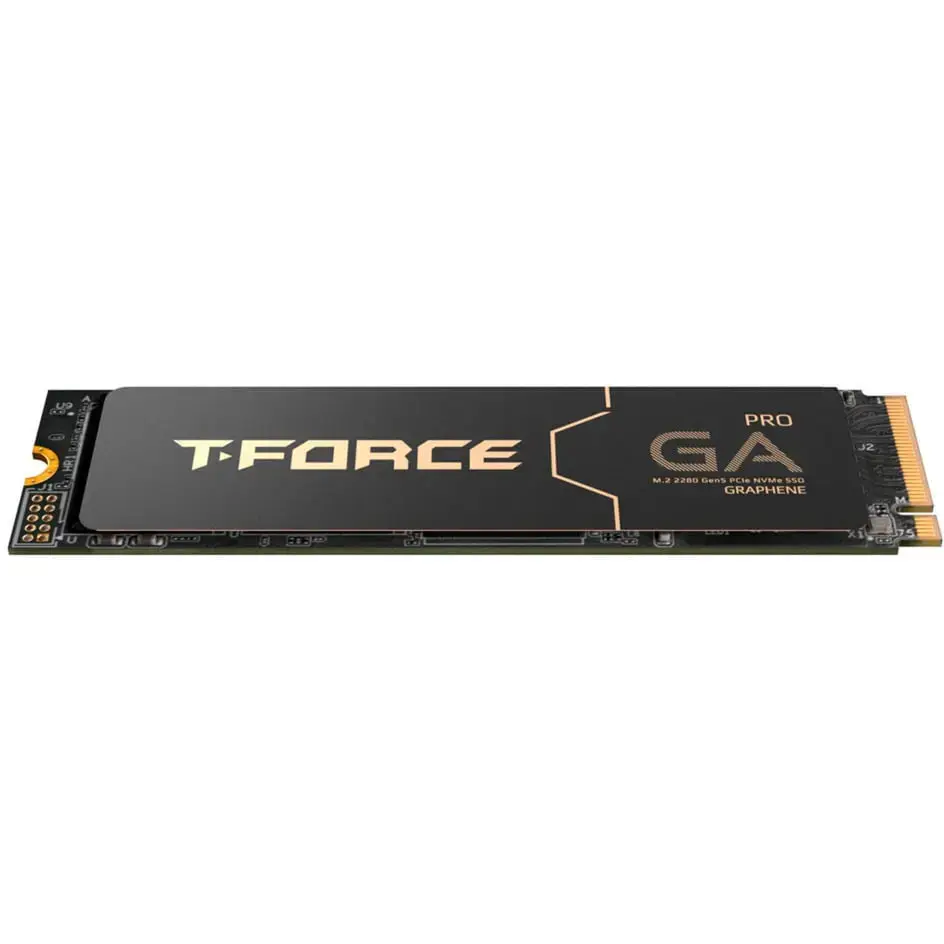
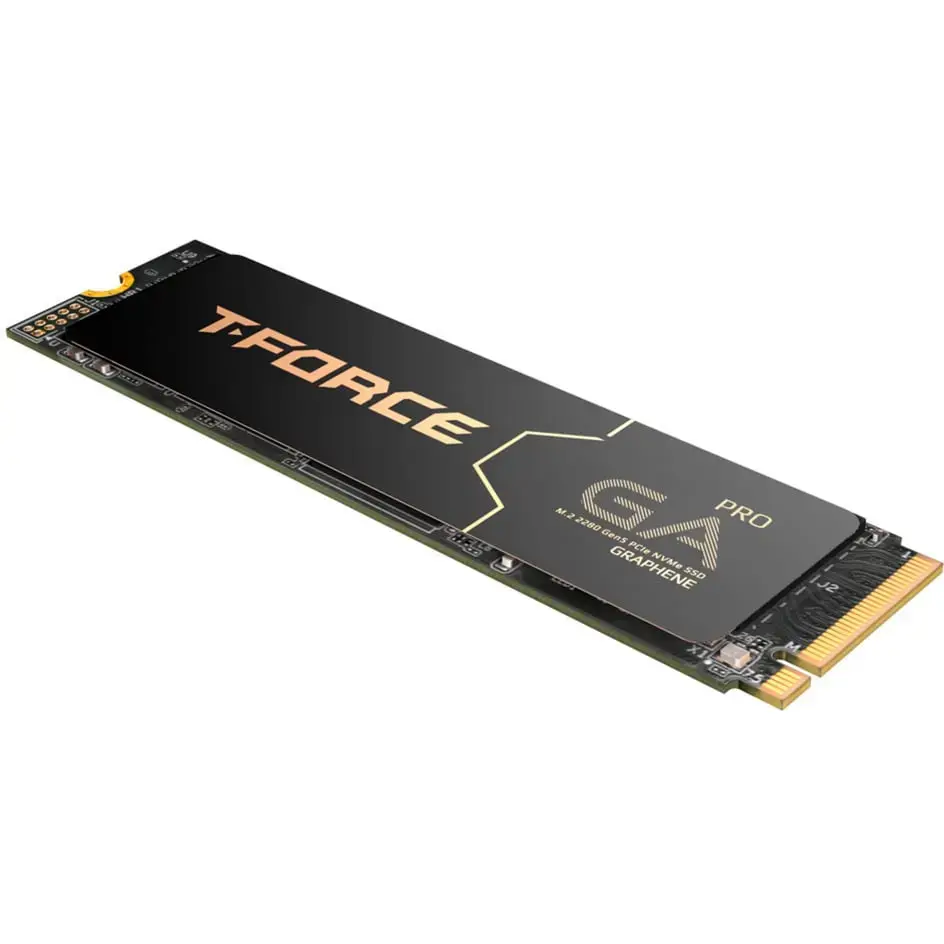
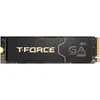
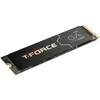
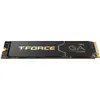
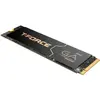
Team Group T-Force GA PRO 2 TB SSD, PCIe 5.0 x4, M.2 2280, Graphene Heatsink
The Team Group T-Force GA PRO 2 TB SSD is a high-performance storage solution engineered for users who demand extreme speed and reliability. Utilizing the cutting-edge PCIe 5.0 x4 interface, this drive delivers exceptional data transfer rates that significantly reduce loading times and accelerate system responsiveness. The M.2 2280 form factor ensures compatibility with modern motherboards, while the integrated graphene heatsink provides advanced thermal management to maintain optimal operating temperatures during intensive tasks.
The primary advantage of this SSD is its utilization of the PCIe 5.0 interface, which pushes the boundaries of storage performance far beyond previous generations. The inclusion of a graphene heatsink is a critical feature, as it allows the drive to dissipate heat effectively without the bulk of traditional metal coolers, ensuring consistent performance even during prolonged high-load operations. With a generous 2 TB capacity, it offers ample space for large game libraries, high-resolution media files, and complex software projects, making it a versatile choice for power users.
This drive may not be suitable for older computer systems that lack PCIe 5.0 support, as it will be limited to the speeds of the older interface. Additionally, it is not intended for use in devices that do not support the M.2 2280 form factor or in environments with extremely restricted airflow where active cooling might be required for other components.
To install the Team Group T-Force GA PRO, insert the drive into an available M.2 slot on your motherboard that supports PCIe 5.0. Secure the drive using the motherboard's M.2 screw or latch mechanism. Once installed, initialize the drive through your operating system's disk management utility to create a new partition and assign a drive letter before you begin storing data.
For the best performance and longevity, ensure your PC case has adequate airflow and keep your firmware updated through the manufacturer's software tools.
{{highlightedFeature.featureTitle}}:
{{getProductFeatureValueById(product, highlightedFeature.featureId)}}