
Leave your address - as soon as the price of the product goes down, you'll know about it right away
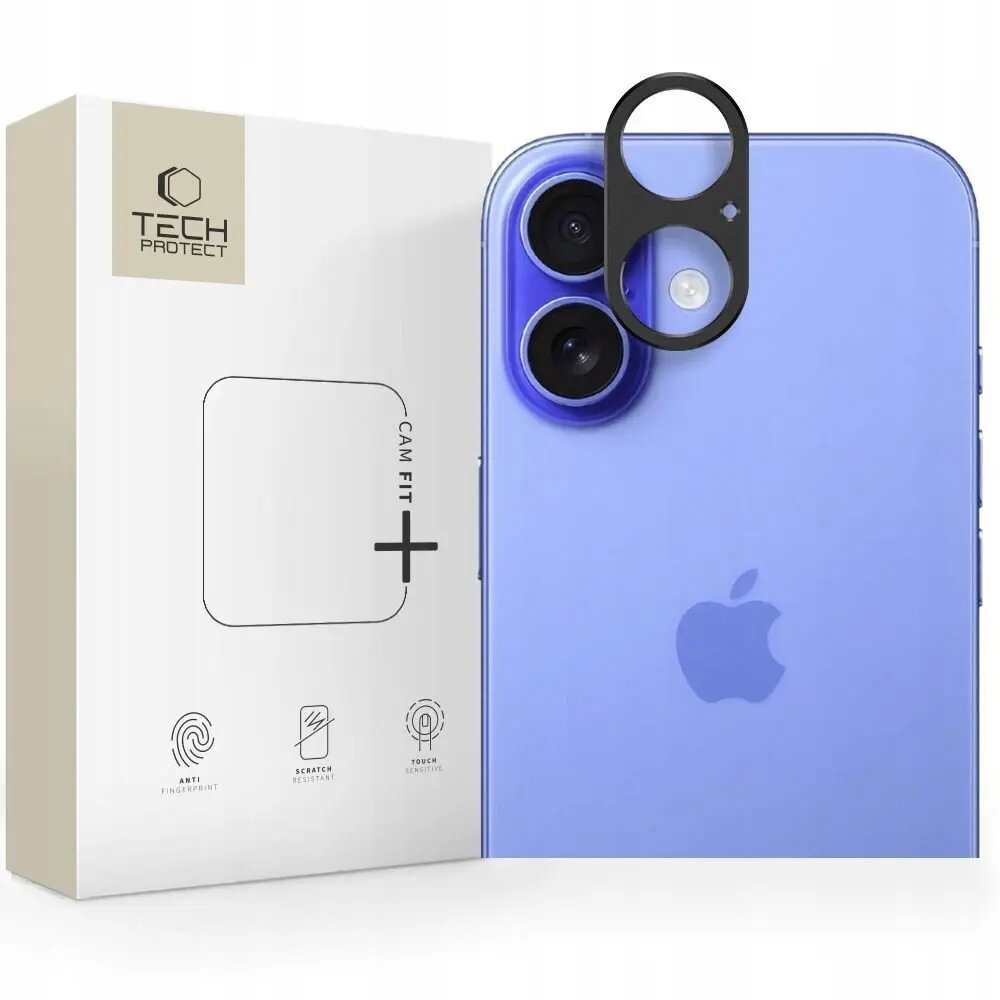
Protective camera cover Tech-Protect Camalloy Fit+ for iPhone 17 — black
In cart {{totalProductsCount}} item(s)
Your cart is empty
Protective camera cover Tech-Protect Camalloy Fit+ for iPhone 17 — black
Leave your address - as soon as the price of the product goes down, you'll know about it right away
Protective camera cover Tech-Protect Camalloy Fit+ for iPhone 17 — black
Tech-Protect Camalloy Fit+ for iPhone 17 is a slim protective camera cover designed to shield the rear camera module from scratches, dust and minor impacts while maintaining full access to lenses and flash. The black finish integrates with the phone’s appearance and follows the contours of the iPhone 17 camera layout to preserve optical performance without adding noticeable bulk.
The camera cover provides targeted protection for camera glass and surrounding areas, reducing the risk of lens damage during everyday use. Its form-fitting design keeps the cover aligned with the camera module and avoids interference with autofocus and flash. The thin profile and precise cutouts allow normal use of camera functions while offering dust resistance and improved surface durability.
Clean the camera area of the iPhone 17 with a dry, lint-free cloth to remove dust and oils before installation. Align the protective cover with the phone’s camera module and press gently to ensure it sits flush against the device. Confirm that lenses and flash are unobstructed by testing the camera and flash functions. Remove the cover by carefully lifting an edge and peeling it away without forcing, then clean the surface and reapply or replace as needed.
For optimal protection, inspect the cover periodically for accumulated debris and clean both the cover and the camera glass. Avoid using abrasive cleaners or sharp tools when fitting or removing the cover; use gentle pressure to maintain alignment and preserve the camera optics.
{{highlightedFeature.featureTitle}}:
{{getProductFeatureValueById(product, highlightedFeature.featureId)}}