


Save time and money with our discounts!
In cart {{totalProductsCount}} item(s)
Your cart is empty
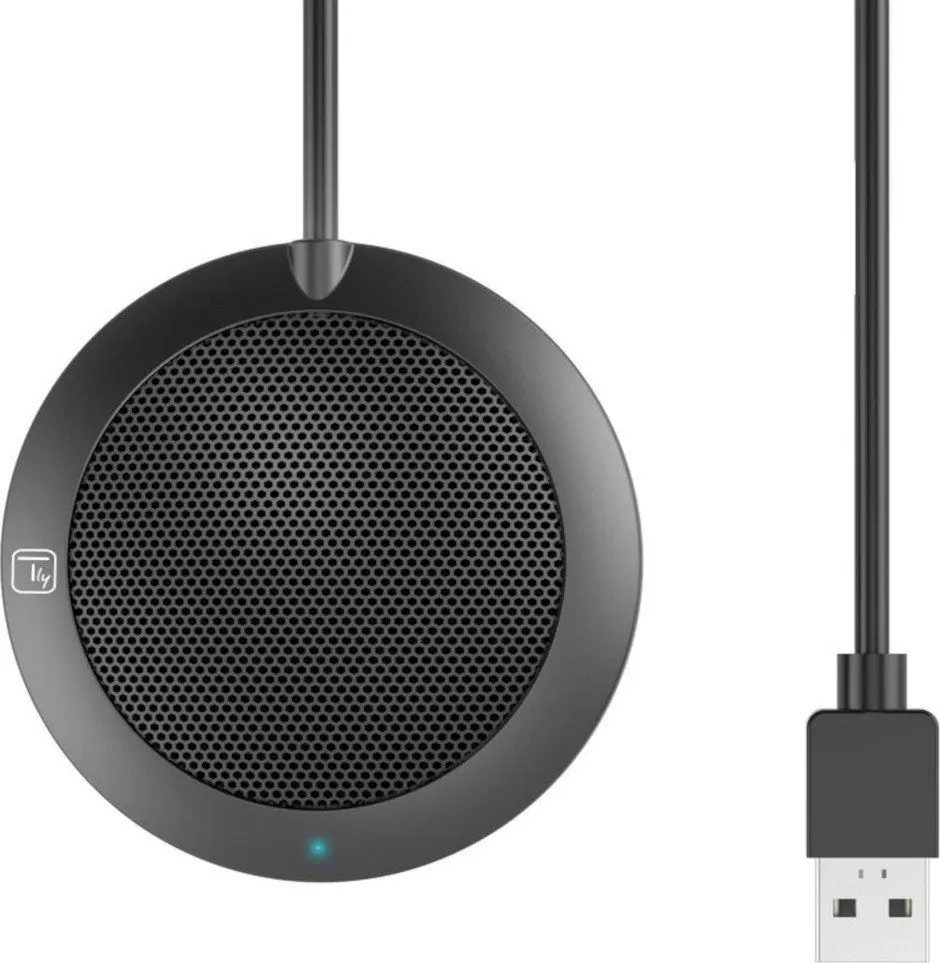
Headphones TECHLY Conference microphone 362718
The Headphones TECHLY Conference microphone 362718 are designed to deliver high-quality audio during meetings, calls, and conferences. Combining a comfortable fit with reliable sound isolation and an integrated microphone, this device ensures clear communication in professional environments. Its lightweight construction and adjustable headband make it suitable for extended wear, meeting the demands of professionals who rely heavily on virtual meetings and daily communication tools.
This headset offers a balanced combination of ergonomic comfort and practical functionality. The lightweight design reduces physical strain during prolonged use, while the adjustable headband accommodates various head sizes for a secure fit. The built-in microphone captures voice clearly, ensuring that participants in virtual conferences and online meetings are heard without interference. Effective sound isolation helps users maintain focus by minimizing background distractions in busy office environments or at home.
This device may not meet the needs of users seeking advanced audiophile-grade music reproduction or active noise-canceling capabilities for very loud environments. It is specifically optimized for voice communication rather than immersive music listening or high-end studio monitoring.
To begin using the headphones, connect the device to a compatible computer or communication system using the appropriate port. Adjust the headband until the unit rests comfortably on your head, and position the microphone for optimal voice pickup. Configure your audio settings within your operating system or conferencing software to ensure the device is selected as the primary input and output source. Adjust the volume to a comfortable level before starting your call.
Usage recommendations: Store the headphones in a clean, dry place when not in use to protect the wiring and structural components. Avoid wrapping the cable too tightly around the device to prevent premature wear. Clean the exterior surfaces periodically with a dry, soft cloth.
{{highlightedFeature.featureTitle}}:
{{getProductFeatureValueById(product, highlightedFeature.featureId)}}
{{ productComparisonGenerationError }}