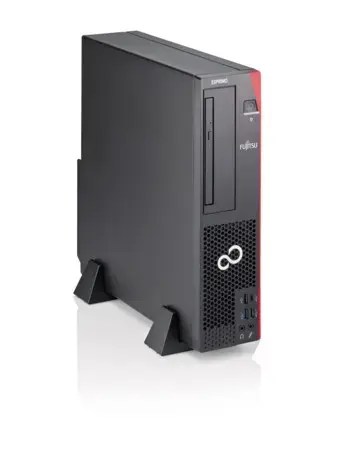
-
Processor model:
-
i5-8500
-
Internal memory type:
-
DDR4-SDRAM
-
Motherboard chipset:
-
Intel Q370
-
Audio system:
-
High Definition Audio
-
Number of processors installed:
-
1
-
Memory slots:
-
4x DIMM
-
Operating relative humidity (H-H):
-
5 - 85
-
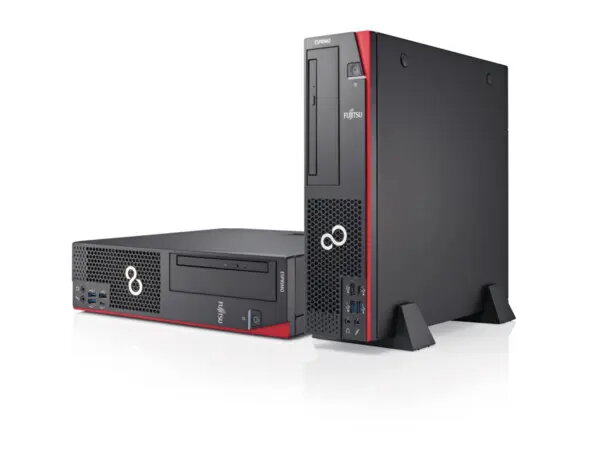
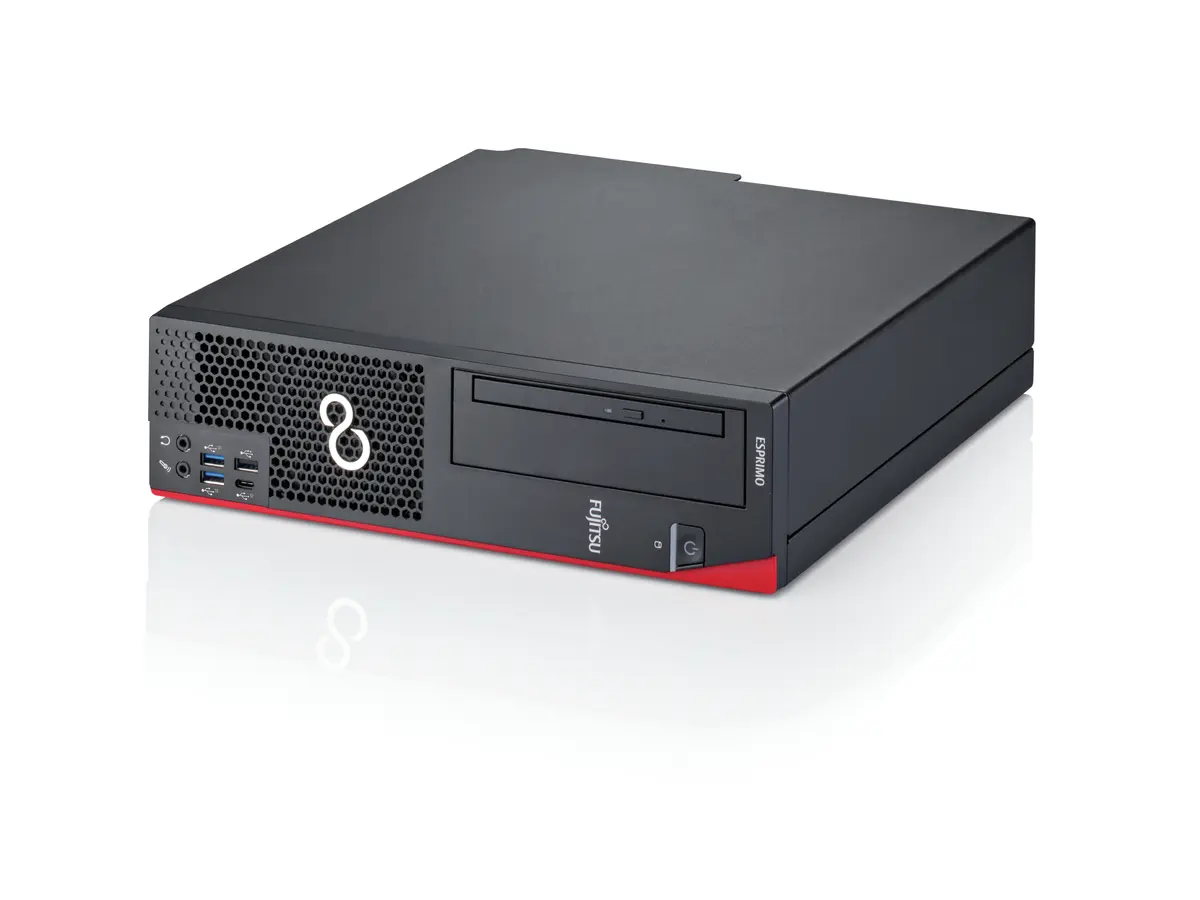
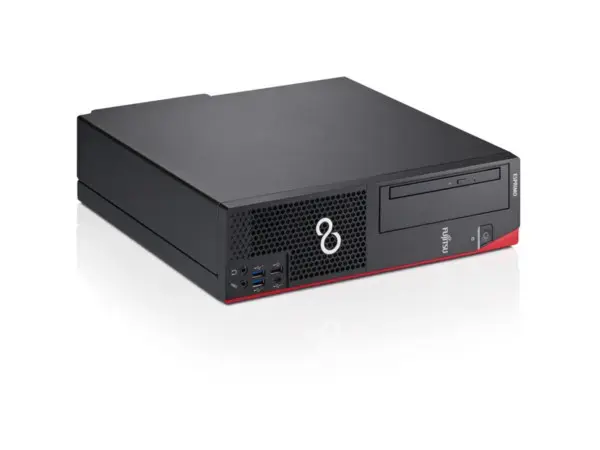
Chassis type:
-
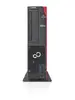
Small Desktop
-
Cabling technology:
-
10/100/1000Base-T(X)
-
Processor manufacturer:
-
Intel
-
Optical drive type:
-
DVD±RW
-
Power supply input voltage:
-
100 - 240
-
Power supply input frequency:
-
50 - 60
-
PS/2 ports quantity:
-
2
-
Ethernet LAN:
-
Yes
-
Cable lock slot:
-
Yes
-
Maximum internal memory:
-
64 GB
-
Processor lithography:
-
14 nm
-
Display included:
-
No
-
Audio output channels:
-
5.1
-
USB 2.0 ports quantity:
-
3
-
Ethernet LAN (RJ-45) ports:
-
1
-
Headphone outputs:
-
1
-
Microphone in:
-
Yes
-
DVI port:
-
Yes
-
Processor socket:
-
LGA 1151 (Socket H4)
-
Operating system installed:
-
Windows 11 Pro
-
Supported instruction sets:
-
SSE4.1, SSE4.2, AVX 2.0
-
Total storage capacity:
-
256 GB
-
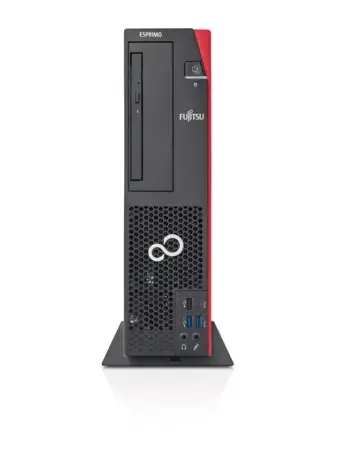
Placement supported:
-
Horizontal/Vertical
-
HDMI ports quantity:
-
0
-
SSD capacity:
-
256 GB
-
Processor cores:
-
6
-
Password protection type:
-
HDD, Supervisor, User
-
DisplayPorts quantity:
-
2
-
System bus rate:
-
8 GT/s
-
Processor threads:
-
6
-
Operating system architecture:
-
64-bit
-
Number of SSDs installed:
-
1
-
Thunderbolt ports quantity:
-
0
-
PCI Express slots version:
-
3.0
-
Processor operating modes:
-
64-bit
-
Processor boost frequency:
-
4.1 GHz
-
Discrete graphics card model:
-
Not available
-
Intel® Identity Protection Technology (Intel® IPT):
-
Yes
-
Intel® Hyper Threading Technology (Intel® HT Technology):
-
No
-
Intel® Turbo Boost Technology:
-
2.0
-
On-board graphics card:
-
Yes
-
Processor cache:
-
9 MB
-
Intel® Quick Sync Video Technology:
-
Yes
-
Intel® InTru™ 3D Technology:
-
Yes
-
Intel® Clear Video HD Technology (Intel® CVT HD):
-
Yes
-
Intel® AES New Instructions (Intel® AES-NI):
-
Yes
-
Enhanced Intel SpeedStep Technology:
-
Yes
-
Execute Disable Bit:
-
Yes
-
Idle States:
-
Yes
-
Thermal Monitoring Technologies:
-
Yes
-
Intel Trusted Execution Technology:
-
Yes
-
On-board graphics card base frequency:
-
350 MHz
-
On-board graphics card dynamic frequency (max):
-
1200 MHz
-
Scalability:
-
1S
-
CPU configuration (max):
-
1
-
Tjunction:
-
100 °C
-
Intel VT-x with Extended Page Tables (EPT):
-
Yes
-
Embedded options available:
-
No
-
PCI Express configurations:
-
1x16, 2x8, 1x8+2x4
-
Processor frequency:
-
3 GHz
-
Internal memory:
-
8 GB
-
Storage media:
-
SSD
-
Thermal Design Power (TDP):
-
65 W
-
Cable lock slot type:
-
Kensington
-
Intel TSX-NI:
-
Yes
-
Intel® Secure Key:
-
Yes
-
Thermal solution specification:
-
PCG 2015C
-
Intel 64:
-
Yes
-
Password protection:
-
Yes
-
Number of storage drives installed:
-
1
-
Intel Stable Image Platform Program (SIPP):
-
Yes
-
Thunderbolt 2 ports quantity:
-
0
-
Intel® OS Guard:
-
Yes
-
Intel Virtualization Technology for Directed I/O (VT-d):
-
Yes
-
Processor codename:
-
Coffee Lake
-
On-board graphics card ID:
-
0x3E98
-
Maximum number of PCI Express lanes:
-
16
-
Intel Clear Video Technology:
-
Yes
-
Intel Software Guard Extensions (Intel SGX):
-
Yes
-
Processor cache type:
-
Smart Cache
-
Intel Virtualization Technology (VT-x):
-
Yes
-
Maximum internal memory supported by processor:
-
128 GB
-
Memory types supported by processor:
-
DDR4-SDRAM
-
Memory clock speeds supported by processor:
-
2666
-
Memory bandwidth supported by processor (max):
-
41.6 GB/s
-
Maximum on-board graphics card memory:
-
64 GB
-
Number of displays supported (on-board graphics):
-
3
-
On-board graphics card DirectX version:
-
12.0
-
On-board graphics card OpenGL version:
-
4.5
-
Processor package size:
-
37.5 x 37.5
-
USB 3.2 Gen 1 (3.1 Gen 1) Type-A ports quantity:
-
4
-
USB 3.2 Gen 1 (3.1 Gen 1) Type-C ports quantity:
-
0
-
USB 3.2 Gen 2 (3.1 Gen 2) Type-A ports quantity:
-
2
-
USB 3.2 Gen 2 (3.1 Gen 2) Type-C ports quantity:
-
1
-
Thunderbolt 3 ports quantity:
-
0
-
Audio chip:
-
Realtek ALC671
-
Processor ARK ID:
-
191792
-
Discrete graphics card:
-
No
-
Refurbished:
-
Yes
-
Total SSDs capacity:
-
256 GB
-
Intel® vPro™ Platform Eligibility:
-
Yes
-
On-board GPU manufacturer:
-
Intel