Dreame vacuums for fast and efficient cleaning!
In cart {{totalProductsCount}} item(s)
Your cart is empty
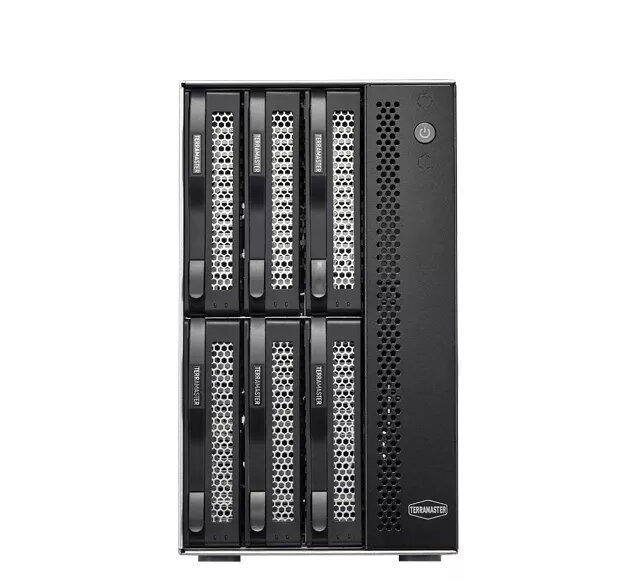
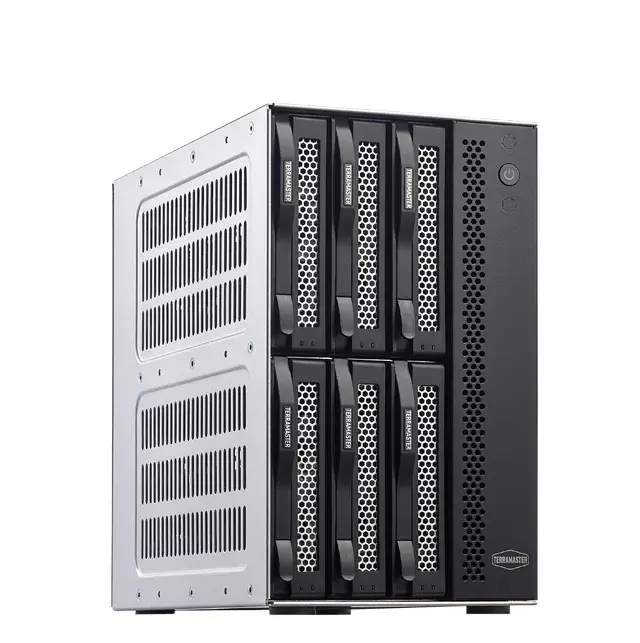
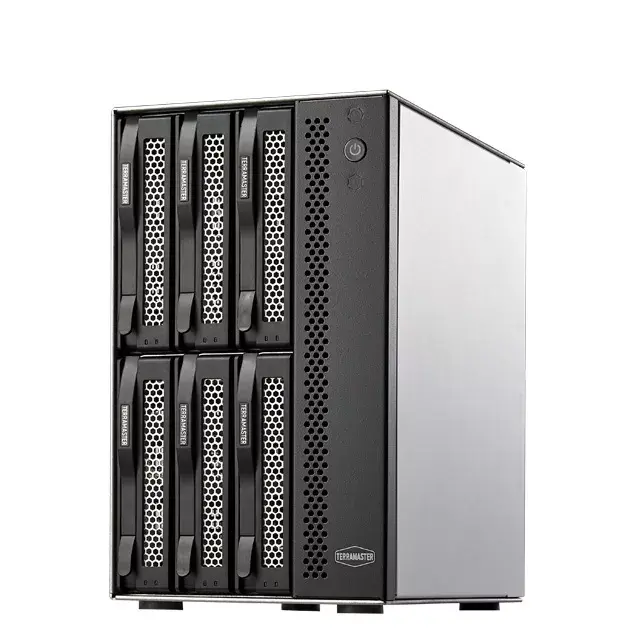
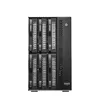
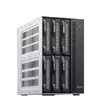
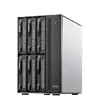
TerraMaster T6-423 6-Bay NAS Storage Server Desktop Intel Celeron N5095 4 GB DDR4 2x 2.5GbE
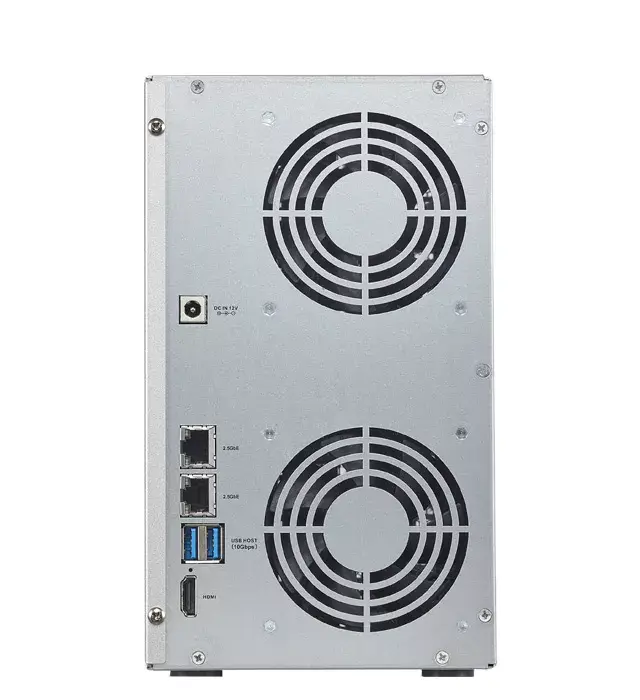
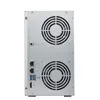
The TerraMaster T6-423 6-Bay NAS Storage Server Desktop is a powerful and efficient network-attached storage solution designed specifically for home and home office environments. Powered by an Intel Celeron N5095 processor and equipped with 4 GB of DDR4 memory, this desktop NAS offers reliable performance for daily data management, file sharing, and automated backups. Featuring two 2.5GbE Ethernet ports and active cooling, it ensures fast network transfer speeds and stable operation. The device comes without pre-installed storage drives, allowing users to select and install up to six hard disk drives or solid-state drives according to their specific capacity and performance requirements.
This 6-bay desktop storage server provides flexible data management capabilities with robust RAID support to protect important files against drive failure. The inclusion of two 2.5GbE LAN ports allows for high-speed data transfer and link aggregation capabilities, significantly improving network efficiency when multiple users access the system simultaneously. Its active cooling system maintains optimal operating temperatures during intensive tasks. Furthermore, the versatile hardware configuration supports various backup functions including cloud and USB drive integration, making it a comprehensive solution for centralized data storage.
This network storage server may not be suitable for large enterprise environments requiring rackmount installations and high-density virtualization clusters. Additionally, users looking for an out-of-the-box storage solution with pre-installed hard drives will need to purchase and install compatible drives separately.
To begin using the TerraMaster T6-423, first install up to six compatible hard disk drives or solid-state drives into the drive bays following the hardware manual. Connect the device to your power source and plug at least one Ethernet cable from the 2.5GbE ports into your network router or switch. Power on the unit and access the network discovery tool or web interface from a computer on the same network to initialize the operating system, set up your storage pools, configure RAID settings, and create user accounts. Once the initial setup is complete, you can map network drives, configure backup routines, and manage your files through the administrative interface.
For optimal performance and data security, always use reliable NAS-grade storage drives and configure a suitable RAID level before transferring critical data to the server.
{{highlightedFeature.featureTitle}}:
{{getProductFeatureValueById(product, highlightedFeature.featureId)}}
{{ productComparisonGenerationError }}