Save time and money with our discounts!
In cart {{totalProductsCount}} item(s)
Your cart is empty
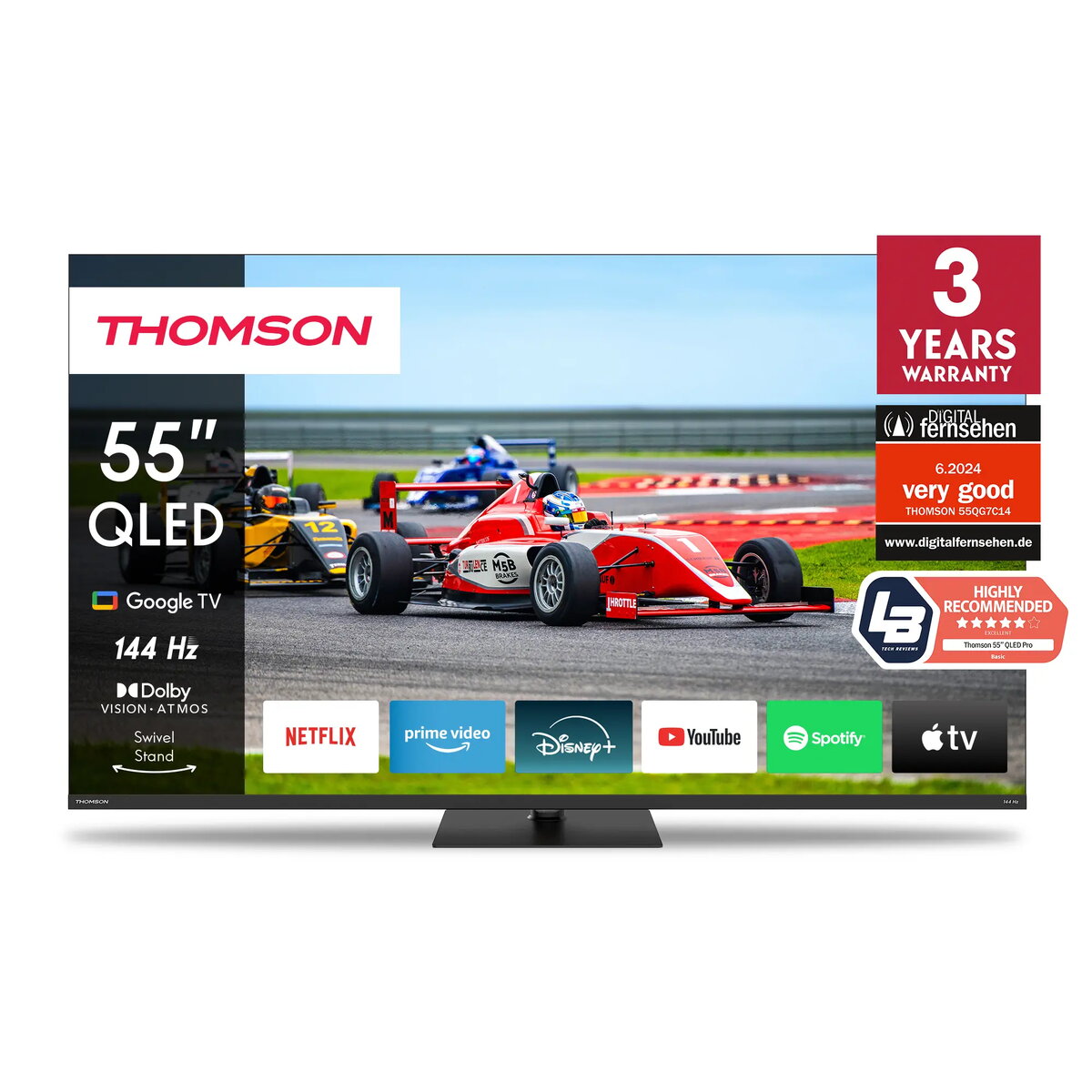
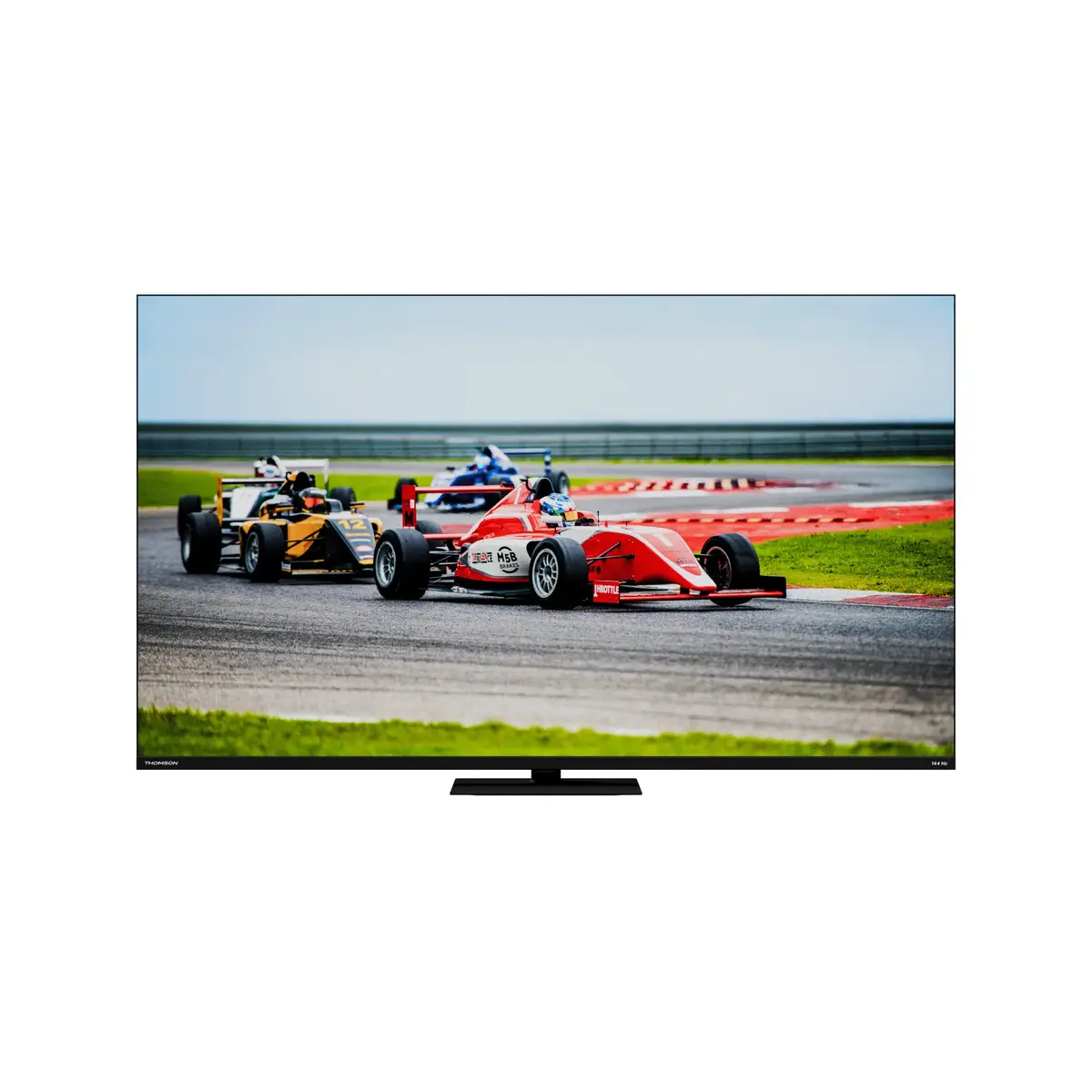
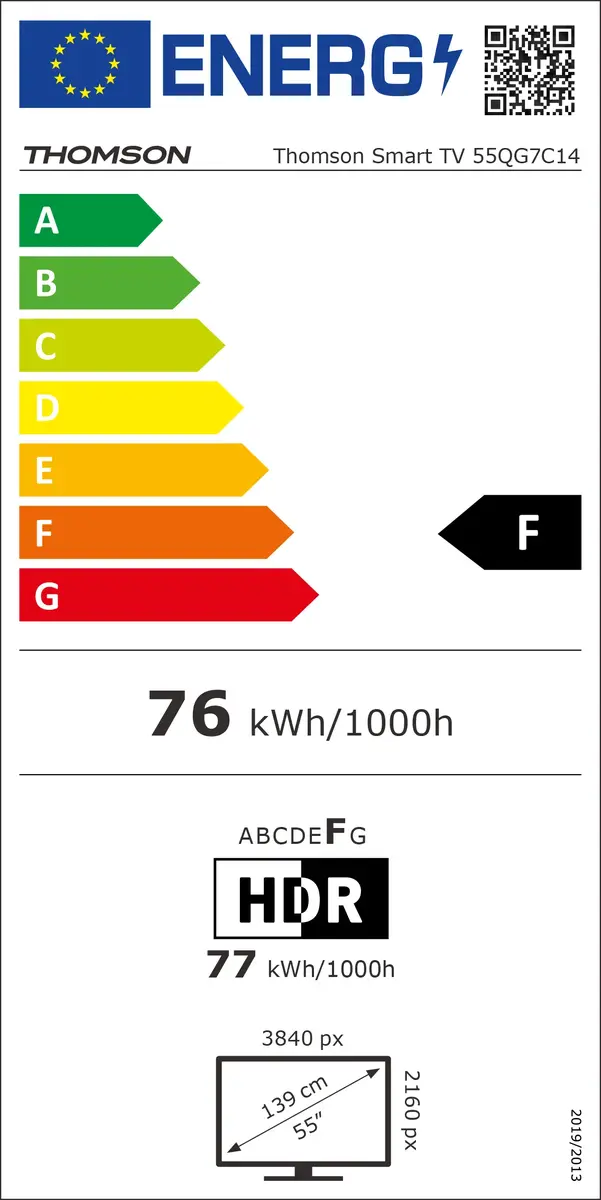
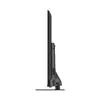
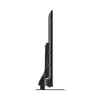
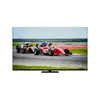
Television Thomson Q70 Series 55QG7C14 55" 4K Ultra HD QLED 3840x2160
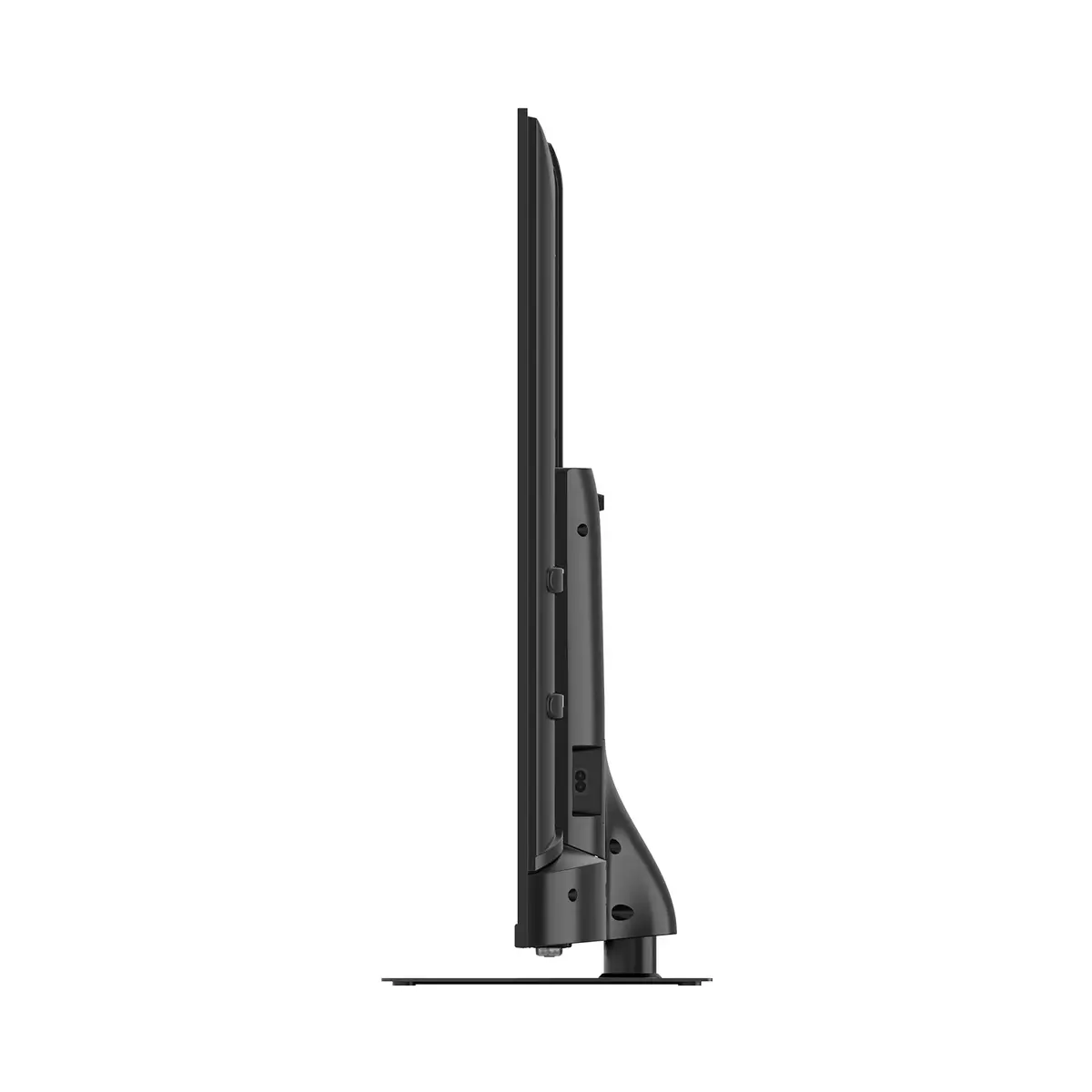
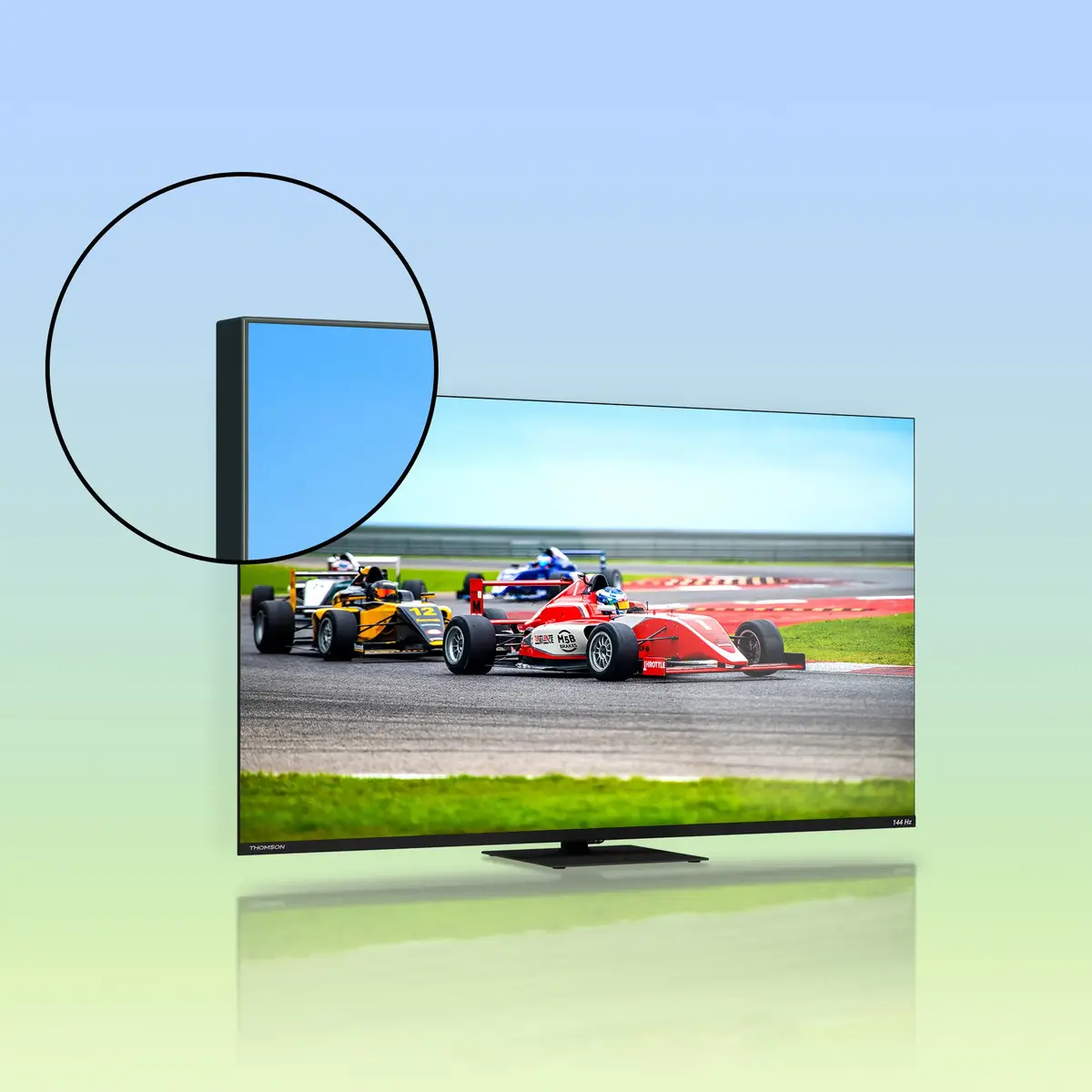
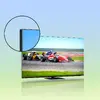
The Thomson Q70 Series 55QG7C14 is a 55" QLED Google TV with 4K Ultra HD (3840 x 2160) resolution and Direct-LED backlighting. Powered by Quantum Dot nanocrystals and Dolby Vision, the display delivers expanded color range, balanced brightness and precise color reproduction. The set includes Dolby Atmos audio, Google TV smart platform with Google Assistant and Chromecast built‑in, an ergonomic backlit remote, a central swivel stand with up to 30° rotation and a built‑in triple tuner supporting DVB-C, DVB-S/S2 and DVB-T/T2 reception.
The TV combines a QLED panel with Quantum Dot technology and 4K UHD resolution to reproduce vivid colors and fine detail while Dolby Vision and Dolby Atmos enhance picture and sound dynamics. A 144 Hz refresh rate reduces motion blur and improves responsiveness for fast-paced content and gaming. Google TV organizes streaming apps and subscriptions, provides voice control via Google Assistant and allows casting from compatible devices. The central swivel stand increases placement flexibility and the integrated triple tuner receives satellite, terrestrial and cable signals without extra hardware.
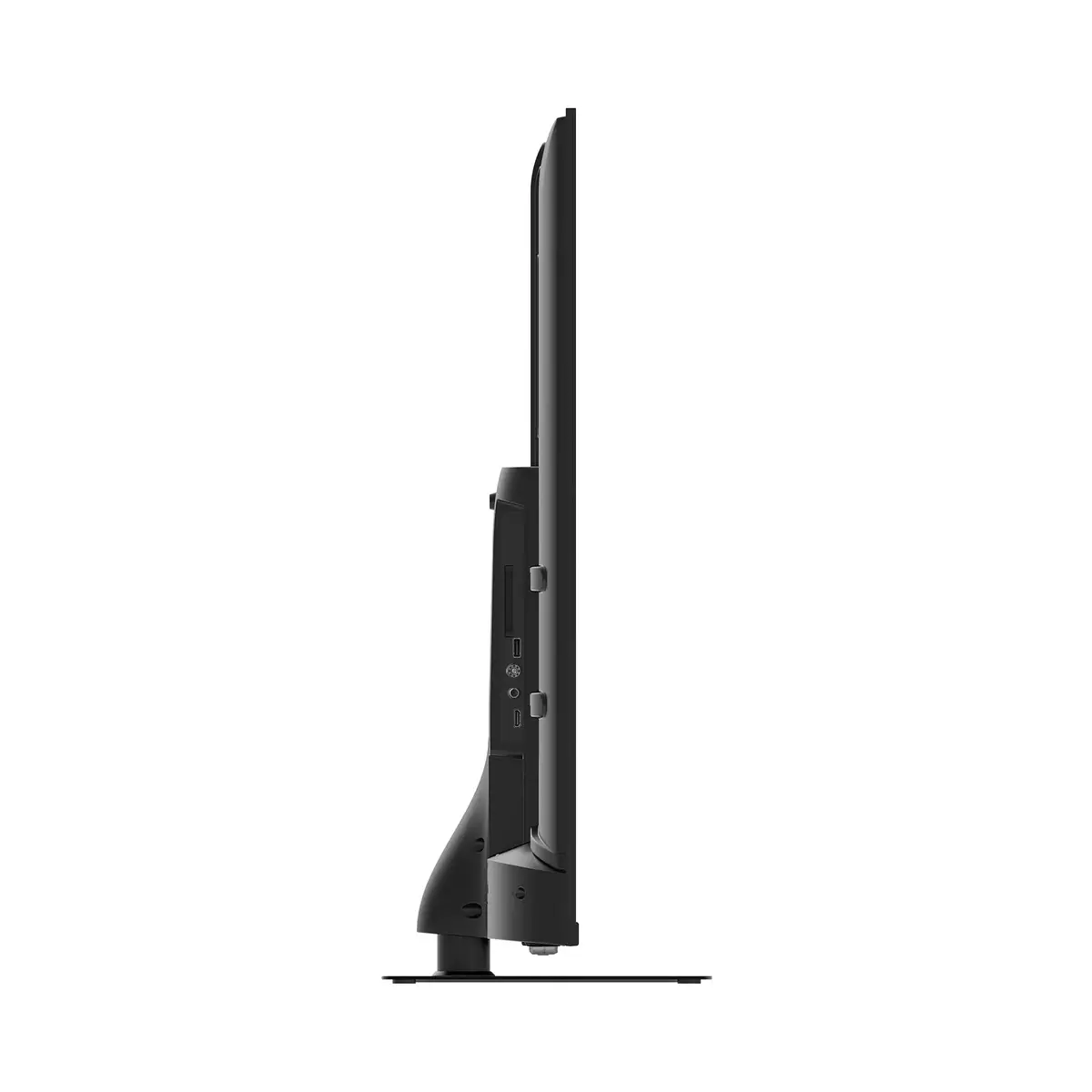
Place the TV on a stable surface or mount it on a compatible VESA bracket (200 x 200 mm). Connect antenna, satellite or cable to the appropriate tuner input or set up your network connection via Wi‑Fi or Ethernet to access Google TV services. Use the included ergonomic backlit remote or Google Assistant voice commands to navigate menus, launch apps, search for content and control compatible smart home devices. For casting, use Chromecast built‑in from a compatible phone, tablet or laptop.
For optimal picture quality, enable Dolby Vision where available and select the appropriate picture mode for gaming or movies. Place the TV where the 30° swivel can be used to reduce reflections and improve viewing angle; ensure adequate ventilation and follow the manufacturer’s instructions for mounting and cable connections.
{{highlightedFeature.featureTitle}}:
{{getProductFeatureValueById(product, highlightedFeature.featureId)}}
{{ productComparisonGenerationError }}
Device manufacturer code
Device manufacturer