
JBL speakers and headphones for pure and deep sound!
In cart {{totalProductsCount}} item(s)
Your cart is empty
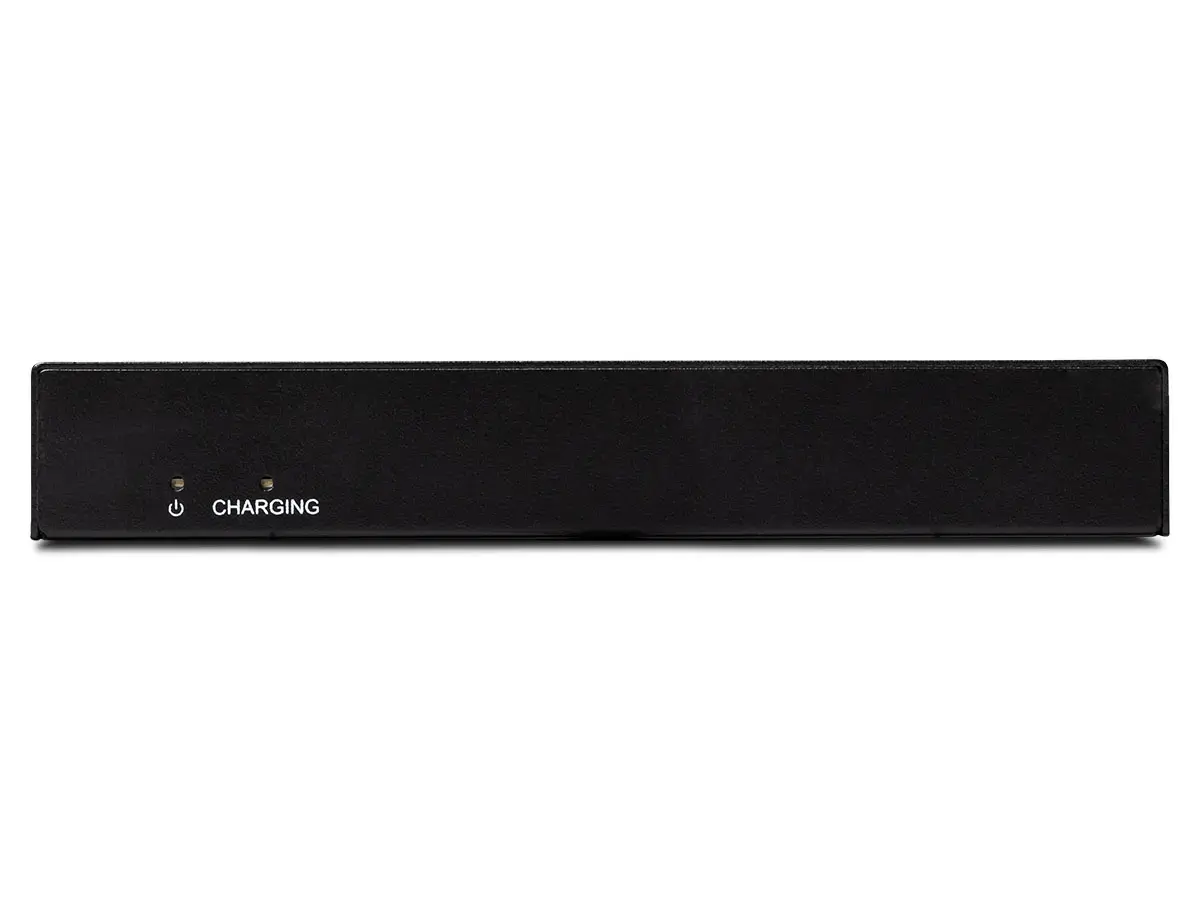
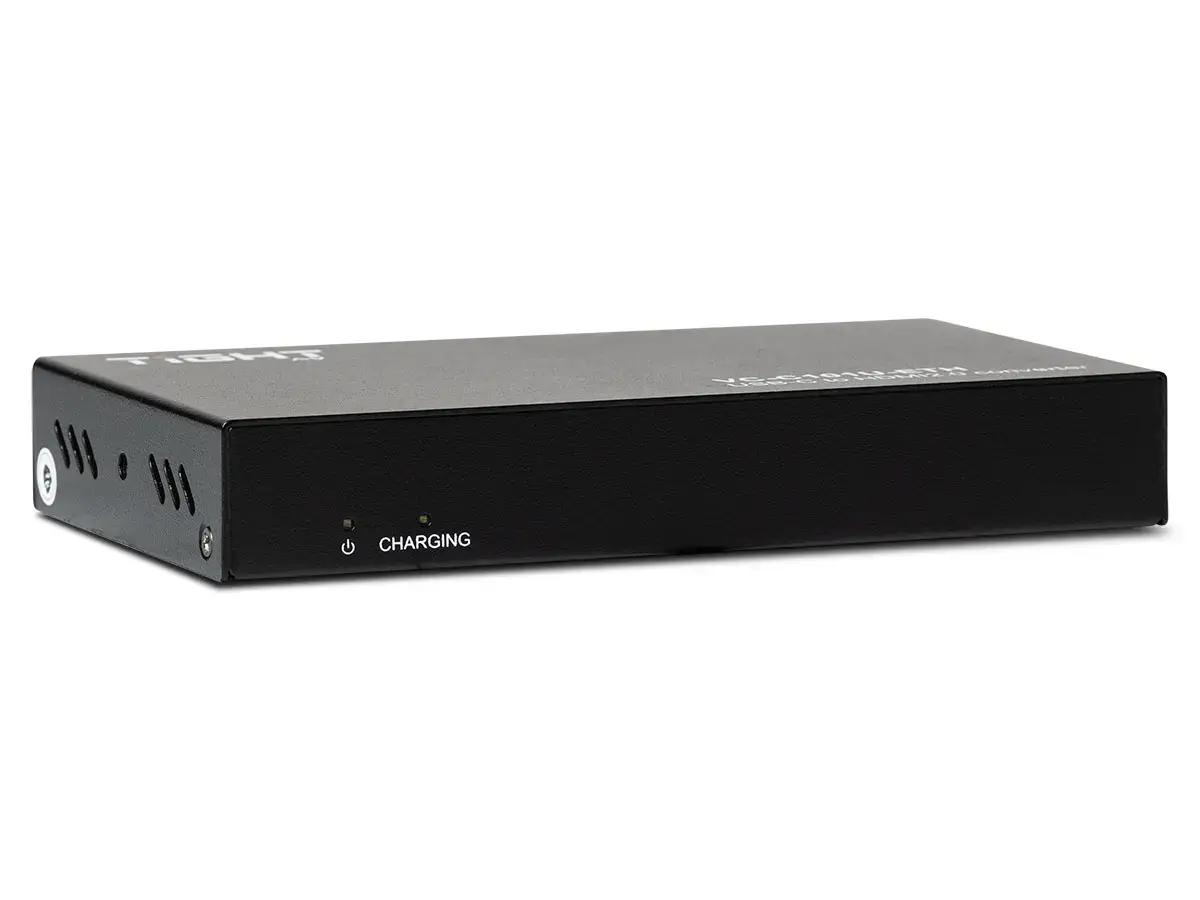
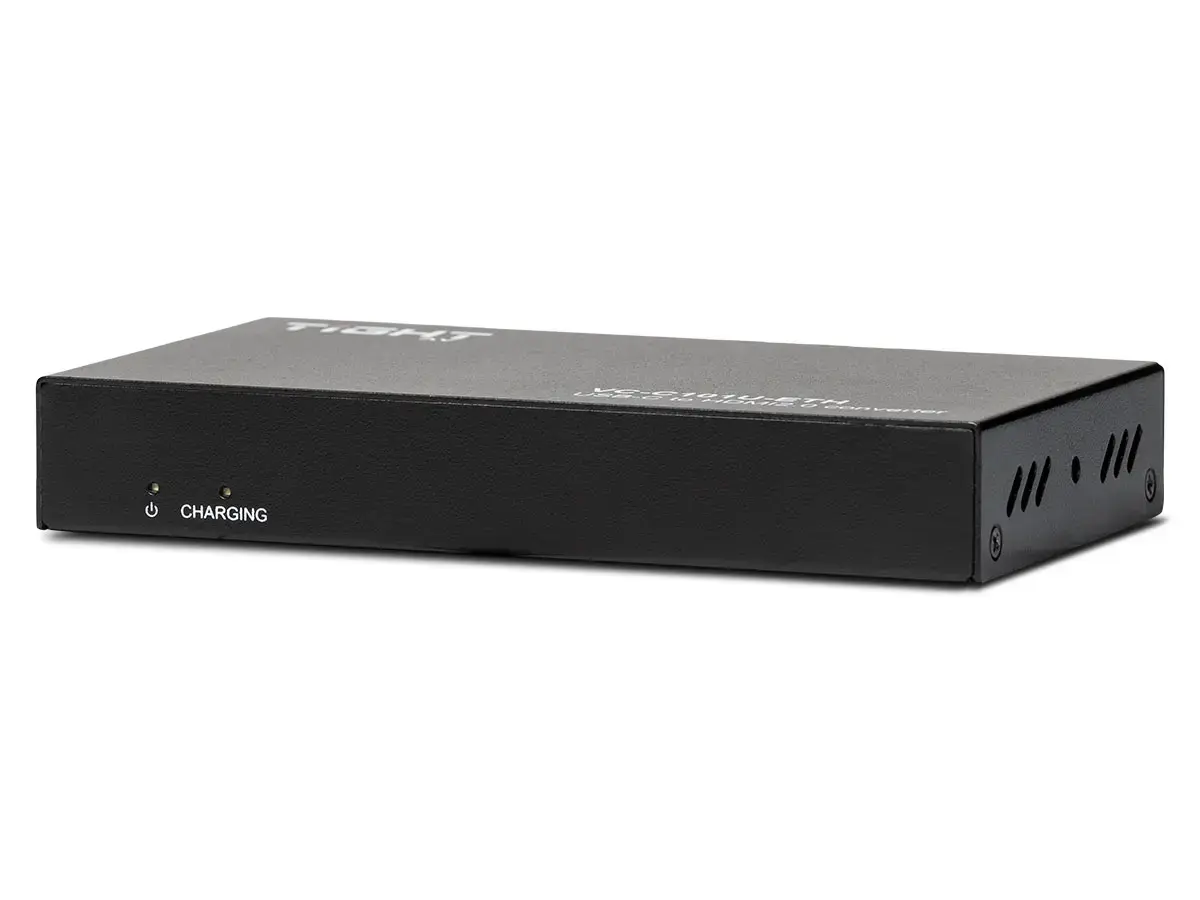
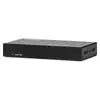
USB-C to HDMI converter TightAV VC-C101U-ETH — USB-C (Alt Mode) to HDMI 4K support
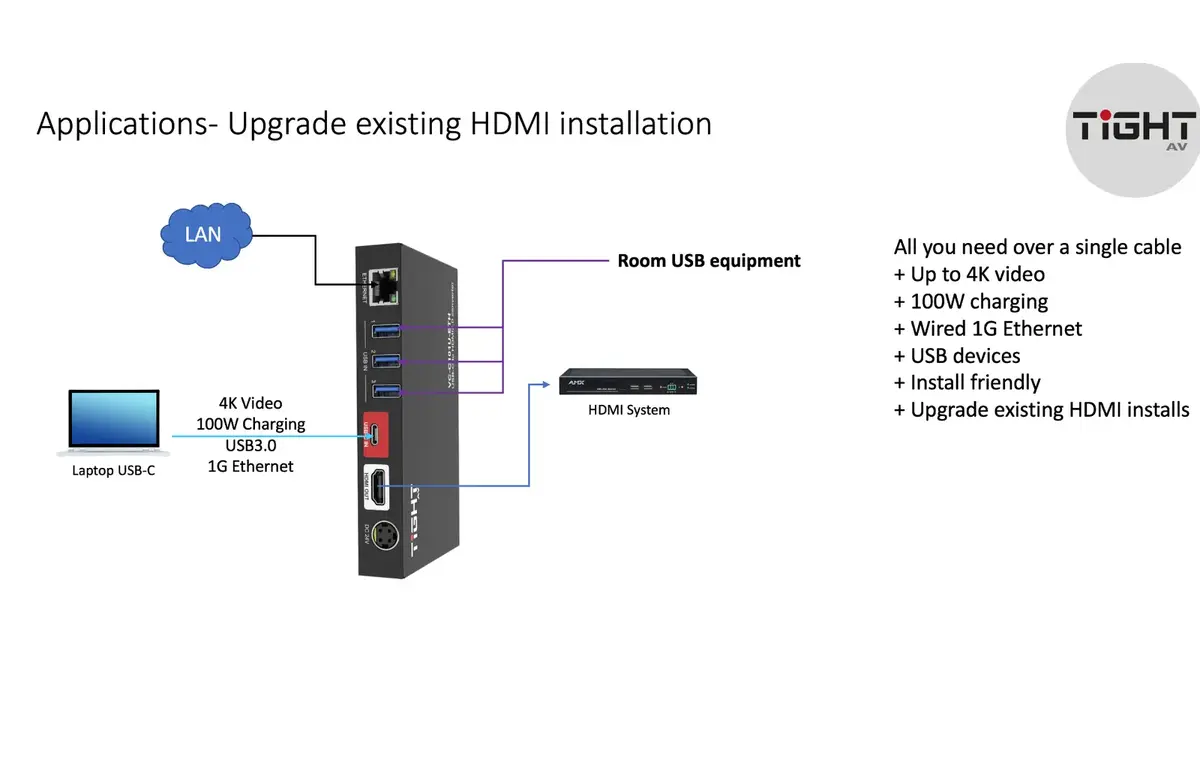
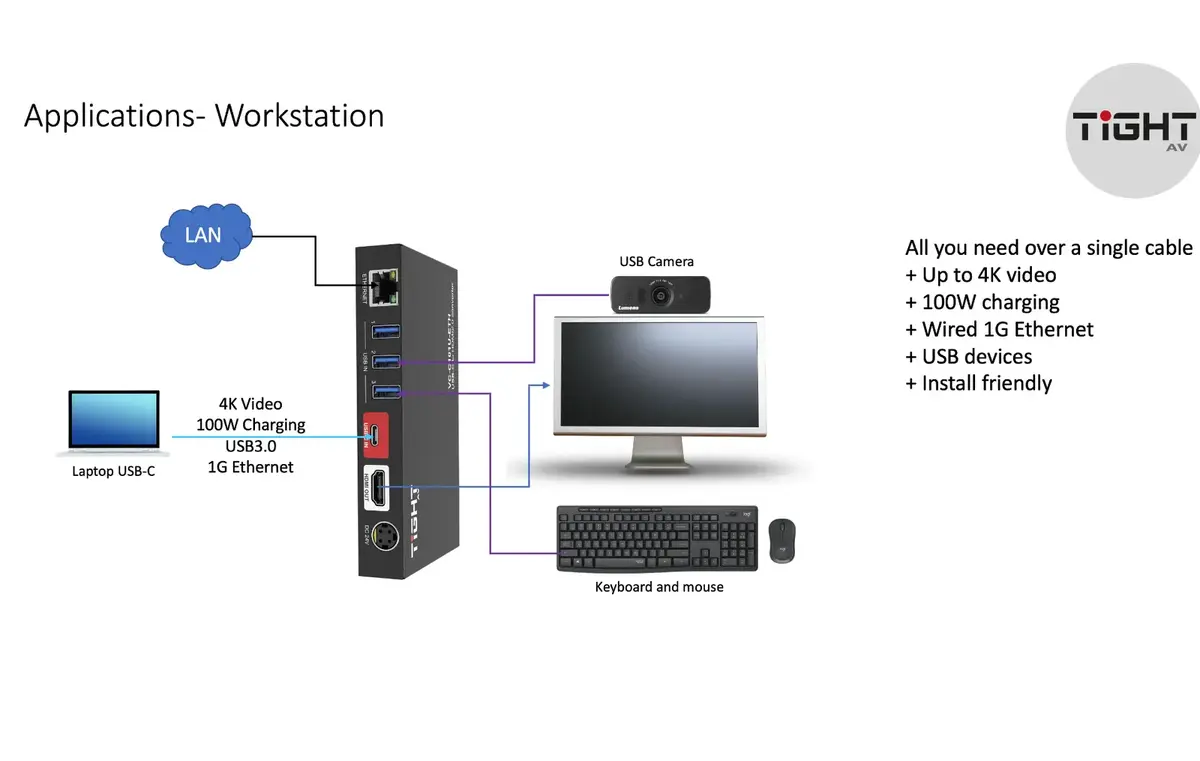
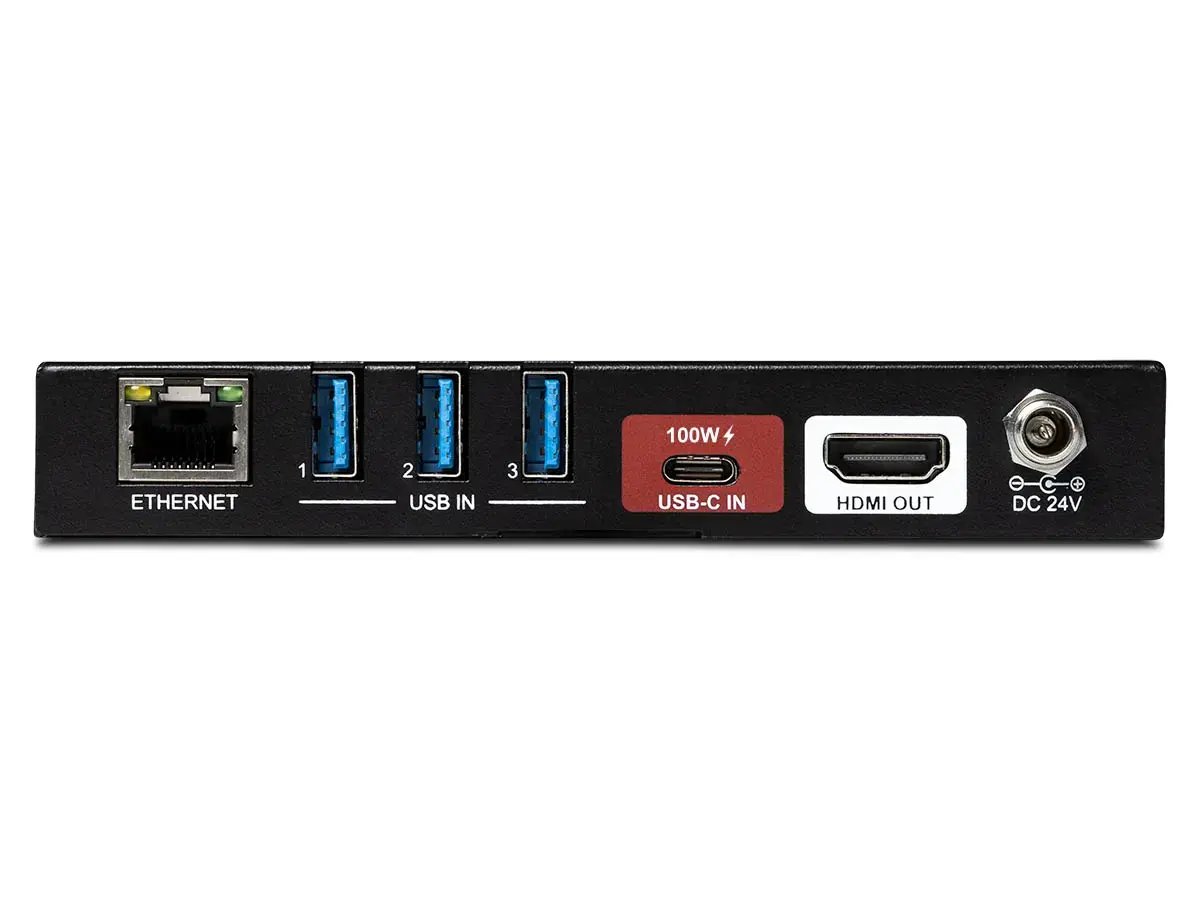
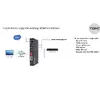
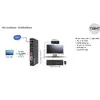
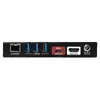
The TightAV VC-C101U-ETH converts a USB-C DisplayPort Alt Mode video signal into an HDMI 2.0 output supporting up to 4K@60Hz 4:4:4. The adapter also provides USB 3.2 Gen2 data transfer, Gigabit Ethernet pass-through and up to 100W USB Power Delivery charging through the USB-C input. The compact converter includes three USB-A ports and one Gigabit LAN port, and operates without additional drivers for straightforward plug-and-play use.
The converter supports DisplayPort Alt Mode up to 4K@60Hz 4:4:4 (HBR3) and outputs HDMI 2.0 4K@60Hz with HDCP 2.3 compatibility. USB-C input delivers USB 3.2 Gen2 data (up to 10 Gbit/s) and up to 100W charging while Ethernet 10/100/1000Base-T is passed through the USB-C connection. Three USB-A ports allow connection of peripherals such as cameras, keyboard and mouse. The device is plug-and-play with no software drivers required.
Connect the USB-C cable from your source device (laptop, tablet or smartphone) to the converter’s USB-C input supporting DisplayPort Alt Mode. Plug an HDMI cable from the converter’s HDMI Type-A output to your display. If required, connect the included power adapter to provide up to 100W charging and stable operation. Attach USB peripherals to the USB-A ports and connect a wired network cable to the Gigabit LAN port. The converter works as a plug-and-play device; most operating systems will detect the display and network automatically.
For best results use a high-quality USB-C cable that supports DisplayPort Alt Mode and USB 3.2 Gen2. When transmitting 4K@60Hz 4:4:4 ensure the source device’s USB-C port supports DP1.4 (HBR3); if the source only supports DP1.2, video output may be limited to 4K@30Hz 4:4:4. Use the supplied power adapter when connecting multiple USB devices or when charging the host device concurrently.
{{highlightedFeature.featureTitle}}:
{{getProductFeatureValueById(product, highlightedFeature.featureId)}}