Dreame vacuums for fast and efficient cleaning!
In cart {{totalProductsCount}} item(s)
Your cart is empty
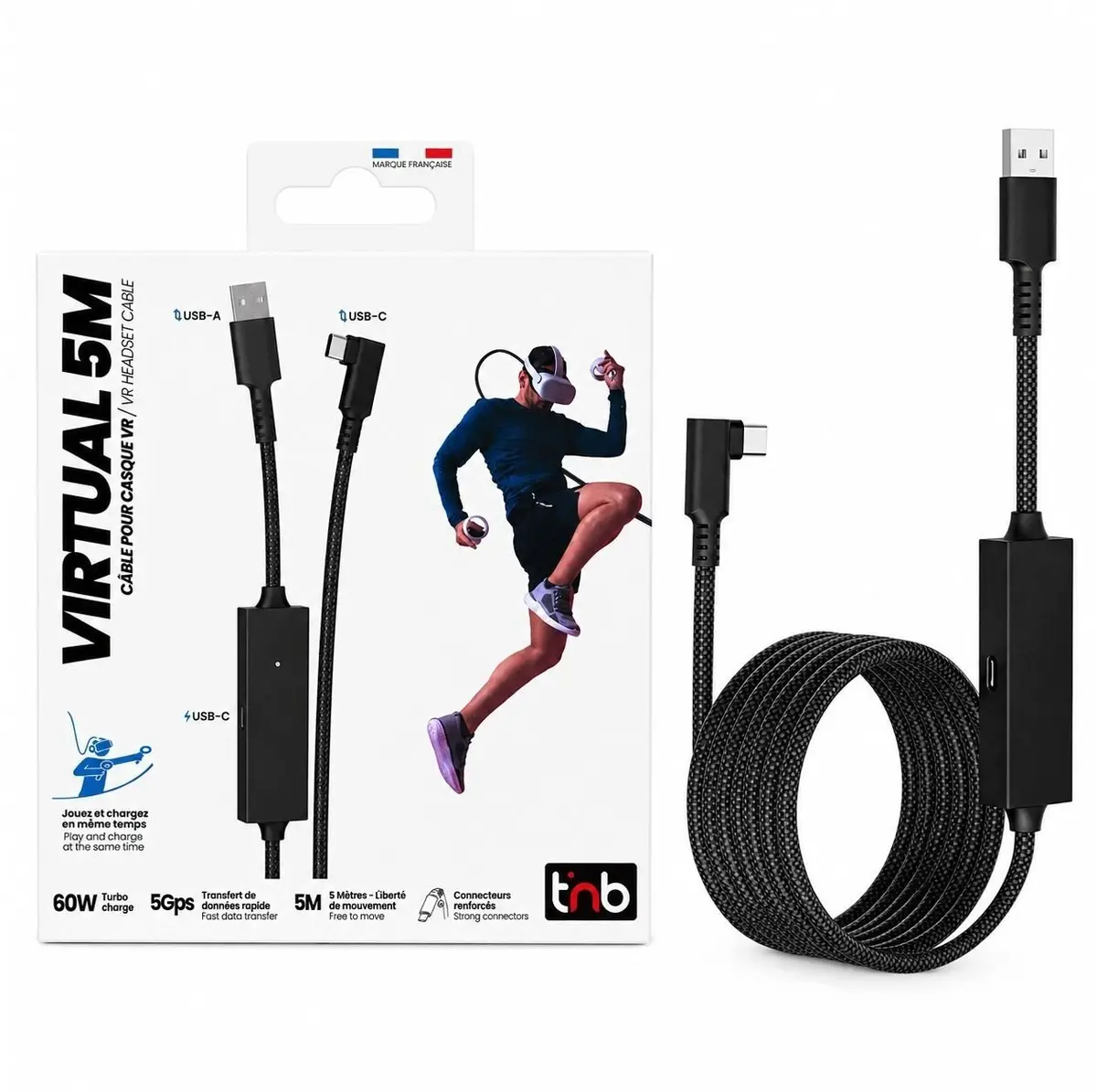
TNB VR Link Cable 5m USB 3.0 5Gbps 60W USB-C for Meta Quest 3S 3 2 Pico 4
The TNB VR Link Cable 5m USB 3.0 5Gbps 60W USB-C is a specialized tethered connection accessory designed to link compatible virtual reality headsets to a gaming computer. Measuring five meters in length, this cable provides extended reach to support active movement during virtual reality sessions without restricting your physical space. It utilizes a USB 3.0 interface capable of data transfer speeds up to 5Gbps to ensure minimal latency, stable image transmission, and smooth performance when playing complex computer-based virtual reality titles. Additionally, the integrated 60W USB-C power delivery feature allows the headset to charge continuously while connected, preventing unexpected shutdowns during extended gaming or productivity tasks.
The cable offers a generous five-meter length that grants significant freedom of movement within the play area, reducing the risk of pulling or disconnecting during active usage. High-speed data transfer up to 5Gbps guarantees a reliable and responsive connection between the virtual reality headset and the host computer, minimizing lag and visual artifacts. Built-in 60W power delivery capability ensures that supported headsets remain powered during long gaming sessions, eliminating the need to stop and recharge. Broad compatibility with multiple popular standalone virtual reality systems makes this accessory versatile for various setups. The sturdy construction helps withstand the regular bending and mechanical stress typically associated with virtual reality gaming environments.
This cable may not be suitable for users who prefer completely wireless setups and wish to avoid physical tethering to a computer entirely. It is also not designed for non-USB-C legacy hardware or devices that do not support high-speed data transfer and power delivery specifications.
Connect the USB-C end of the cable directly to your virtual reality headset and plug the other end into a compatible USB 3.0 or higher port on your computer. Ensure your computer and headset recognize the connection and enable the link software to start streaming content. Route the cable carefully around your play space to avoid tripping hazards or excessive strain on the connectors during movement.
Usage recommendations: Always route the cable to avoid sharp bends and secure the slack to prevent accidental disconnections or damage to the ports during intense physical activity.
{{highlightedFeature.featureTitle}}:
{{getProductFeatureValueById(product, highlightedFeature.featureId)}}
{{ productComparisonGenerationError }}