
JBL speakers and headphones for pure and deep sound!
In cart {{totalProductsCount}} item(s)
Your cart is empty
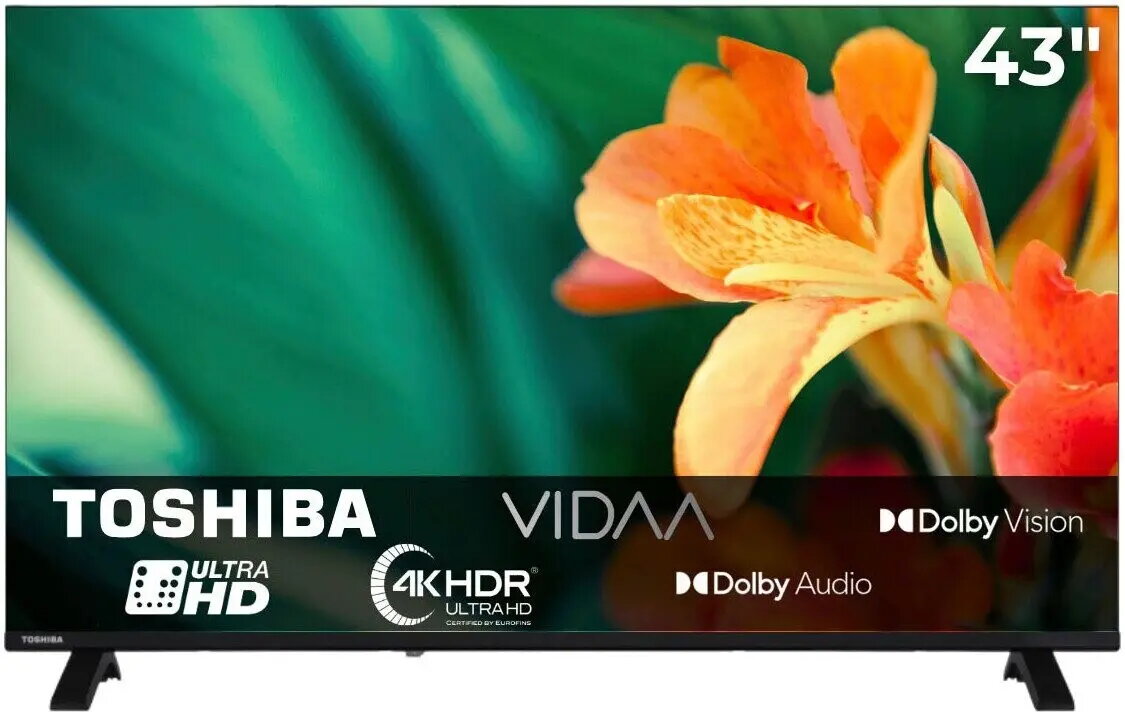
Toshiba 43UV1563DD 43-inch 4K UHD Smart TV with VIDAA and HDR
The Toshiba 43UV1563DD is a 43-inch 4K UHD Smart TV designed to deliver a high-quality visual experience for home entertainment. Utilizing Direct LED technology, this television ensures uniform brightness and enhanced contrast across the screen. With integrated HDR support, the display provides improved color depth and detail, making it suitable for a wide range of media content. The device runs on the VIDAA operating system, which offers a streamlined and user-friendly interface for accessing various streaming platforms and smart applications.
This television offers a sharp 4K UHD resolution that brings clarity to every frame, ensuring that details are rendered with precision. The inclusion of HDR technology allows for a broader range of colors and better contrast, which significantly improves the viewing experience in both bright and dark scenes. The VIDAA operating system is optimized for speed and ease of use, allowing for quick navigation between apps and services. Furthermore, the Direct LED backlighting system provides a reliable and consistent picture quality, making it a practical choice for everyday viewing.
This television may not be suitable for users who require advanced gaming features such as high refresh rates above 60Hz or specific variable refresh rate technologies. Additionally, those who prefer a specific ecosystem like Android TV or Apple TV might find the VIDAA operating system more limited in terms of third-party application availability.
To use the Toshiba 43UV1563DD, connect the television to a power source and your antenna or cable box. Upon initial startup, follow the on-screen instructions to connect the device to your home Wi-Fi network. Once connected, you can sign in to your preferred streaming accounts through the VIDAA interface to begin accessing content. You can manage settings such as picture mode, sound output, and channel tuning directly through the settings menu using the included remote control.
For the best viewing experience, place the television at eye level and ensure the room lighting does not create direct glare on the screen. Regularly update the system software through the settings menu to ensure optimal performance and access to the latest application features.
{{highlightedFeature.featureTitle}}:
{{getProductFeatureValueById(product, highlightedFeature.featureId)}}
{{ productComparisonGenerationError }}
