
Filters you can trust. Pure water every day.
In cart {{totalProductsCount}} item(s)
Your cart is empty
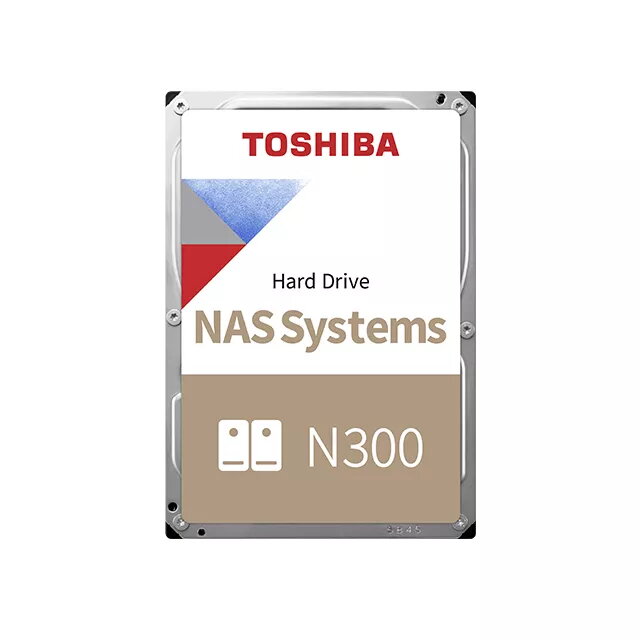
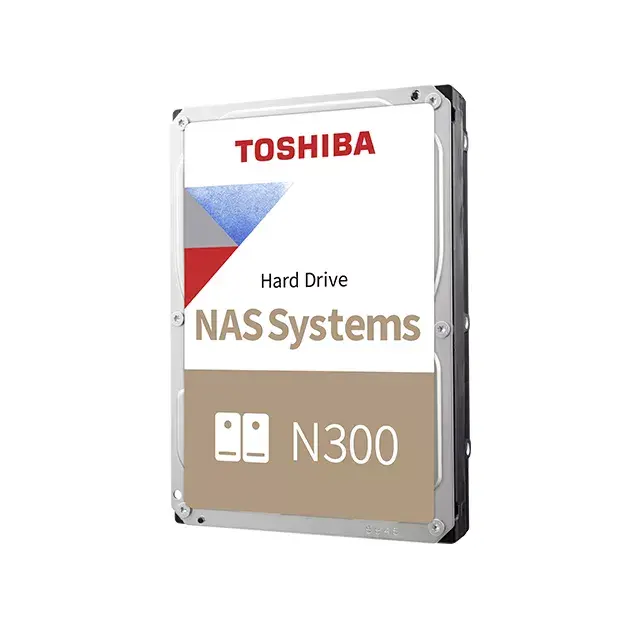
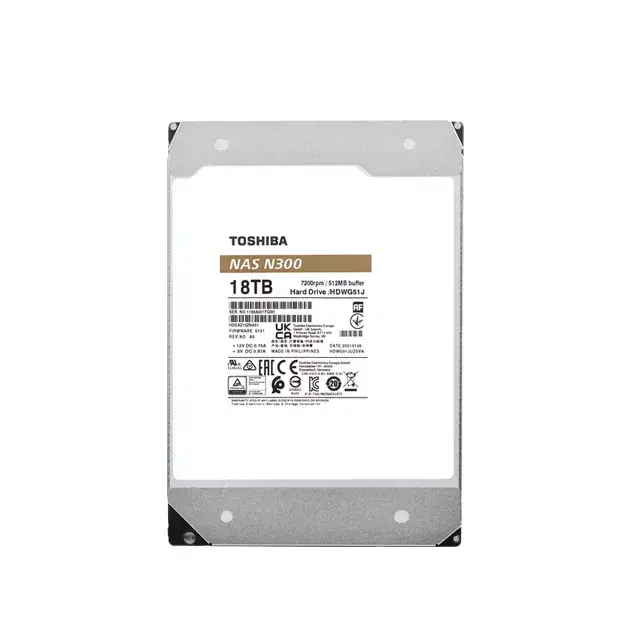
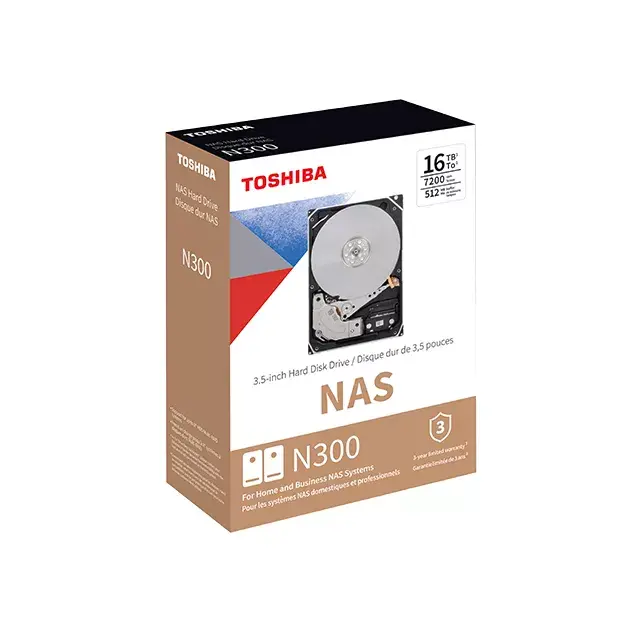
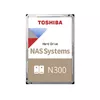
Toshiba N300 6 TB Internal Hard Drive 3.5" 7200 RPM 256 MB SATA III
The Toshiba N300 6 TB internal hard drive is a high-performance storage solution engineered specifically for NAS systems and multi-RAID environments. With a 3.5-inch form factor, 7200 RPM spindle speed, and a 256 MB cache, this drive provides the reliability and speed required for demanding data storage applications. It is built to handle the rigorous requirements of 24/7 operation, making it an ideal choice for home, office, and small business server environments that require consistent data availability.
The Toshiba N300 series excels through its integration of advanced rotational vibration sensors, which detect and compensate for vibrations in multi-bay NAS configurations to maintain high performance and reliability. The drive is designed for continuous, always-on operation, supporting a workload factor of up to 180 TB per year, which significantly exceeds the capabilities of standard desktop drives. Furthermore, the drive features high-endurance components and automatic seek speed adjustment to manage heat effectively during intensive tasks, ensuring long-term durability. Toshiba’s proprietary Dynamic Cache Technology optimizes buffer management during read and write operations, providing the high-level performance necessary for real-time data access by multiple users.
This hard drive may not be suitable for high-performance gaming PCs or laptops where low power consumption and silent operation are the primary concerns over long-term data reliability. It is also not intended for use in environments where extreme physical shock or vibration is present, as it is optimized for stationary server racks and NAS enclosures.
To use the Toshiba N300, install the drive into a compatible 3.5-inch drive bay within your NAS enclosure or server chassis. Ensure the SATA III data cable and power cable are securely connected to the motherboard or RAID controller. Once installed, initialize the drive through your operating system or NAS management interface to format it for your specific file system requirements. For RAID configurations, ensure that all drives in the array are properly synchronized according to your controller's instructions.
Usage recommendations: For optimal performance and longevity, maintain a stable operating temperature within your server environment and ensure that the NAS firmware is kept up to date. Regularly monitor the drive health using S.M.A.R.T. diagnostic tools to identify potential issues before they impact data availability.
{{highlightedFeature.featureTitle}}:
{{getProductFeatureValueById(product, highlightedFeature.featureId)}}
{{ productComparisonGenerationError }}
