


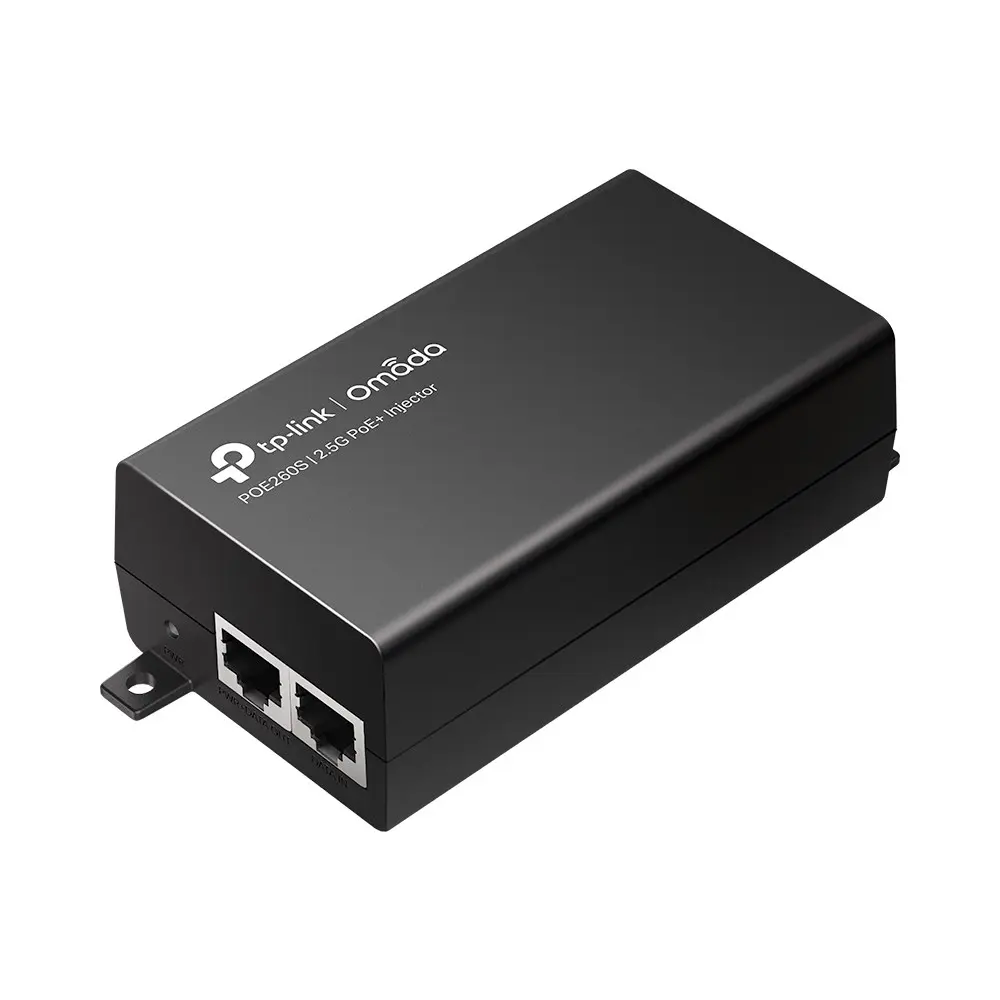
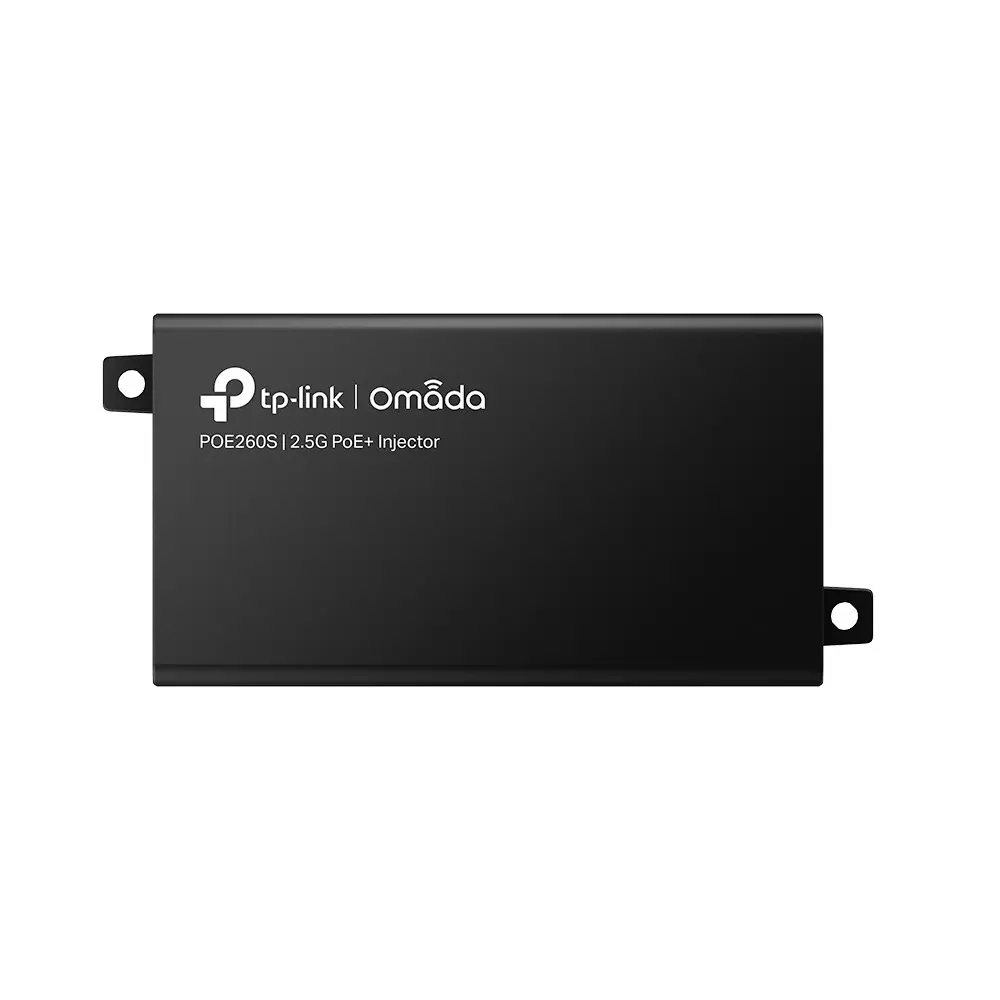
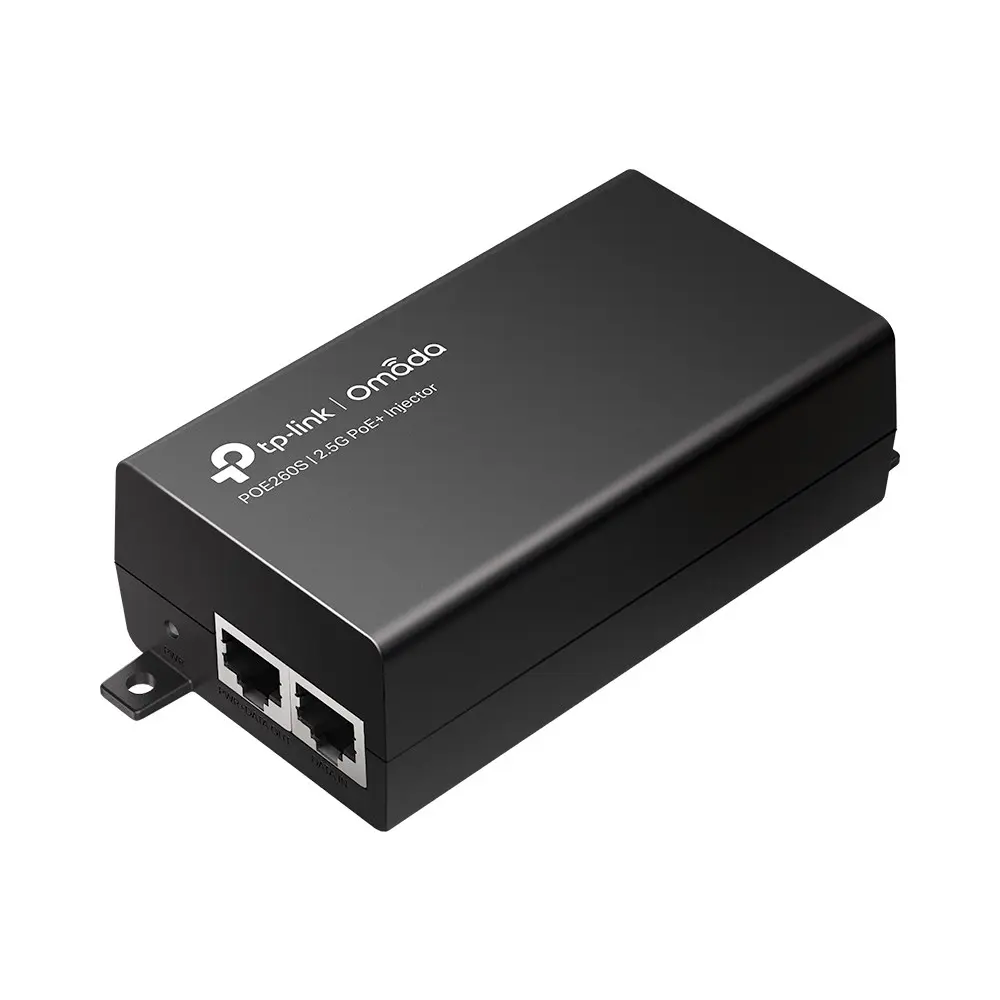
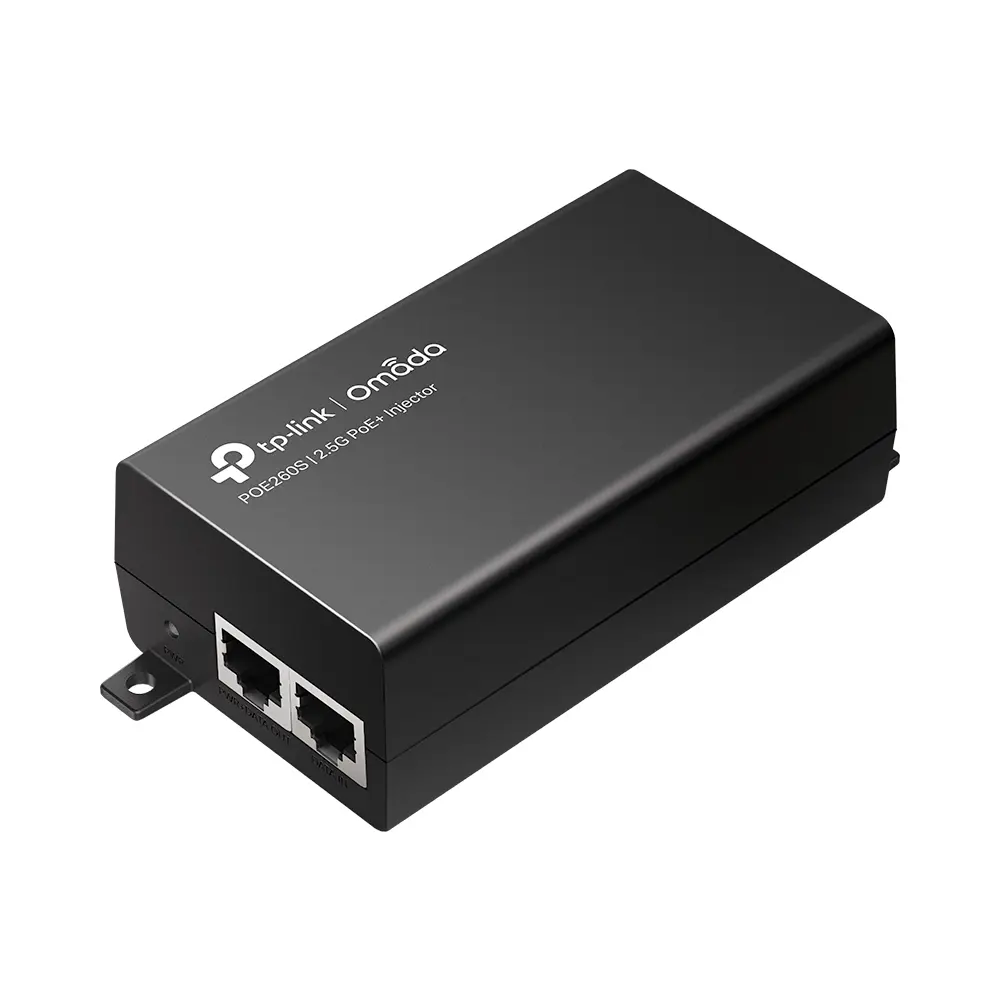
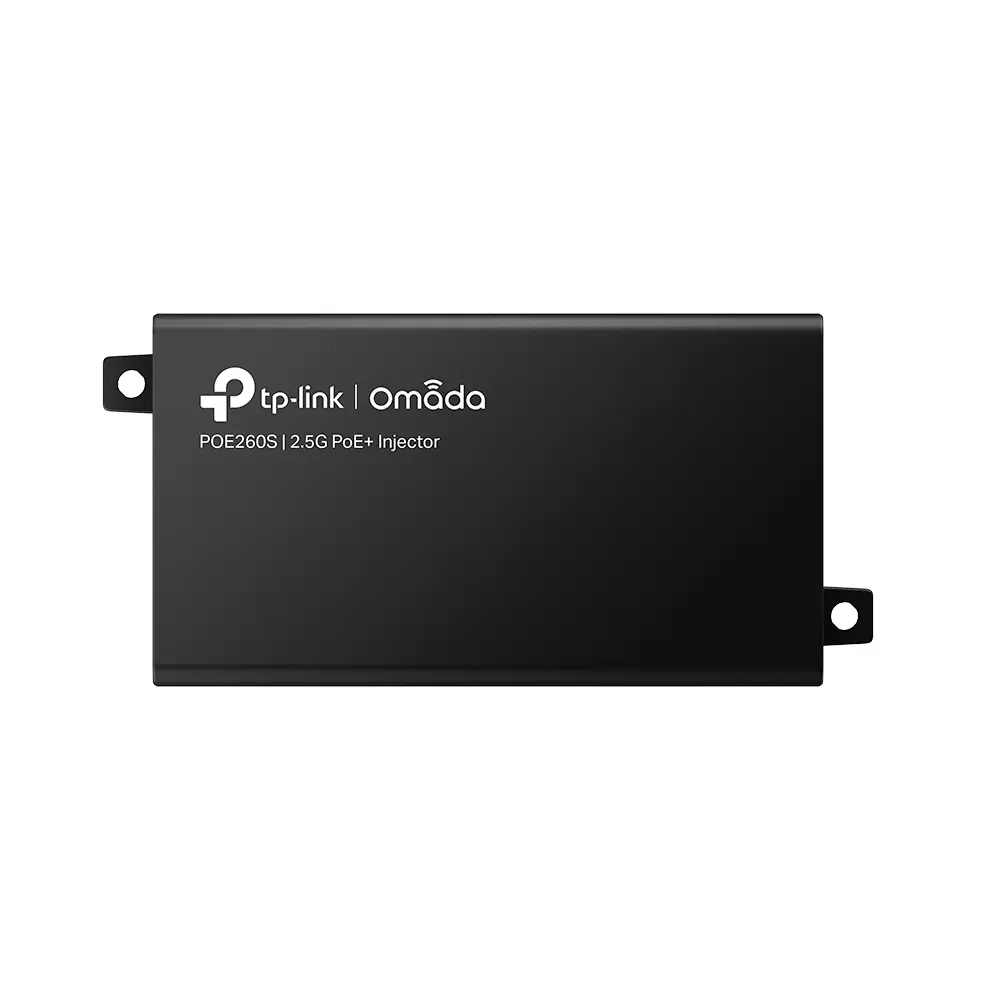
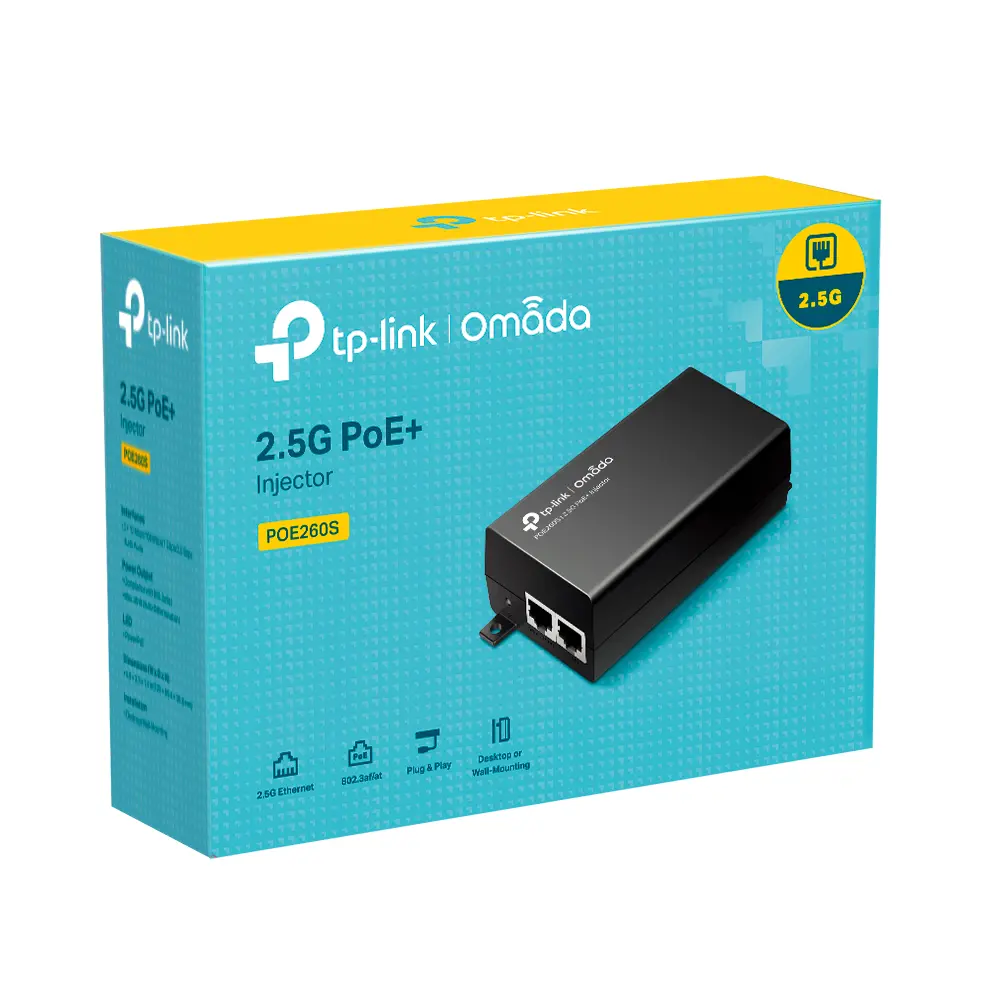
TP-Link Omada 2.5G PoE+ Injector Adapter with 2.5 Gigabit Ethernet, IEEE 802.3af/at/bz standards, 30 W output power, and 100 m maximum operating distance
Short description


Cheapest delivery:
Unisend LV
Product information
Description
The TP-Link Omada 2.5G PoE+ Injector Adapter is designed to deliver both electrical power and high-speed network data over a single Ethernet cable to compatible networking equipment. Featuring 2.5 Gigabit Ethernet support with data rates up to 2500 Mbit/s, this black adapter ensures efficient performance for demanding network environments. It integrates seamlessly into existing setups to power remote devices without the need for separate electrical wiring.
Advantages
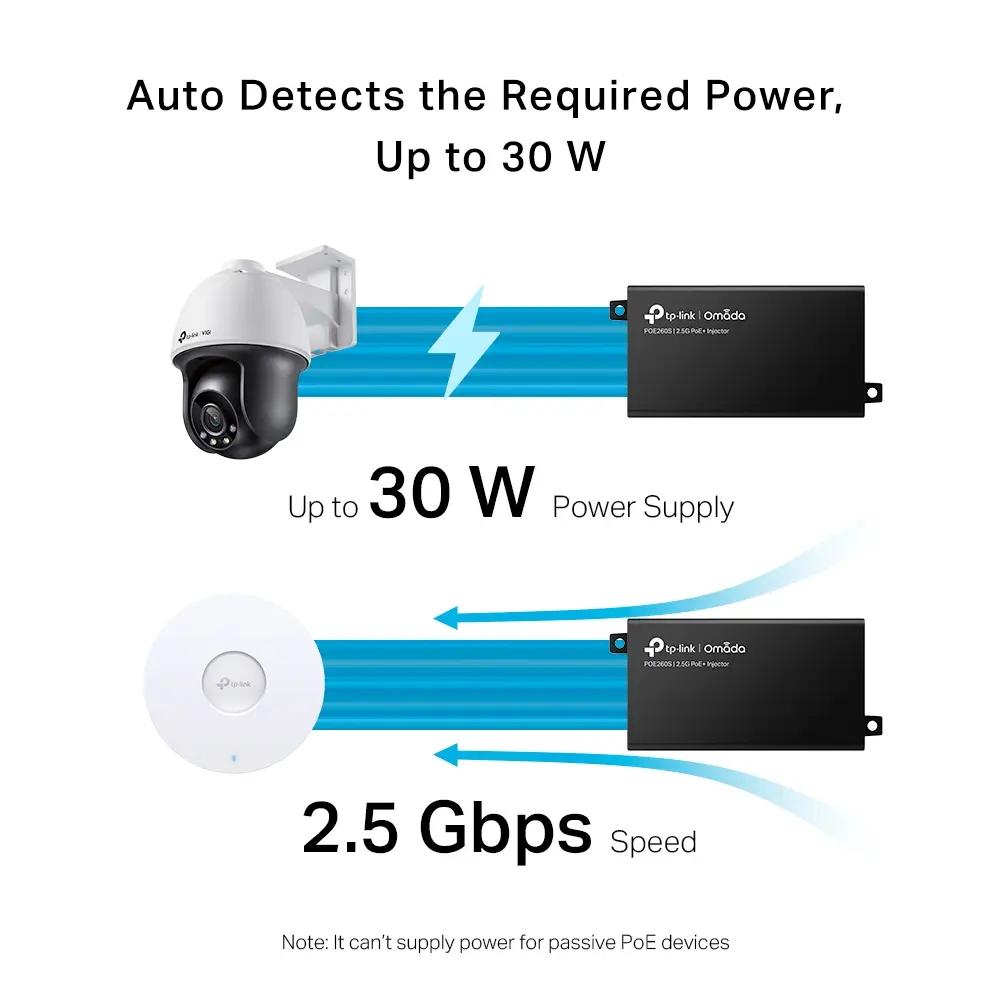
This PoE+ injector reduces overall infrastructure costs by simultaneously transmitting data and power through one standard Ethernet cable. It automatically determines and supplies the exact power required by the connected device, ensuring safe and reliable operation. With support for high data rates up to 2.5 Gbps, it accommodates modern high-performance hardware effectively. The compact device supports flexible installation methods, including both wall-mounting and desktop placement, making it adaptable to various physical environments. Plug and play installation eliminates the need for complex configuration.
Suitable for
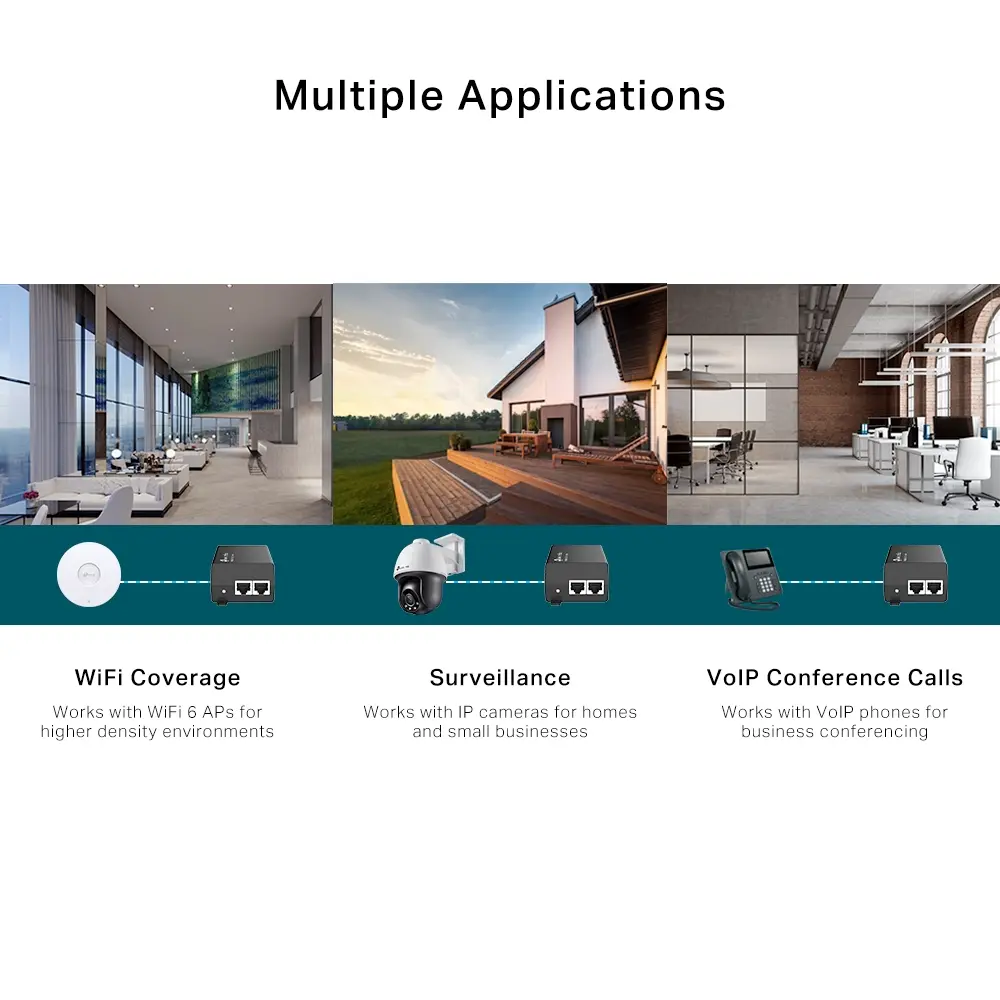
- Powering 2.5G access points
- Connecting high-definition IP cameras
- Supplying power to IP phones
- Expanding network reach to areas lacking electrical outlets
When it may not be suitable
This adapter may not be suitable for devices that do not support standard PoE specifications or require power outputs exceeding 30 watts. It is also unnecessary for networks operating strictly on basic non-powered switches where local power supplies are already directly connected to the equipment.
Key specifications
- 2.5 Gigabit Ethernet interface support
- Data rates of 10, 100, 1000, and 2500 Mbit/s
- Maximum operating distance of 100 meters
- Output power of 30 watts
- Compliant with IEEE 802.3ab, IEEE 802.3af, IEEE 802.3at, IEEE 802.3bz, IEEE 802.3i, and IEEE 802.3u standards
- AC adapter input voltage of 100 to 240 V at 50/60 Hz
- Product color: Black
- Dimensions: 125 mm width, 59.4 mm depth, 36.8 mm height
How to use
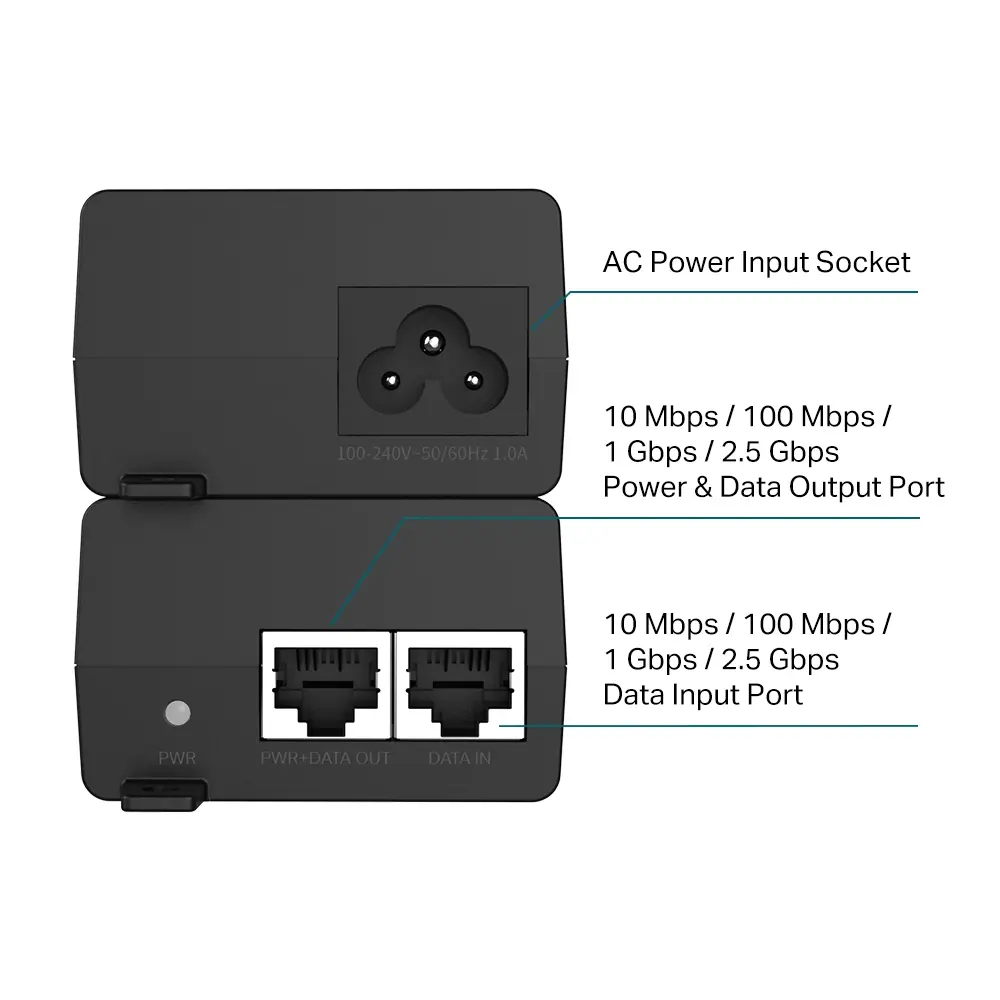
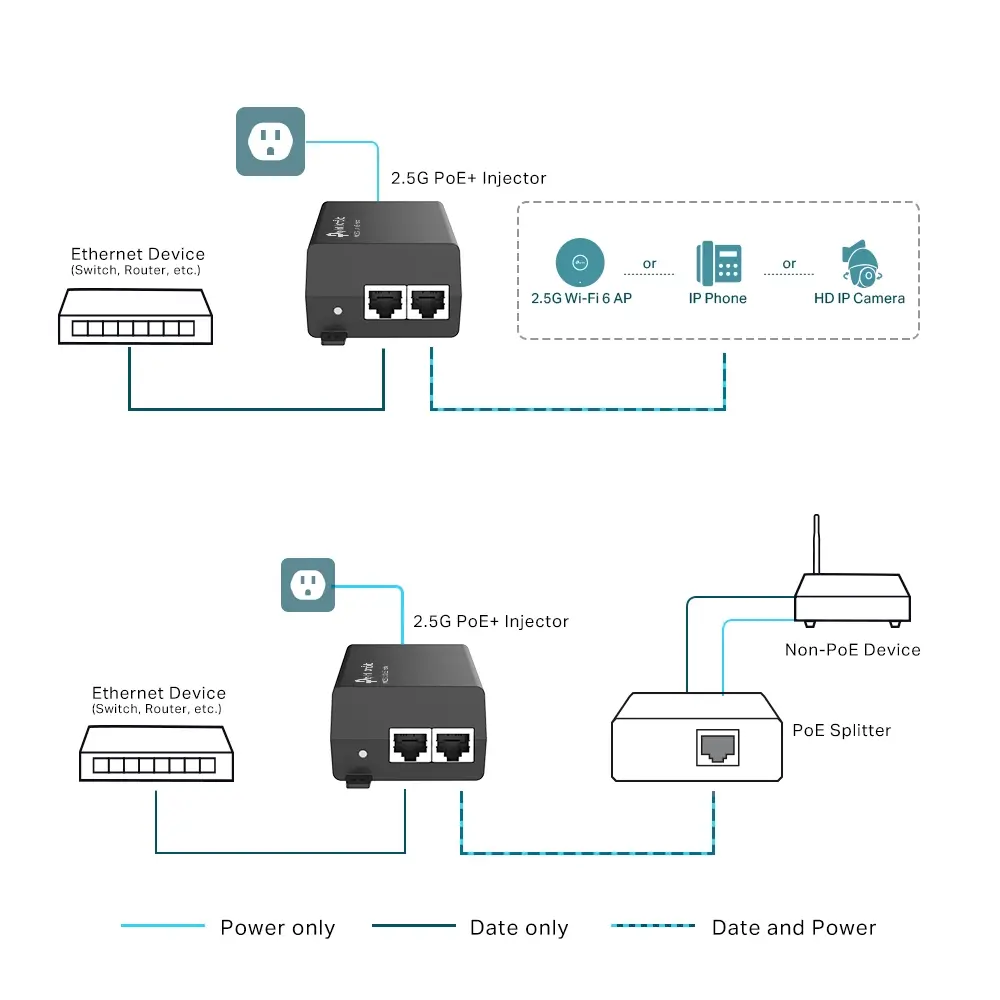
Connect the injector to an AC power source using the input cable. Connect an Ethernet cable from your network switch or router to the data input port on the injector. Run another Ethernet cable from the power and data output port of the injector to the powered device, such as a wireless access point or IP camera. Ensure the total cable run does not exceed the maximum operating distance limit.
What to consider before purchase
- Verify that your powered device is compatible with IEEE 802.3af or IEEE 802.3at standards
- Check that the power requirement of your connected device does not exceed 30 watts
- Ensure the installation location provides access to a standard AC power outlet
- Confirm that your network cables meet the quality requirements for 2.5 Gigabit transmission
Usage recommendations
Always use certified Ethernet cabling to maintain stable data transmission and power delivery over longer distances up to 100 meters. Ensure adequate ventilation around the unit during continuous operation to prevent overheating.
Features
- Product colour:
- Black
Instructions

Product comparison
The TP-Link Omada 2.5G PoE+ Injector Adapter is a power injector designed to supply power and data over a single Ethernet cable to networking devices. In contrast, the selected alternative models such as TP-Link EAP110, TP-Link TL-WA1201, TP-Link CPE510, TP-Link AX1800, and TP-Link TL-WA801N are wireless access points rather than power supply sources. While these devices also support Power over Ethernet technology, their primary function is to deploy and expand Wi-Fi network coverage, whereas the main product powers compatible network equipment at distances up to 100 meters with speeds up to 2500 Mbit/s.
⚙️ The specifications comparison covers the device type, supported networking standards, maximum data transfer rate, frequency bands, and intended equipment usage.
| Comparison parameter | TP-Link Omada 2.5G PoE+ Injector Adapter | TP-Link EAP110 | TP-Link TL-WA1201 | TP-Link CPE510 | TP-Link AX1800 | TP-Link TL-WA801N | Practical conclusion |
|---|---|---|---|---|---|---|---|
| Device type | PoE+ power injector | Wi-Fi access point | Wi-Fi access point | Wi-Fi access point | Wi-Fi access point | Wi-Fi access point | The main product supplies power over cable, while the other devices provide wireless networking. |
| Maximum speed | Up to 2500 Mbit/s | 300 Mbit/s | 867 Mbit/s | 300 Mbit/s | 1201 Mbit/s | 300 Mbit/s | The main product supports high-speed 2.5G wired connections. |
| Wi-Fi band | Not applicable | 2.4 GHz | 2.4 / 5 GHz | Not specified | 2.4 / 5 GHz | 2.4 GHz | Access points provide wireless client connectivity, whereas the injector transmits only wired signals and power. |
◎ The use case analysis helps determine which product is best suited for specific networking tasks, such as creating wireless coverage or powering remote equipment.
| Use case | Recommended product | Why |
|---|---|---|
| Delivering power and data over cable to network equipment | TP-Link Omada 2.5G PoE+ Injector Adapter | Provides 30 W of power and speeds up to 2500 Mbit/s to power compatible devices over distances up to 100 meters. |
| Setting up basic indoor wireless coverage | TP-Link EAP110 or TP-Link TL-WA801N | Suitable for straightforward Wi-Fi network extension on the 2.4 GHz frequency with speeds up to 300 Mbit/s. |
| Creating a high-performance dual-band Wi-Fi network | TP-Link TL-WA1201 or TP-Link AX1800 | Offer support for both 2.4 GHz and 5 GHz bands to handle modern wireless client devices. |
| Deploying a network outdoors or over long distances | TP-Link CPE510 | Specifically designed for outdoor application and extended network deployment. |
TP-Link Omada 2.5G PoE+ Injector Adapter differs fundamentally from the other reviewed products because it serves as a power injector rather than an access point. It is required when network equipment must be powered via an Ethernet cable. Alternative models should be chosen when the main objective is to establish or expand Wi-Fi coverage.


