


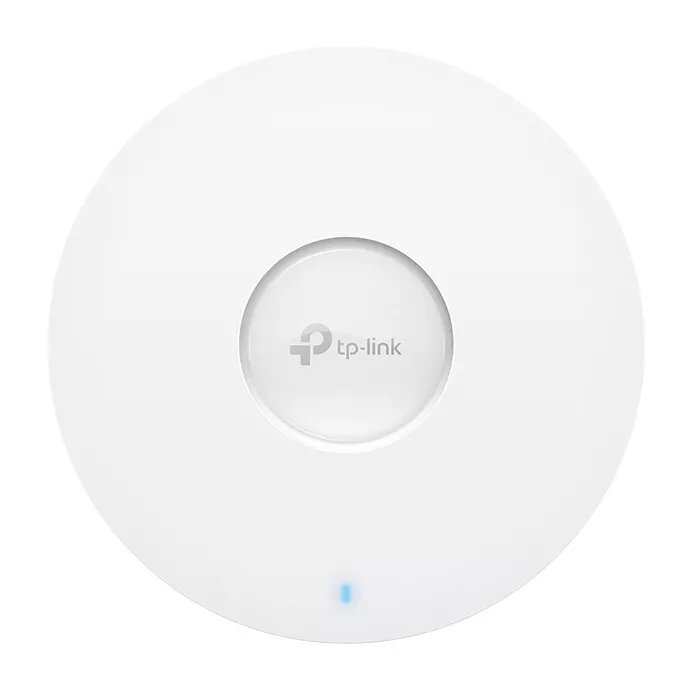
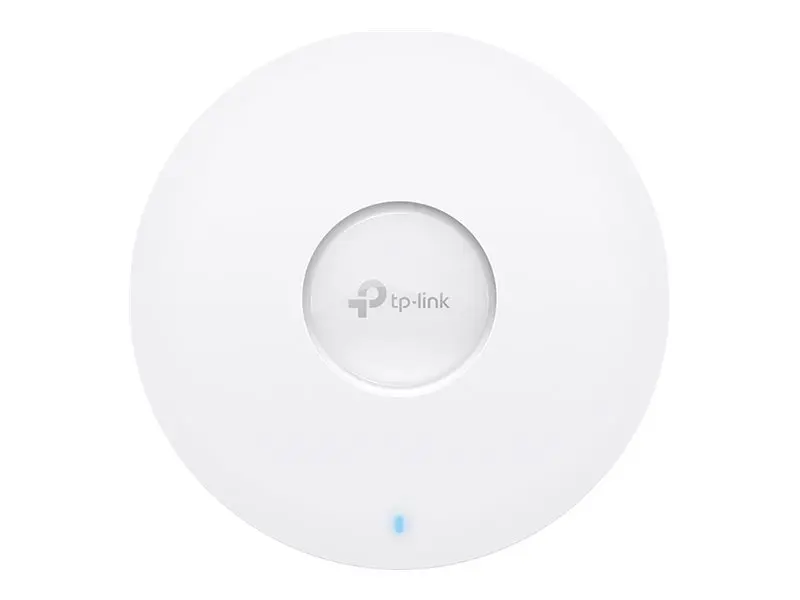
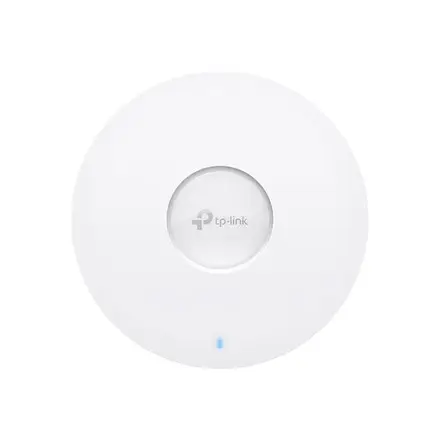
Access Point TP-Link Omada AX5400 Wi-Fi 6 2.4 GHz 5 GHz

Excellent choice
Short description


Cheapest delivery:
Unisend LV

Esto — pay in 6 equal parts
Product information
Description
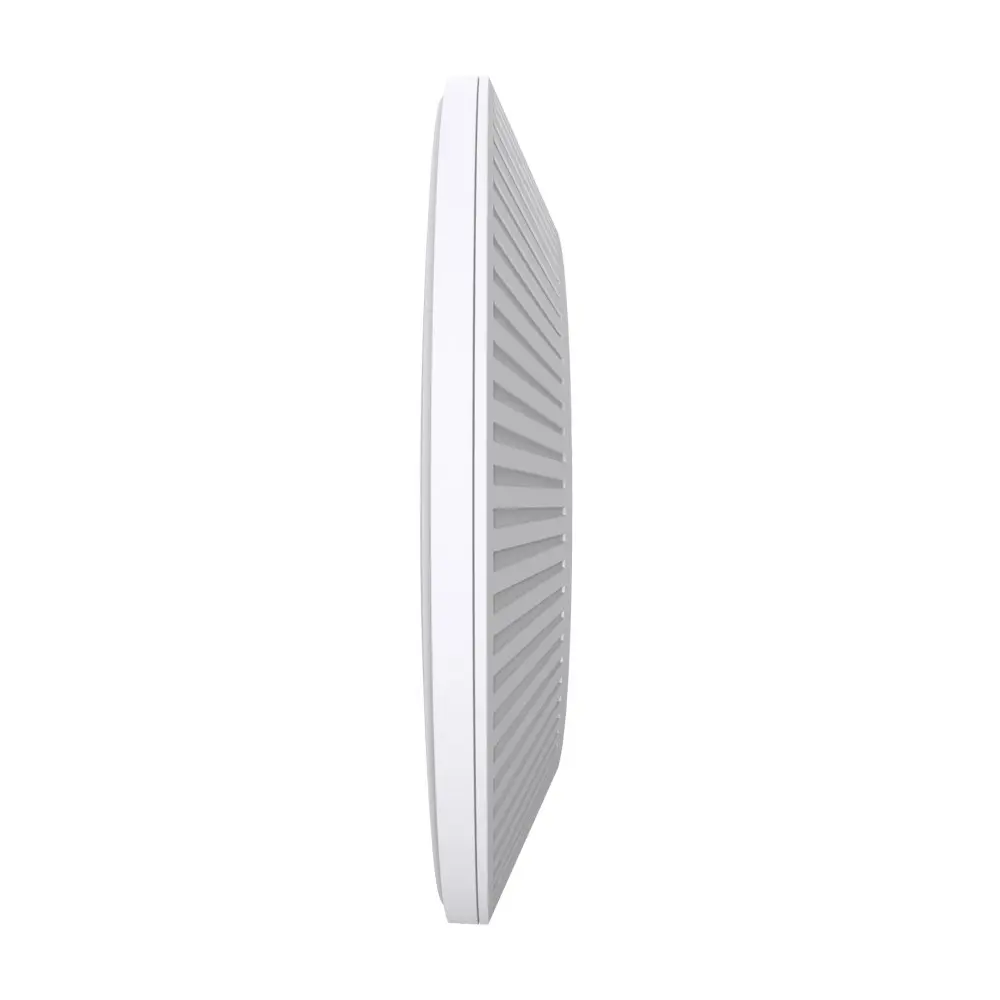
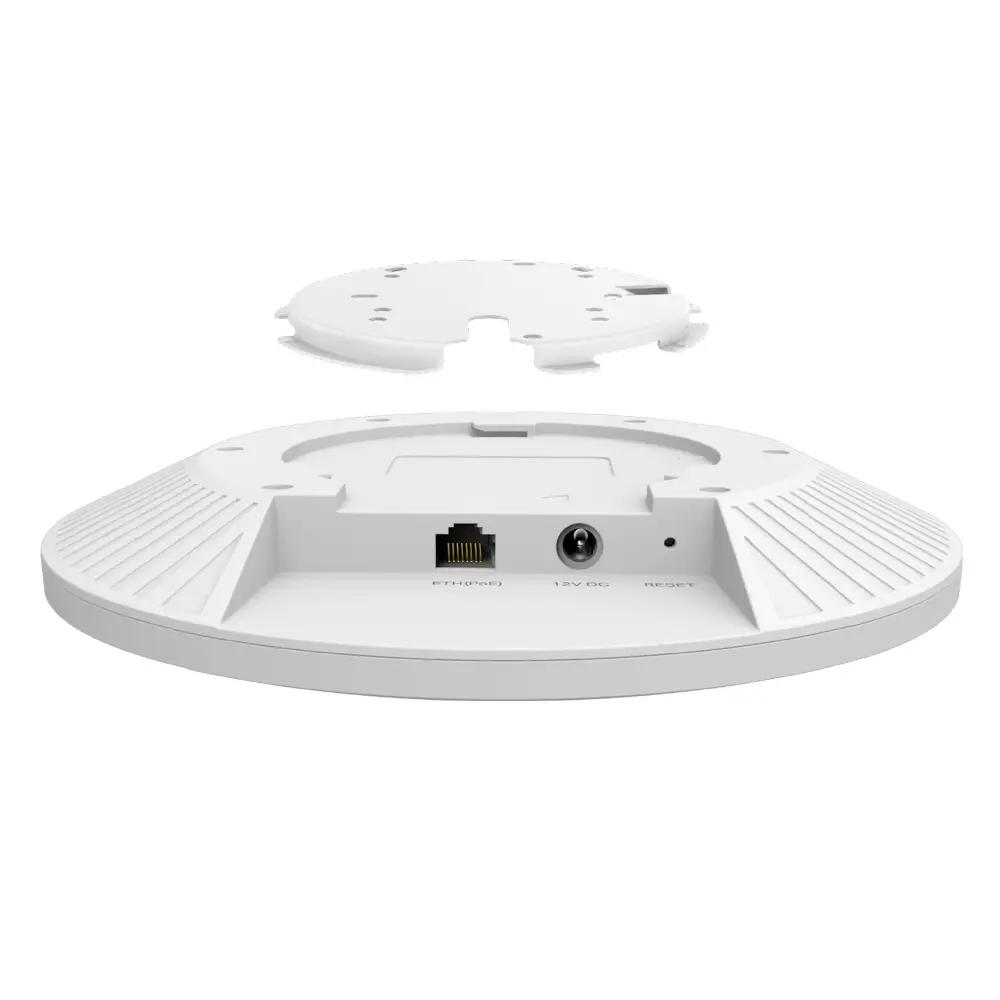
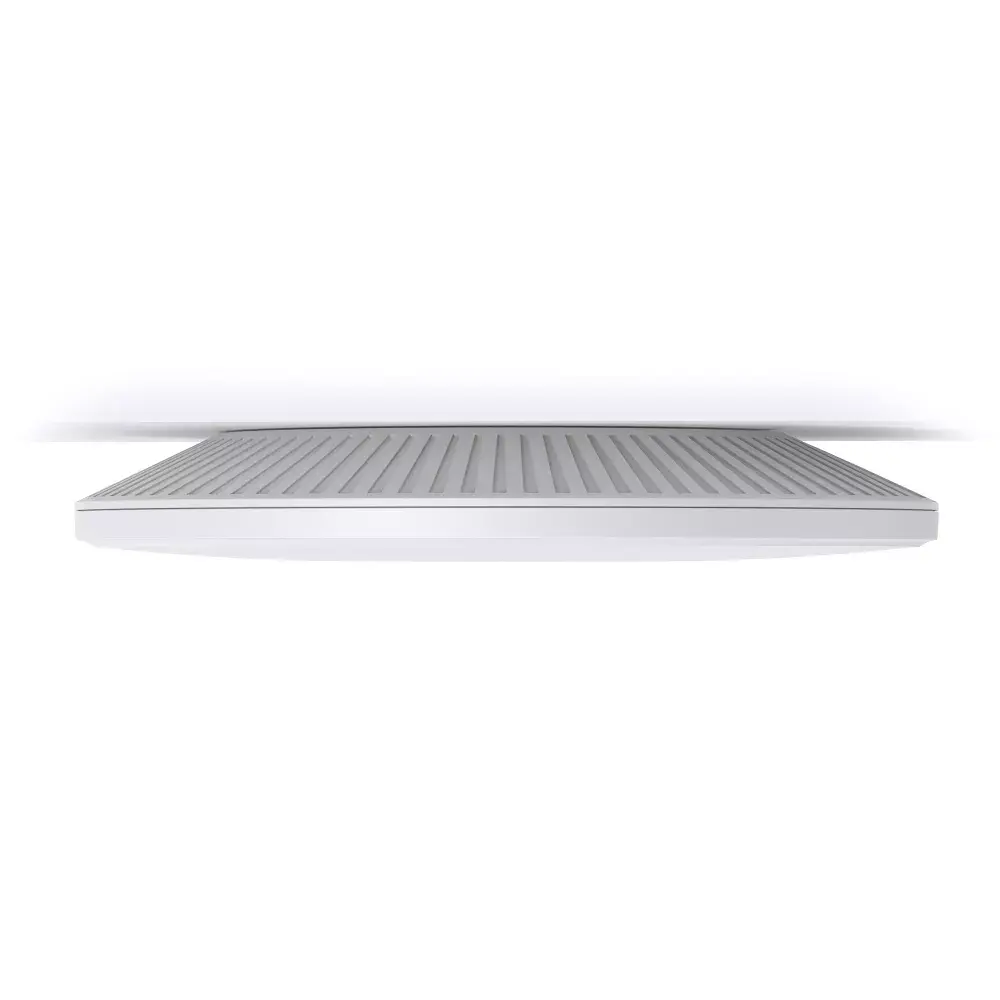
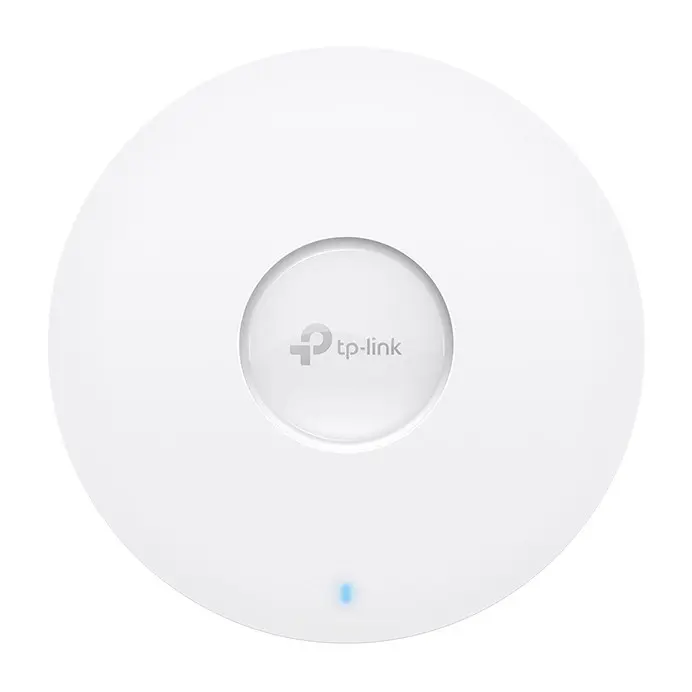
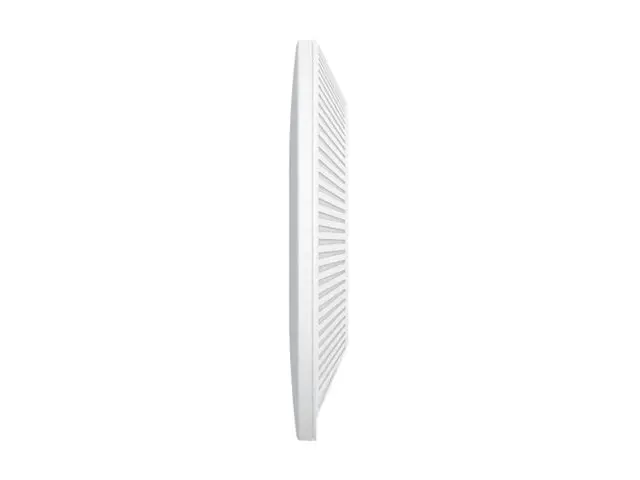
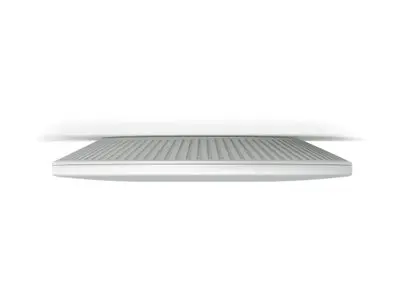
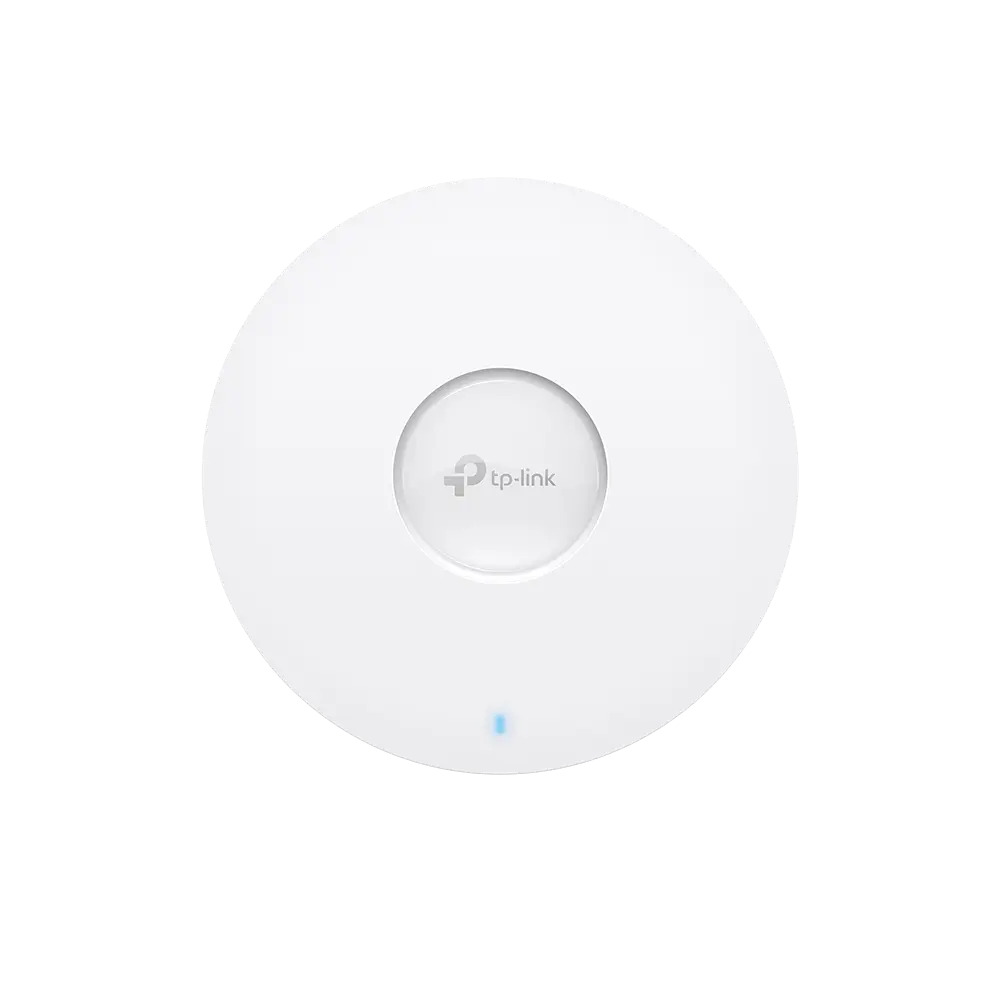
The TP-Link Omada AX5400 Ceiling Mount Wi-Fi 6 Access Point (EAP673) delivers high-performance dual-band wireless connectivity for business environments. Supporting 2.4 GHz and 5 GHz bands with combined speeds up to 5400 Mbps and a 2.5 Gbps Ethernet uplink, this ceiling-mount AP is designed for dense deployments requiring stable, secure, and centrally managed Wi‑Fi.
Advantages
AX5400 Wi‑Fi 6 technology provides higher throughput, lower latency, and increased device capacity compared with previous Wi‑Fi generations. The access point supports centralized cloud or local management via the Omada SDN platform, offers flexible installation with PoE+ and DC power options, and includes features such as HE160 channel support, auto channel selection, and Omada Mesh for simplified expansion and improved coverage.
Suitable for
- Hospitality — guest Wi‑Fi with full coverage and secure access
- Education — high-density device connectivity and secure networks
- Shopping malls — seamless coverage for marketing and customer use
- Offices — stable, secure, and continuous Wi‑Fi for staff
- Meeting rooms — high-bandwidth tasks like video conferencing and streaming
Key specifications
- Model: TP‑Link Omada AX5400 (EAP673)
- Wireless bands: Dual-band 2.4 GHz and 5 GHz
- Maximum data transfer rate: up to 5400 Mbps (combined)
- 5 GHz: up to 4804 Mbps; 2.4 GHz: up to 574 Mbps
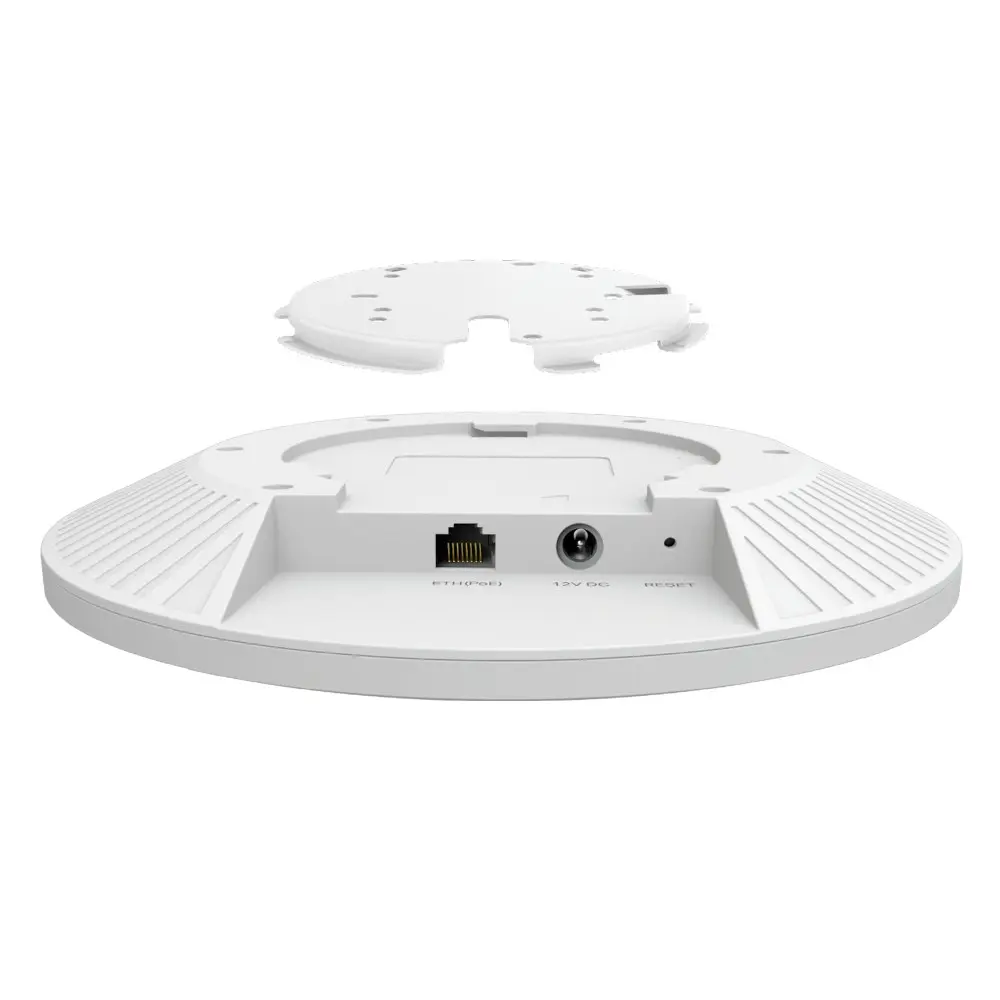
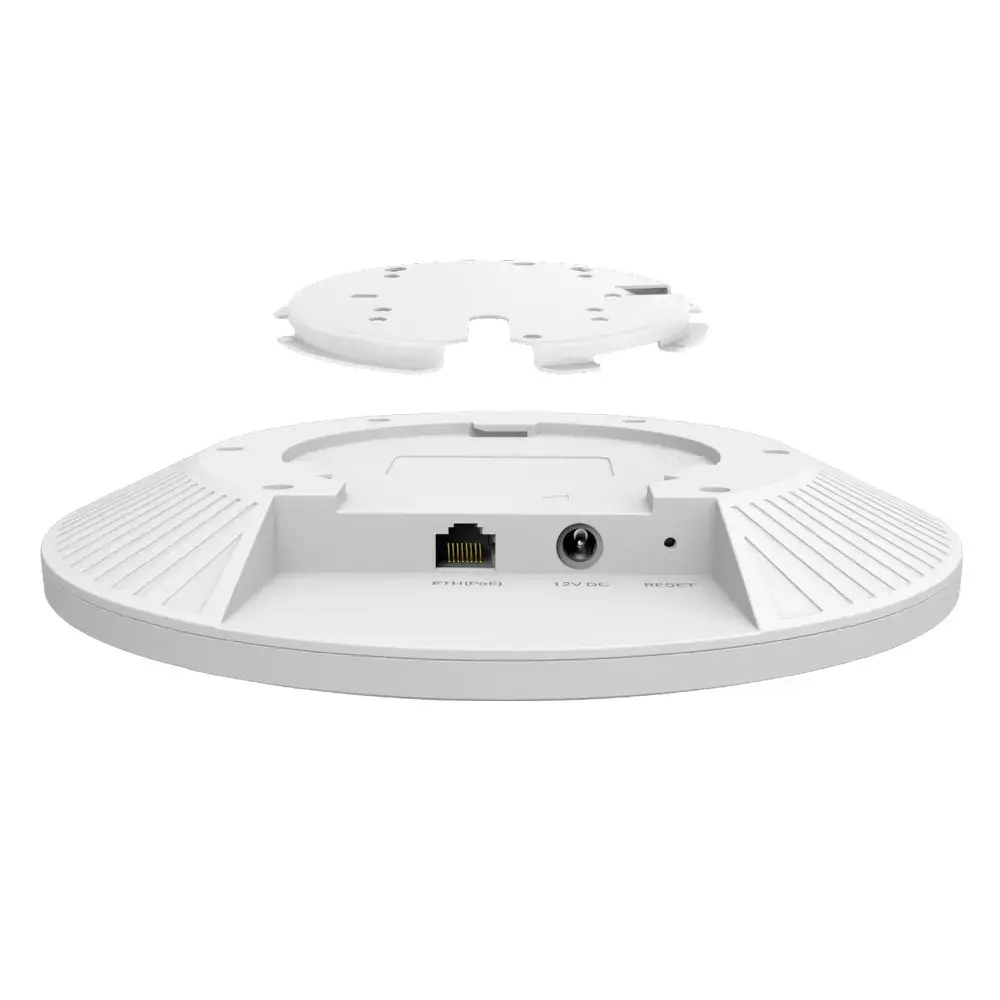
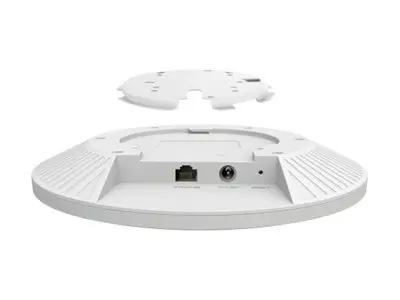
- Ethernet: 1 × 2.5 Gbps RJ‑45 port
- Power: 802.3at PoE+ support and DC input (adapter not included)
- Standards: IEEE 802.11a/b/g/n/ac/ax
- Security: WPA3, captive portal with SMS/voucher, 802.1x
- Product color: White
How to use
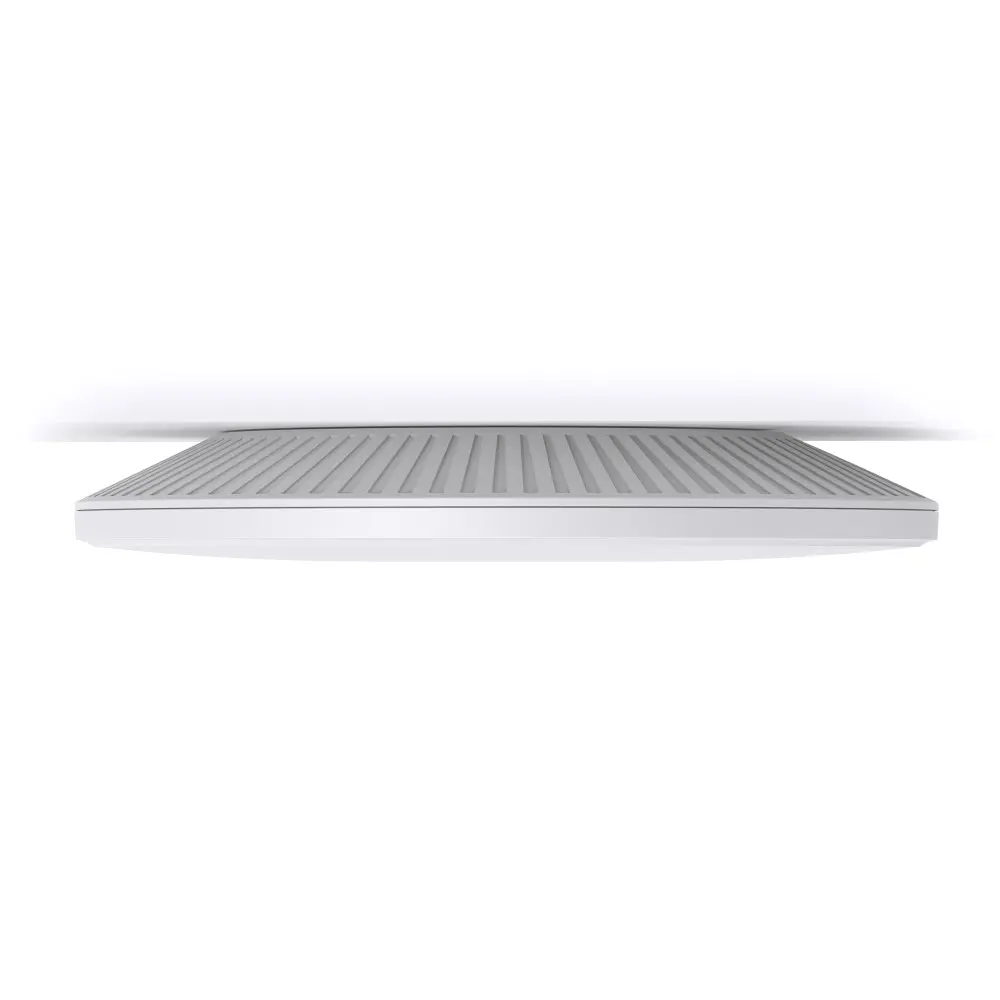
Mount the access point on a ceiling location that provides optimal coverage for the intended area. Connect the AP to your network using the 2.5 Gbps Ethernet port; power the device via an 802.3at PoE+ switch or a compatible DC adapter (not included). Adopt the AP into the Omada SDN controller for centralized configuration and monitoring, or manage it locally via the device interface. Configure SSIDs, security settings (WPA3 or 802.1x), and guest portal options according to your network policy.
Usage recommendations
For best performance in high-density environments, enable HE160 where supported, use band steering and airtime fairness to balance clients across bands, and deploy multiple EAPs in Omada Mesh with the Omada SDN controller to ensure seamless roaming and optimal coverage.
Features
- Antenna type:
- Internal
- Power over Ethernet (PoE):
- Yes
- USB 2.0 ports quantity:
- 0
- Ethernet LAN (RJ-45) ports:
- 1
- Maximum data transfer rate:
- 5400 Mbit/s
- 6 GHz:
- No
- 5 GHz:
- Yes
- 2.4 GHz:
- Yes
- Product colour:
- White
- Placement:
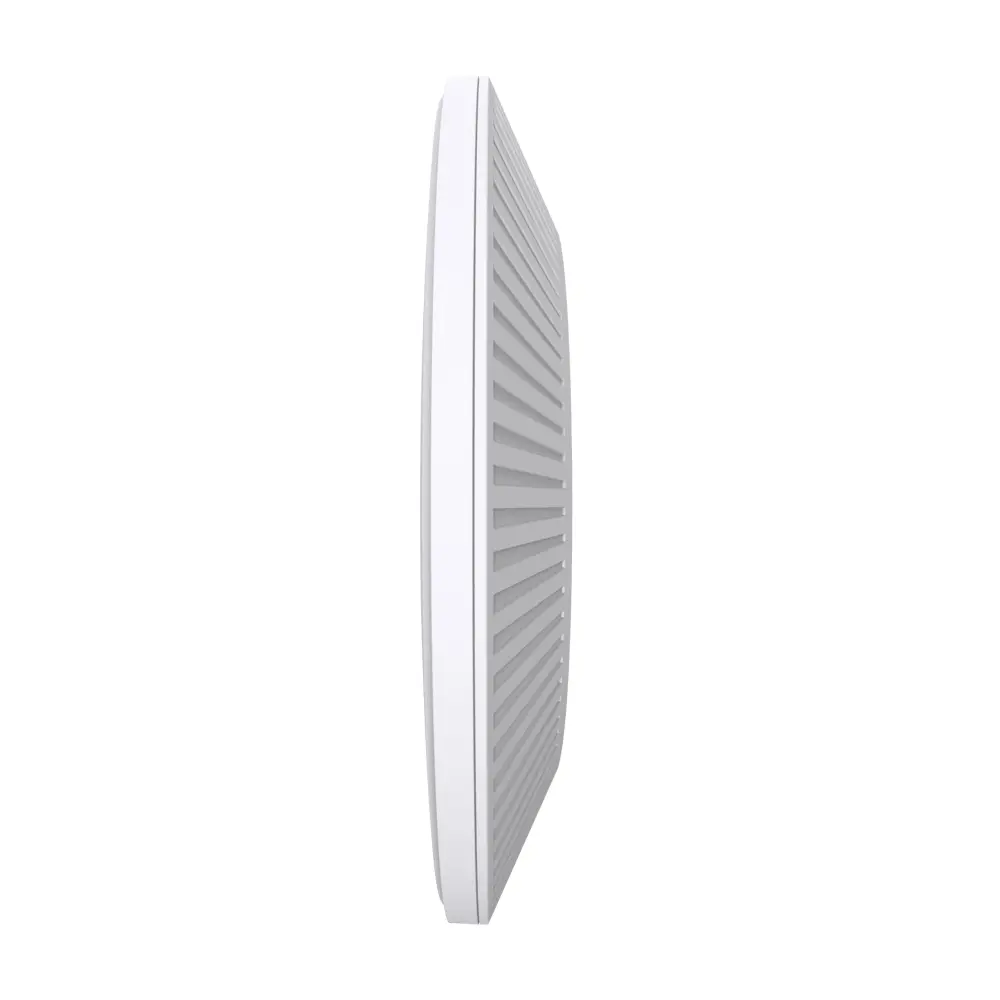
- Wall, Ceiling
- Security algorithms:
- SNMP, SNMPv2, SNMPv3, WPA-Enterprise, WPA-Personal, WPA2-Enterprise, WPA2-Personal, WPA3-Enterprise
Instructions

Product comparison
The Access Point TP-Link Omada AX5400 Wi-Fi 6 2.4 GHz 5 GHz is compared with several similar network solutions from the same brand. All reviewed devices support the Wi-Fi 6 standard, dual-band frequencies of 2.4 GHz and 5 GHz, Power over Ethernet (PoE) power supply, and feature internal antennas for wall or ceiling placement. The main differences lie in the maximum data transfer rate, wired Ethernet speeds up to 2500 Mbit/s for top-tier versions, and specialized outdoor placement options for specific variants.
⚙️ The specifications comparison covers maximum wireless speed, Ethernet port data rate, supported frequency bands, placement options, and security levels for each model.
| Parameter | Access Point TP-Link Omada AX5400 Wi-Fi 6 2.4 GHz 5 GHz | Access Point TP-Link Omada AX5400 Wi-Fi 6 2.4 GHz 5 GHz (Alternative 1) | Access Point TP-Link Omada AX5400 Wi-Fi 6 2.4GHz 5GHz (EAP670) | Access Point TP-Link Omada AX1800 Wi-Fi 6 2.4GHz 5GHz (EAP613) | Access Point TP-Link Omada AX3000 Indoor/Outdoor (EAP650-OUTDOOR) | Access Point TP-Link Omada AX1800 Wi-Fi 6 2.4 GHz 5 GHz (Alternative 2) | Practical Significance |
|---|---|---|---|---|---|---|---|
| Maximum speed | 5400 Mbit/s | 5400 Mbit/s | 5400 Mbit/s | 1775 Mbit/s | 3000 Mbit/s | 1775 Mbit/s | High speeds up to 5400 Mbit/s are ideal for demanding business environments with high device density. |
| Ethernet port | Up to 2500 Mbit/s | Up to 2500 Mbit/s | Up to 2500 Mbit/s | Standard Gigabit port | Standard Gigabit port | Standard Gigabit port | The 2500 Mbit/s port prevents network bottlenecks when connected to high-speed switches. |
| Wi-Fi bands | 2.4 GHz / 5 GHz | 2.4 GHz / 5 GHz | 2.4 GHz / 5 GHz | 2.4 GHz / 5 GHz | 2.4 GHz / 5 GHz | 2.4 GHz / 5 GHz | All options ensure backward compatibility with legacy devices and high performance on 5 GHz. |
| Placement | Wall, Ceiling | Wall, Ceiling | Wall, Ceiling | Ceiling, Wall | Pole, Wall | Ceiling, Wall | The EAP650-OUTDOOR model is built for outdoor use, while the rest are designed for indoor environments. |
◎ The use cases analysis helps determine which product suits specific network requirements, workloads, and installation conditions.
| Use Case | Recommended Product | Why |
|---|---|---|
| High-density business environments | Access Point TP-Link Omada AX5400 Wi-Fi 6 2.4 GHz 5 GHz | The higher maximum speed and faster wired port deliver enterprise-level performance for numerous simultaneous users. |
| Outdoor or pole installations | Access Point TP-Link Omada AX3000 Indoor/Outdoor (EAP650-OUTDOOR) | Specifically designed to handle outdoor weather conditions with pole and wall mounting support. |
| Standard offices or homes with moderate traffic | Access Point TP-Link Omada AX1800 Wi-Fi 6 2.4 GHz 5 GHz (EAP613) | Offers a capable 1775 Mbit/s throughput sufficient for standard workloads at a balanced level. |
Access Point TP-Link Omada AX5400 Wi-Fi 6 2.4 GHz 5 GHz stands out from lower-tier alternatives due to its higher wireless throughput and faster wired interface, making it the preferred choice for heavy-traffic business deployments. Buyers with moderate speed needs or outdoor requirements should consider the alternative models with matching specifications.
Stock data
| Warehouse | Stock | Delivery to the store | Store Price | |
| BT10 | 2 | Wednesday | Fast shipping 129.99 € | Add to cart |
| WH337 | 1 | 02.12.2026 | 140.49 € | Add to cart |
| BT19 | 1 | Tomorrow | Fast shipping 141.99 € | Add to cart |
- Fast shipping129.99 €Stock: 2Delivery Date: WednesdayWarehouse: BT10Add to cart
- 140.49 €Stock: 1Delivery Date: 02.12.2026Warehouse: WH337Add to cart
- Fast shipping141.99 €Stock: 1Delivery Date: TomorrowWarehouse: BT19Add to cart
- Fast shipping145.99 €Stock: 2Delivery Date: WednesdayWarehouse: BT5Add to cart
- 145.99 €Stock: 7Delivery Date: 07.12.2026Warehouse: WH174Add to cart
- 153.99 €Stock: 79Delivery Date: 07.12.2026Warehouse: EU86Add to cart
- 155.49 €Stock: 23Delivery Date: ThursdayWarehouse: EU2Add to cart
- 155.99 €Stock: 2Delivery Date: 07.12.2026Warehouse: WH115Add to cart
- 158.49 €Stock: 17Delivery Date: 07.12.2026Warehouse: WH166Add to cart
- 158.99 €Stock: 15Delivery Date: 02.12.2026Warehouse: EU1Add to cart
- 163.49 €Stock: 17Delivery Date: 07.12.2026Warehouse: EU85Add to cart
- 169.99 €Stock: 20Delivery Date: 07.12.2026Warehouse: WH94Add to cart
- 177.99 €Stock: 3Delivery Date: 07.12.2026Warehouse: WH155Add to cart
- 182.99 €Stock: 4Delivery Date: 07.12.2026Warehouse: EU3Add to cart
| Warehouse | Stock | Delivery to the store | Store Price | |
| WH109 | 4 | 21.12.2026 | 167.49 € | Add to cart |
| WH332 | 8 | 07.12.2026 | 167.99 € | Add to cart |
| EU9 | 15 | 07.12.2026 | 186.49 € | Add to cart |
- 167.49 €Stock: 4Delivery Date: 21.12.2026Warehouse: WH109Add to cart
- 167.99 €Stock: 8Delivery Date: 07.12.2026Warehouse: WH332Add to cart
- 186.49 €Stock: 15Delivery Date: 07.12.2026Warehouse: EU9Add to cart
Customer reviews
Customer questions
How much does the Access Point TP-Link Omada AX5400 cost, and is it available for purchase?
If I order this product today, when will I receive my order?
What payment options are available?
Can Access Point TP-Link Omada AX5400 be purchased with a lease?
- Select the product on the website and add it to your cart;
- When placing your order, choose the payment method “Installments”;
- Fill in the required details for the lending partner;
- Receive a decision within a few minutes.


