


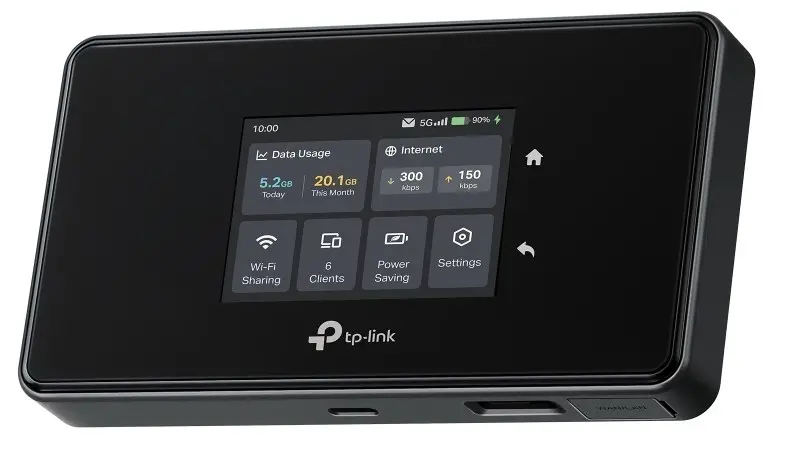
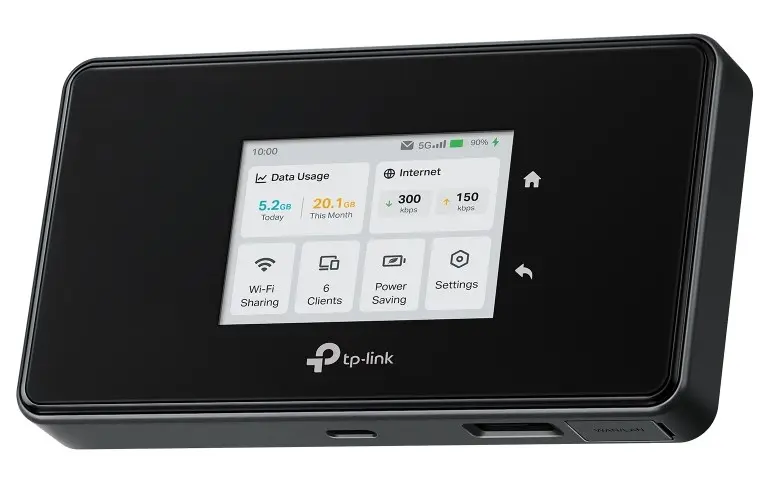
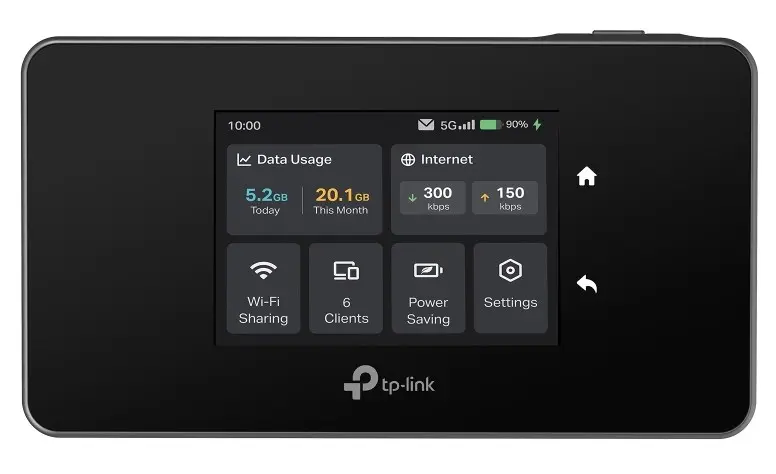
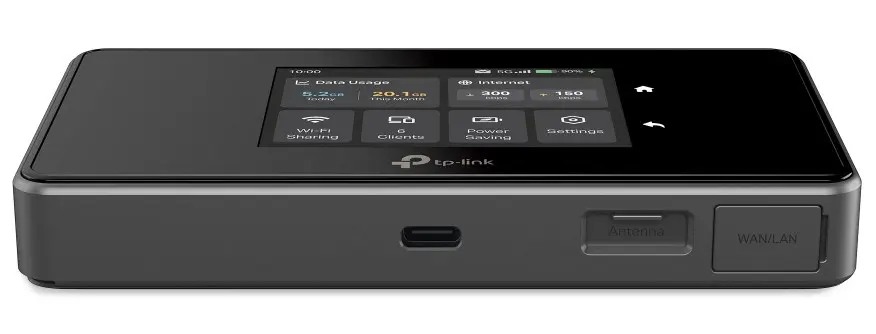
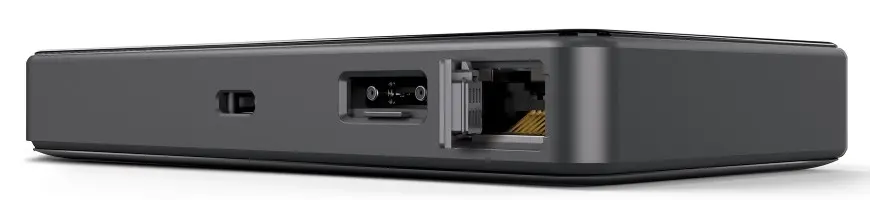
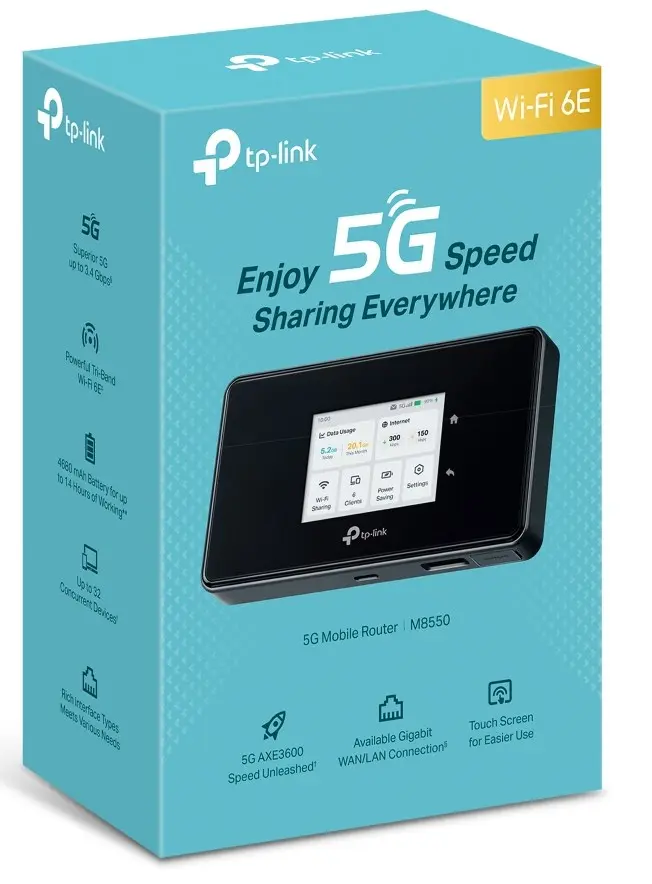
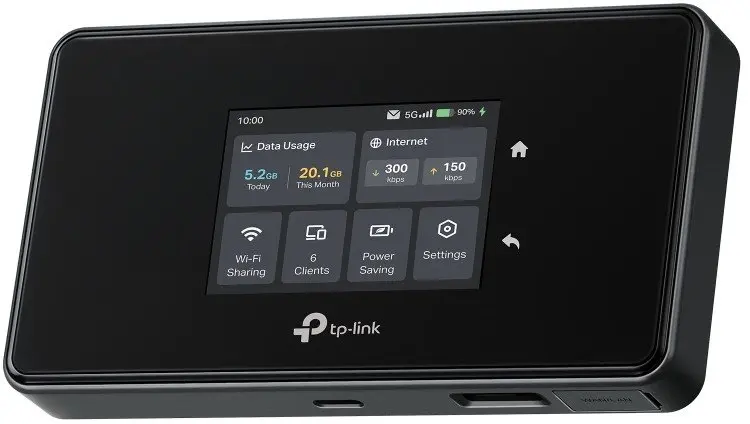
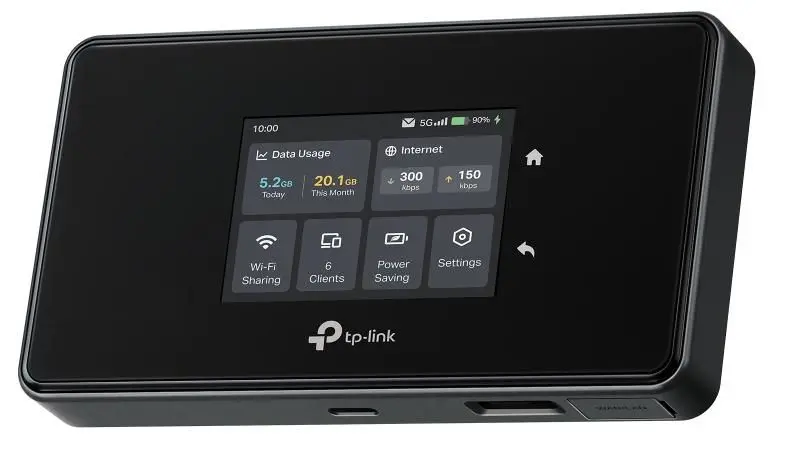
Portable router TP‑Link M8550 Dual-band 2.4GHz + 5GHz, 2880 Mbit/s, SIM WAN, USB, black


Excellent choice
Short description


Cheapest delivery:
Unisend LV

Esto — pay in 6 equal parts
Product information
Description
The TP-Link M8550 is a portable router that supports dual-band operation with combinations of 2.4 GHz + 5 GHz or 2.4 GHz + 6 GHz. It provides mobile internet access via SIM (SIM WAN) and supports 3G and 4G networks. The device integrates antennas, includes a rechargeable 4680 mAh battery, and comes with a power adapter, USB-C cable and a quick installation guide. Its compact dimensions make it suitable for use on the move.
Advantages
The TP-Link M8550 offers multi-band wireless connectivity, allowing selection of 2.4 GHz with either 5 GHz or 6 GHz to balance coverage and throughput. With a maximum WLAN data rate up to 2880 Mbps (combined), built-in antennas and a large rechargeable battery, it provides extended operation without external power. Security is supported through WPA-PSK and WPA2-PSK algorithms. The device is compact and lightweight for portable use and includes necessary accessories for immediate setup.
Suitable for
- Mobile internet access while travelling or commuting
- Temporary internet sharing in small groups or meetings
- Backup internet connection when fixed broadband is unavailable
- Using multiple Wi‑Fi bands to reduce interference and improve throughput
Key specifications
- Wi‑Fi bands: Dual‑band (2.4 GHz + 5 GHz or 2.4 GHz + 6 GHz)
- Maximum WLAN data transfer rate: up to 2880 Mbps (combined)
- Mobile network support: 3G and 4G
- Connection type: SIM WAN
- Antenna type: Built‑in
- Battery: 4680 mAh rechargeable
- USB port: Yes (USB-C cable included)
- Ethernet LAN: Not available
- Colour: Black
- Dimensions: 135 × 73.7 × 20.5 mm
How to use
Insert an active SIM card into the device, charge the internal 4680 mAh battery or connect the provided power adapter, then power on the router. Use the supplied USB‑C cable for charging or connection to compatible devices. Connect a client device to the router’s Wi‑Fi network and configure network name and password as needed via the device web interface or management app. Select the preferred band combination (2.4 GHz + 5 GHz or 2.4 GHz + 6 GHz) to match coverage and performance requirements.
Usage recommendations
Place the router in an elevated, unobstructed position for best mobile signal reception; choose 5 GHz or 6 GHz for higher throughput where coverage allows and 2.4 GHz for better range. Keep firmware updated and use WPA‑PSK/WPA2‑PSK security to protect the wireless network.
Features
- USB port:
- Yes
- Ethernet LAN:
- No
- WLAN data transfer rate (max):
- 2880 Mbit/s
- Wi-Fi band:
- Dual-band (2.4GHz + 5GHz or 2.4GHz + 6GHz)
- 3G/4G USB modem compatibility:
- Yes
- SIM card slot:
- Yes
- DSL WAN:
- No
- Product colour:
- Black
- Power source type:
- Battery
Product comparison
The portable router TP‑Link M8550 is compared with several alternative devices: NETGEAR Nighthawk RS500, Synology RT6600ax, NETGEAR Nighthawk RS600, TP-Link Deco X50-5G, and TP-Link 4G+ AX3000. While all compared devices provide wireless networking capabilities, the TP‑Link M8550 stands out with its battery power source and SIM card support for mobile internet access on the go.
⚙️ The table below compares key characteristics such as power source, SIM card and mobile internet support, and Ethernet LAN port availability.
| Parameter | TP‑Link M8550 | NETGEAR Nighthawk RS500 | Synology RT6600ax | NETGEAR Nighthawk RS600 | TP-Link Deco X50-5G | TP-Link 4G+ AX3000 | Practical significance |
|---|---|---|---|---|---|---|---|
| Power source type | Battery | Not specified | AC | Not specified | Not specified | AC | The TP‑Link M8550 offers true mobility via battery power, whereas several alternatives require a permanent wall outlet. |
| SIM card and mobile internet support | Yes (SIM WAN) | No | No | No | Yes (built-in modem) | Yes (4G LTE) | Only selected models like the TP‑Link M8550 allow internet connectivity via cellular networks without fixed lines. |
| Ethernet LAN ports | No | 4 ports (Gigabit) | 1 port (GbE) | 4 ports (Gigabit) | 3 ports | 3 ports | Competitors focus heavily on wired local networking with multiple physical ports. |
◎ The suitability table below evaluates which product is best suited for different user needs and scenarios.
| Use case | Recommended product | Why |
|---|---|---|
| Travel, commuting, and remote work on the go | TP‑Link M8550 | Battery operation and SIM card compatibility provide standalone internet access without reliance on fixed infrastructure. |
| Fixed home or office network with wired devices | NETGEAR Nighthawk RS500 | Multiple Gigabit Ethernet ports and high-speed Wi-Fi standards make it ideal for stationary setups. |
TP‑Link M8550 is best suited for users who need portable internet access during travel, thanks to its battery power and SIM card support. Competitors generally offer higher wired port counts and faster stationary performance but lack true mobile independence. Choose TP‑Link M8550 if you need a wireless connection that travels with you.
Stock data
| Warehouse | Stock | Delivery to the store | Store Price | |
| WH349 | 27 | 07.12.2026 | 361.49 € | Add to cart |
| WH356 | 4 | 07.12.2026 | 449.99 € | Add to cart |
| EU2 | 4 | Thursday | 474.49 € | Add to cart |
- 361.49 €Stock: 27Delivery Date: 07.12.2026Warehouse: WH349Add to cart
- 449.99 €Stock: 4Delivery Date: 07.12.2026Warehouse: WH356Add to cart
- 474.49 €Stock: 4Delivery Date: ThursdayWarehouse: EU2Add to cart
| Warehouse | Stock | Delivery to the store | Store Price | |
| EU6 | 9 | 01.12.2026 | 482.49 € | Add to cart |
| WH109 | 5 | 21.12.2026 | 600.49 € | Add to cart |
- 482.49 €Stock: 9Delivery Date: 01.12.2026Warehouse: EU6Add to cart
- 600.49 €Stock: 5Delivery Date: 21.12.2026Warehouse: WH109Add to cart
Customer reviews
Customer questions
How much does the Portable router TP-Link M8550 cost, and is it available for purchase?
If I order this product today, when will I receive my order?
What payment options are available?
Can Portable router TP-Link M8550 be purchased with a lease?
- Select the product on the website and add it to your cart;
- When placing your order, choose the payment method “Installments”;
- Fill in the required details for the lending partner;
- Receive a decision within a few minutes.


