
IP security camera TP-Link TAPO C201 1920x1080 Indoor Wired Wireless
36.49 €
Keep track of price changes
You keep track of price changes
Watch the price drop
Leave your address - as soon as the price of the product goes down, you'll know about it right away
You keep track of price changes
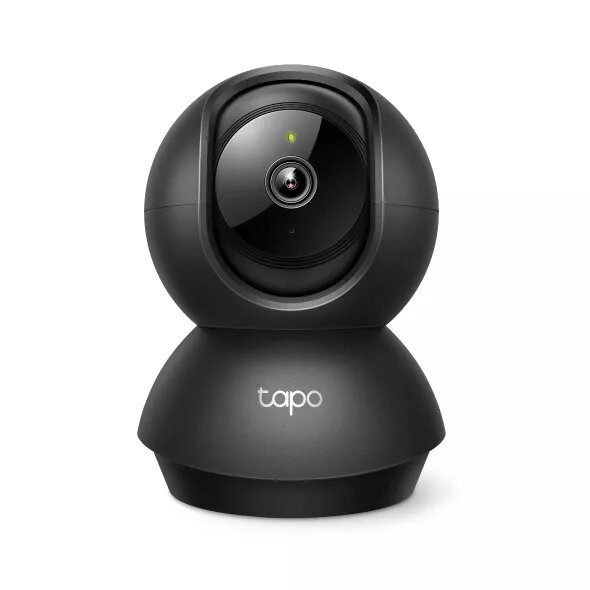
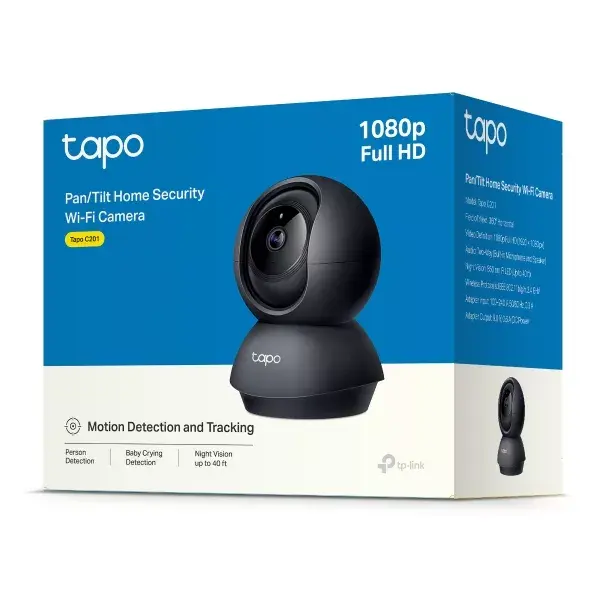
IP security camera TP-Link TAPO C201 1920x1080 Indoor Wired Wireless
{{email}}
You keep track of price changes
IP security camera TP-Link TAPO C201 1920x1080 Indoor Wired Wireless
{{email}}
{{selectedOffer && selectedOffer.price | formatAmount}}
Short description
The TP-Link TAPO C201 is an indoor IP security camera with a resolution of 1920 x 1080 pixels. It supports both wired and wireless connectivity and can be mounted on a desk or wall. The camera features a horizontal viewing angle of 75.2° and a vertical angle of 40.8°, providing a wide field of view. It uses a CMOS sensor with a fixed focal length of 4 mm, making it ideal for monitoring indoor spaces.
Available for order:
26 pcs.
Warranty:
2 Years
SKU:
11364163


Deliver the order:
to the Customer Service Center at Kengaraga 2b, Riga
29.06.2026
{{selectedOffer.officeDeliveryString}}
free
Customer service center
2b. Kengaraga str., Riga, Latvia, LV-1063
29.06.2026
{{selectedOffer.officeDeliveryString}}
free
Courier Delivery
Please note that in case of a large parcel additional delivery costs may apply!
From 4.99 € (Weight: 1.24 kg)
Parcel couriers
Latvijas Pasts pakomāts / Unisend / DPD Paku skapis / Omniva / Venipak Pickup / Venipak Locker / Latvijas Pasts nodaļa
02.07.2026
{{selectedOffer.parcelStationDeliveryString}}
From 1.99 €

Payment Methods:
Bank transfer, Bank cards on-line, Apple Pay, Google Pay


