


Leave your address - as soon as the price of the product goes down, you'll know about it right away
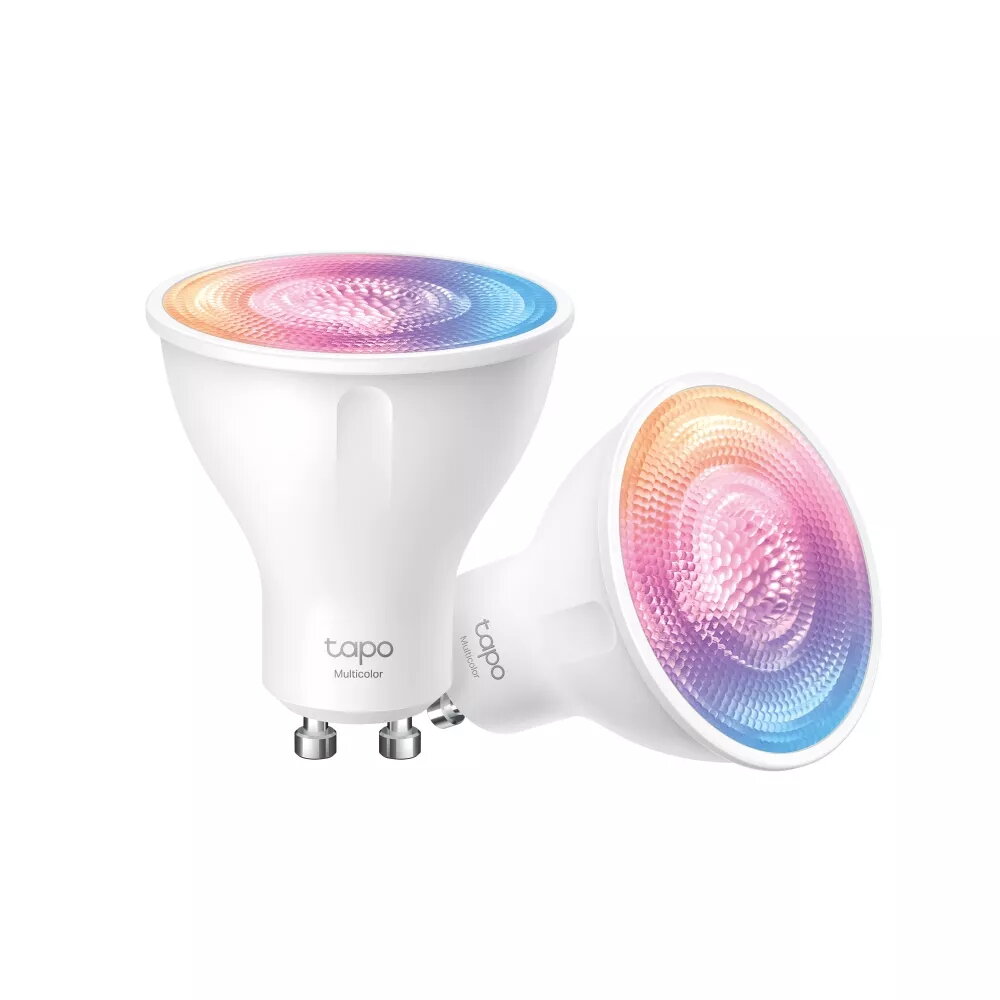
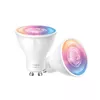
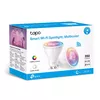
Smart bulb TP‑LINK Tapo L630 GU10 3.7W multicolor (2-pack)
In cart {{totalProductsCount}} item(s)
Your cart is empty
Smart bulb TP‑LINK Tapo L630 GU10 3.7W multicolor (2-pack)
Leave your address - as soon as the price of the product goes down, you'll know about it right away
Smart bulb TP‑LINK Tapo L630 GU10 3.7W multicolor (2-pack)
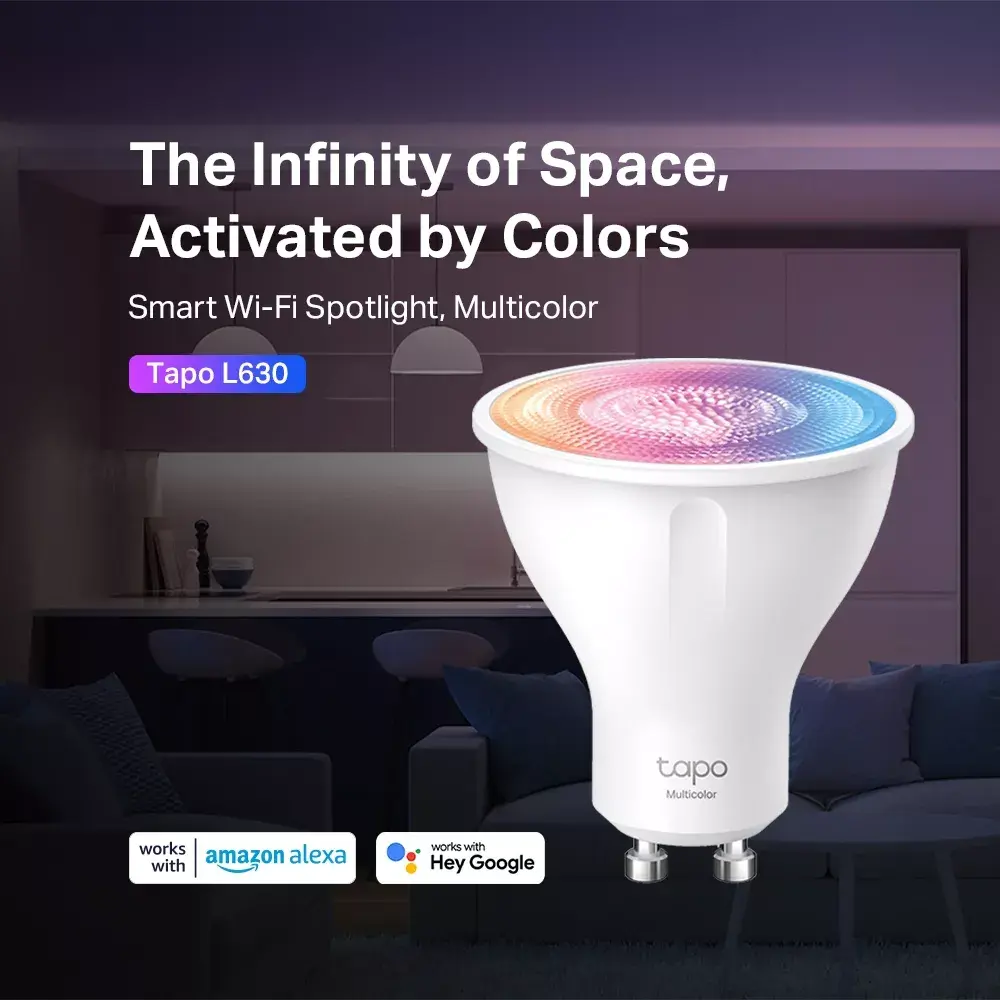
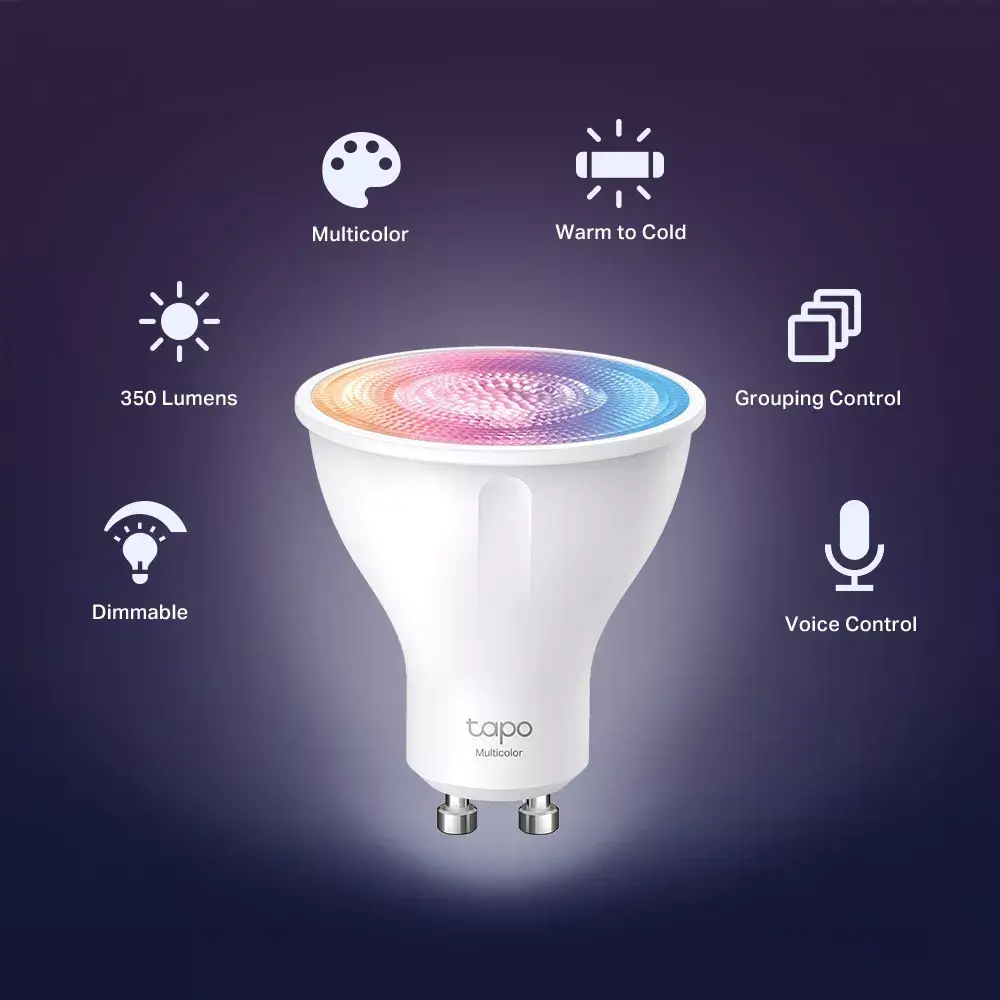
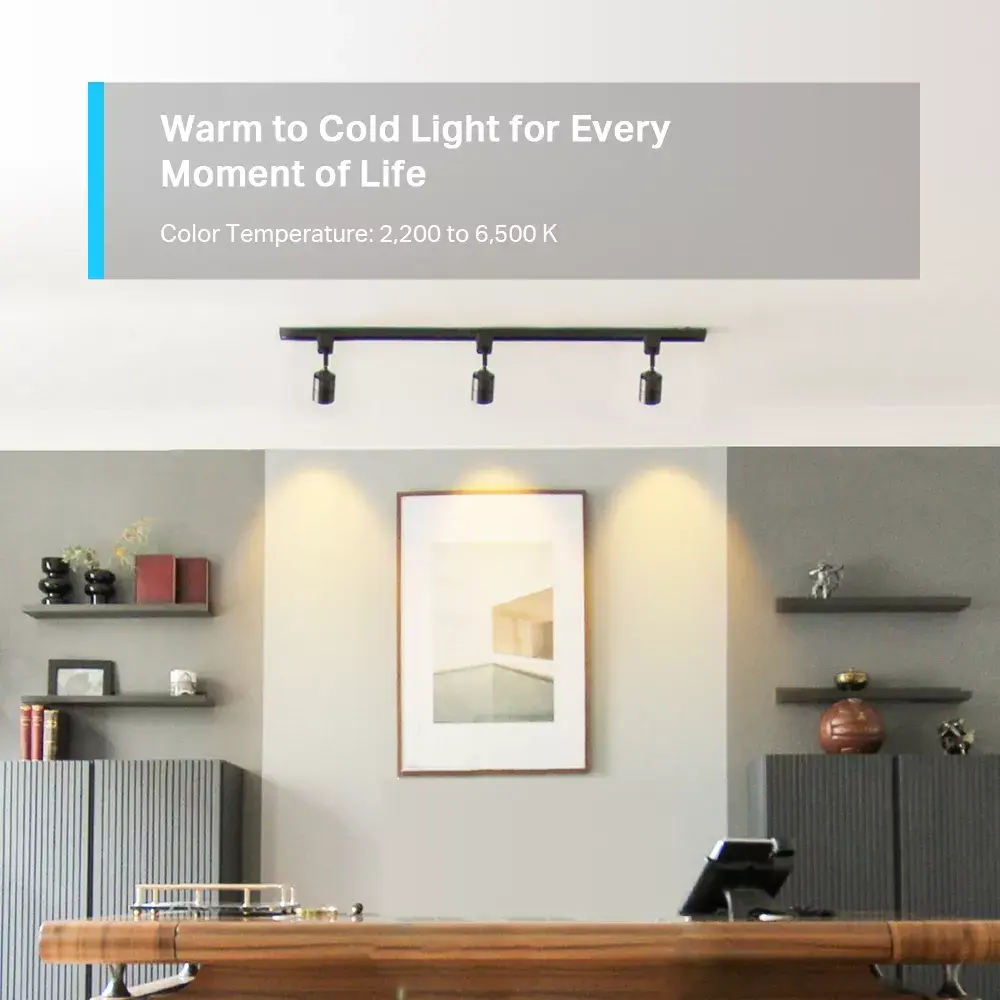
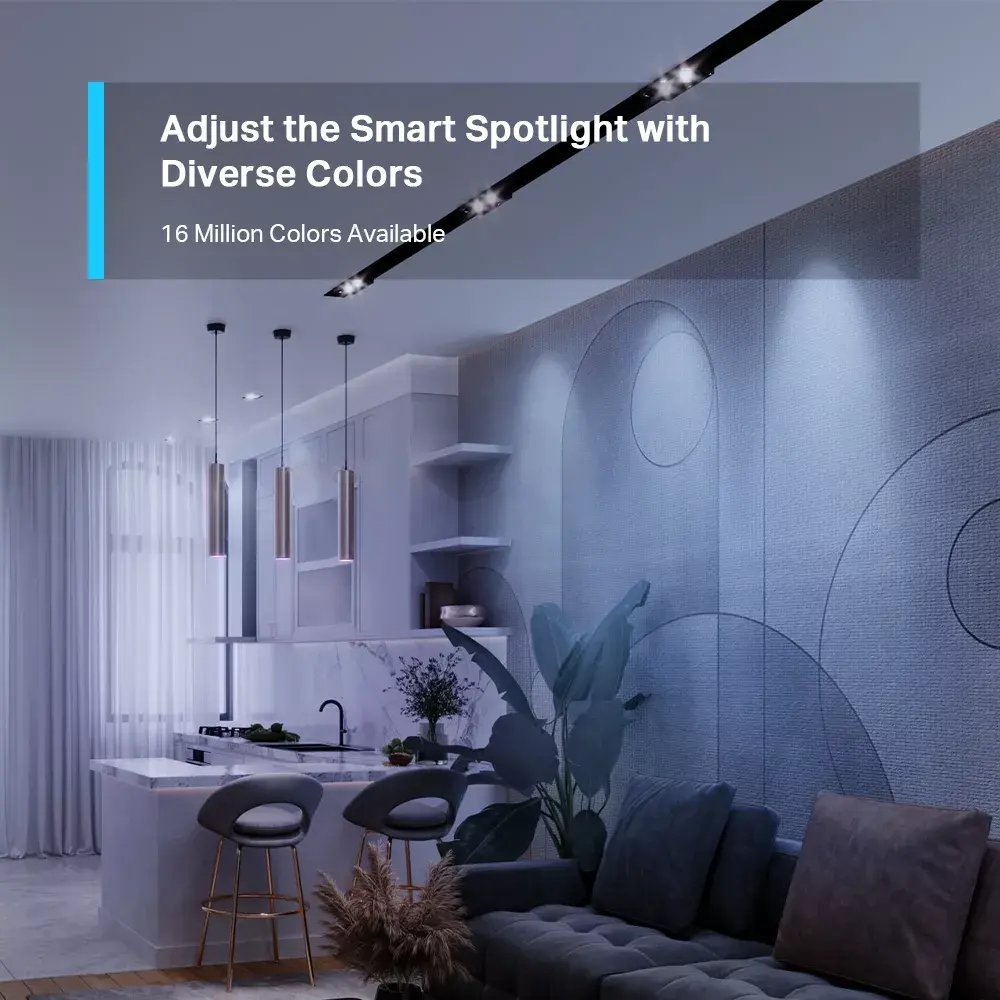
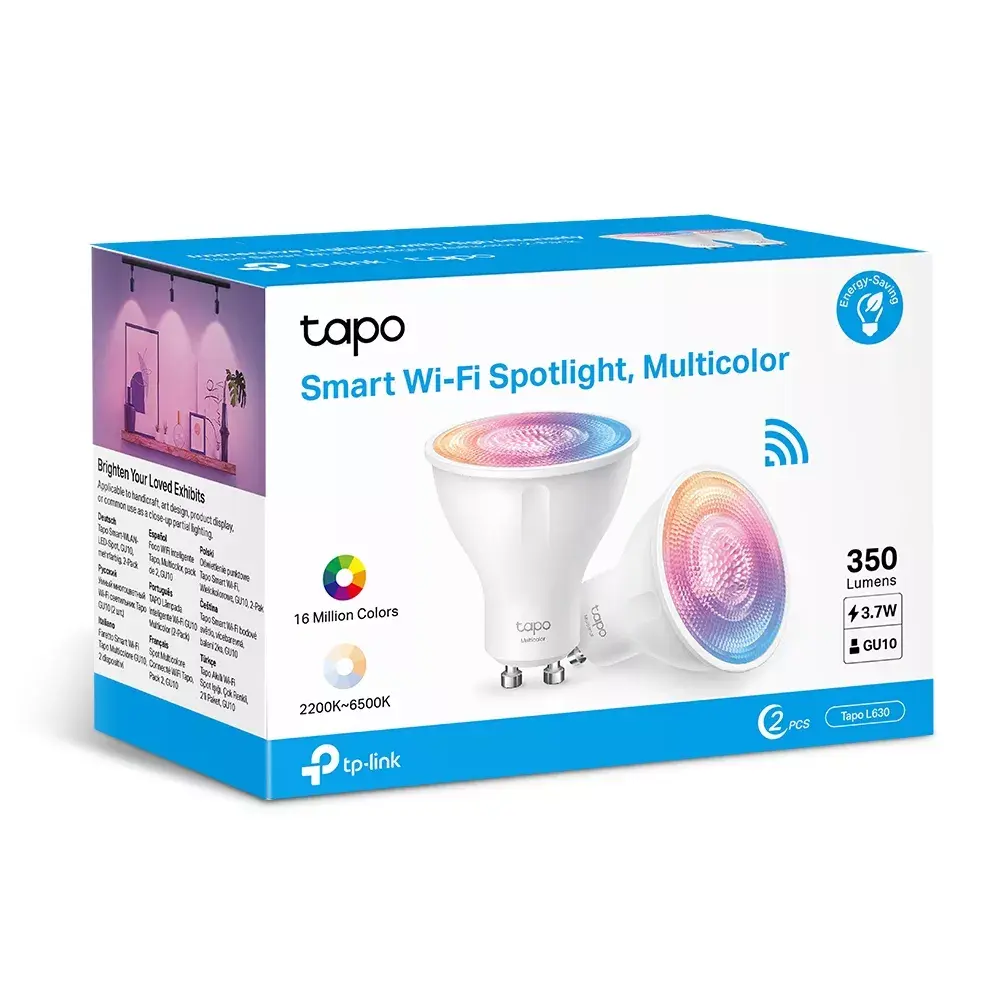
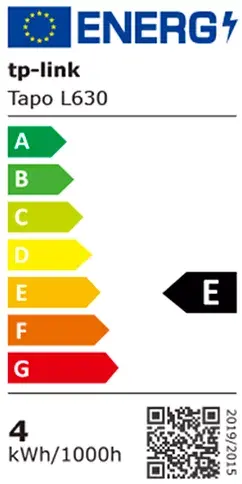
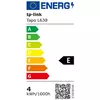
TP‑LINK Tapo L630 GU10 3.7W multicolor (2-pack) is a compact smart Wi‑Fi spotlight designed for GU10 sockets. Each bulb consumes 3.7 W and produces up to 350 lumens with tunable white and 16 million color options. The bulbs connect directly to a home Wi‑Fi network and are managed via the Tapo app, offering remote control, scheduling, grouping and voice assistant compatibility for hands‑free operation. With a small footprint (approximately 50×50×55.2 mm) and energy class E, this 2‑pack is intended for accent lighting, mood settings and integrated smart home scenes.
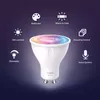
The Tapo L630 provides flexible color and brightness control to adapt lighting to different activities and atmospheres. GU10 compatibility allows straightforward replacement in existing downlight fixtures without extra adapters. Built‑in Wi‑Fi connectivity removes the need for a separate hub, while the Tapo app supports remote scheduling, automation and grouping of multiple bulbs. Voice control through common assistants enables hands‑free switching and scene activation. Low power consumption combined with grouping capability helps reduce overall energy use in larger installations.
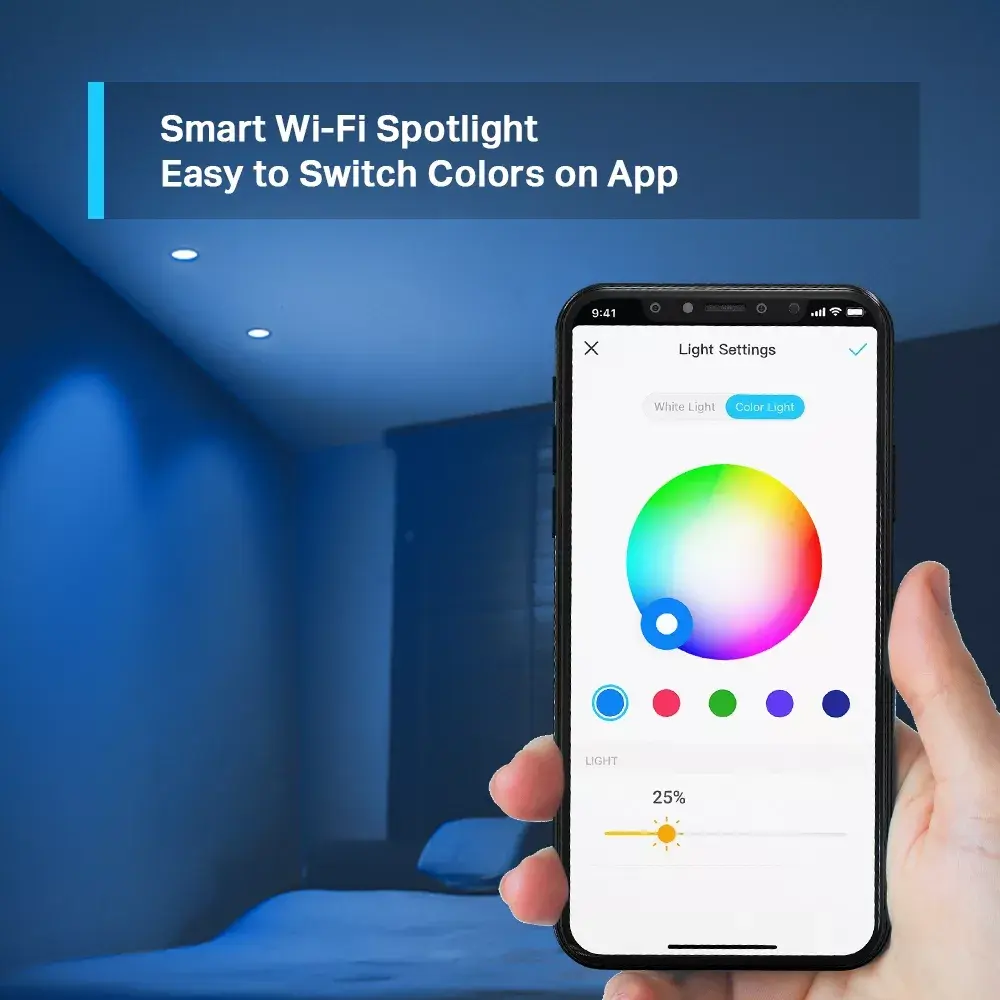
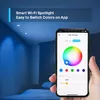
Install each Tapo L630 bulb into a compatible GU10 socket and ensure the power is switched on. Download the Tapo app on your smartphone, create or sign in to your account, then follow in‑app instructions to add the bulbs to your Wi‑Fi network. Use the app to adjust color, color temperature and brightness, create schedules, group bulbs, or link them to automation routines. For hands‑free control, enable and link your Tapo account with a supported voice assistant and use voice commands to operate the lights.
For best performance, place bulbs in fixtures that allow adequate ventilation and use a stable 2.4 GHz Wi‑Fi network for reliable connectivity. When replacing halogen GU10 bulbs, verify fixture compatibility and recommended wattage. Use grouping in the Tapo app to synchronise colors and brightness across multiple spots for consistent accent lighting in a space.
{{highlightedFeature.featureTitle}}:
{{getProductFeatureValueById(product, highlightedFeature.featureId)}}
Device manufacturer code
Device manufacturer
Rating of how efficiently a device uses energy, affecting power consumption and costs.