
Save time and money with our discounts!
In cart {{totalProductsCount}} item(s)
Your cart is empty
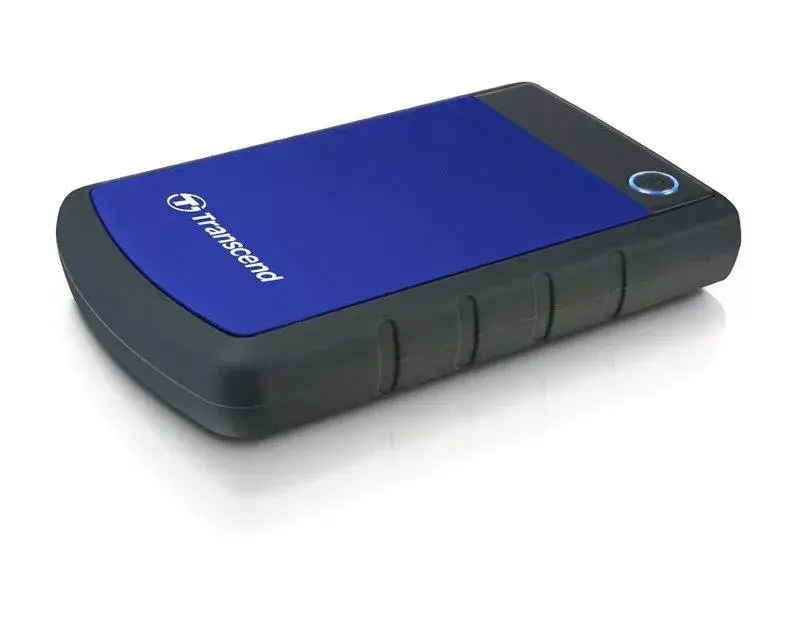
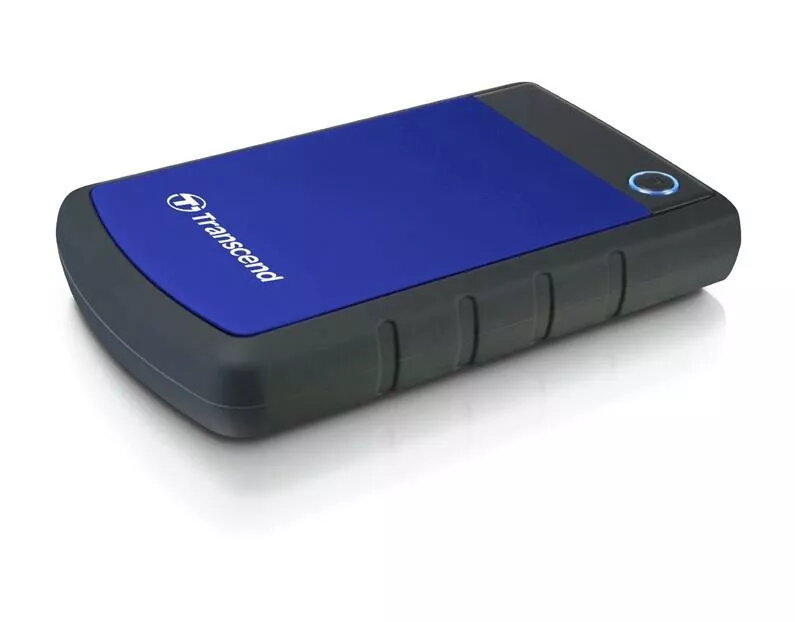
Transcend StoreJet 25H3B 1TB External Hard Drive 2.5-inch USB 3.0
The Transcend StoreJet 25H3B 1TB external hard drive is a robust and reliable storage solution designed for users who require portable access to their digital files. Featuring a 2.5-inch form factor and a high-speed USB 3.0 interface, this drive ensures efficient data transfer rates for documents, high-resolution photos, and multimedia content. Its durable construction provides an added layer of protection, making it a dependable choice for managing data on the go.
This external hard drive stands out due to its combination of high storage capacity and physical durability. The integration of USB 3.0 technology allows for significantly faster file transfers compared to older standards, reducing waiting times when moving large datasets. Its compact design ensures that it fits easily into laptop bags or pockets, while the rugged exterior helps safeguard stored information against the rigors of daily transport and accidental bumps.
This device may not be the optimal choice for users requiring extremely high-speed performance for professional video editing directly from the drive, as solid-state drives typically offer superior read and write speeds for such tasks. Additionally, it is not designed to be waterproof or shockproof against extreme impacts, so it should not be used in harsh outdoor environments without additional protection.
To use the Transcend StoreJet 25H3B, simply connect the provided USB cable to the drive and then to an available USB port on your computer. The device is generally plug-and-play, meaning it should be automatically recognized by most modern operating systems without the need for manual driver installation. Once connected, the drive will appear as a removable storage volume, allowing you to drag and drop files to and from the device as needed.
Always safely eject the drive through your operating system before physically disconnecting the USB cable to prevent potential data corruption. Regularly update your backup schedules to ensure your most recent files are protected.
{{highlightedFeature.featureTitle}}:
{{getProductFeatureValueById(product, highlightedFeature.featureId)}}
{{ productComparisonGenerationError }}
