A curated selection of maximum value offers!
In cart {{totalProductsCount}} item(s)
Your cart is empty
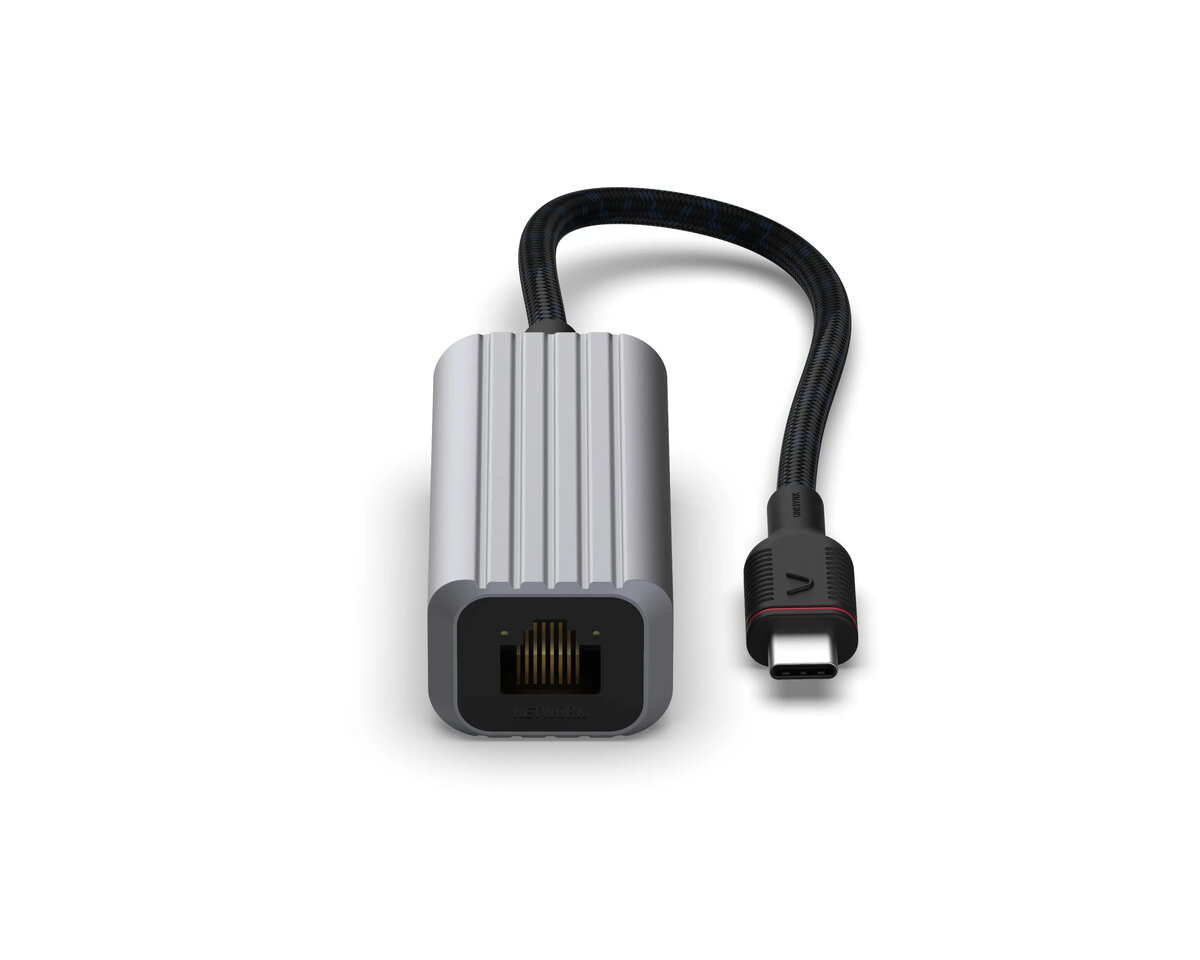
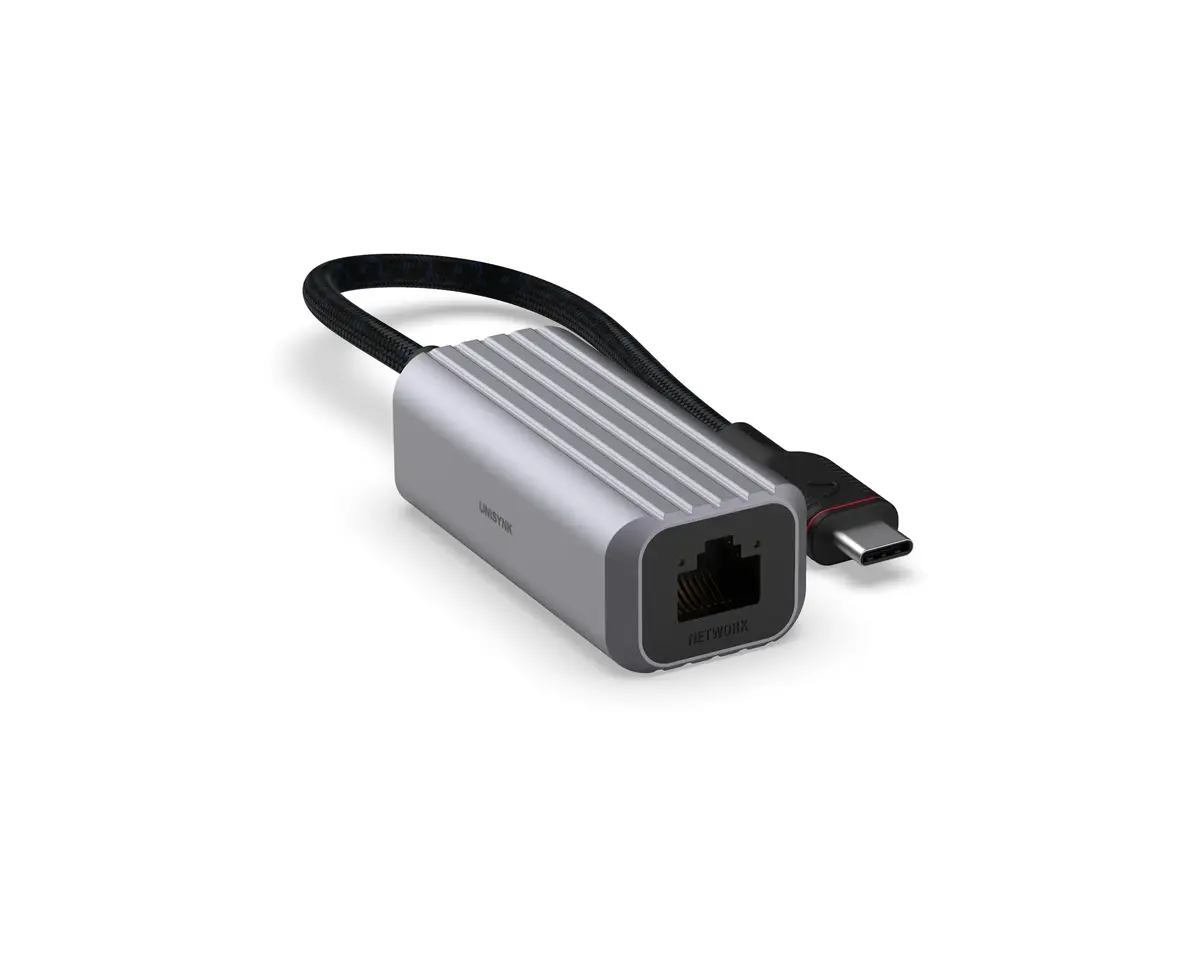
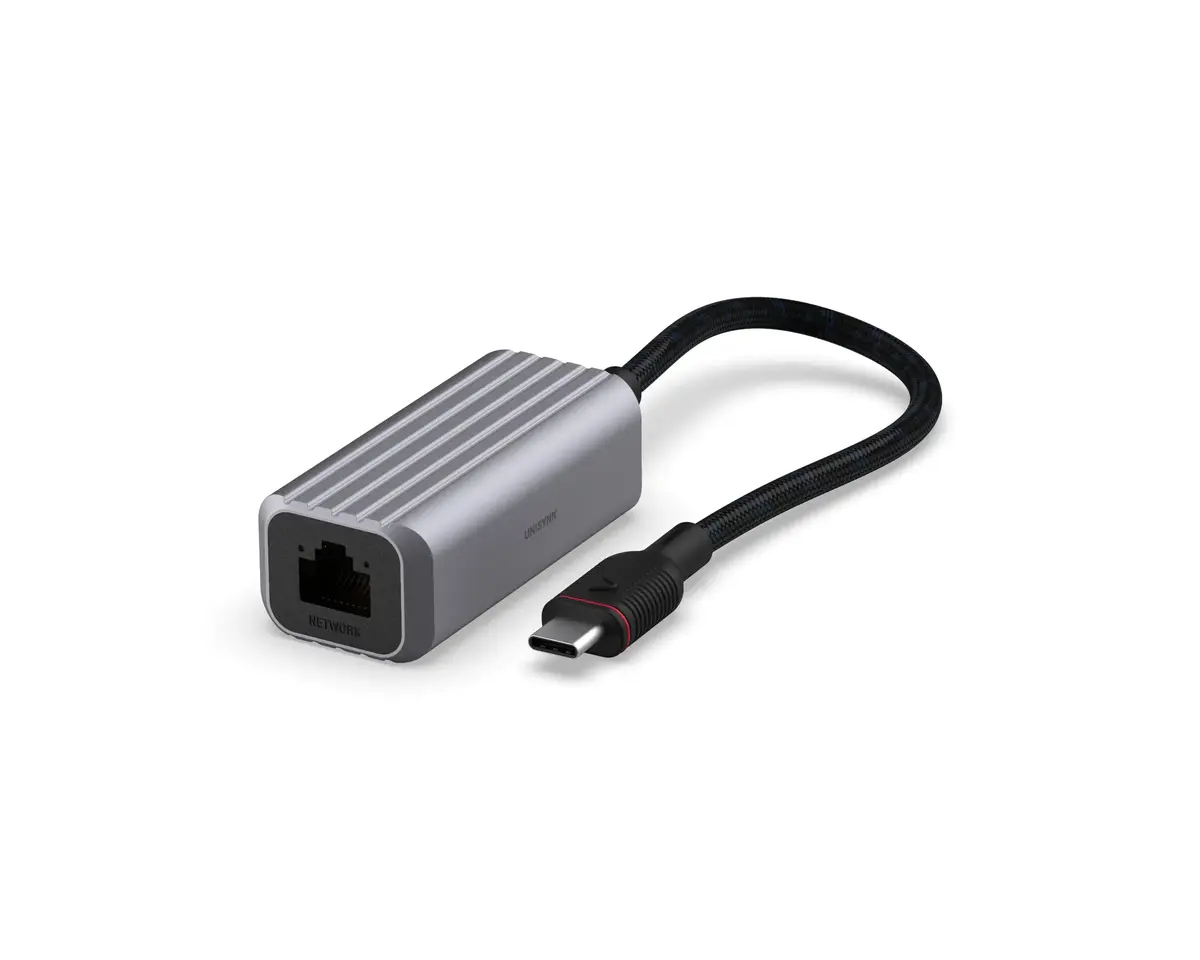
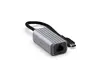
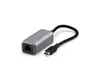
Unisynk USB-C to Network Adapter 1000 Mbit/s RJ-45 Grey Aluminium
The Unisynk USB-C to Network Adapter 1000 Mbit/s RJ-45 Grey Aluminium provides a reliable wired internet connection for modern laptops and devices equipped with a USB-C port. Featuring a USB 3.2 Gen 2 Type-C interface and an RJ-45 Ethernet port, this adapter delivers network data transfer rates of up to 1000 Mbit/s. Built with a solid grey aluminium housing and a reinforced cable, it is engineered for everyday durability and travel.
This adapter ensures a secure and stable internet connection, which is often superior to wireless networks in environments with heavy interference. The solid aluminium construction protects internal components while helping to dissipate heat during continuous operation. A reinforced cable adds extra resilience against daily wear and tear for users on the go. Integrated dual LEDs clearly indicate connection status and data traffic activity, allowing for quick troubleshooting. Additionally, the PVC-free design supports environmentally conscious manufacturing, and Plug and Play functionality enables instant setup without manual driver installations.
This adapter is not compatible with older computers that only feature standard USB-A ports instead of USB-C. It also cannot increase internet speeds beyond the maximum limits provided by your internet service provider or local network hardware.
To use the Unisynk USB-C to Network Adapter, plug the USB-C connector directly into an available USB-C port on your computer or compatible device. Connect a standard Ethernet network cable from your router, switch, or wall outlet into the RJ-45 port on the adapter. The operating system will automatically recognize the device, and the dual LEDs will light up to indicate an active link and data transmission. No additional software or external power supply is required for operation.
For optimal performance, always connect the adapter directly to your computer's USB-C port rather than through unpowered hubs. Store the adapter in a dry environment when traveling to protect the aluminium casing and reinforced cable from physical damage.
{{highlightedFeature.featureTitle}}:
{{getProductFeatureValueById(product, highlightedFeature.featureId)}}
{{ productComparisonGenerationError }}