
A curated selection of maximum value offers!
In cart {{totalProductsCount}} item(s)
Your cart is empty
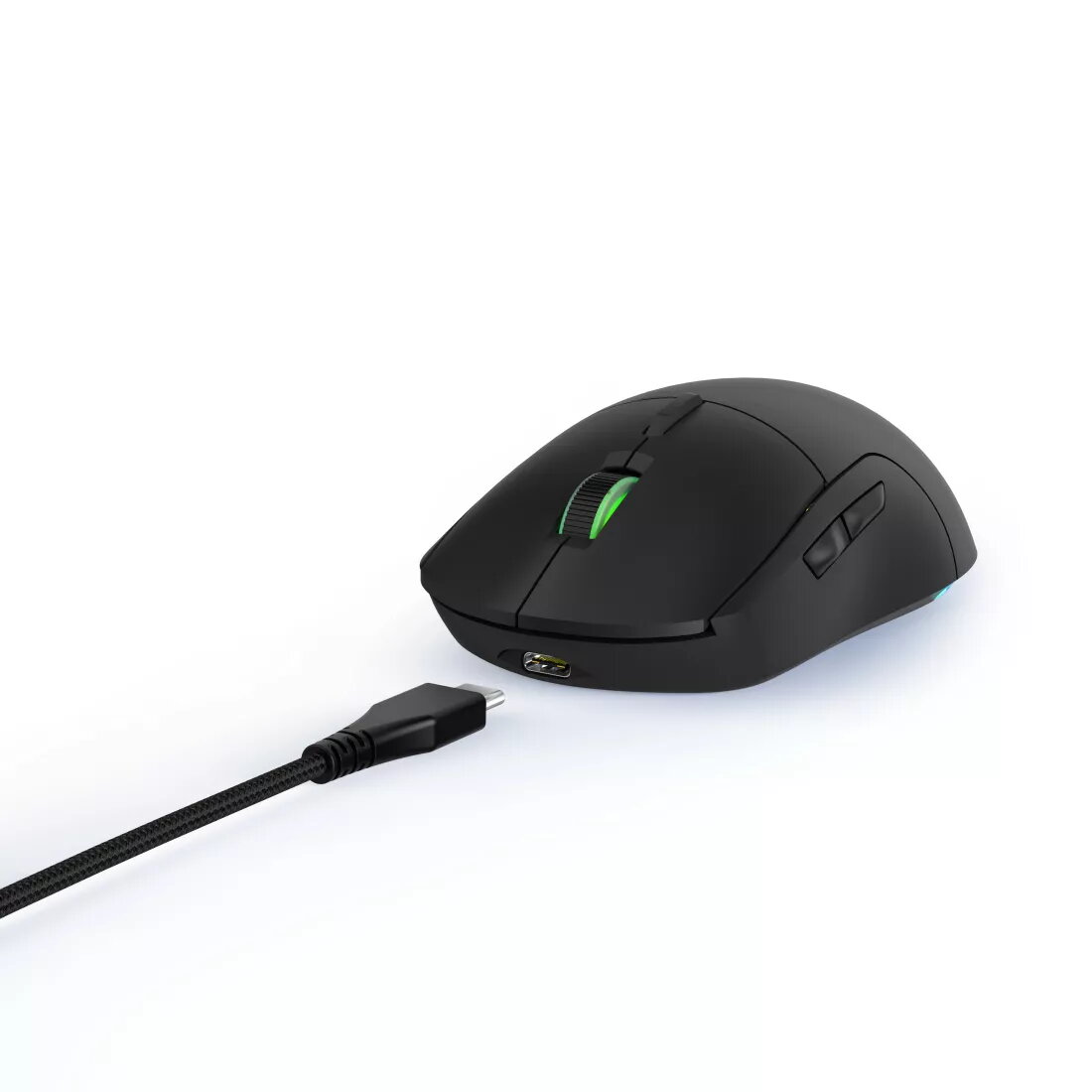
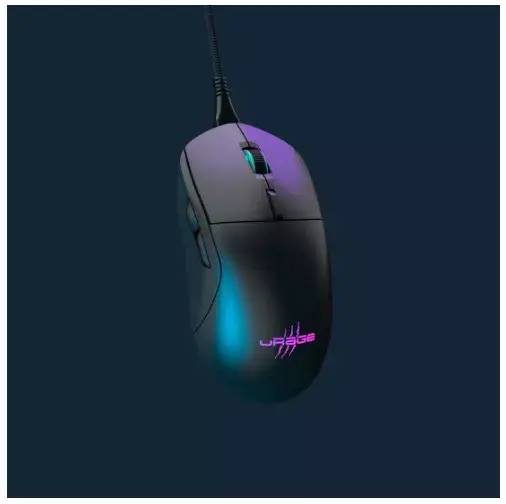
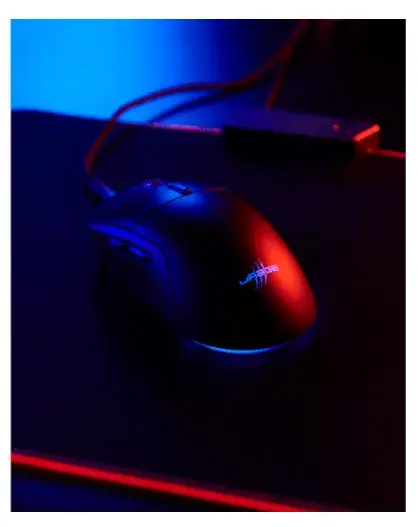
uRage Reaper 250 Gaming Mouse Right-hand USB Type-A Optical 6200 DPI Black
The uRage Reaper 250 Gaming Mouse is a wired right-handed peripheral engineered to deliver precise cursor control and reliable performance for gaming and daily computer tasks. Equipped with a high-performance optical sensor supporting up to 6200 DPI, a fast 1 millisecond response time, and six tactile buttons, this black mouse ensures accurate tracking and swift inputs. It integrates durable TTC-Golden switches designed for a long lifespan of up to 30 million clicks, pure PTFE gliders for smooth movement across surfaces, and a flexible detachable uFlex cable with a cable manager for tidy setups. Dedicated gaming software allows users to customize illumination, profiles, and macros to suit individual preferences.
The mouse features an advanced optical sensor with a resolution of up to 6200 DPI, offering precise tracking for competitive and casual gaming alike. Its ergonomic right-handed design ensures comfortable grip during extended usage sessions. Long-lasting TTC-Golden switches provide exceptional durability, rated for up to 30 million clicks. Pure PTFE mouse gliders guarantee fluid and fast-response movements on virtually any surface. The innovative detachable uFlex cable offers complete flexibility and helps maintain a tidy desk organization. Furthermore, comprehensive gaming software enables easy customization of lighting, user profiles, and complex macros.
This gaming mouse may not be suitable for left-handed users due to its ergonomic right-handed shape. Additionally, users who prefer a completely wireless setup might find the wired USB Type-A connection restrictive, despite the flexibility provided by the detachable uFlex cable.
Connect the mouse to an available USB Type-A port on your computer using the detachable uFlex cable. The device is plug-and-play for basic functions, but to fully utilize advanced features, install the dedicated gaming software. Through the software, you can configure the illumination, assign macros to the six buttons, and set up custom user profiles to match your specific gaming requirements. Ensure the mouse gliders are clean and use them on a flat, suitable surface for optimal performance.
For the best performance and longevity, keep the pure PTFE gliders clean from dust and debris, use the cable manager to prevent cable wear, and install the official gaming software to customize profiles and macros safely.
{{highlightedFeature.featureTitle}}:
{{getProductFeatureValueById(product, highlightedFeature.featureId)}}
{{ productComparisonGenerationError }}