
Hurry and order now – up to 50% off!
In cart {{totalProductsCount}} item(s)
Your cart is empty
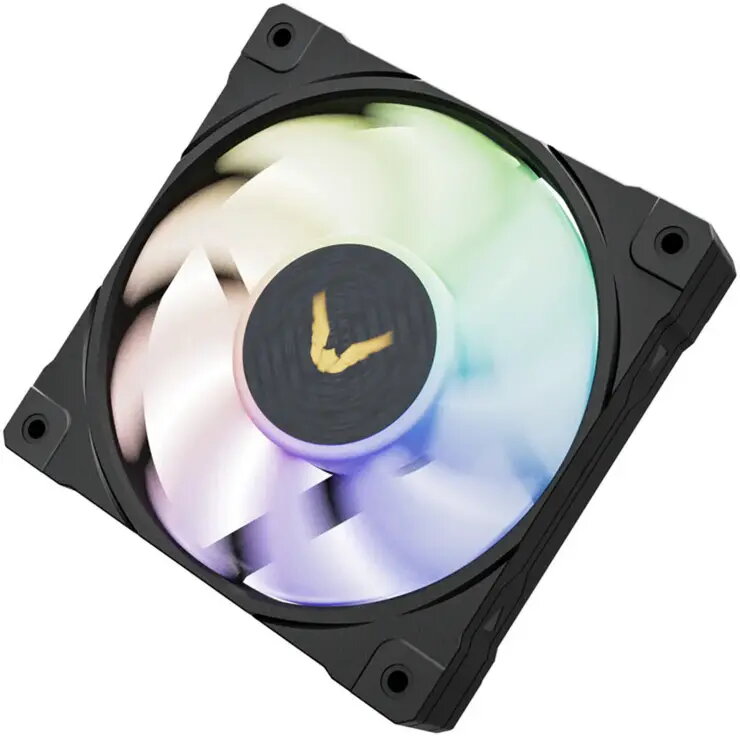
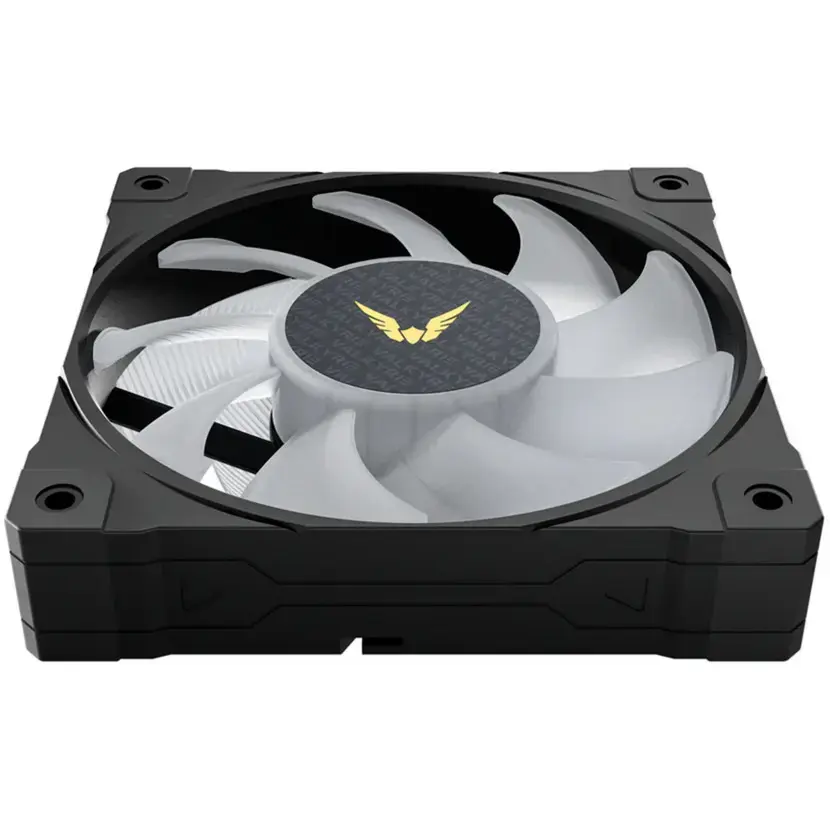
Case fan Valkyrie VK-FANB12FB 120mm ARGB, 120×25 mm, PWM-compatible
Valkyrie VK-FANB12FB is a 120×25 mm ARGB case fan created for PC cooling applications. The fan delivers axial airflow for chassis ventilation, CPU cooler support, or installation on radiators. It supports addressable RGB lighting for individually controllable illumination and is compatible with PWM control so fan speed can be managed by the motherboard or a dedicated controller. The design fits standard 120 mm mounts and is suitable for desktop gaming rigs and workstation systems that need improved airflow and visual customization.
The fan combines a compact 120×25 mm form factor with ARGB illumination and PWM-compatible speed control, enabling both efficient cooling and synchronized lighting effects when connected to compatible controllers or motherboard headers. Its standard mounting size ensures broad compatibility with cases, CPU coolers and radiators that accept 120 mm fans. The PWM interface allows automatic fan speed adjustment based on system temperature, while the addressable RGB LEDs provide per-LED color control for customizable lighting schemes.
Install the fan into a standard 120 mm mounting position using the supplied or case screws, observing airflow direction markings on the frame. Connect the power and PWM control cable to the motherboard or fan controller to enable speed regulation. Connect the ARGB cable to an addressable RGB header or compatible controller to allow color and effect control. Configure fan curves and lighting in BIOS or the motherboard/controller software as required.
Position intake fans at the front or bottom of the case and exhaust fans at the rear or top to establish a balanced airflow path. Use PWM control to set a temperature-dependent fan curve for quiet operation under light load and increased cooling when the system is stressed. Ensure ARGB connections match the motherboard/controller pinout to avoid damage and consult your motherboard manual for correct header orientation.
{{highlightedFeature.featureTitle}}:
{{getProductFeatureValueById(product, highlightedFeature.featureId)}}
{{ productComparisonGenerationError }}