






Powerful EcoFlow stations for energy anywhere!
In cart {{totalProductsCount}} item(s)
Your cart is empty
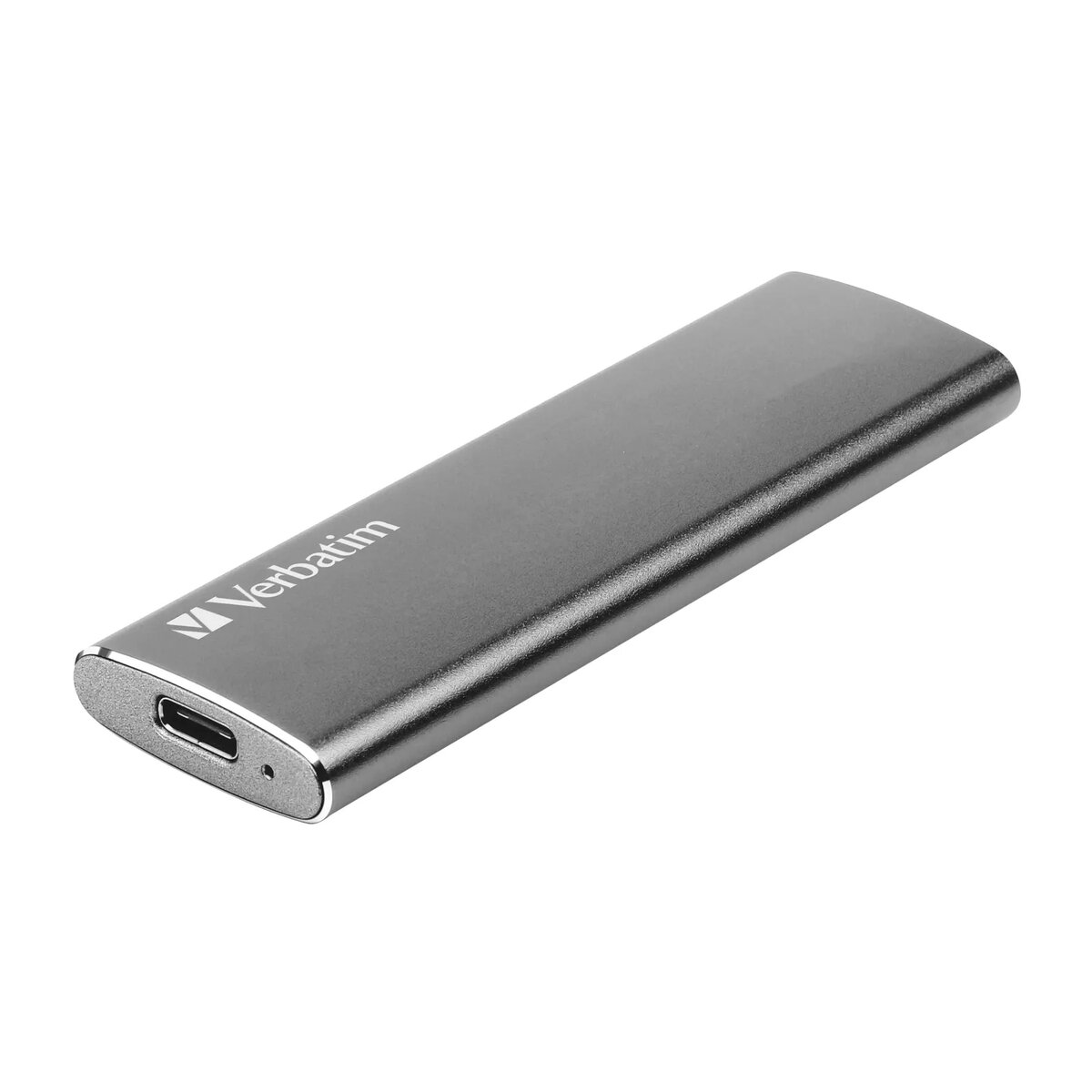
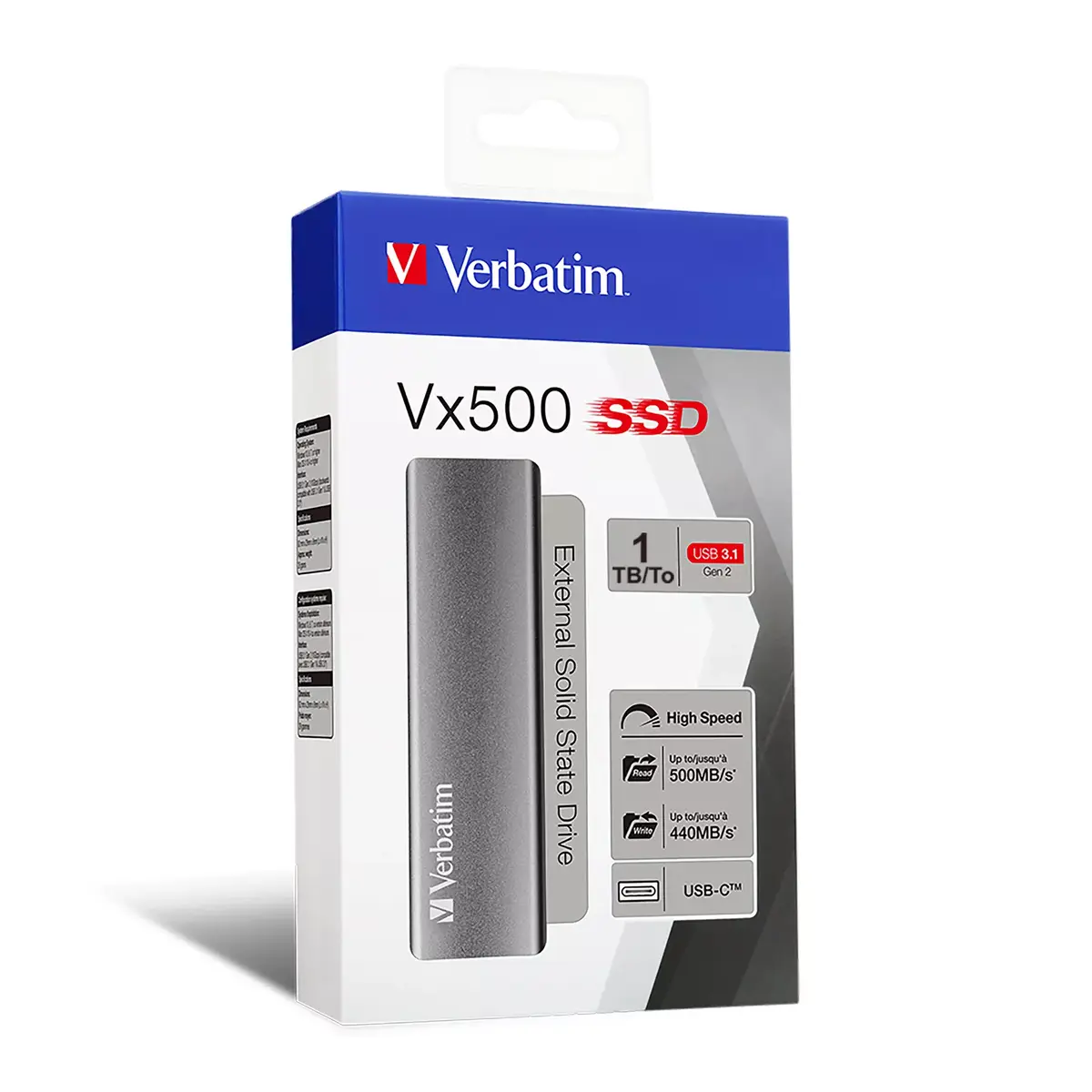
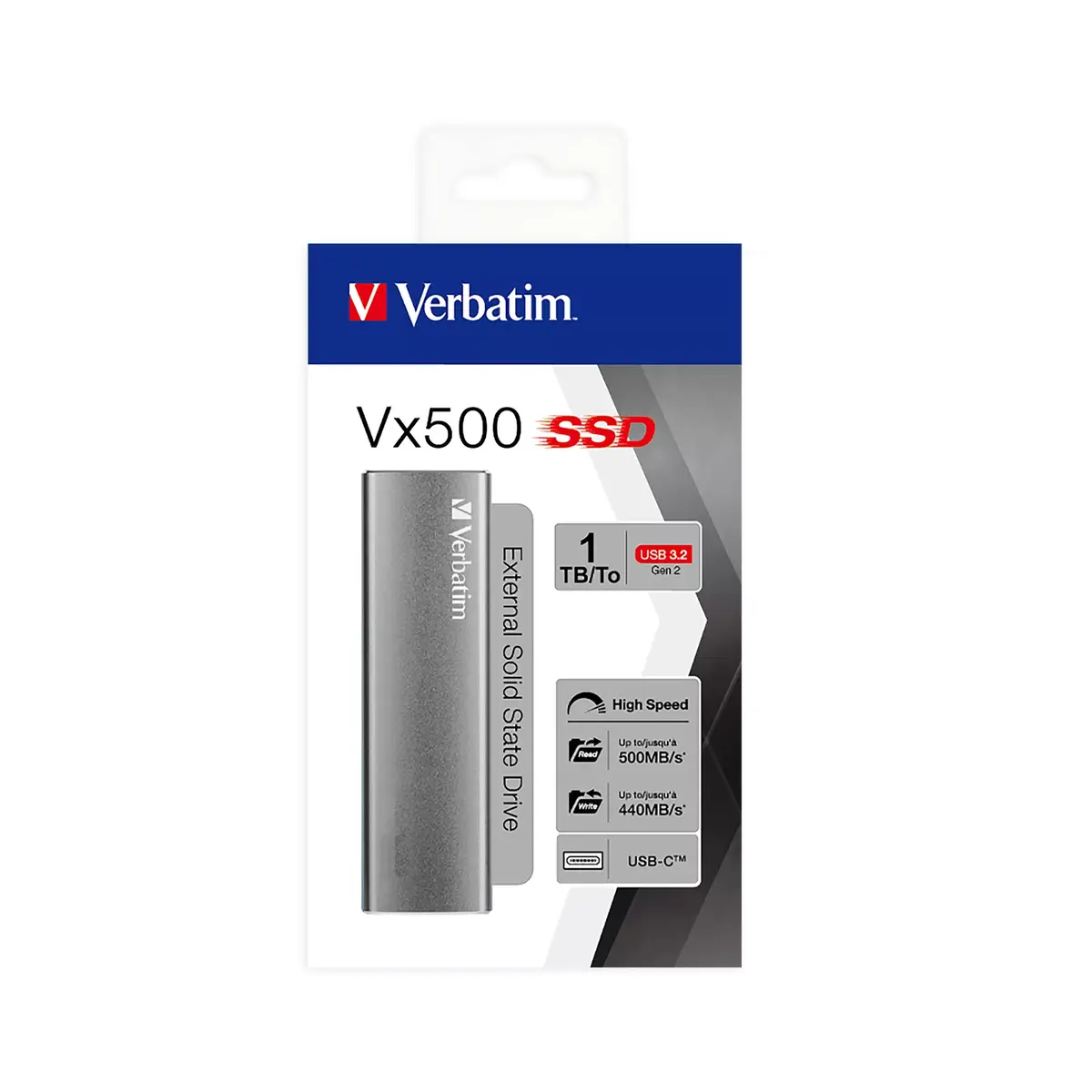
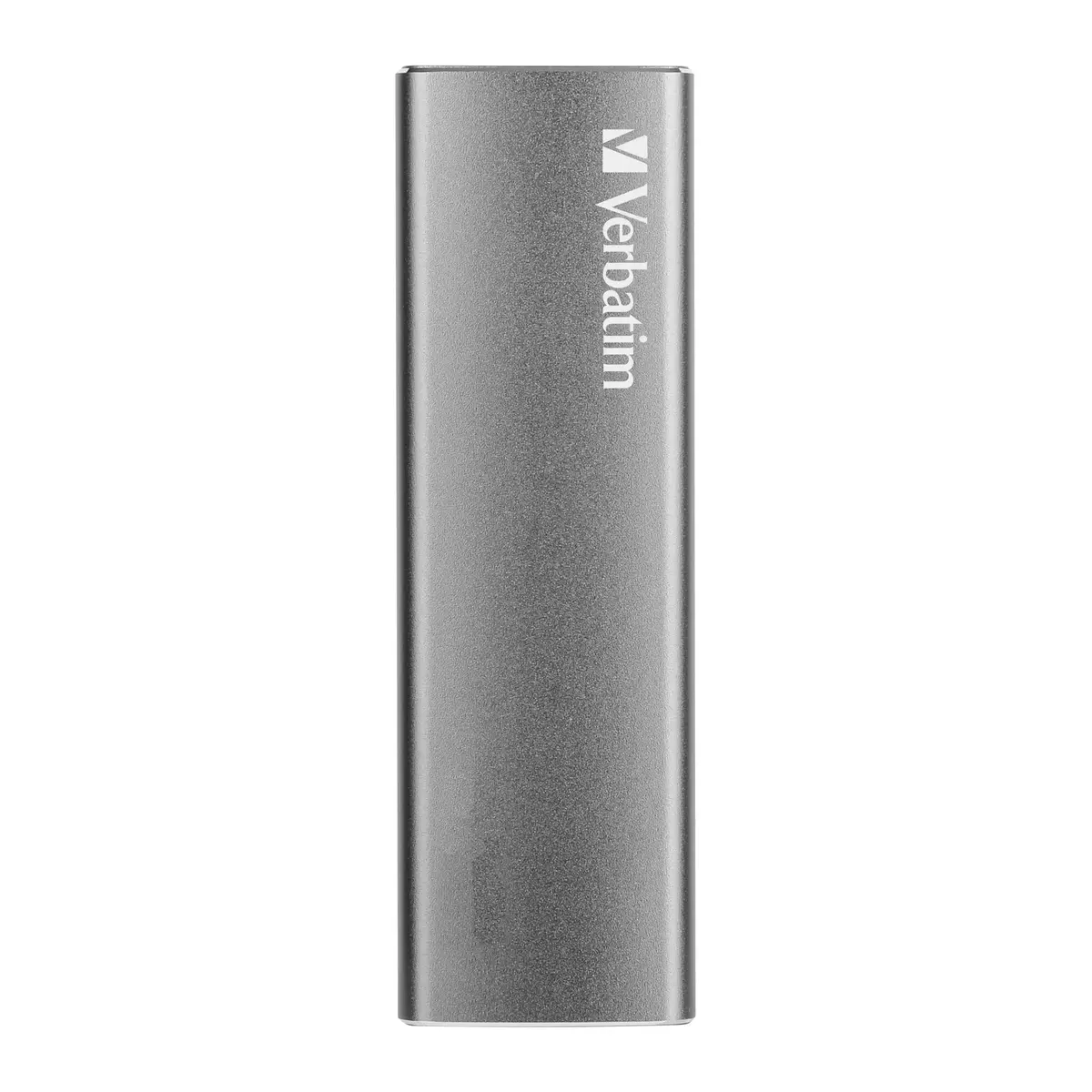
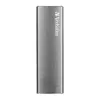
Verbatim Vx500 External SSD 1 TB, USB Type-C 3.2 Gen 2, Silver
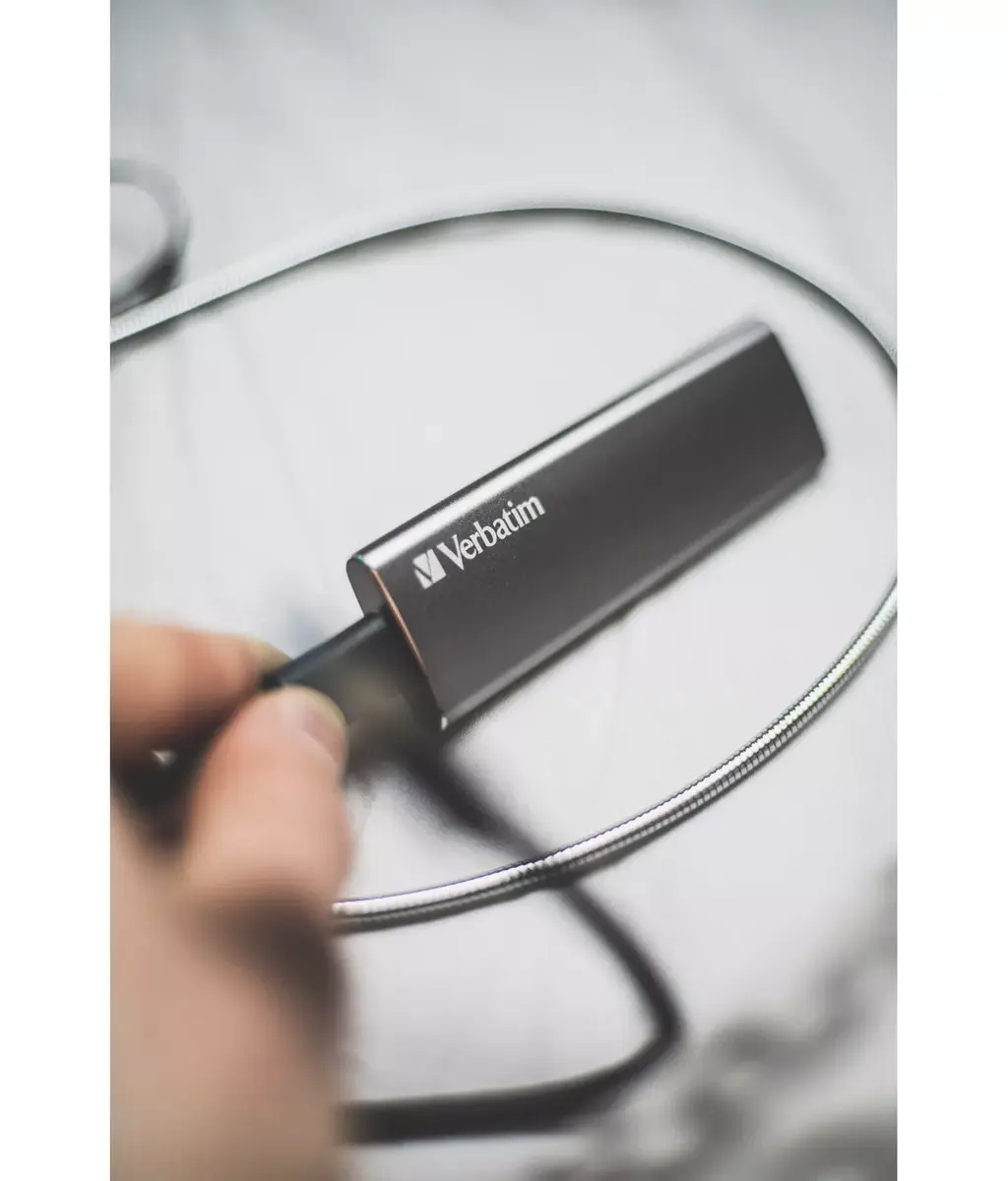
The Verbatim Vx500 External SSD 1 TB is a high-performance storage solution designed for users who require fast and reliable data management. Utilizing advanced flash memory and a USB 3.2 Gen 2 interface, this drive offers efficient file transfers and quick access to your digital content. Its compact, silver aluminum housing provides a durable and professional aesthetic, making it an ideal companion for modern laptops and mobile devices.
This external solid state drive significantly reduces waiting times when moving large files, such as high-resolution videos or extensive photo libraries, thanks to its high-speed data transfer capabilities. The inclusion of both USB-A and USB-C cables ensures broad compatibility across various hardware platforms, including PCs, televisions, and the latest mobile devices. Its lightweight and slim design allows for easy portability, while the robust aluminum construction protects internal components from daily wear and tear.
This drive may not be the optimal choice for users requiring massive multi-terabyte storage for server-grade archival purposes. Additionally, while it is highly portable, users who prioritize extreme ruggedization against water or heavy impact may need to consider specialized industrial-grade storage solutions.
To use the Verbatim Vx500, simply connect the drive to your computer or device using the provided USB-C or USB-A cable. The device is typically plug-and-play, meaning it will be recognized by your operating system automatically without the need for additional driver installations. For optimal performance, ensure you are connecting the drive to a USB 3.2 Gen 2 or Thunderbolt 3 port on your host device. Once connected, you can drag and drop files to the drive as you would with any standard storage volume.
For the best performance results, always use the USB-C cable connected to a USB 3.2 Gen 2 or Thunderbolt 3 host port. Avoid disconnecting the drive while data transfer is in progress to prevent potential file corruption.
{{highlightedFeature.featureTitle}}:
{{getProductFeatureValueById(product, highlightedFeature.featureId)}}
{{ productComparisonGenerationError }}
