
Dreame vacuums for fast and efficient cleaning!
In cart {{totalProductsCount}} item(s)
Your cart is empty
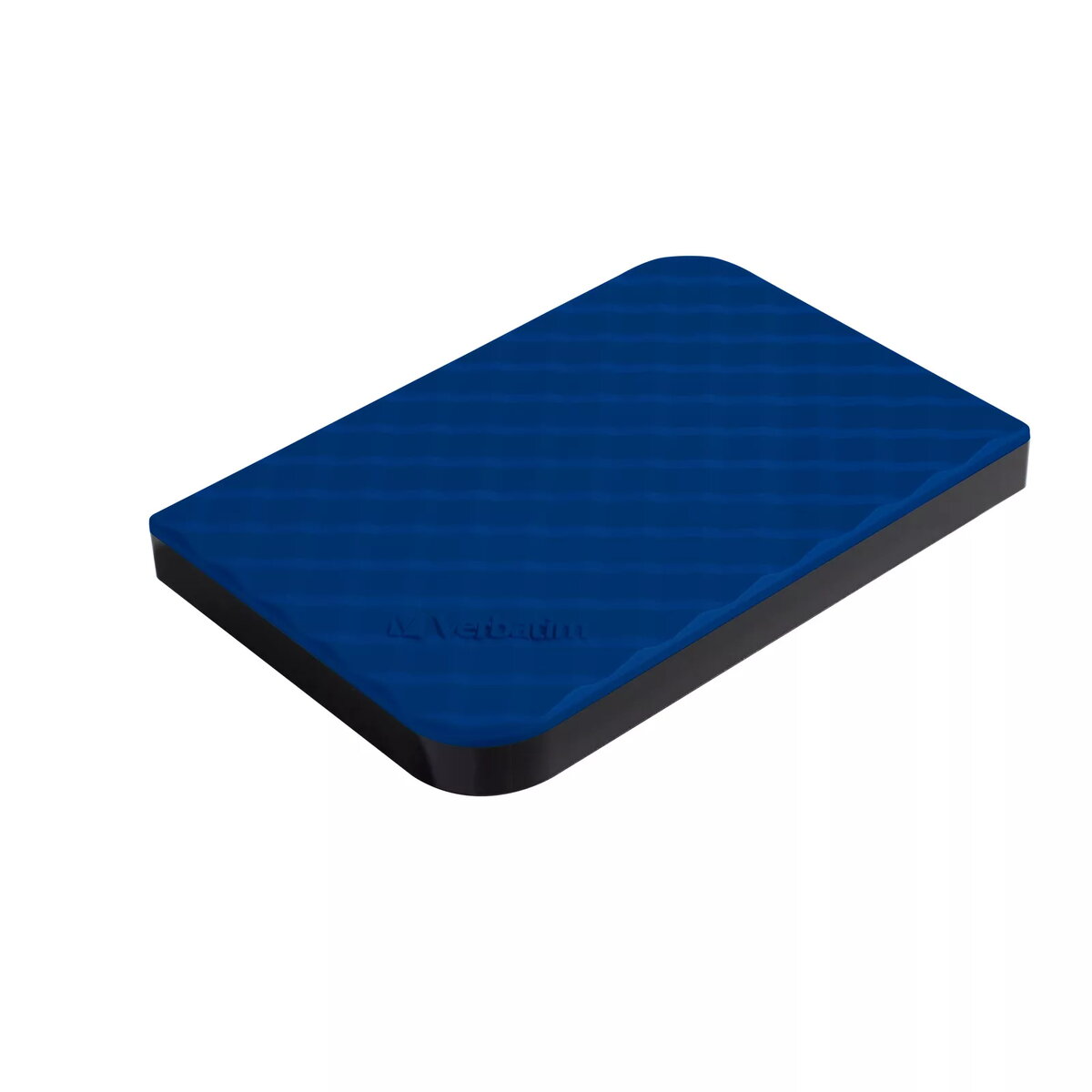
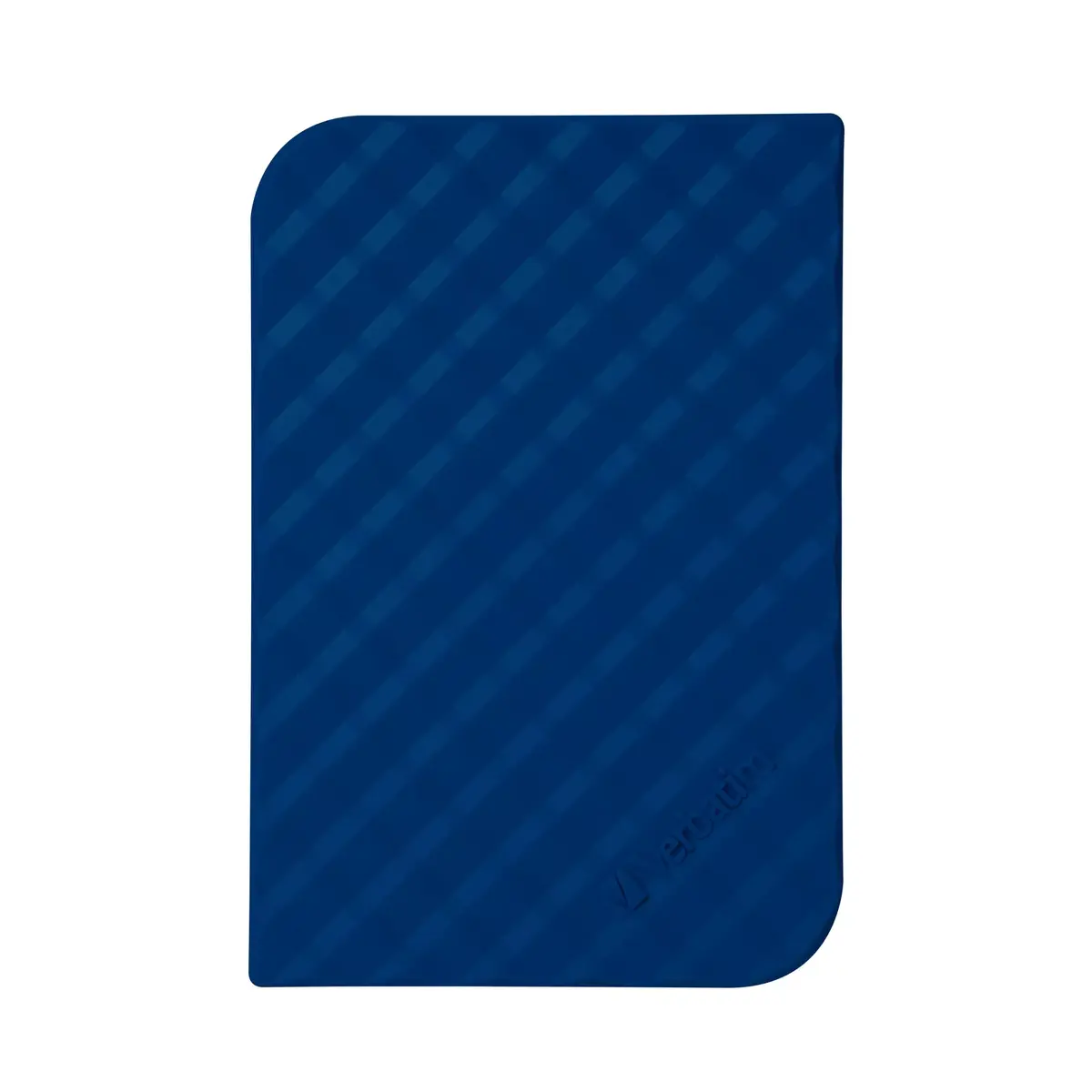
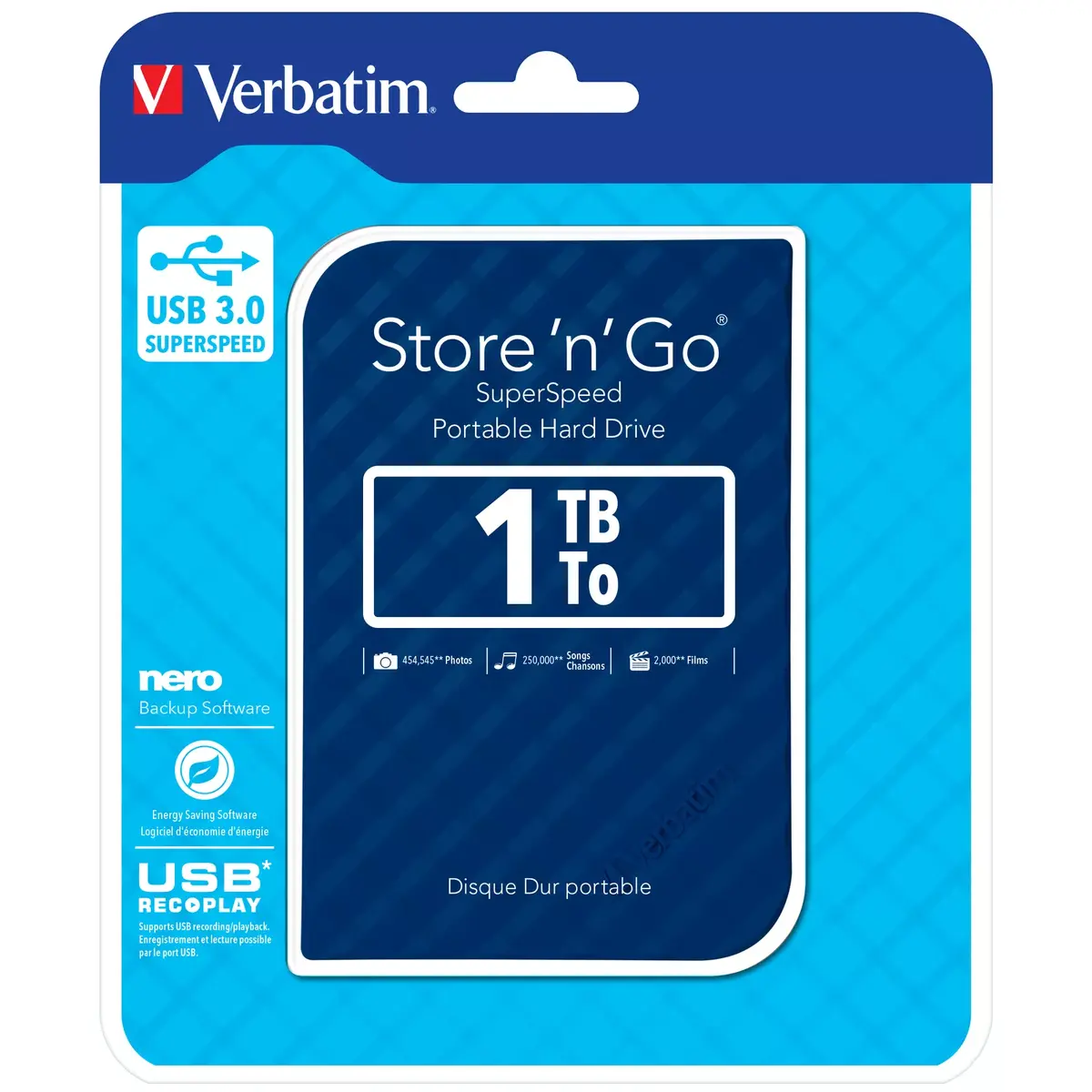
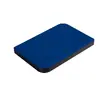
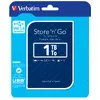
External 2.5" HDD VERBATIM Store 'n' Go USB 3.2 Gen 1 1 TB Blue, 5400 RPM
The VERBATIM Store 'n' Go external 2.5" HDD provides 1 TB of portable storage in a compact blue enclosure. Designed for USB 3.2 Gen 1 (USB 3.0) SuperSpeed connectivity, this drive delivers faster file transfers compared with USB 2.0 while remaining backward compatible. The 5400 RPM spindle speed and USB bus-powered design mean no external power supply is needed, making the drive convenient for backups, file transfers and expanded storage on laptops and desktops. The drive is supplied formatted in FAT32 for cross-platform use and includes software utilities for backup and energy saving.
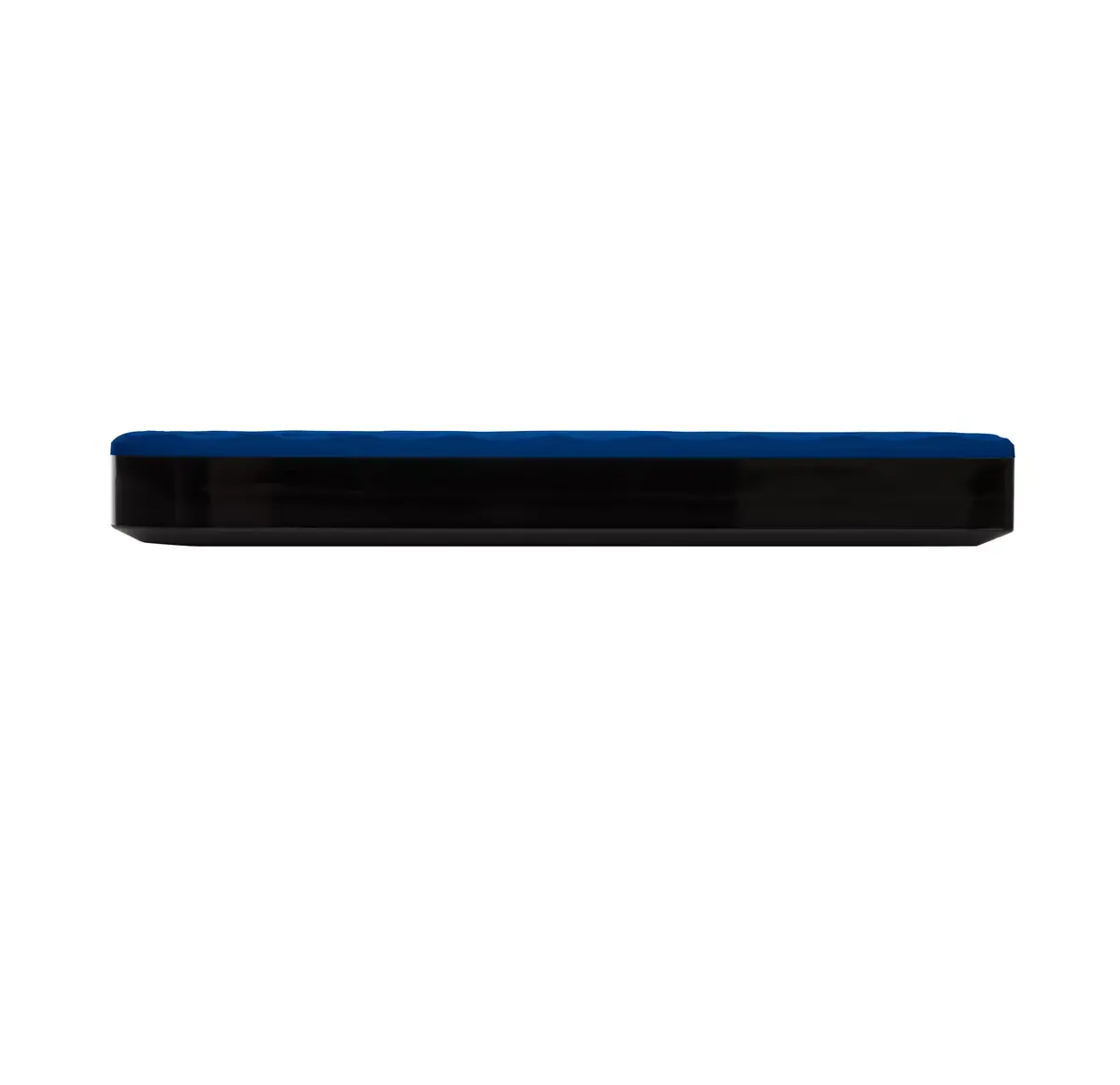
Compact 2.5" form factor and light weight make the drive easy to carry and position on a desk. USB 3.2 Gen 1 interface offers higher transfer throughput than USB 2.0 while maintaining compatibility with older ports. The drive works without an external power adapter and supports plug-and-play operation. Included Nero Backup software (Windows only) and Green Button power management increase data protection and reduce energy use through configurable sleep settings.
Connect the VERBATIM Store 'n' Go drive to a computer using the supplied USB cable; the drive is plug-and-play and draws power from the USB port. On first use the drive is formatted in FAT32 for immediate cross-platform access; if desired, reformat the drive to another file system supported by your operating system. Install the included Nero Backup software on a compatible Windows system to configure manual or scheduled backups, or use the operating system's built-in backup tools. Use Green Button energy saving software to configure automatic suspend times or manually suspend the drive when not in use.
For best performance, connect the drive to a USB 3.0/3.2 Gen 1 port on your computer. Keep regular backups using scheduled tasks in Nero Backup or your OS backup utility. Avoid disconnecting the drive during file transfers and use the operating system's safe-eject or unmount function before removing the USB cable. If using with Mac systems, verify or reformat the file system if required for specific Mac workflows since included backup software is Windows-only.
{{highlightedFeature.featureTitle}}:
{{getProductFeatureValueById(product, highlightedFeature.featureId)}}
{{ productComparisonGenerationError }}
