

This is due to long delivery times and limited product warranties.
Hurry and order now – up to 50% off!
In cart {{totalProductsCount}} item(s)
Your cart is empty
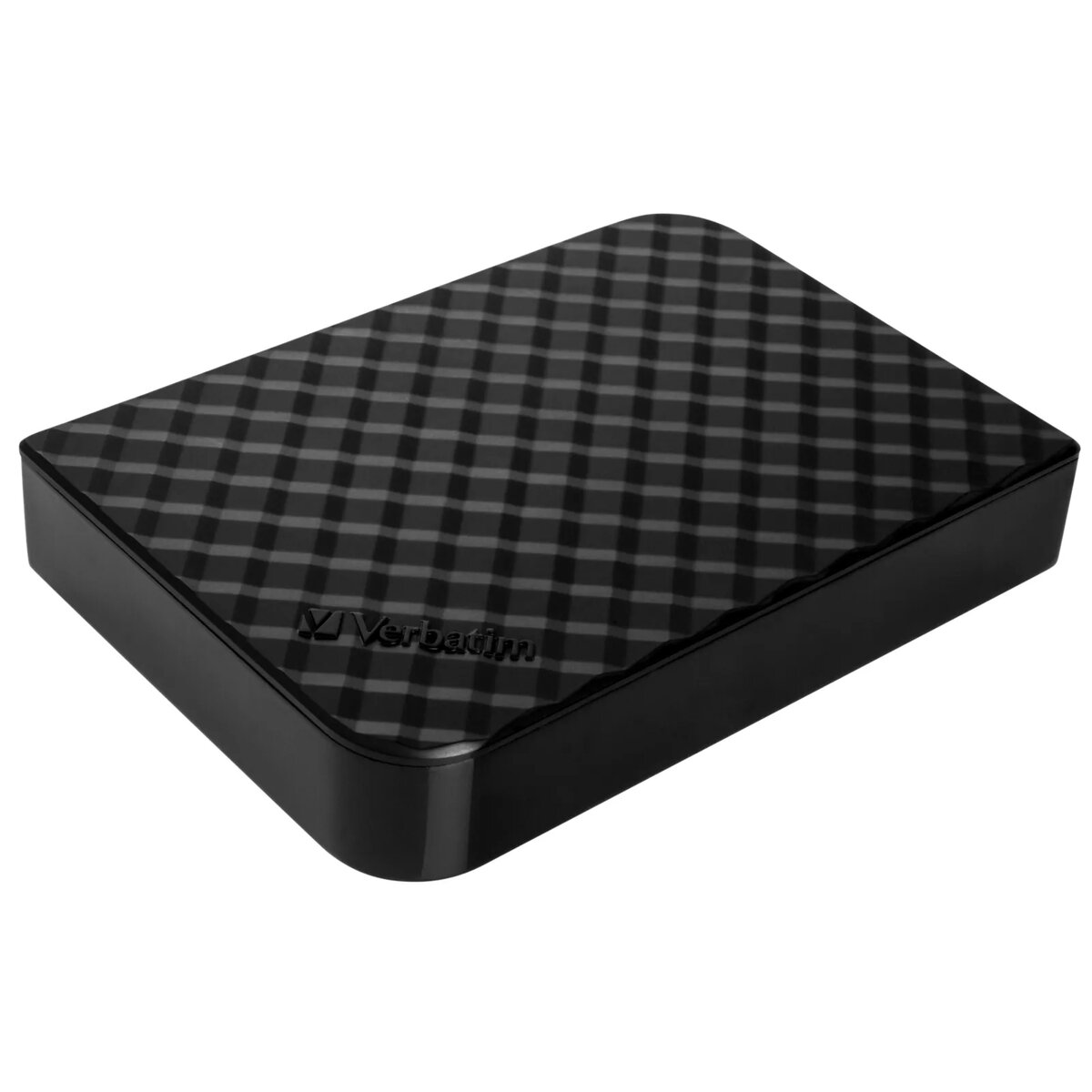
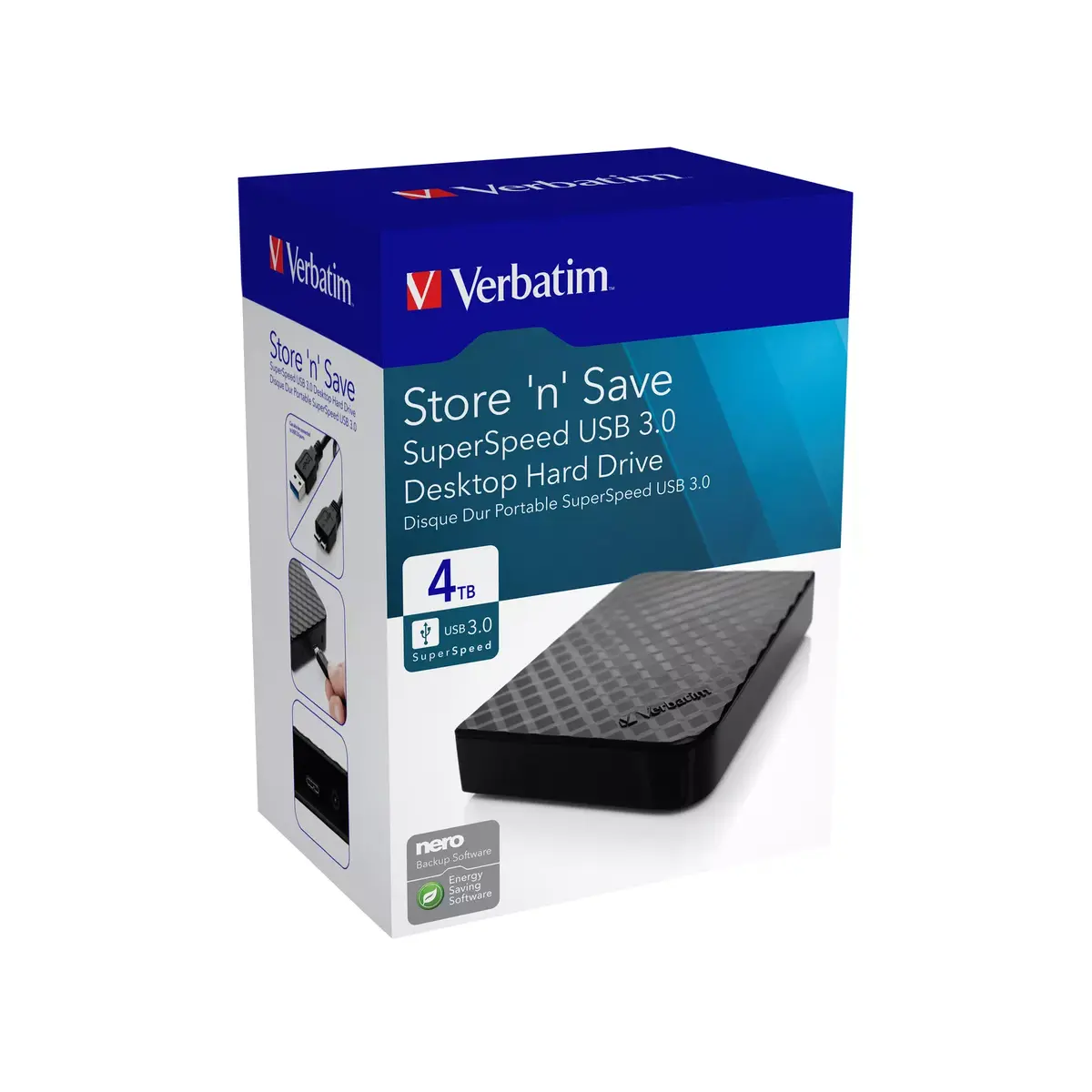
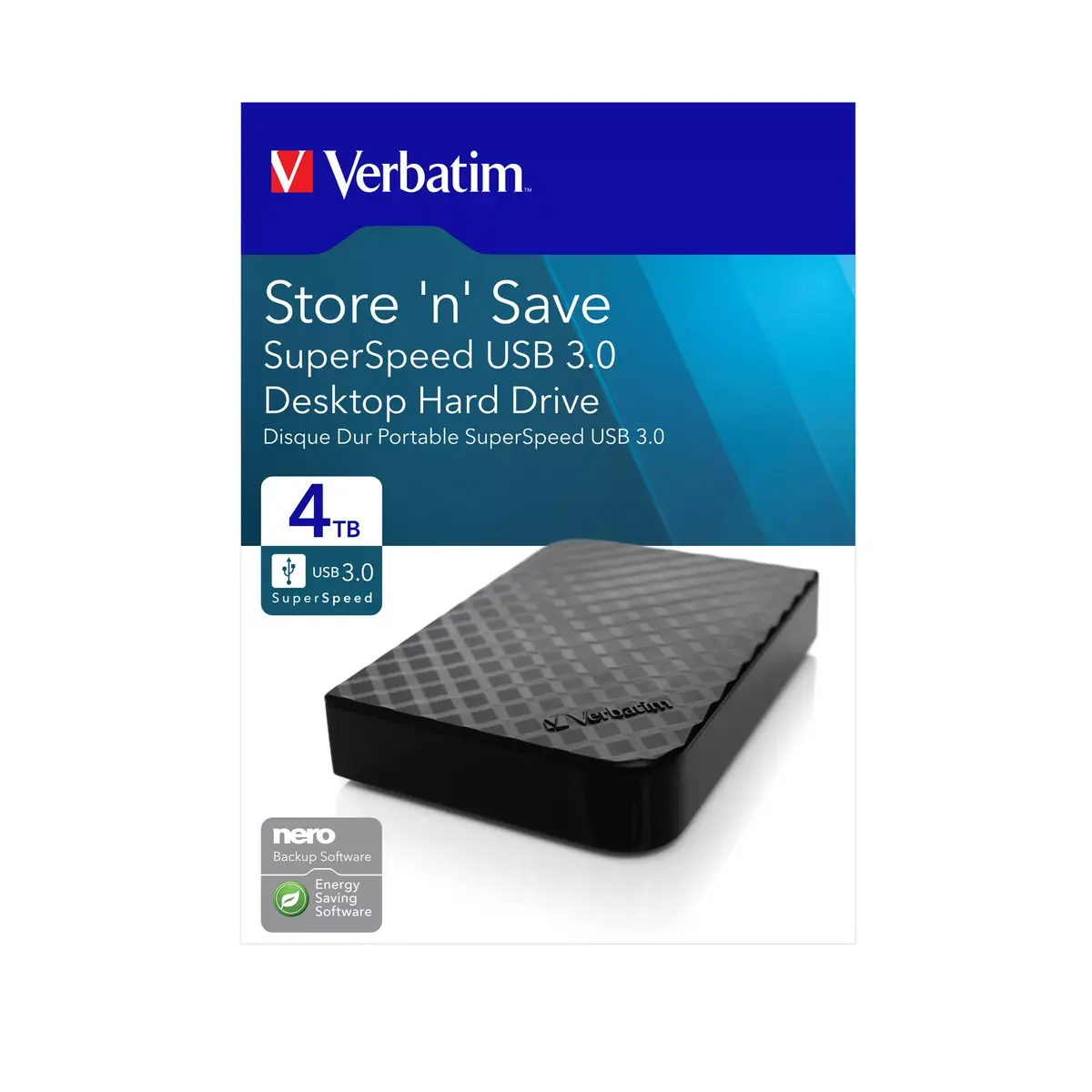
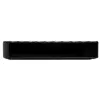
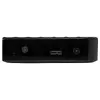
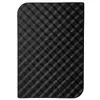
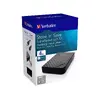
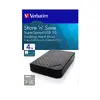
HDD Verbatim 4TB USB 3.2 Gen 1 V47685-DSE
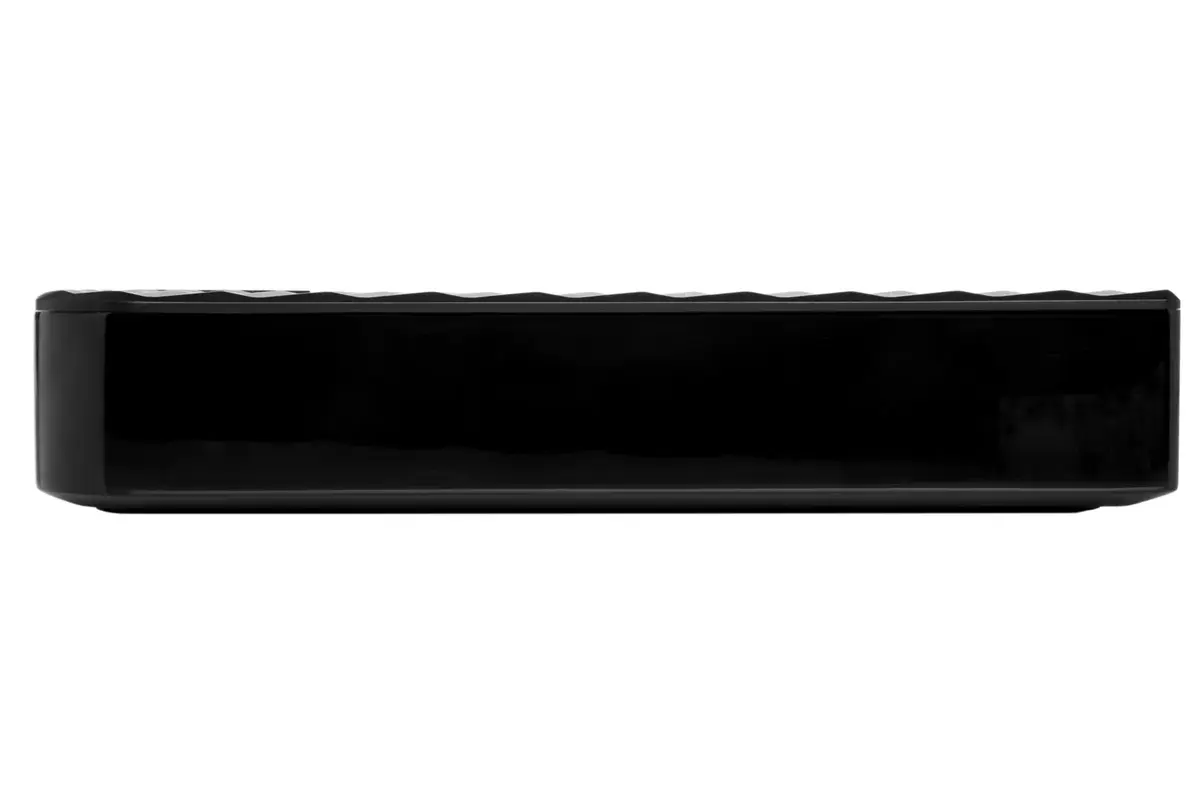
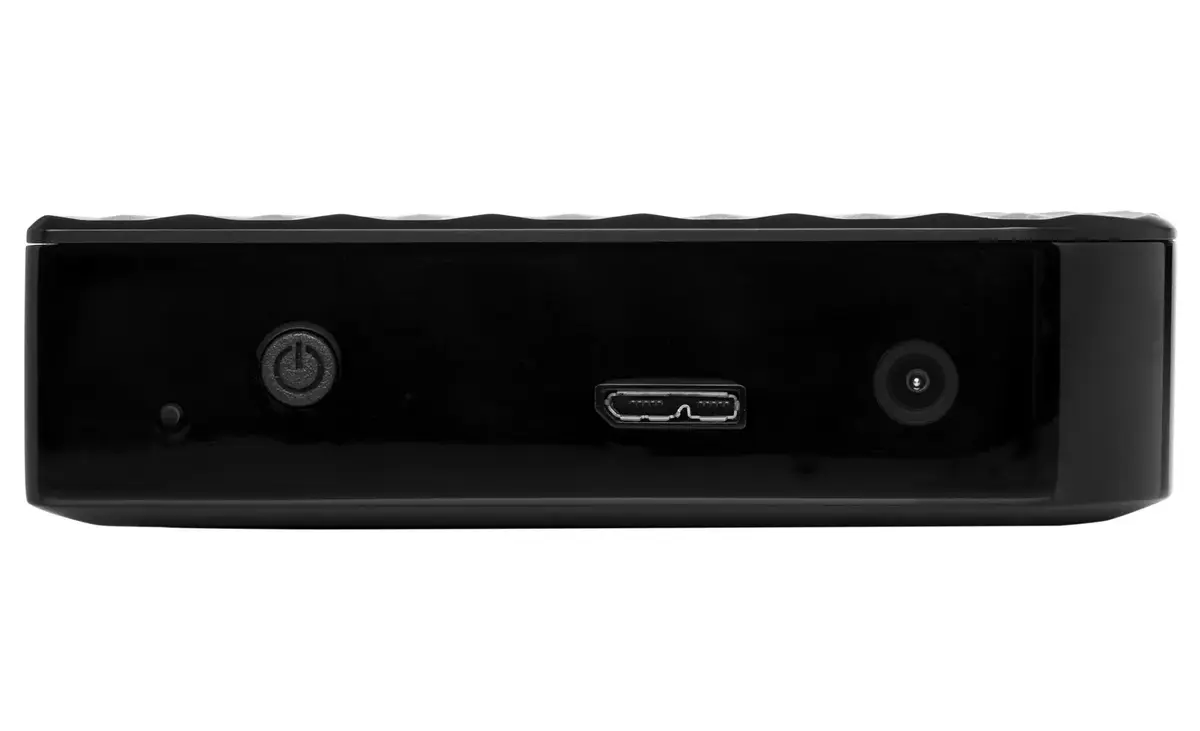
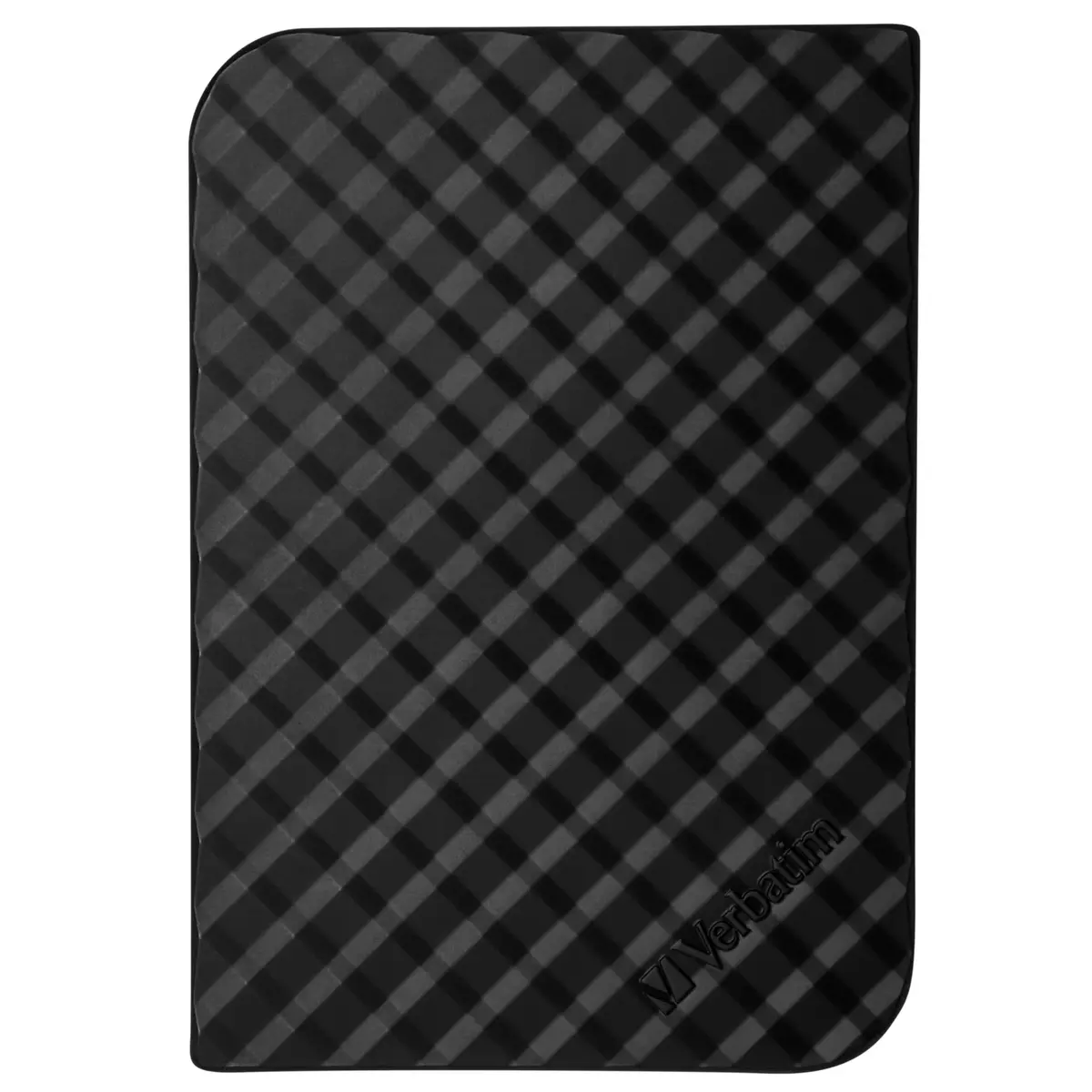
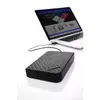
The Verbatim Store 'n' Save 4TB USB 3.2 Gen 1 external hard drive provides high-capacity desktop storage with a USB 3.2 Gen 1 (SuperSpeed) interface for faster data transfer. The drive can be positioned flat or upright to save desk space. It is preloaded with a welcome screen that links to bundled software, user manuals and support information (availability depends on PC operating system). The unit is black, offers 4TB capacity and connects via USB 3.2 Gen 1, which is backward compatible with USB 2.0.
This external HDD combines large 4TB capacity with a SuperSpeed USB 3.2 Gen 1 connection to deliver faster file transfers compared with USB 2.0. The drive supports both horizontal and vertical placement for flexible desktop arrangement, and includes bundled Nero backup software and Verbatim Green Button energy saving utility. Drives of 2TB or less are preformatted as FAT32 for plug-and-play on Windows and macOS; larger drives arrive formatted as NTFS for Windows and can be reformatted to HFS+ for full macOS compatibility using the included Verbatim VHD Formatter.
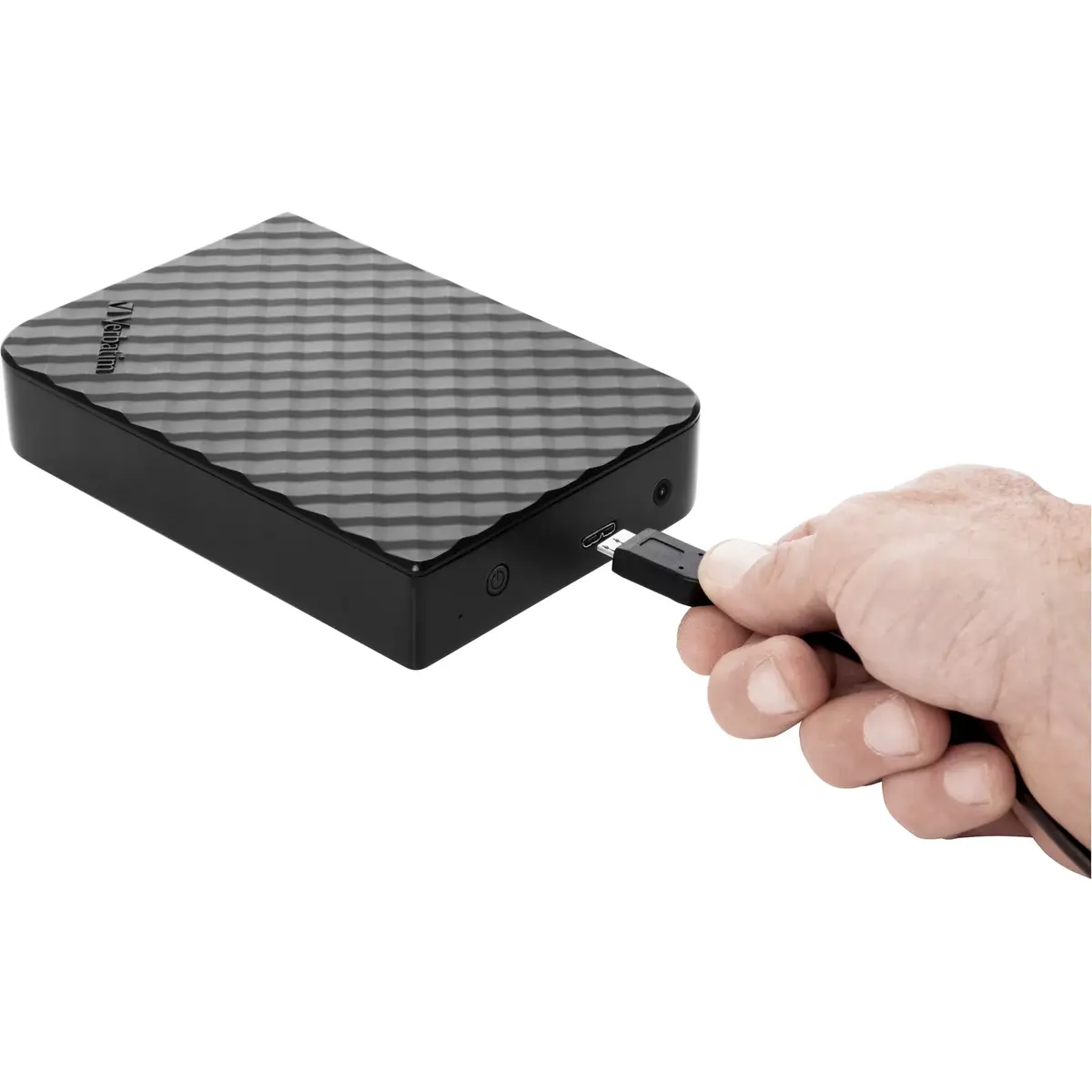
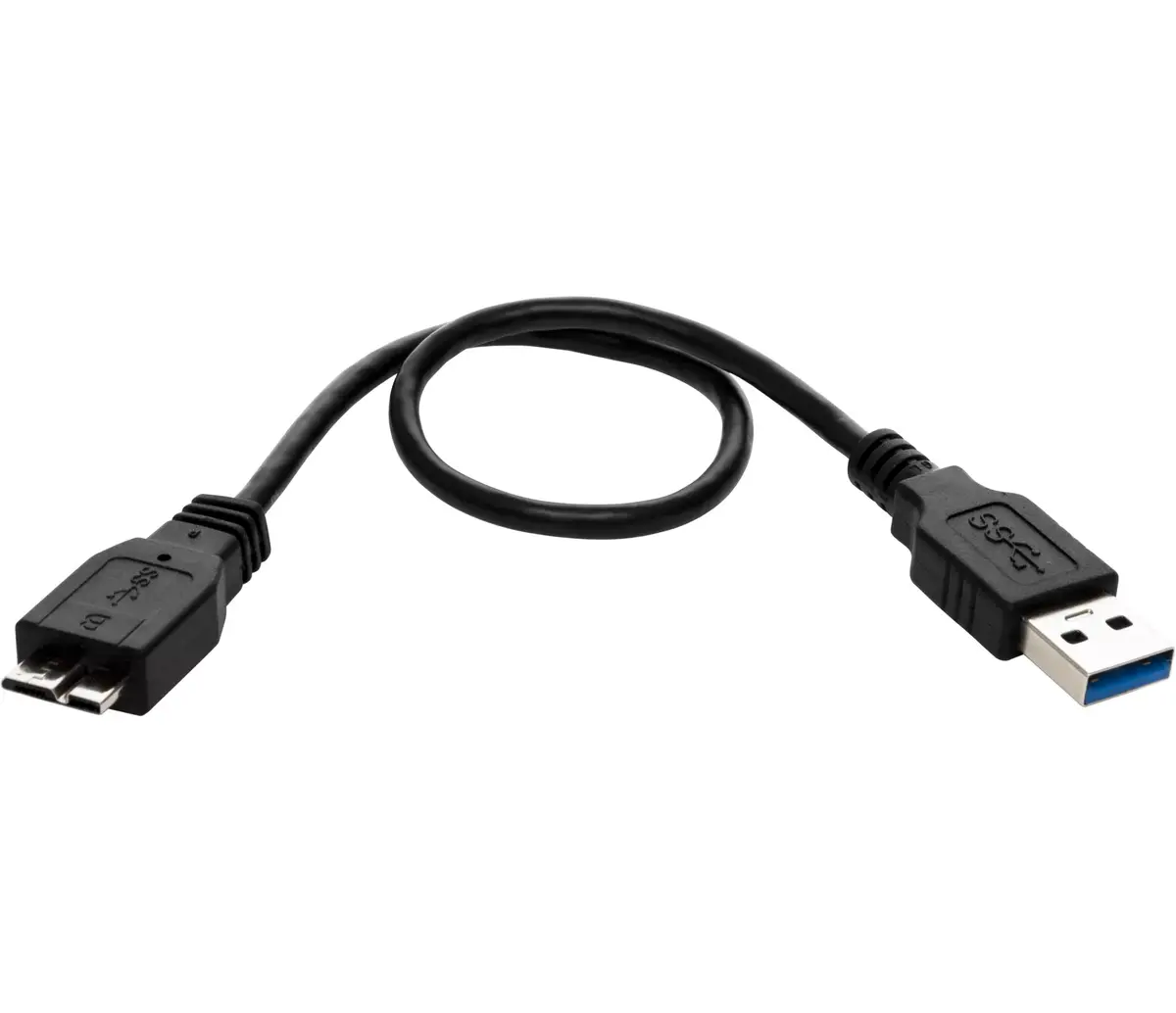
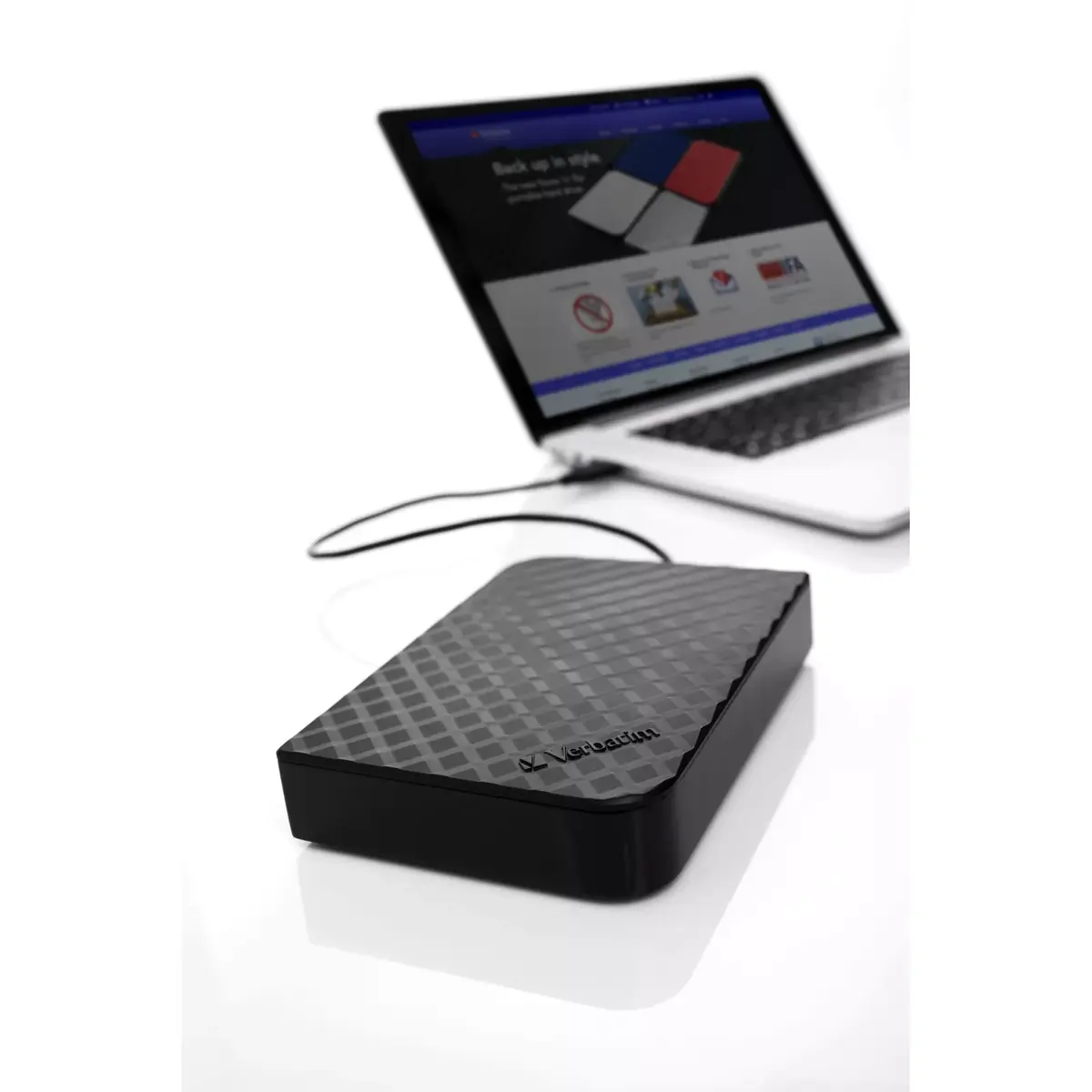
Connect the drive to a computer using the supplied USB cable; the system should recognise it automatically via the USB 3.2 Gen 1 interface. If the Verbatim Welcome screen appears, use it to access user manuals, bundled software and support links. For Windows systems the drive is usually ready to use out of the box. Mac users may need to reformat the drive to HFS+ if it is NTFS-formatted; the Verbatim VHD Formatter included on the drive can be used to perform this reformatting. Install the bundled Nero Backup software on supported systems to schedule and manage backups, compression and encryption.
For typical desktop backup and storage tasks connect the drive to a USB 3.2 Gen 1 port to benefit from faster transfers. Configure the Green Button energy saving settings to suspend the drive after the preferred idle interval (options include immediate suspend, 10–120 minute increments, or never suspend) to save power and reduce wear. Keep important backups in multiple locations and follow OS‑specific reformat instructions if you need full macOS write compatibility.
{{highlightedFeature.featureTitle}}:
{{getProductFeatureValueById(product, highlightedFeature.featureId)}}
