JBL speakers and headphones for pure and deep sound!
In cart {{totalProductsCount}} item(s)
Your cart is empty
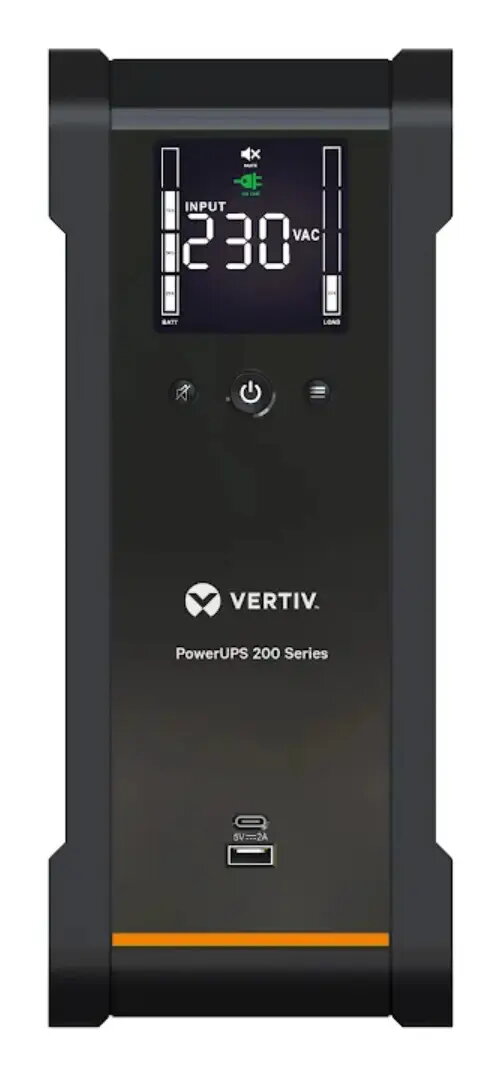
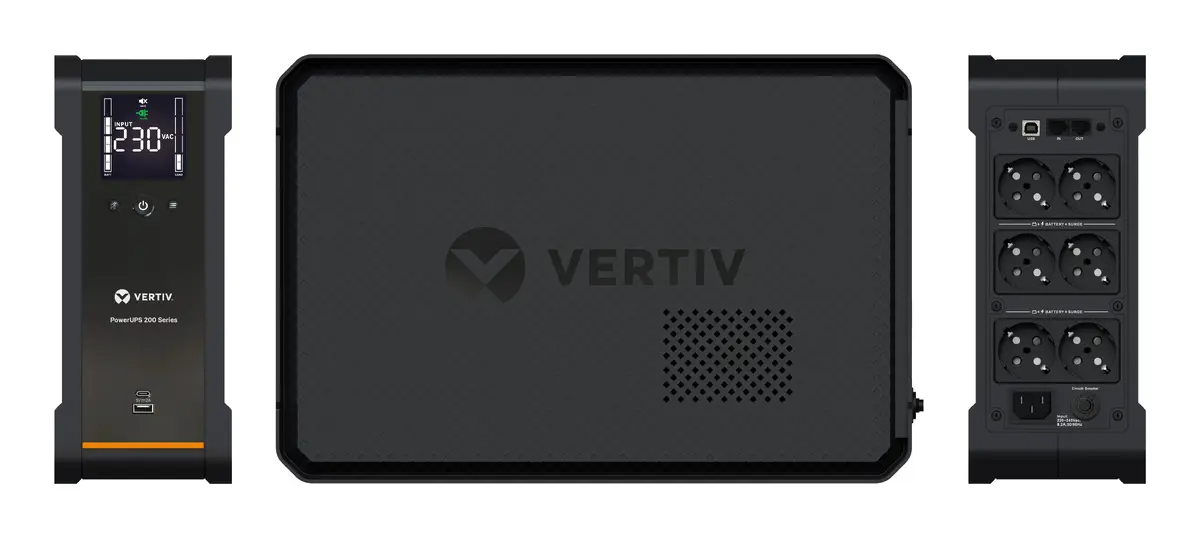
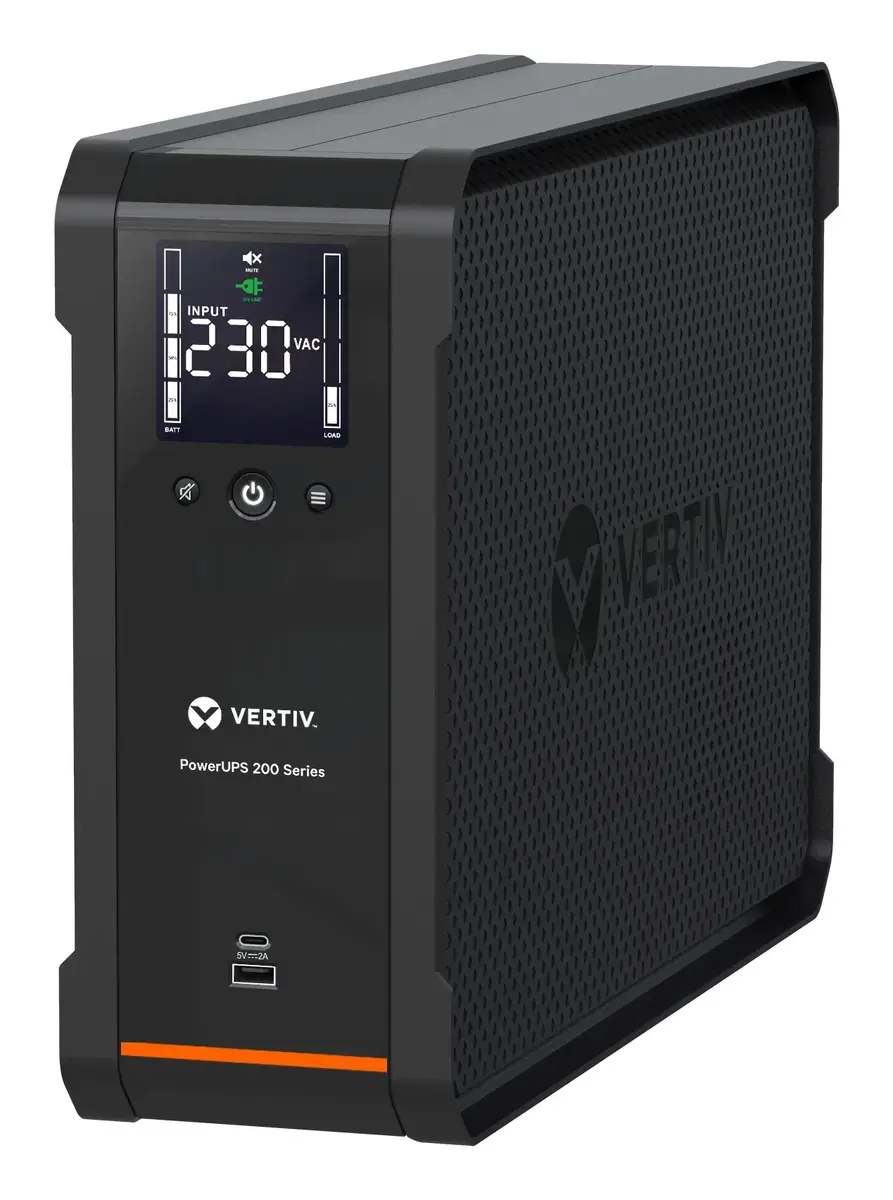
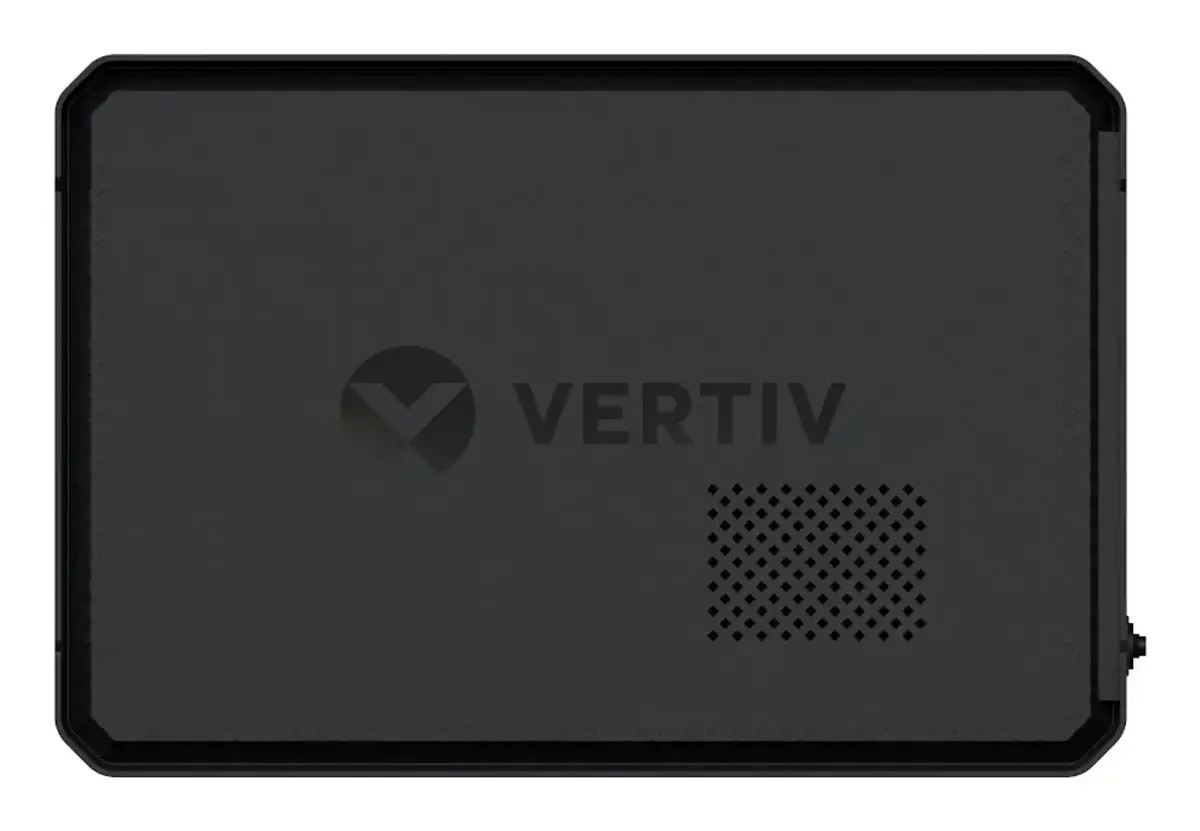
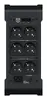
Vertiv PowerUPS 200 Line-Interactive UPS 1600VA/1000W with 6 Schuko Outlets
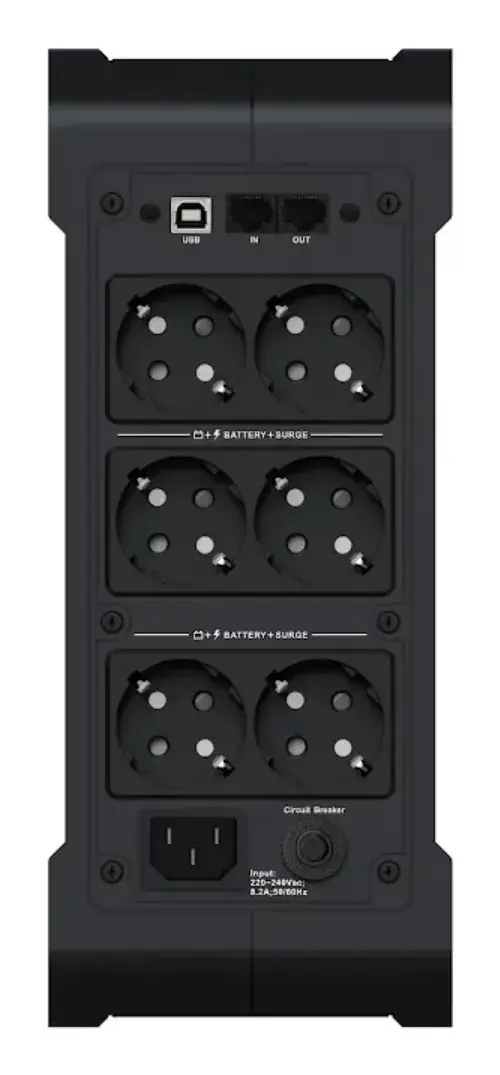
The Vertiv PowerUPS 200 is a reliable line-interactive uninterruptible power supply designed to provide consistent power protection for home and office electronics. With a capacity of 1600VA and 1000W, this tower-style unit ensures that your connected devices remain operational during power outages and are shielded from voltage fluctuations. It features six Schuko outlets, making it highly compatible with standard European power plugs, and utilizes sealed lead-acid battery technology to deliver dependable backup power when you need it most.
This UPS system offers significant benefits for maintaining the longevity and stability of your hardware. The integrated automatic voltage regulation (AVR) technology actively corrects minor power fluctuations without switching to battery power, which helps preserve battery health over time. The inclusion of a clear, full-color LCD screen allows users to monitor load levels and runtime status easily. Furthermore, the unit is designed for convenience, featuring user-replaceable batteries that simplify maintenance and dedicated USB charging ports for mobile devices. Its compact tower design fits easily under desks or in small server spaces, while the inclusion of surge protection for both power and data lines provides comprehensive security for your sensitive equipment.
This unit is not intended for high-power industrial machinery, large server racks, or medical equipment that requires continuous, mission-critical power without any switching time. It is also not suitable for outdoor environments or areas with extreme humidity and temperature fluctuations.
To set up the Vertiv PowerUPS 200, place the unit in a well-ventilated area with sufficient clearance for airflow. Connect your essential devices to the Schuko outlets on the back of the unit. Plug the UPS into a grounded wall socket using the provided power cable. Once connected, press the power button to activate the system. The LCD screen will illuminate, indicating the current status. You can use the Vertiv Power Assist software by connecting the UPS to your computer via the appropriate data port to manage shutdown settings and monitor system health.
For optimal performance, keep the UPS in a cool, dry environment and perform a periodic test of the battery backup functionality. Avoid overloading the outlets, and ensure the firmware or management software is kept up to date to maintain full control over your power protection settings.
{{highlightedFeature.featureTitle}}:
{{getProductFeatureValueById(product, highlightedFeature.featureId)}}
{{ productComparisonGenerationError }}