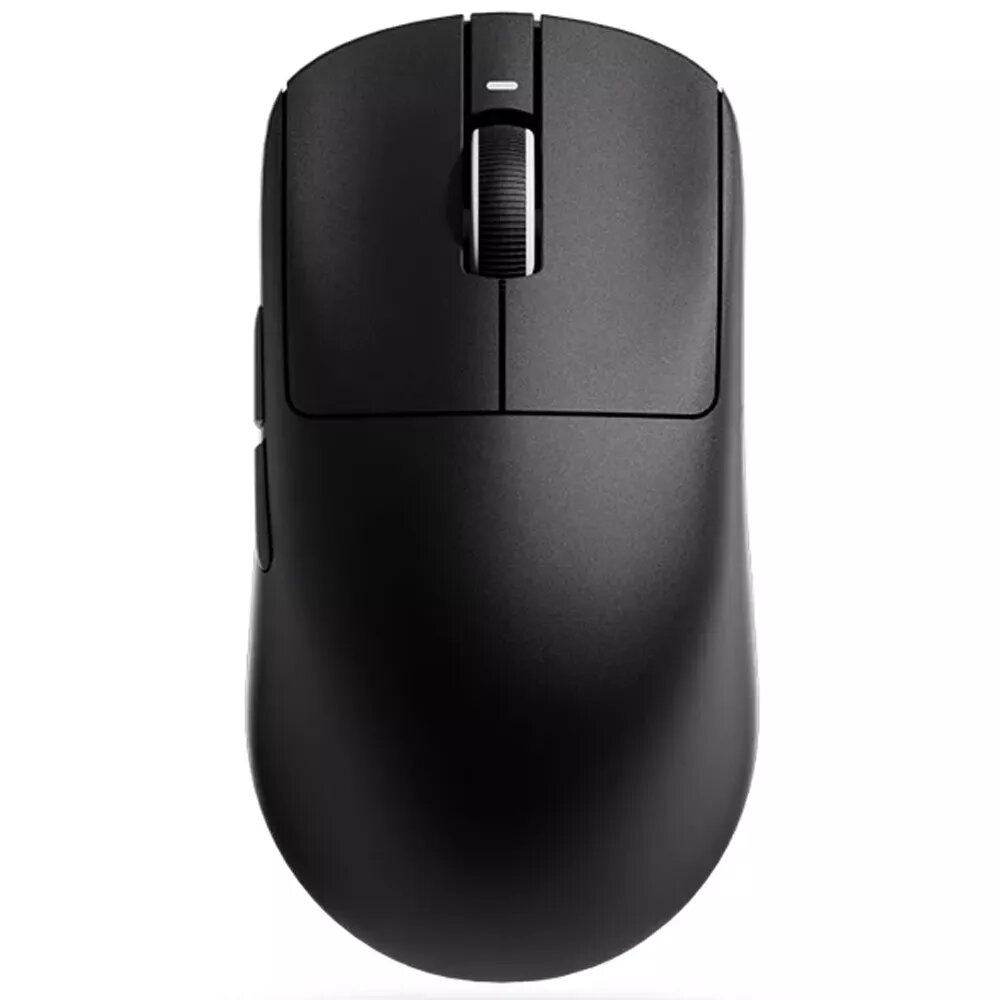
The VGN VXE R1 SE+ gaming mouse in Black is a wired USB mouse built for precise cursor control and consistent tracking. It uses an optical PixArt 3395 SE sensor and a symmetrical shape with a lightweight 55 g body to support a range of grip styles. The mouse provides multiple programmable buttons and adjustable DPI settings typical of SE+ configurations, and it connects via a USB wired interface for low-latency response during gaming or productivity tasks.
Advantages
The PixArt 3395 SE optical sensor delivers accurate tracking across common gaming surfaces, while the 55 g weight helps reduce fatigue during extended use. A symmetrical form factor makes the mouse comfortable for both left- and right-handed users. Programmable buttons and adjustable DPI allow customization of cursor speed and button functions to match different games and applications. The wired USB connection provides stable power and minimal input lag compared with wireless modes.
Suitable for
- Competitive and esports-style PC gaming that requires precise aiming and consistent tracking
- Productivity tasks where reliable point-and-click accuracy and programmable shortcuts are useful
- Long sessions where a lightweight, symmetrical mouse reduces hand strain
When it may not be suitable
This wired USB mouse is not ideal for users who require wireless freedom; although the product summary lists multiple connection types, the listed configuration here specifies a wired USB connection for the VGN VXE R1 SE+ model. Users seeking multi-mode connectivity or rechargeable wireless operation should verify the exact model features before purchase. Also, those who need an ultra-heavy mouse for low-sensitivity playstyles may prefer a heavier alternative.
Key specifications
- Sensor: PixArt 3395 SE optical sensor for high-precision tracking
- Connection: Wired USB for low-latency input
- Form factor: Symmetrical design suitable for both hands
- Weight: Approximately 55 g for a lightweight feel
- Buttons: Multiple programmable buttons with adjustable functions
- DPI: Adjustable DPI settings (typical SE+ configuration)
How to use
Connect the VGN VXE R1 SE+ to a PC using the USB cable and allow the operating system to recognize the device. Install any available vendor software to customize button assignments, DPI stages, and polling rate if such software is provided. Adjust DPI and button mappings to suit your game or workflow, and position the mouse on a flat surface or gaming pad for optimal tracking performance. Regularly clean the sensor area and feet to maintain consistent glide and tracking.
What to consider before purchase
- Confirm that you require a wired USB connection rather than wireless or multi-mode connectivity
- Verify compatibility with your operating system and any configuration software if you need programmable button support
- Consider your preferred grip style and whether a 55 g symmetrical mouse matches your comfort needs
Usage recommendations
For best results in competitive play, use a low-friction mouse pad and set DPI and polling rate according to your sensitivity preference; save profiles if the software supports them. For extended use, take regular short breaks and adjust grip and hand position to reduce strain.