

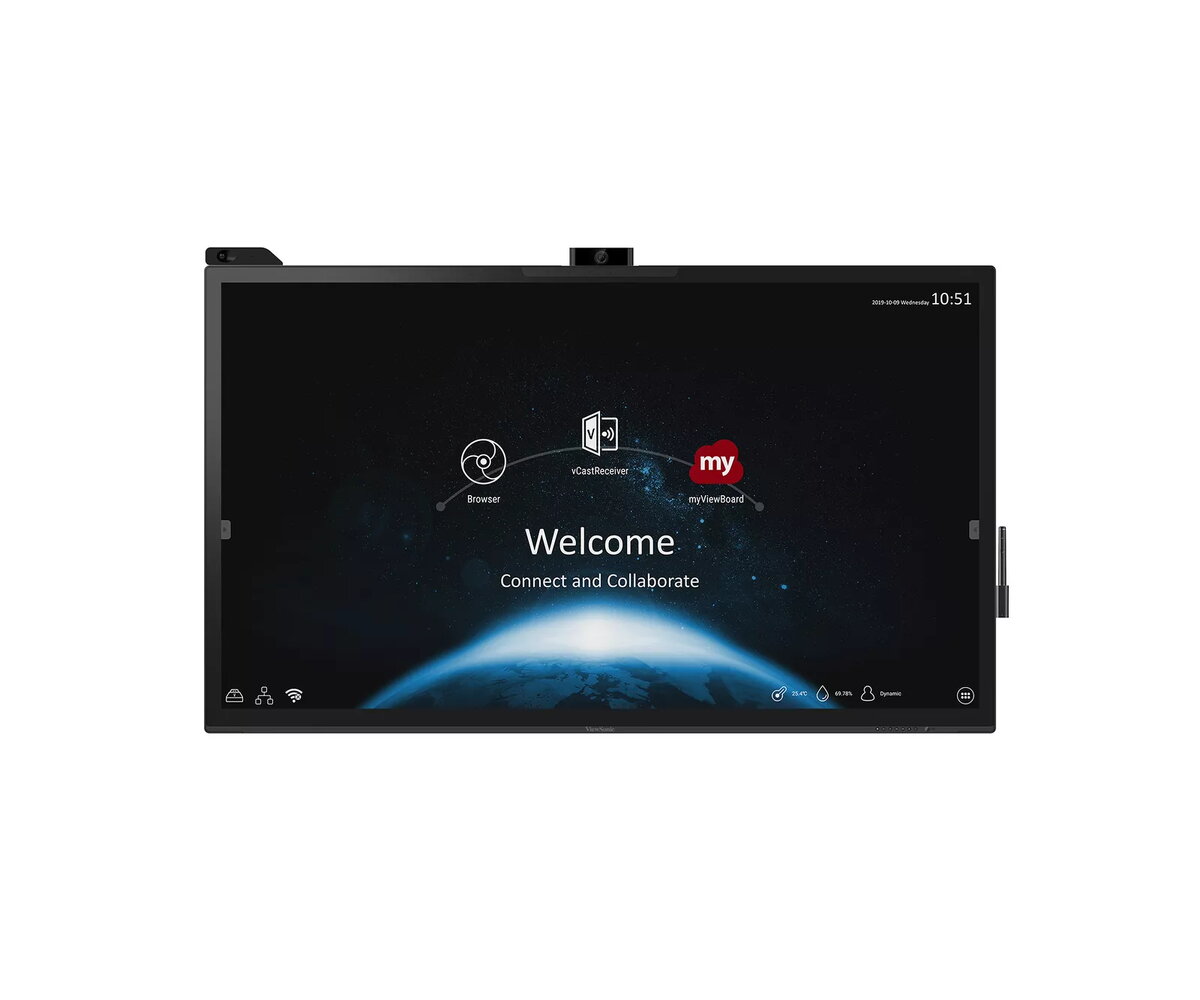
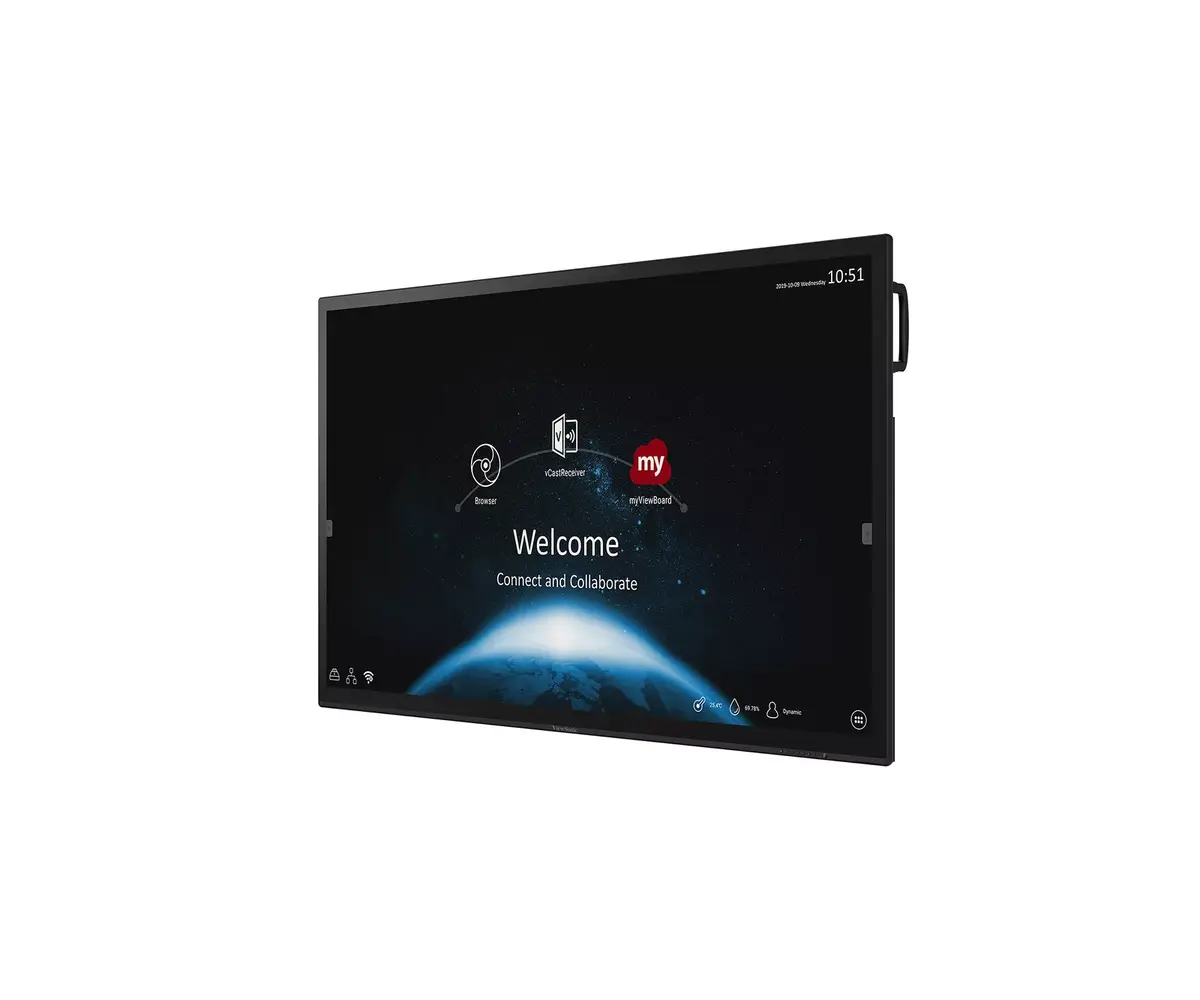
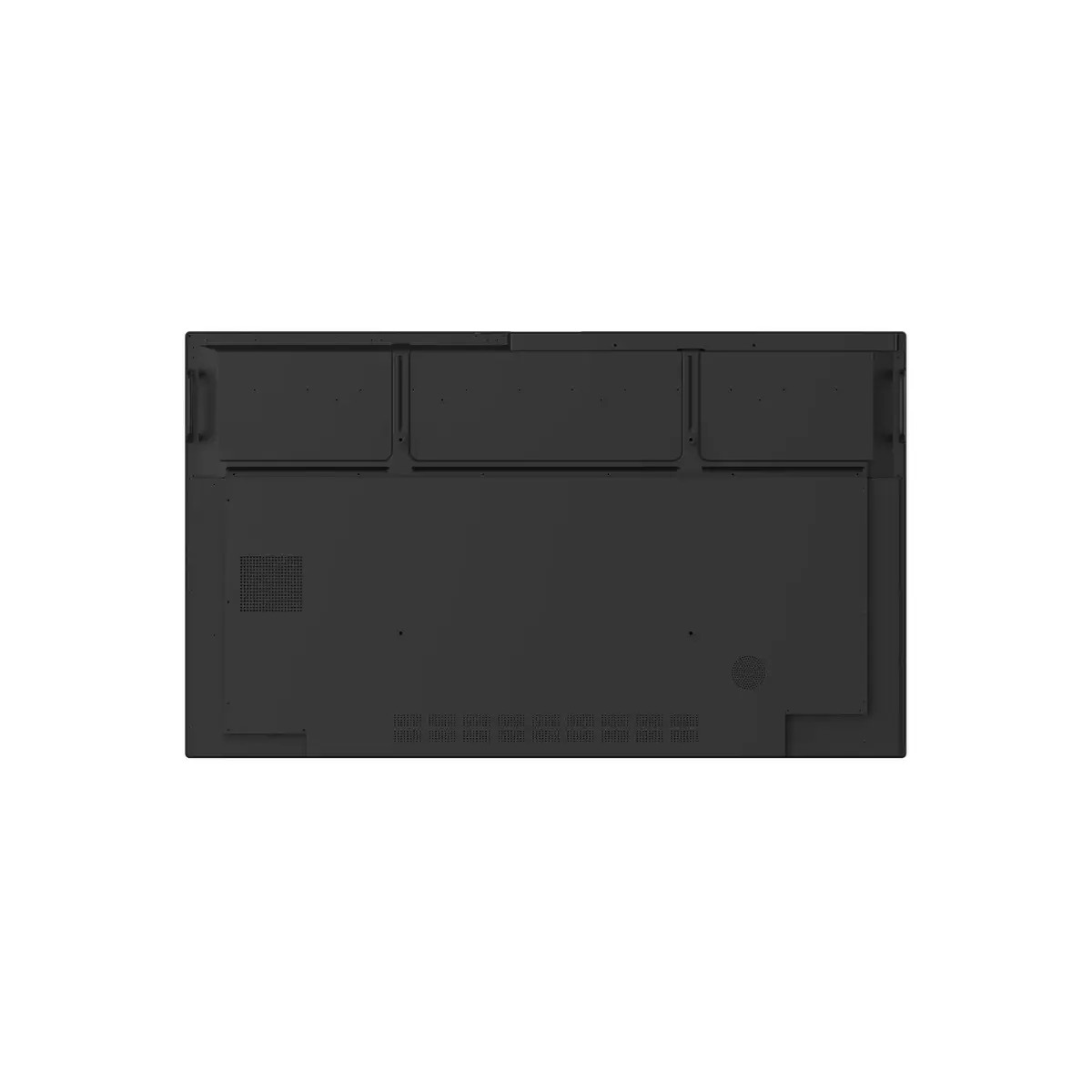
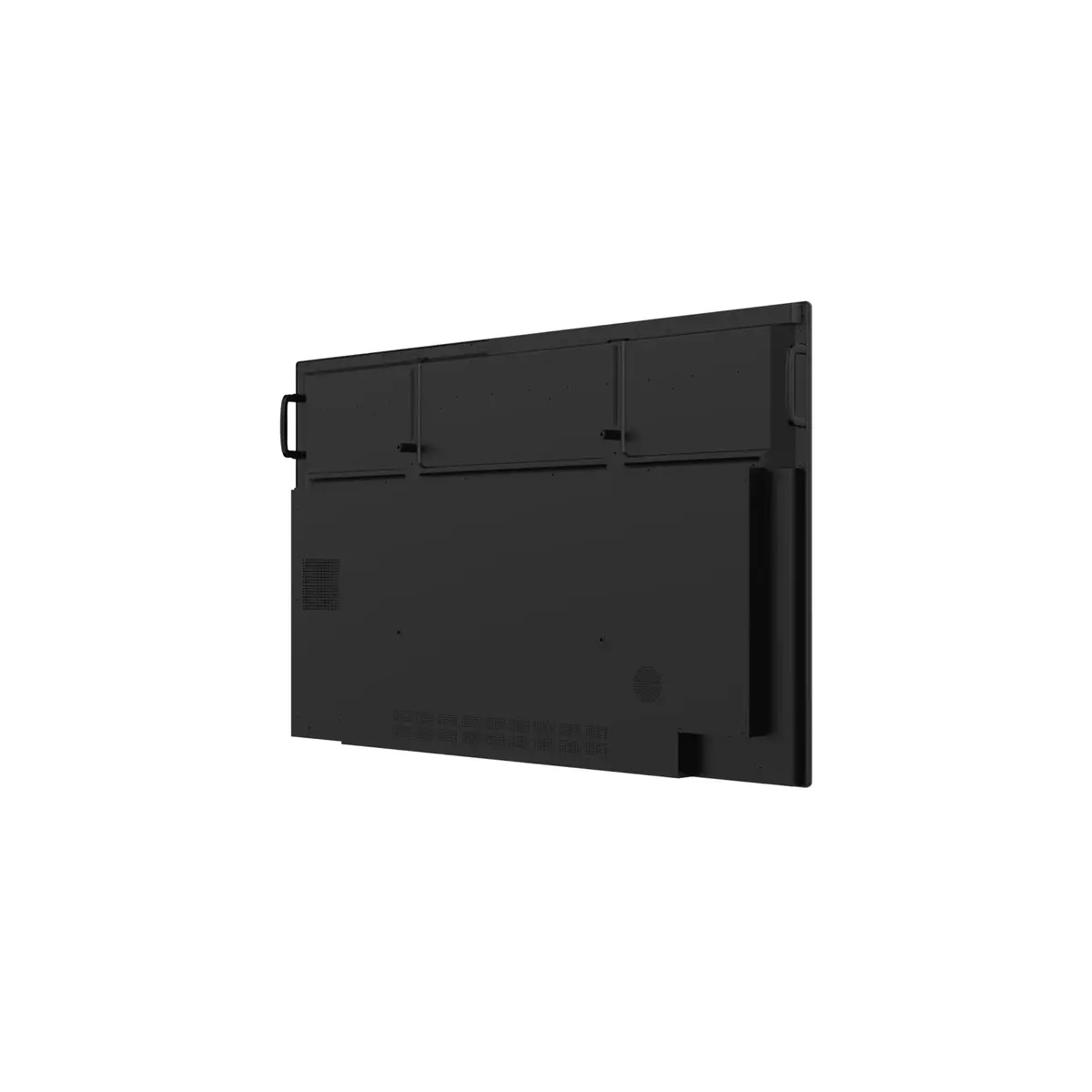
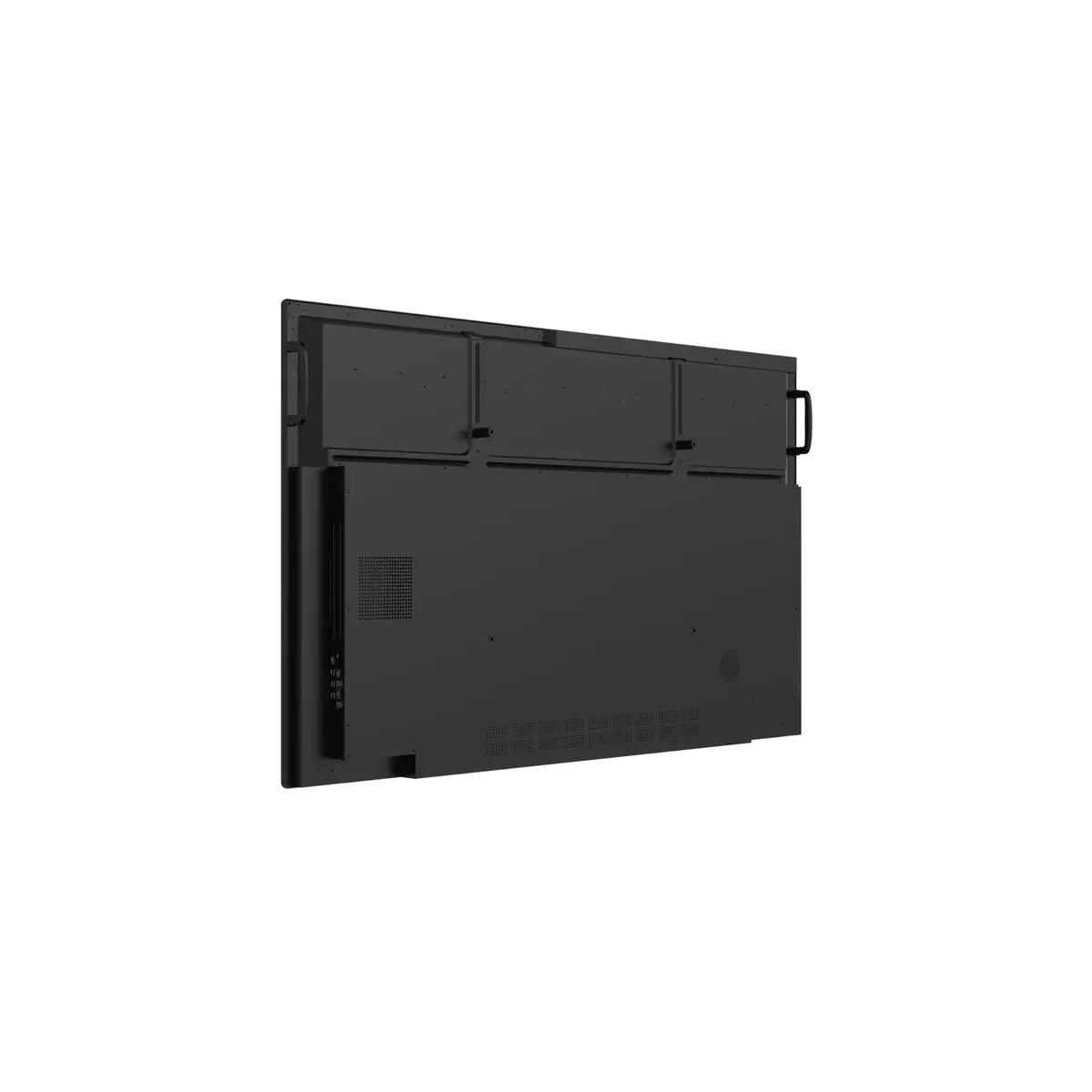
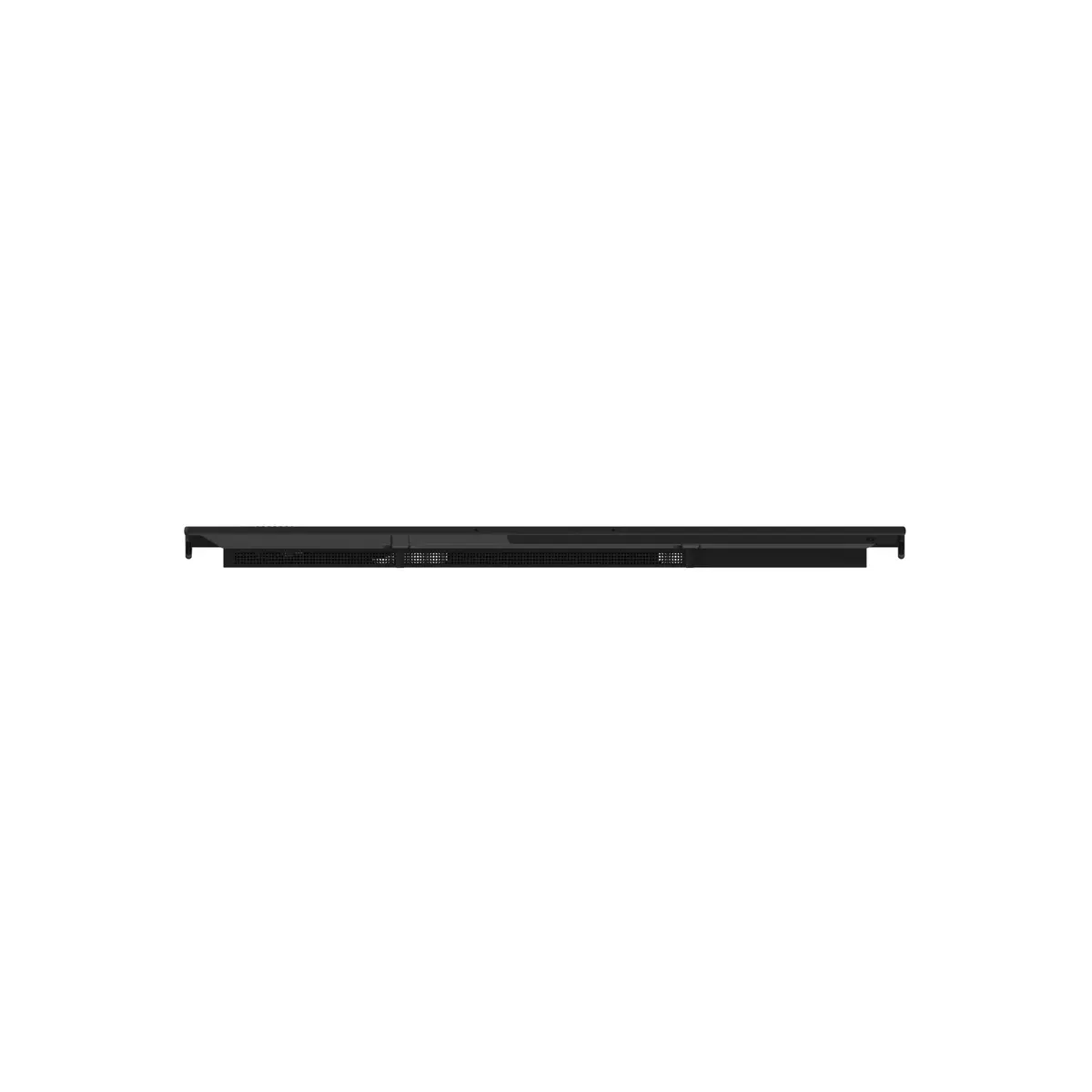

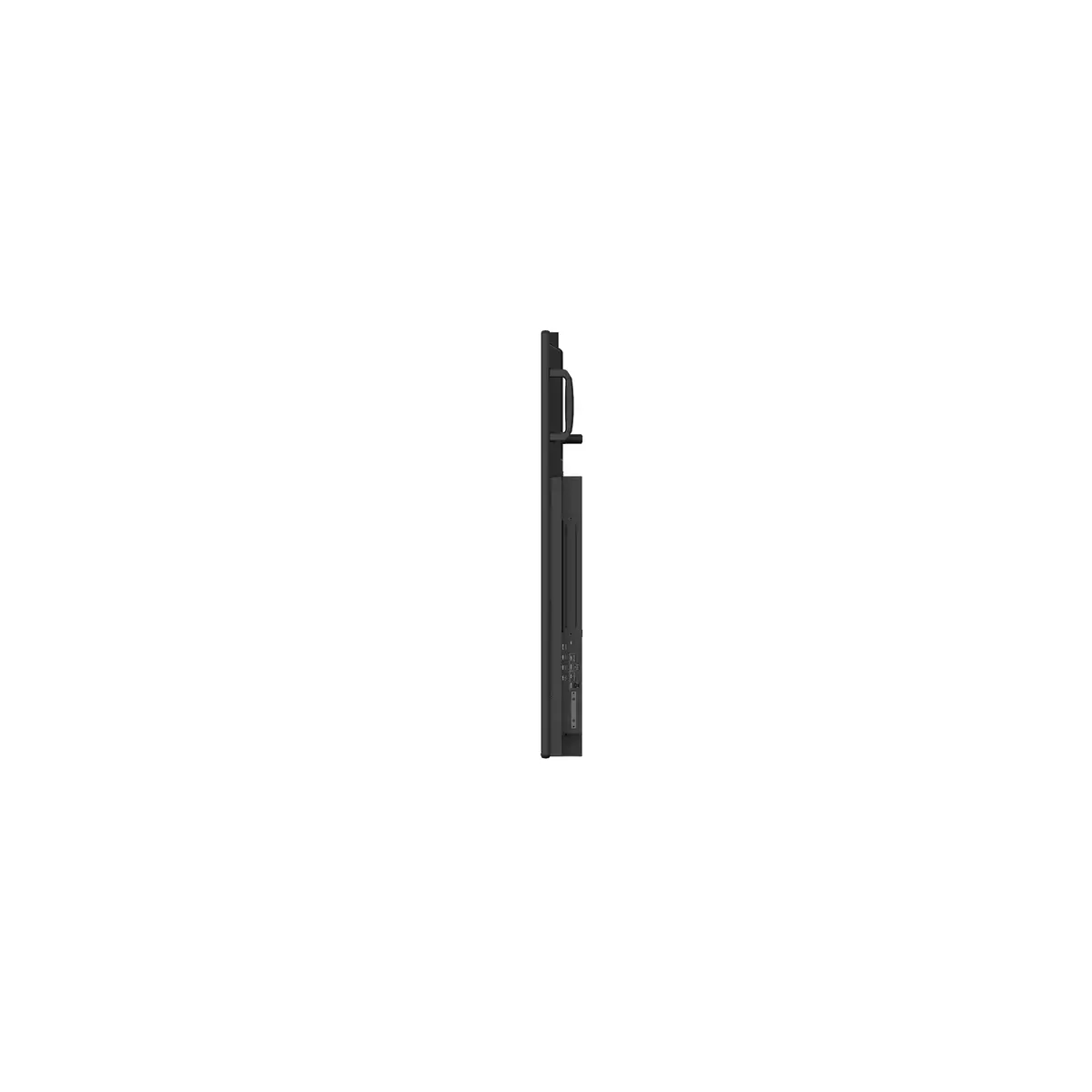
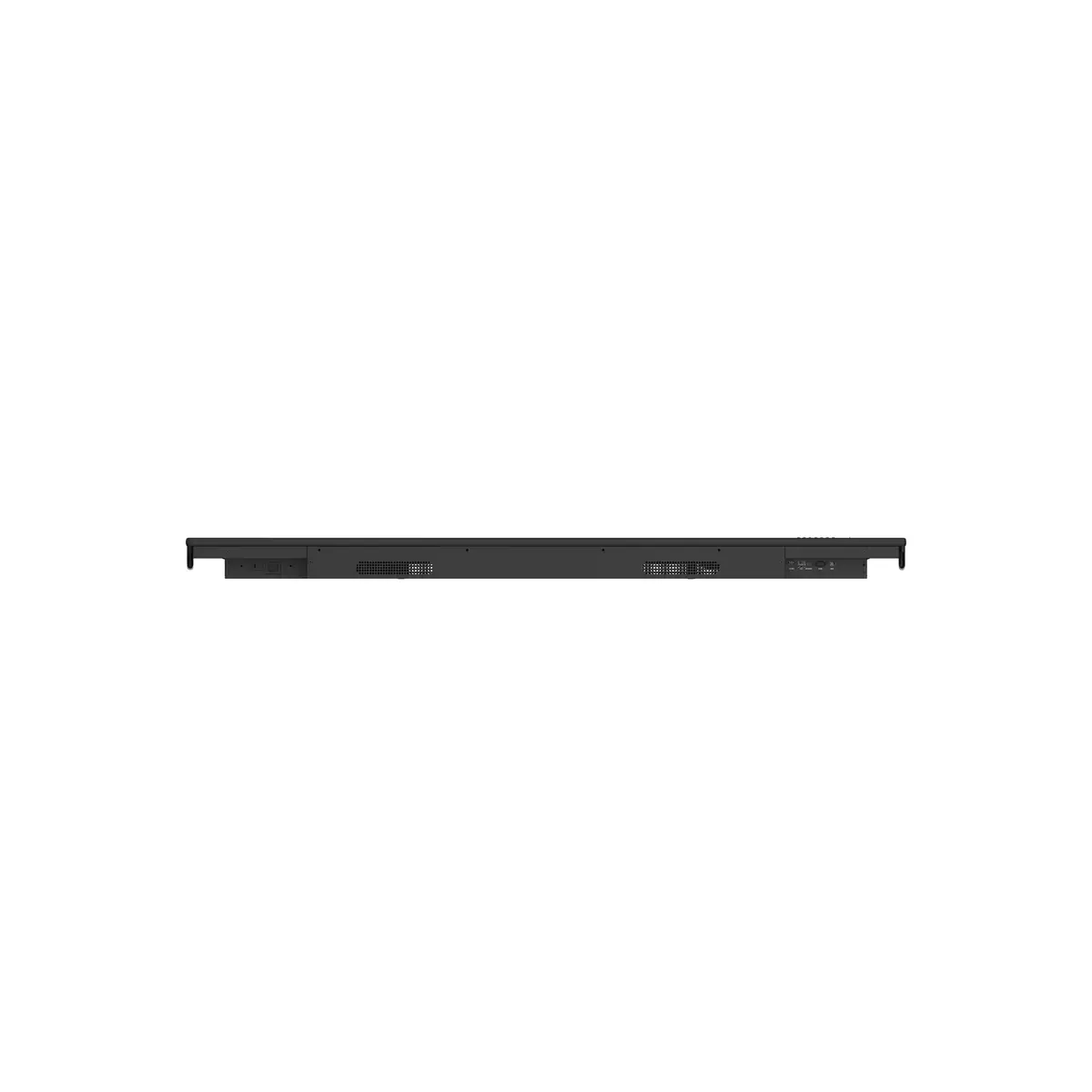
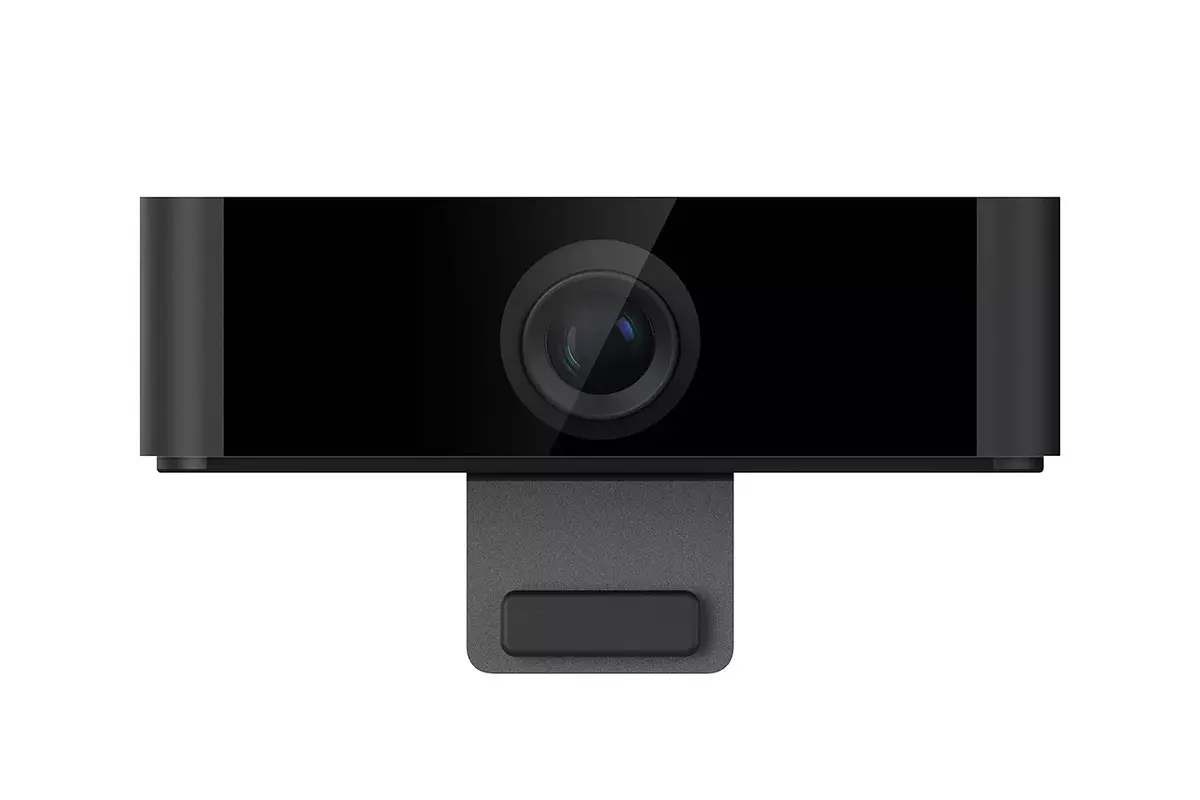
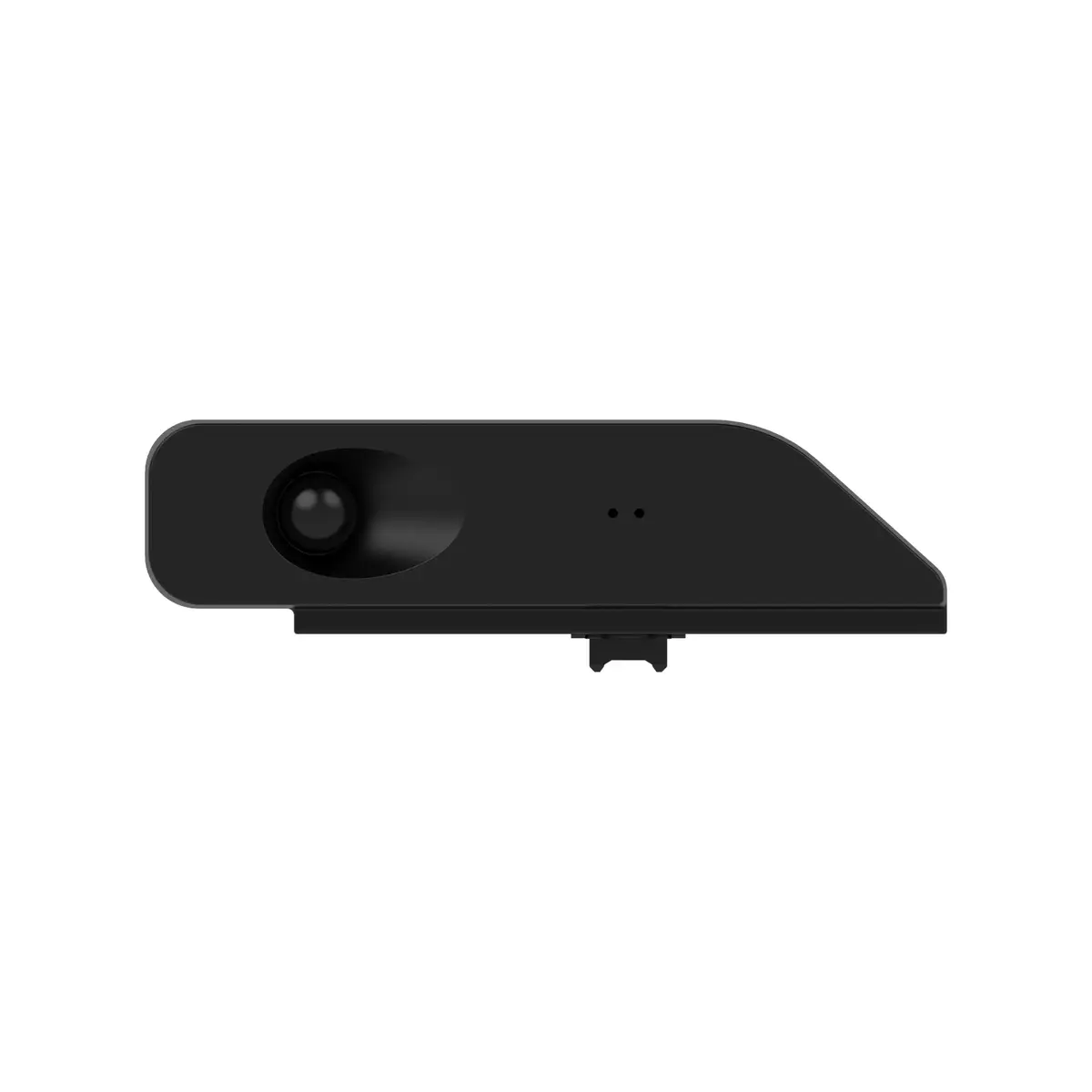
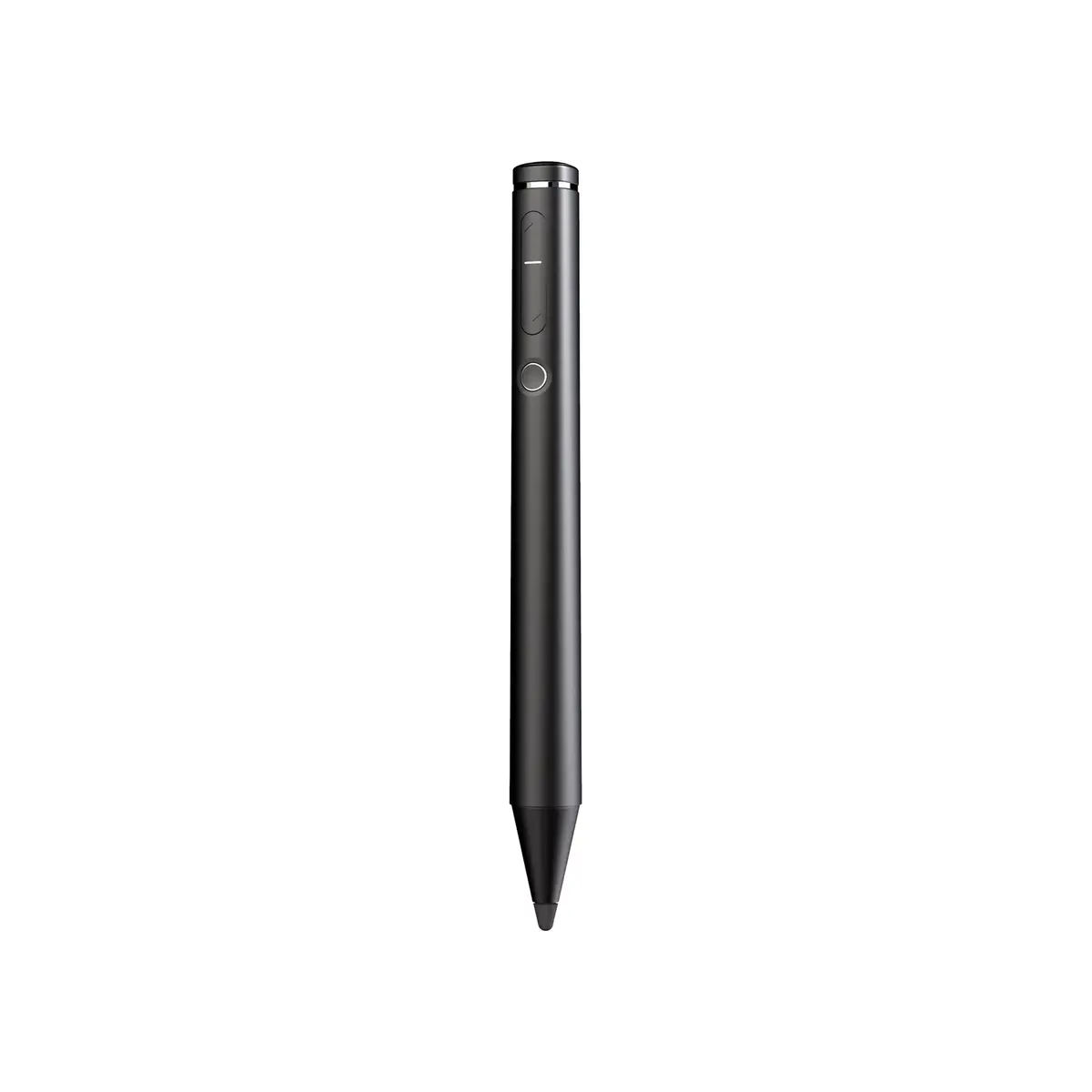




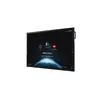

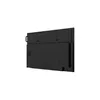
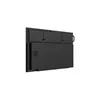




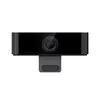




Interactive Whiteboard Viewsonic IFP6570
3,997.49 €
{{selectedOffer && selectedOffer.price | formatAmount}}
Offer for legal entity, cashless payment.
Why is an item available only for a legal entity?
This is due to long delivery times and limited product warranties.
This is due to long delivery times and limited product warranties.
Short description
The Viewsonic IFP6570 is a 65" interactive whiteboard with a 3840 x 2160 resolution. It features a working area of 1428 x 804 mm and a brightness of 350 cd/m². Powered by Android 8 Oreo and an ARM Cortex-A73 processor at 1.5 GHz, it delivers smooth performance. The board includes 20W speakers and a 15W subwoofer for enhanced audio. Connectivity options include HDMI, USB Type-A, USB Type-B, and 3.5 mm headphone jack, with Ethernet LAN support up to 1000 Mbit/s.
Available for order:
1 pcs.
Warranty:
2 Years
SKU:
3071223


Cheapest delivery:
Unisend LV
Pick-up points
Unisend LV
Cost
1.79 €
Deliver
{{selectedOffer.parcelStationDeliveryString}}
Customer service center
2b. Kengaraga str., Riga, Latvia, LV-1063
04.08.2026
{{selectedOffer.officeDeliveryString}}
free
Courier Delivery
Please note that in case of a large parcel additional delivery costs may apply!
From 4.99 € (Weight: 0.99 kg)
Parcel couriers
Unisend LV / Venipak Pickup LV / Venipak Locker LV / Latvijas Pasts pakomāts / DPD Paku skapis / Omniva LV / Latvijas Pasts nodaļa
07.08.2026
{{selectedOffer.parcelStationDeliveryString}}
From 1.79 €

Leasing for legal entities:
from 139.11 euros per month


