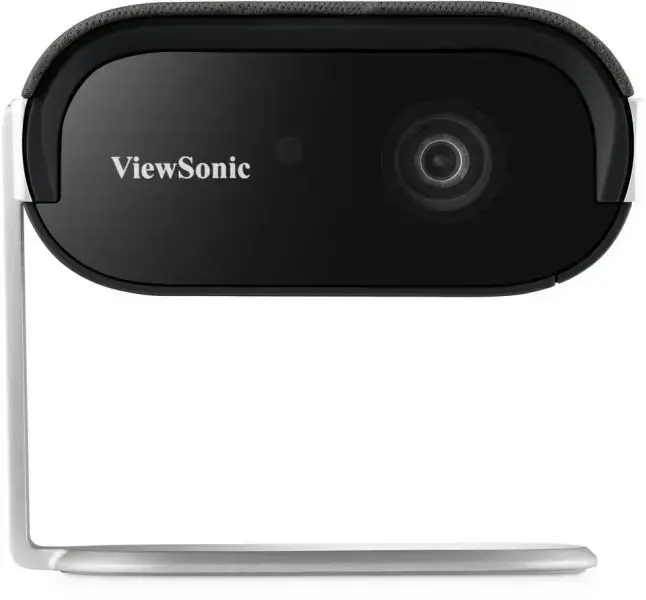
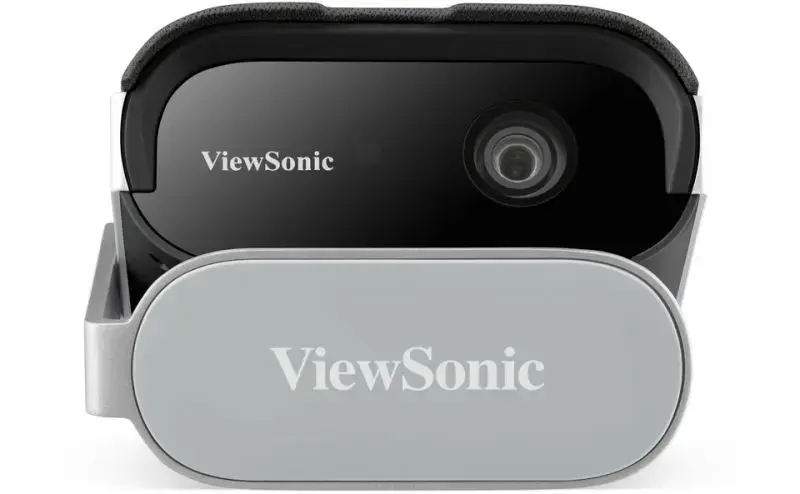
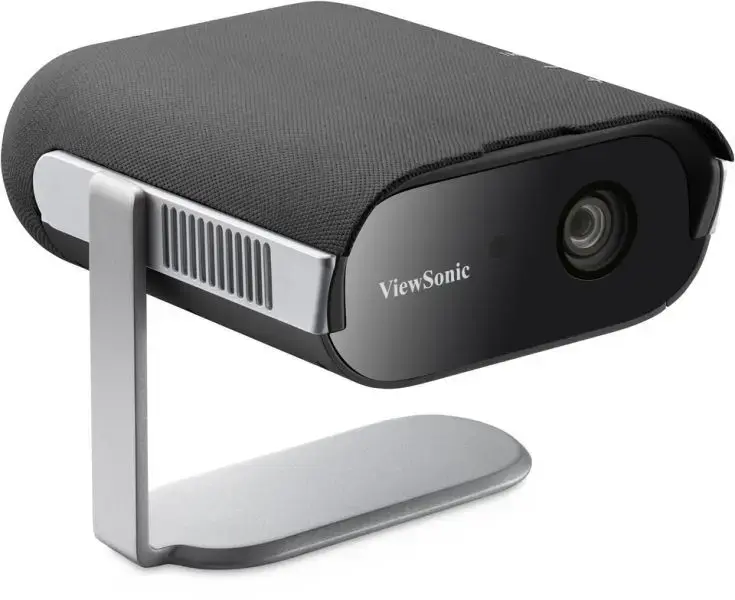
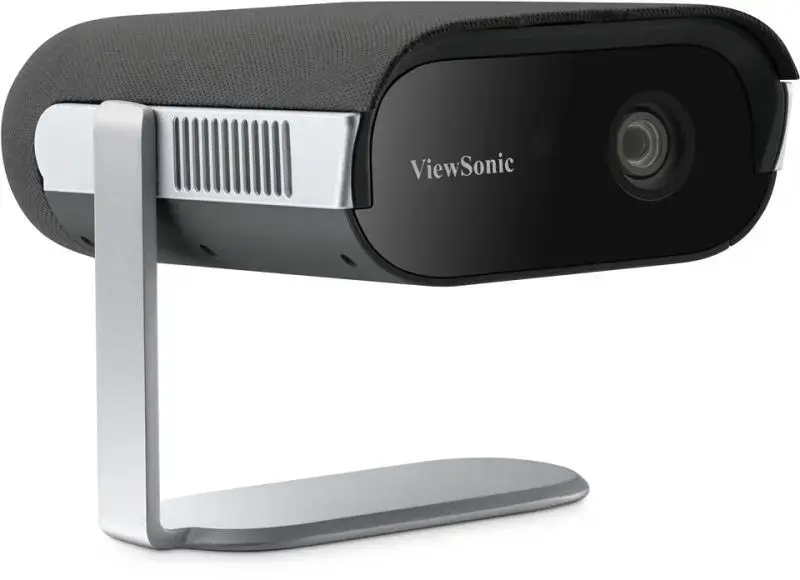
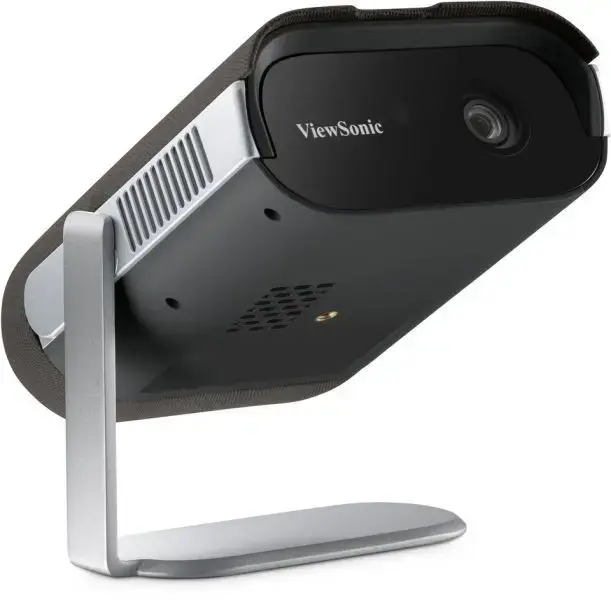
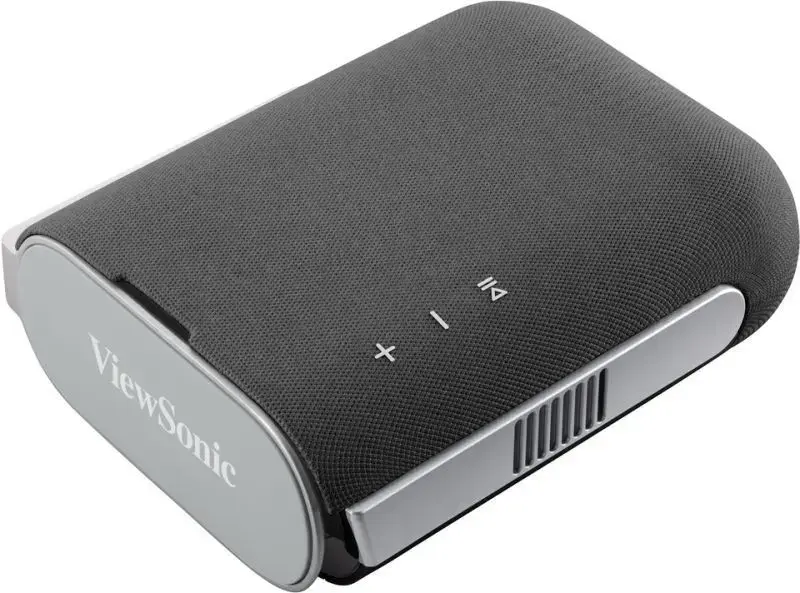
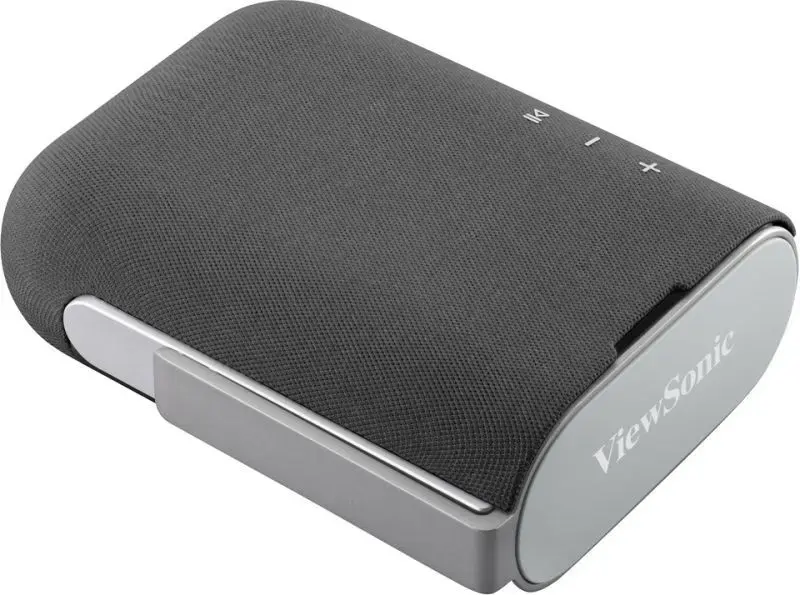
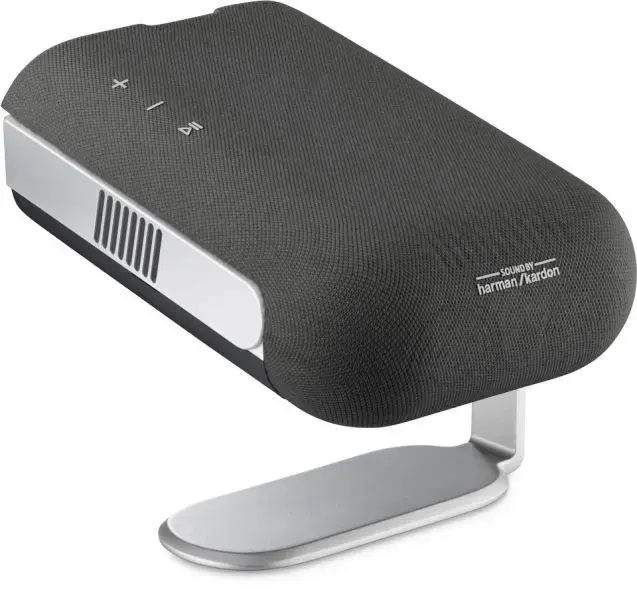
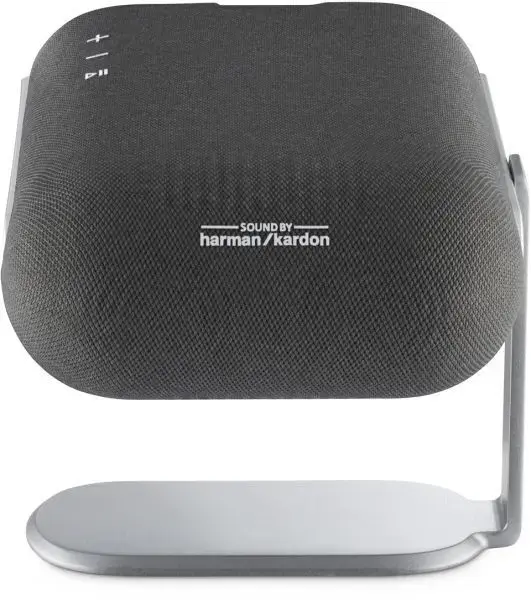
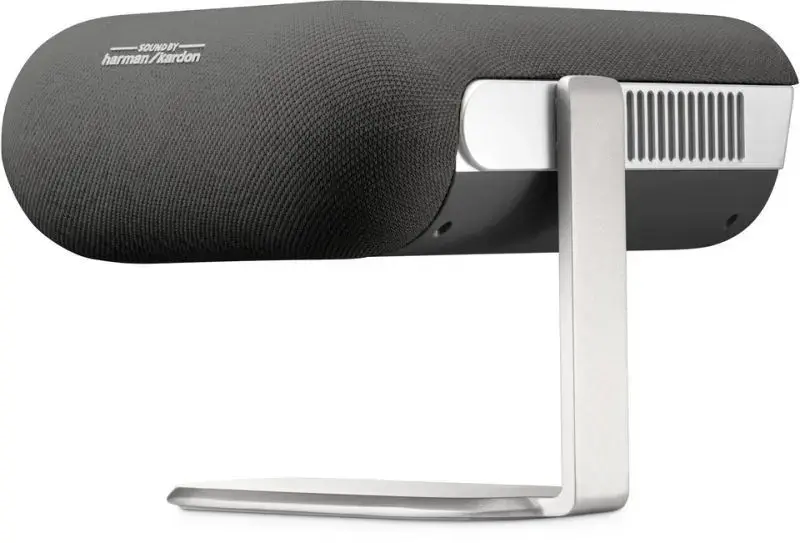
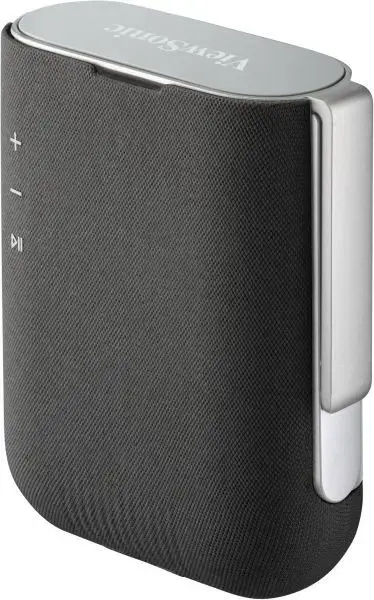
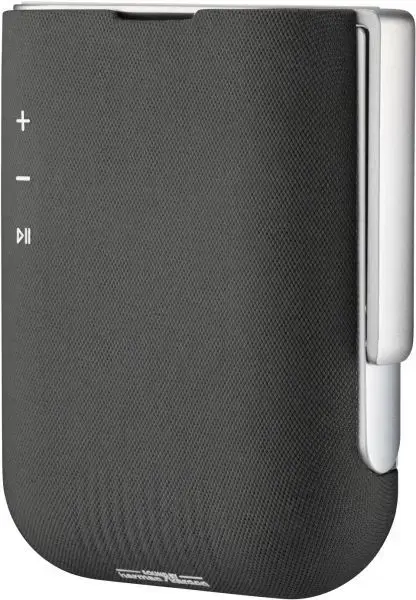
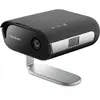
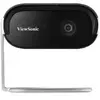
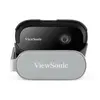
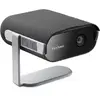
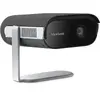
-
Remote control included:
Component of an electronics device, most commonly a television set, DVD player and home theater systems originally used for operating the device wirelessly from a short line-of-sight distance.
-
Yes
-
Weight:
Weight of the product without packaging (net weight). If possible, the net weight is given including standard accessories and supplies. Please note that sometimes the manufacturer leaves out the weight of accessories and/or supplies.
-
0.96 kg
-
Power consumption (standby):
The amount of electricity that is consumed when the product is on standby.
-
0.5 W
-
Power consumption (typical):
Amount of power consumed by this model, often expressed in watts (W). Typical values that manufacturers give are power consumption when off, standby/suspended mode, typical use, maximum usage.
-
46 W
-
Power source:
What is providing power for the product e.g. mains electricity.
-
USB
-
Built-in display:
A display which is part of the product, so you do not need to attach another display.
-
No
-
Market positioning:
Under which category can the device be positioned in the market, e.g. camera phone.
-
Portable
-
Product type:
The sub-category of the product.
-
Short throw projector
-
Built-in speaker(s):
The device contains speaker(s) to produce sound.
-
Yes
-
Noise level:
The amplitude level of the undesired background noise, usually measured in decibels (db).
-
26 dB
-
Interactive:
-
No
-
Card reader integrated:
A card reader is a device that enables reading and, in some cases, writing data to and from a memory card.
-
No
-
Wi-Fi:
Popular technology that allows an electronic device to exchange data or connect to the internet wirelessly using radio waves.
-
Yes
-
Ethernet LAN:
An Ethernet LAN (Local Area Network) interface is present, for a wired conection via a cable.
-
No
-
Smart TV:
Smart TV features access to a large number of channels that offer TV programs, movies, and music without the need to connect a TV antenna or subscribe to a cable/satellite service. Some smart TVs provide web browsing, gaming, and access to compatible media content stored on computers.
-
Yes
-
DVI port:
Digital Visual Interface (DVI) is a video display interface to connect a video source to a display device, such as a computer monitor.
-
No
-
HDMI ports quantity:
The number of sockets (ports) for HDMI connections. HDMI (High-Definition Multimedia Interface) is a compact audio/video interface for transferring uncompressed video data and compressed/uncompressed digital audio data from a HDMI-compliant device ("the source device") to a compatible computer monitor, video projector, digital television, or digital audio device. HDMI is a digital replacement for existing analog video standards.
-
1
-
VGA (D-Sub) ports quantity:
Number of VGA (D-Sub) ports (connecting interfaces) in the device. The VGA (D-Sub) connector is a 15 pin connector between a computer and a monitor. It was first introduced in 1987 by IBM.
-
0
-
3D:
The device can be used with 3D technology.
-
No
-
Full HD:
Full High Definition (HD) means that a display supports a resolution of 1920 x 1080 pixel, and has a digital TV connection.
-
Yes
-
Service life of light source:
-
60000 h
-
Light source type:
-
LED
-
Screen size compatibility:
The different screen sizes which the device can work with.
-
1016 - 2540
-
Smart projector:
-
Yes
-
Native aspect ratio:
The aspect ratio is the ratio of the width of an image to its height. The native aspect ratio is the one which the projector/display is particularly designed for. Images shown in native aspect ratio will utilize the entire resolution of the display and achieve maximum brightness. Images shown in other than native aspect ratio will always have less resolution and less brightness than images shown in native aspect ratio.
-
16:9
-
Contrast ratio (typical):
The difference in light intensity between the brightest white and the darkest black.
-
120000:1
-
Projector native resolution:
-
1080p (1920x1080)
-
Projection technology:
-
DLP
-
Product colour:
The colour e.g. red, blue, green, black, white.
-
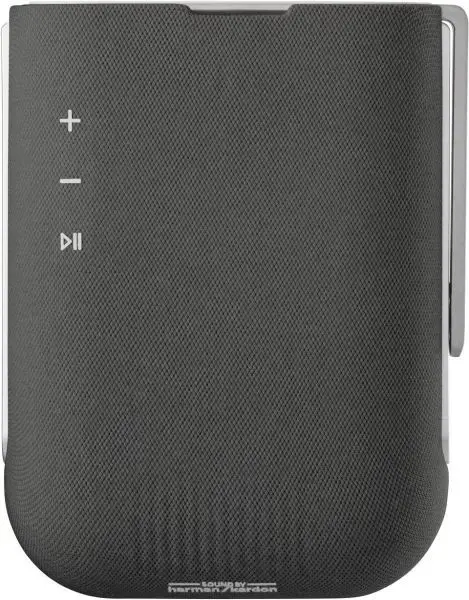
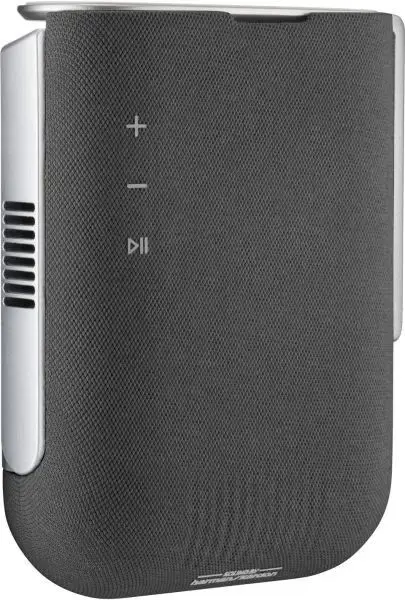
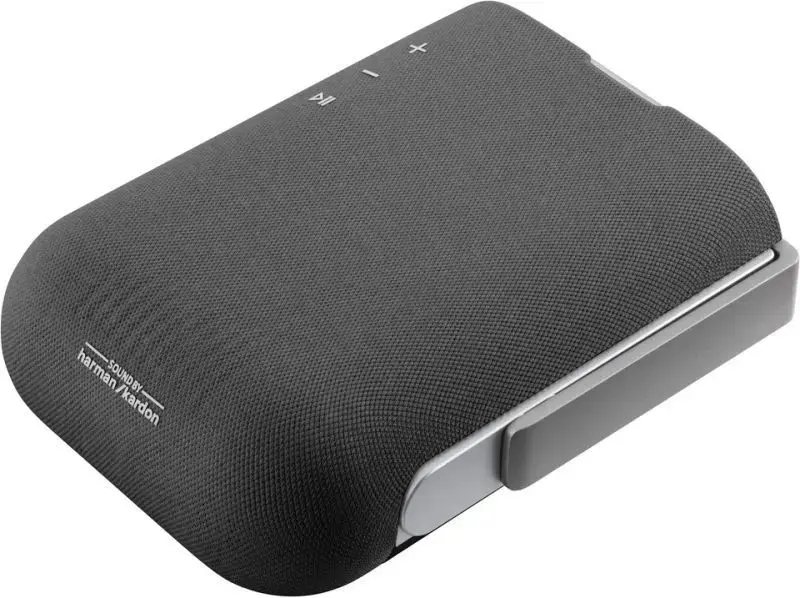
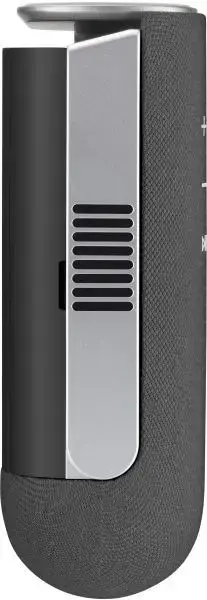
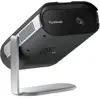
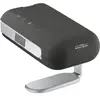
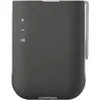
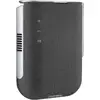
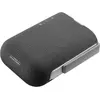
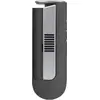
Black, Grey