A curated selection of maximum value offers!
In cart {{totalProductsCount}} item(s)
Your cart is empty
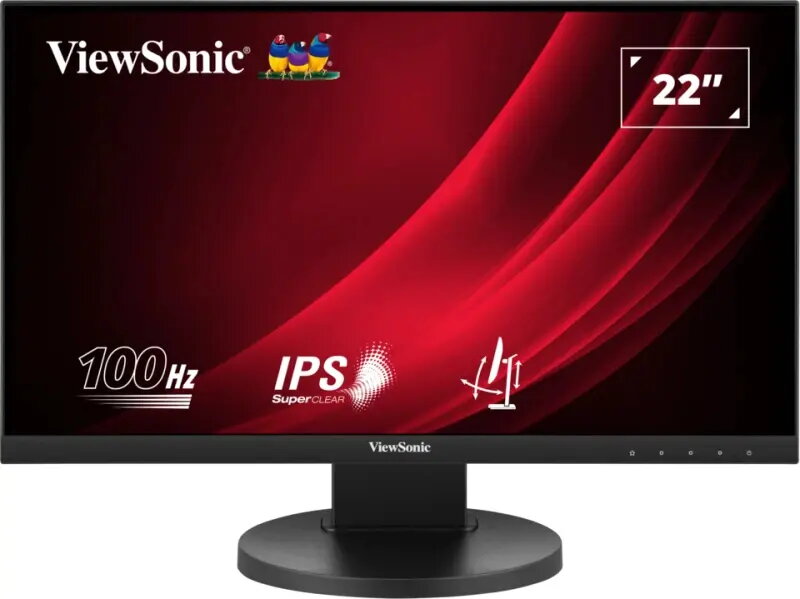
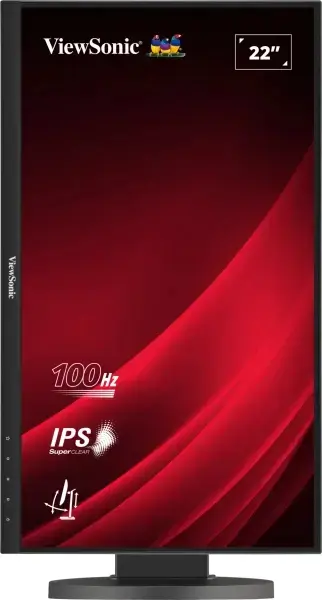
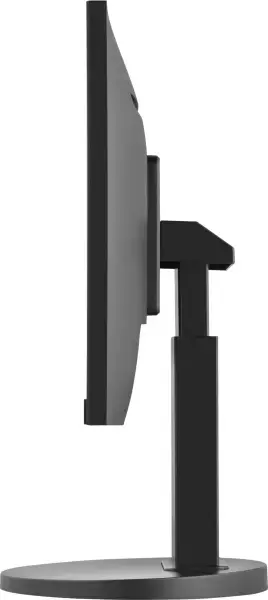
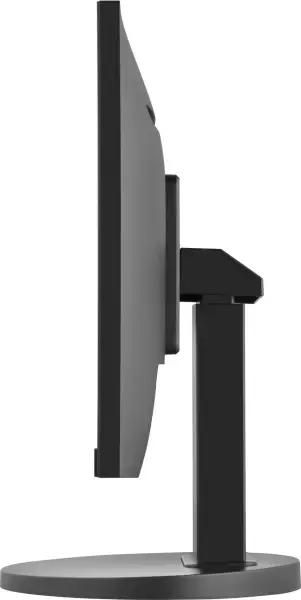
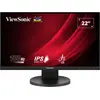
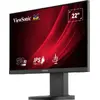
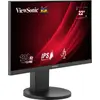
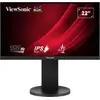
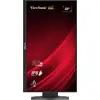
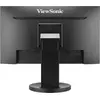
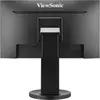
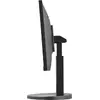
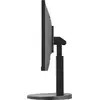
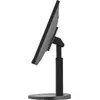
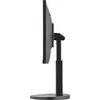
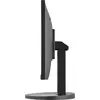
Monitor Viewsonic VG2208A-HD 22" Full HD LED 1920 x 1080
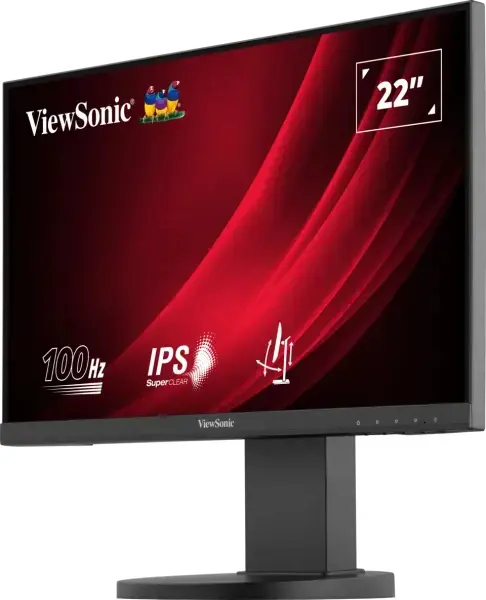
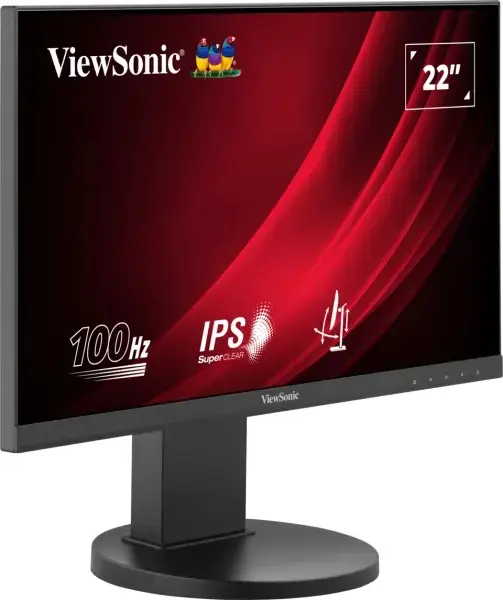
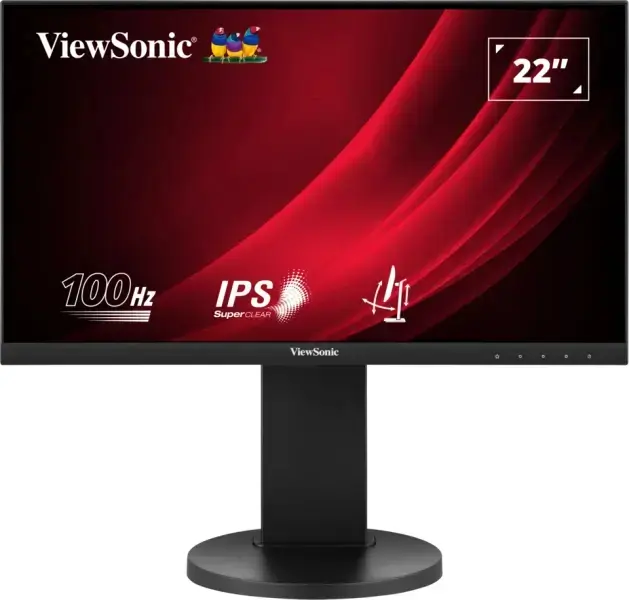
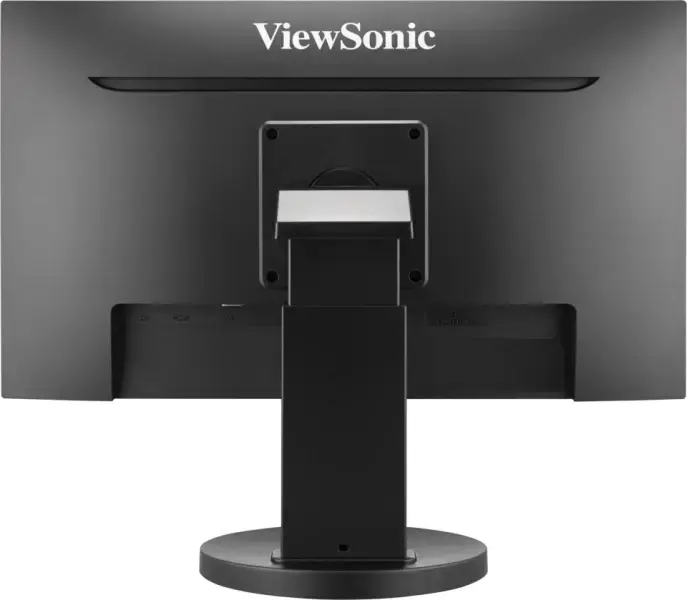
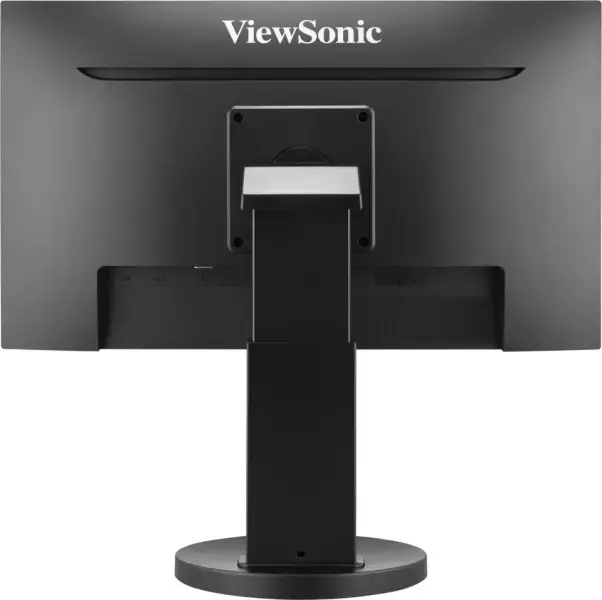
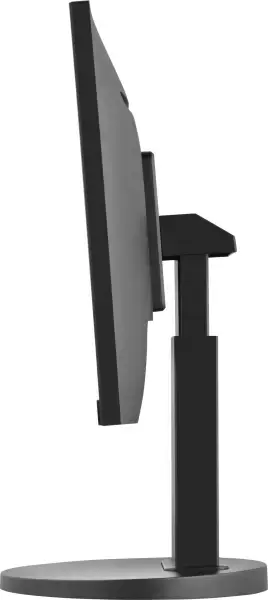
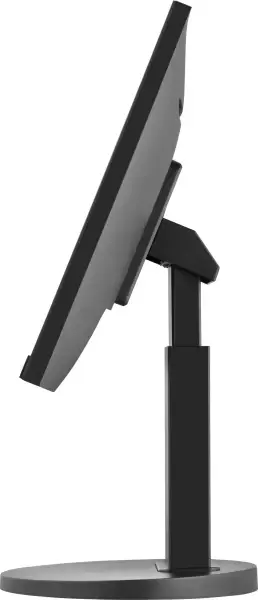
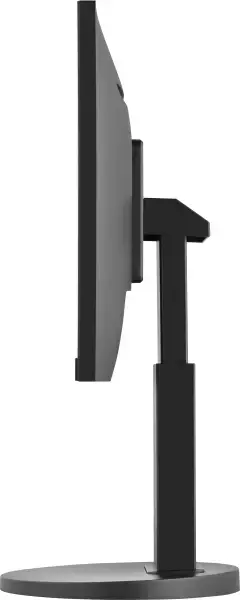
The Viewsonic VG2208A-HD is a 22" Full HD LED monitor with a 1920 x 1080 resolution and an IPS panel that delivers consistent color accuracy across wide viewing angles. The flat-screen design features a near-borderless three-sided bezel, built-in dual 2 W speakers, and ergonomic adjustments including height, swivel, pivot and tilt. Multiple input options — DisplayPort, HDMI and VGA — provide flexible connectivity for business and home setups, while VESA mounting compatibility enables easy installation on monitor arms or wall mounts. Energy-efficient operation and eye-care technologies help reduce power use and visual fatigue during extended viewing.
The monitor combines Full HD clarity with a SuperClear IPS panel and a 100 Hz variable refresh rate to deliver smooth motion and detailed image reproduction. Ergonomic stand adjustments and VESA support allow comfortable positioning for prolonged work sessions. Built-in speakers and multiple input ports simplify setup by reducing the need for extra peripherals. Flicker-Free technology and a Blue Light Filter support reduced eye strain, and the monitor meets energy efficiency and environmental certifications for lower power consumption.
Place the monitor on a stable surface or install it on a VESA-compatible arm or wall mount using the 100 x 100 mm pattern. Connect a source device via DisplayPort, HDMI or VGA, then power on the monitor and select the corresponding input. Use the on-screen display (OSD) to choose ViewMode presets (Game, Movie, Web, Text, Mono) and to adjust brightness, contrast and color temperature. Adjust the stand height, tilt, swivel or pivot so the top of the screen is at or slightly below eye level to reduce neck strain. For multi-monitor setups, align bezel edges and enable the desired refresh rate in the source device’s display settings.
For prolonged work sessions, enable Flicker-Free mode and the Blue Light Filter to reduce eye fatigue. Set the refresh rate to 100 Hz where supported by your graphics output for smoother motion. When color accuracy is important, allow the monitor to warm up for 20–30 minutes and select an appropriate ViewMode preset or calibrate with an external colorimeter. Use VESA mounting to free desk space and position the screen for optimal ergonomics.
{{highlightedFeature.featureTitle}}:
{{getProductFeatureValueById(product, highlightedFeature.featureId)}}
{{ productComparisonGenerationError }}
Device manufacturer code
Device manufacturer
The amount of electricity that is consumed when the product is on standby.
Amount of power consumed by this model, often expressed in watts (W). Typical values that manufacturers give are power consumption when off, standby/suspended mode, typical use, maximum usage.
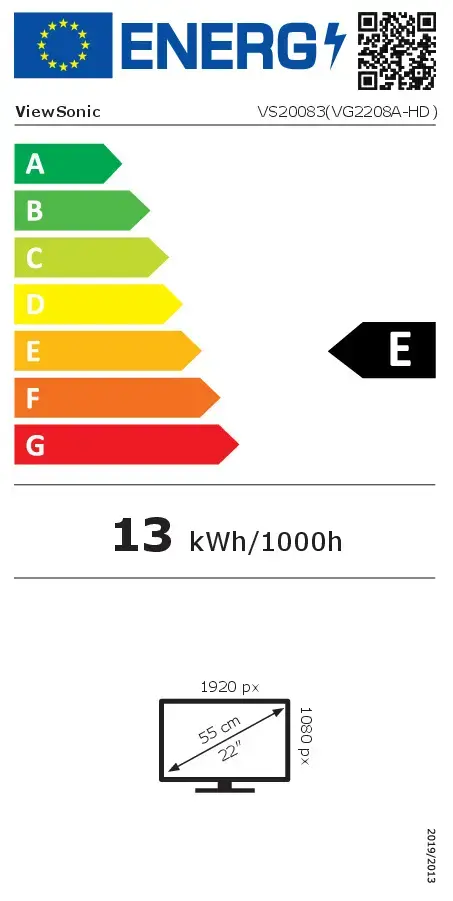
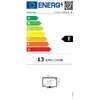
Energy efficiency class is a standard classification that is used all over Europe and which is understandable at first sight. Products can be efficiently compared according to classes, starting from A (the most energy efficient class), and ending with G (the most energy-intensive class). The classification of energy efficiency is based on annual energy consumption which is being calculated on the basis of several different parameters.
Number of DisplayPorts. A DisplayPort is a digital display interface developed by the Video Electronics Standards Association (VESA). The interface is primarily used to connect a video source to a display device such as a computer monitor, though it can also be used to carry audio, USB, and other forms of data.
The socket for connecting headphones to the device.
HDMI (High-Definition Multimedia Interface) is a compact audio/video interface for transferring uncompressed video data and compressed/uncompressed digital audio data from a HDMI-compliant device ("the source device") to a compatible computer monitor, video projector, digital television, or digital audio device. HDMI is a digital replacement for existing analog video standards.
The number of sockets (ports) for HDMI connections. HDMI (High-Definition Multimedia Interface) is a compact audio/video interface for transferring uncompressed video data and compressed/uncompressed digital audio data from a HDMI-compliant device ("the source device") to a compatible computer monitor, video projector, digital television, or digital audio device. HDMI is a digital replacement for existing analog video standards.
The device contains speaker(s) to produce sound.
Type of supported High Definition (e.g. Full HD, 4K Ultra HD).
The technology used in the display e.g. plasma, LED.
Size of the display for this product, measured diagonally, usually in inches.
The number of distinct pixels in each dimension that can be displayed. It is usually quoted as width × height, with the units in pixels: for example, "1024 × 768" means the width is 1024 pixels and the height is 768 pixels. The higher the number of pixels, the sharper the image.
The colour e.g. red, blue, green, black, white.