
This is due to long delivery times and limited product warranties.
Powerful EcoFlow stations for energy anywhere!
In cart {{totalProductsCount}} item(s)
Your cart is empty
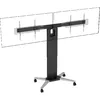
TV mount Vision VFM-F51T/D 2.18 m 80 kg Black
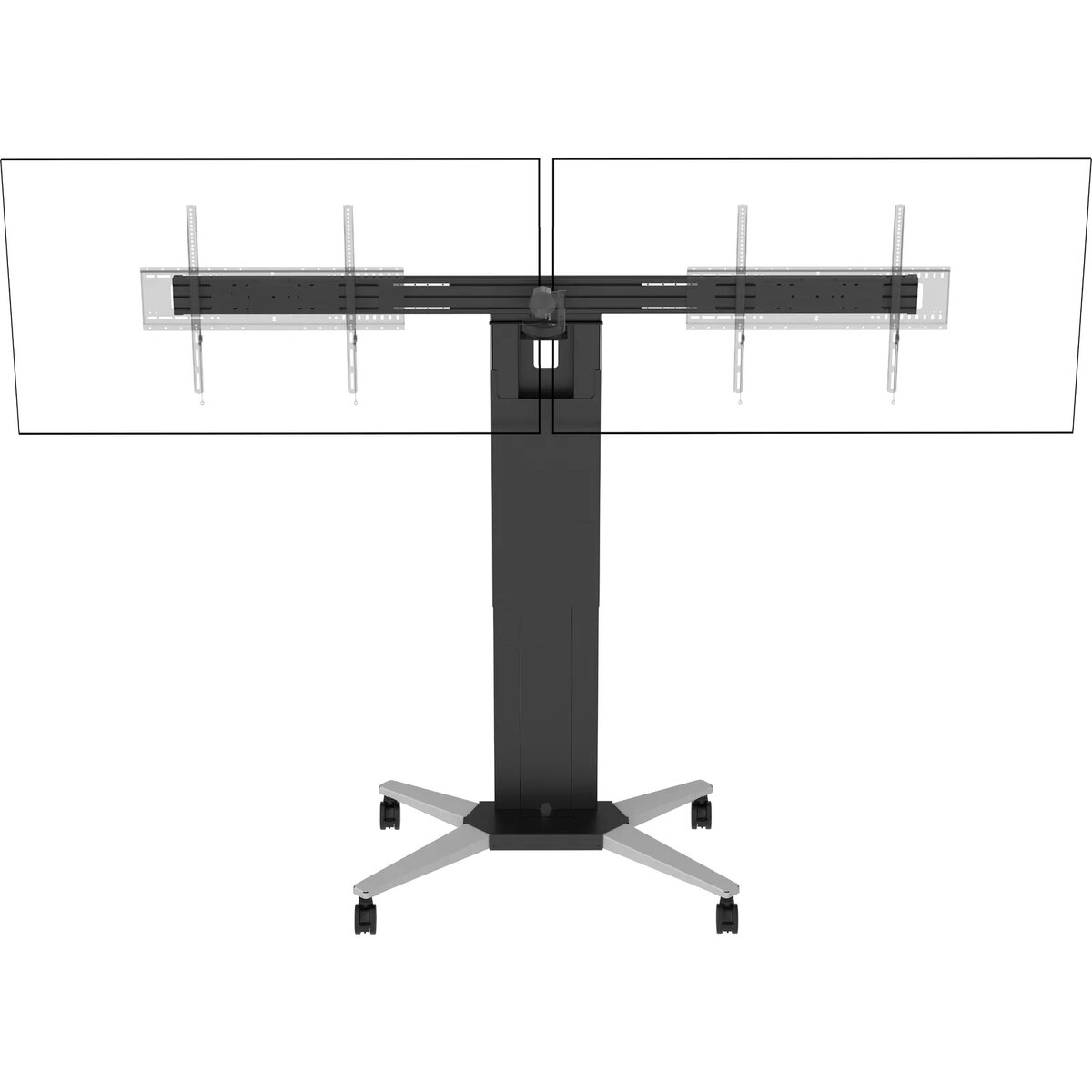
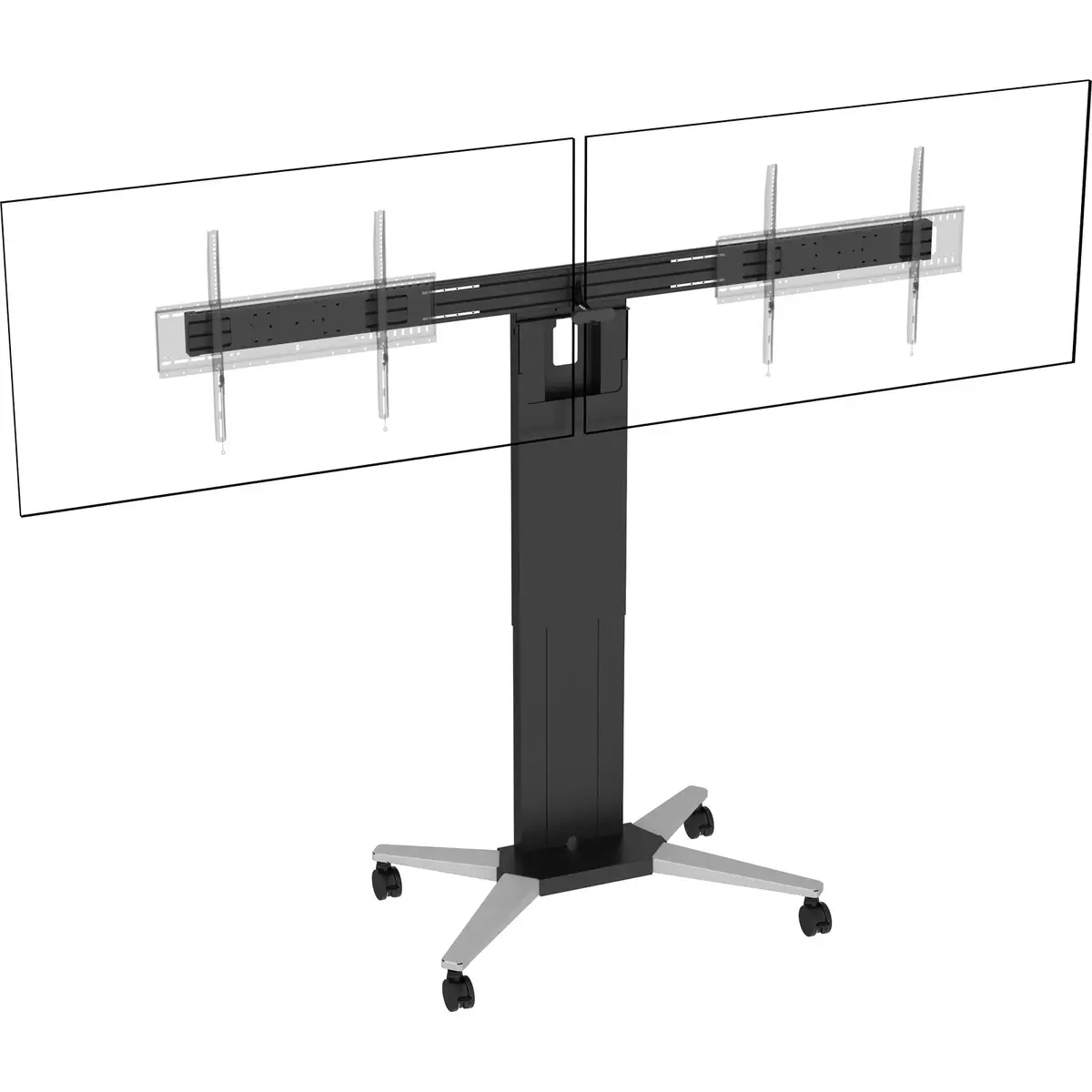
The Vision VFM-F51T/D dual trolley is a floor stand engineered to hold two displays for Microsoft Teams or Zoom rooms. It supports two screens from 55" to 86" with a combined safe working load of 80 kg and individual display capacity up to 40 kg. The kit includes the portable F51T stand with a dual-display adaptor rail and a second wall mount, and offers 800 mm (31.5") of manual height adjustment to suit room size and table alignment. The black finish and VESA compatibility (up to 800 x 600 mm) make it suitable for a range of professional meeting spaces.
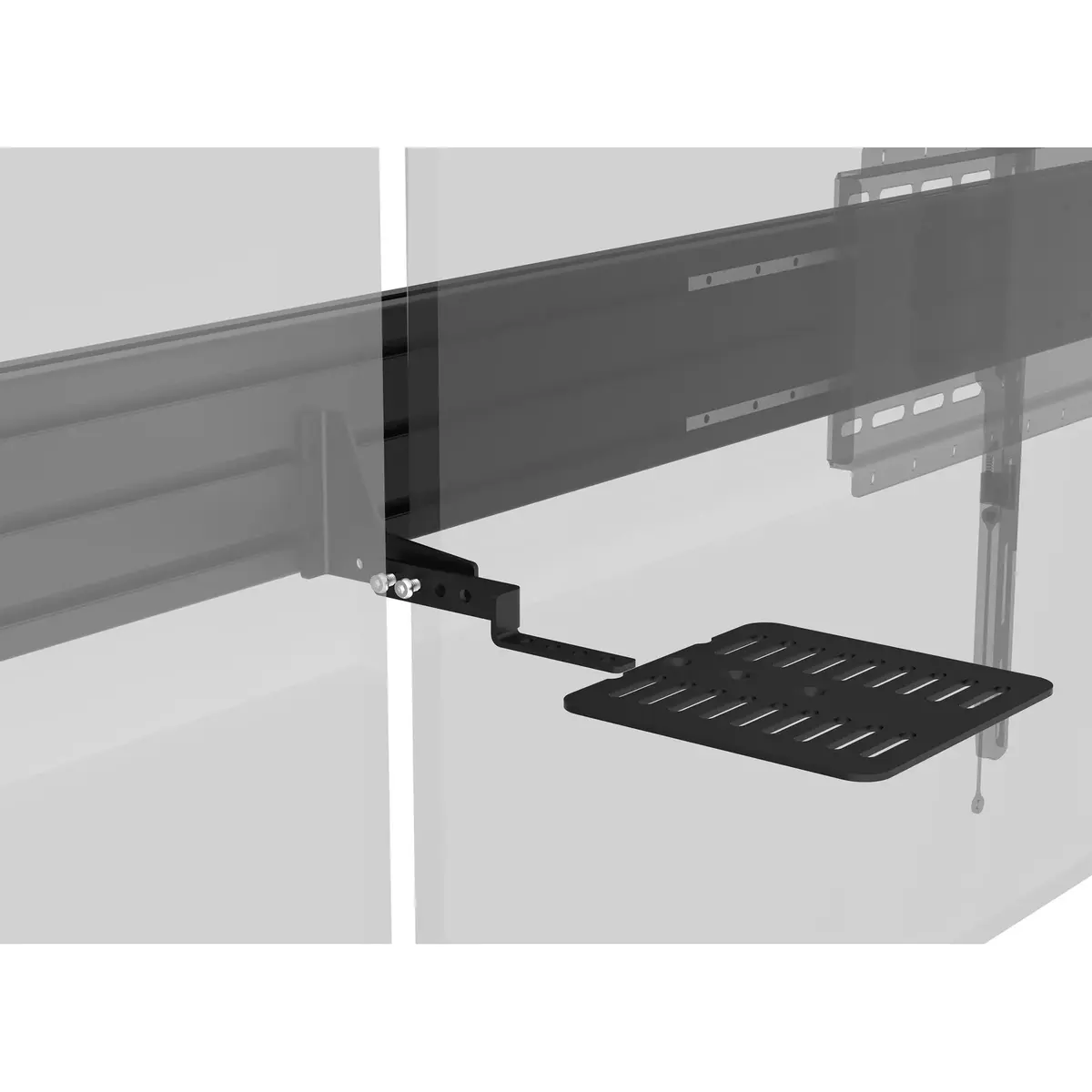
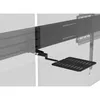
The dual trolley supports landscape or portrait orientation and provides side-to-side adjustment via a three-part aluminium rail to align displays. A central camera shelf positions cameras above, below or between screens to improve perceived eye contact for remote participants; for small cameras the shelf platform can be omitted. The stand can be converted from portable to non-portable by removing wheels and fitting low-profile adjustable feet for safer stationary use. Cable entry holes and a removable front cover allow tidy routing and concealment of cables, media players, mini PCs and power distribution equipment. A simple wired remote for up/down control is included, with optional RS-232 integration for preset positions and limits.
Assemble the F51T trolley and attach the three-part aluminium rail to support two displays, ensuring each display is mounted to a compatible VESA pattern and does not exceed 40 kg. Adjust the manual height to the preferred viewing level (up to 800 mm of travel). Fit the central camera shelf in the desired position or remove the platform portion for smaller cameras. For a non-portable installation, remove the wheels and install the adjustable low-profile feet; for glass or non-structural walls reconfigure the feet and rear leg angle so the stand can lean safely without loading the wall. Route cables through the column using the entry holes and replace the front cover to conceal equipment.
Use the included wired remote for basic vertical movement and consider RS-232 control if you need presets or movement limits. Verify each display’s VESA pattern and weight before mounting, and follow safe handling practices during installation. For rooms with glass walls, confirm the rear-leg configuration secures the stand without transferring load to the wall.
{{highlightedFeature.featureTitle}}:
{{getProductFeatureValueById(product, highlightedFeature.featureId)}}
{{ productComparisonGenerationError }}