Hurry and order now – up to 50% off!
In cart {{totalProductsCount}} item(s)
Your cart is empty
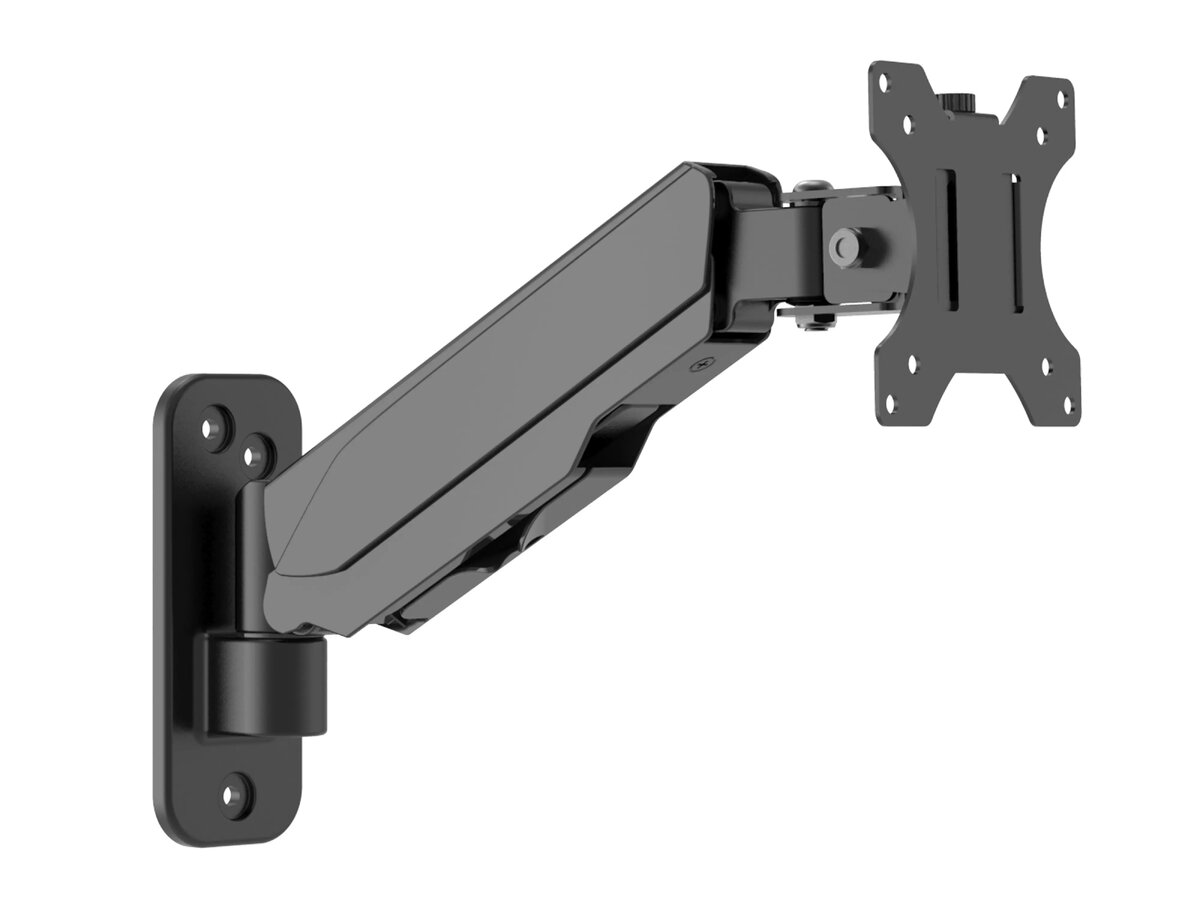
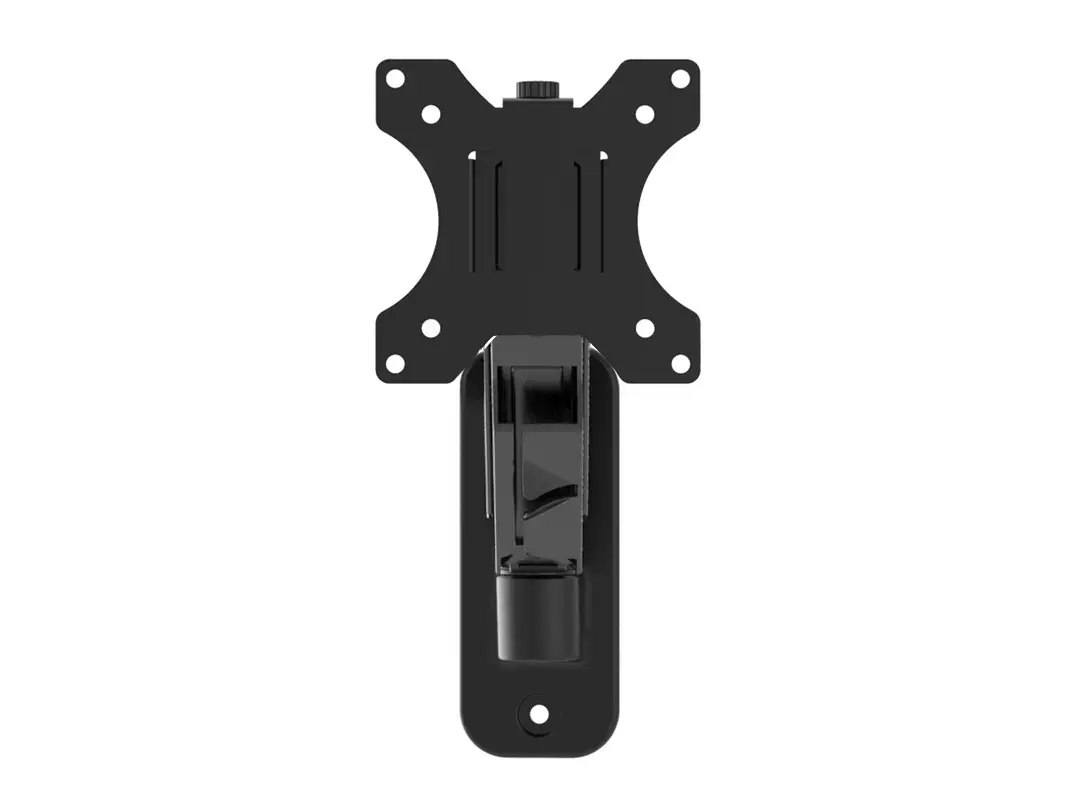
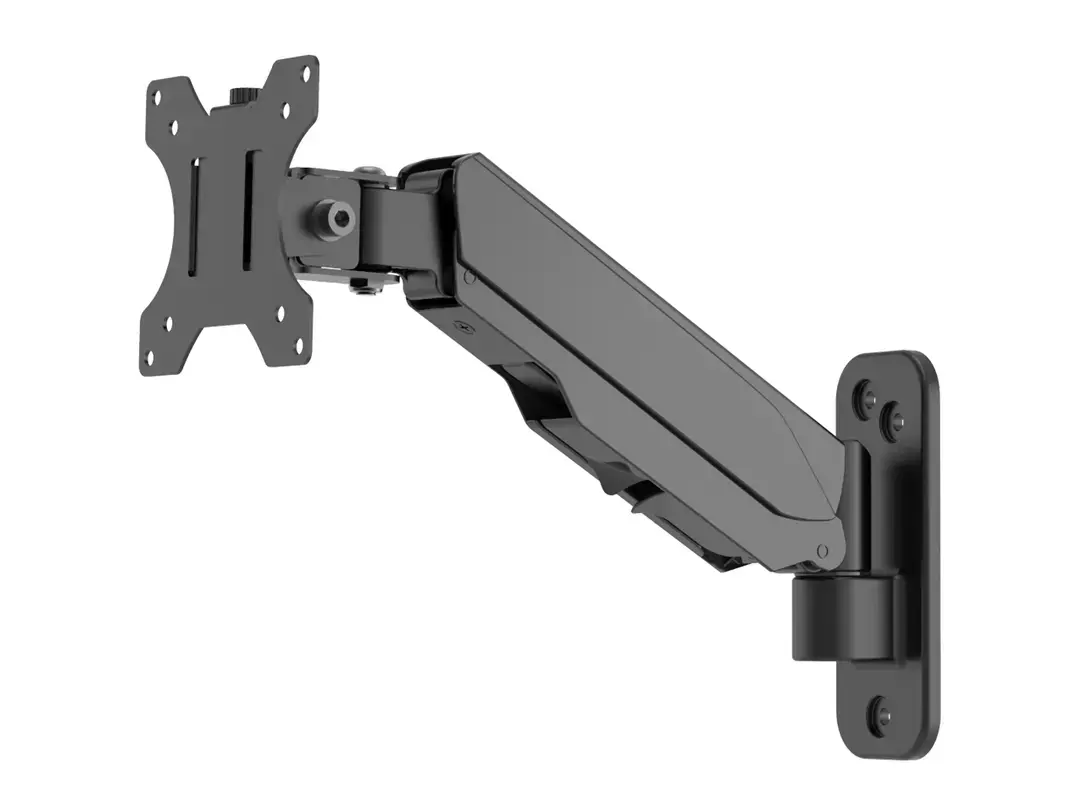
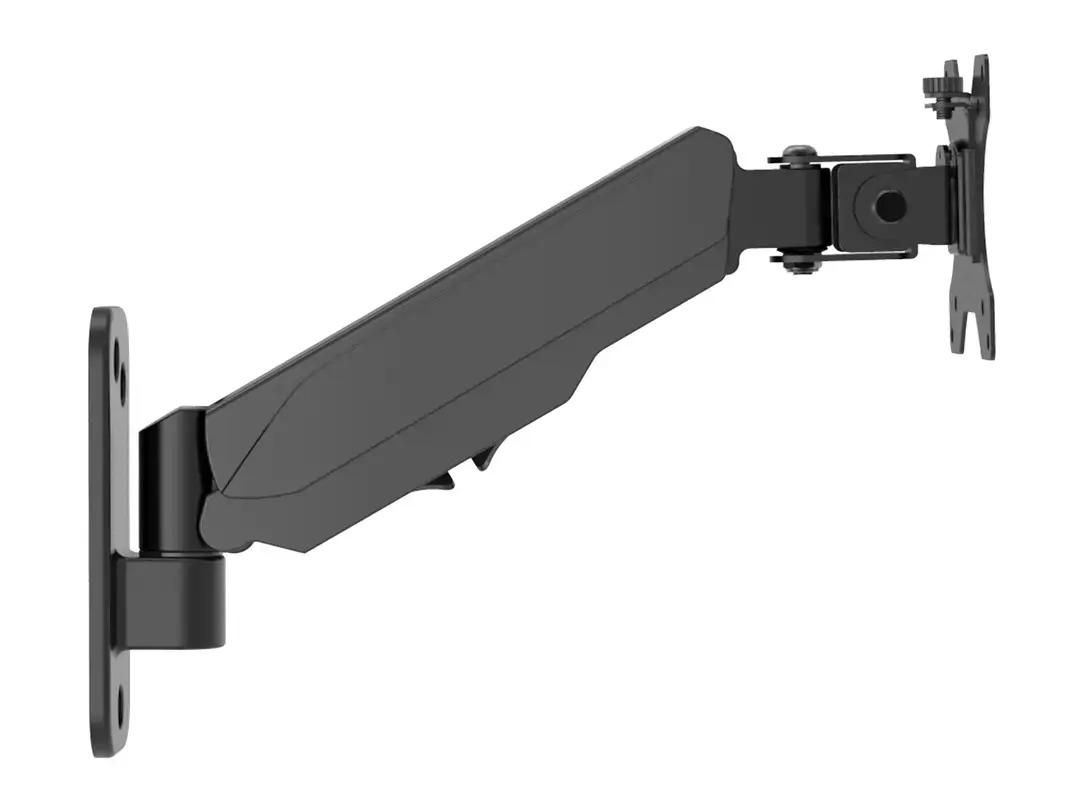
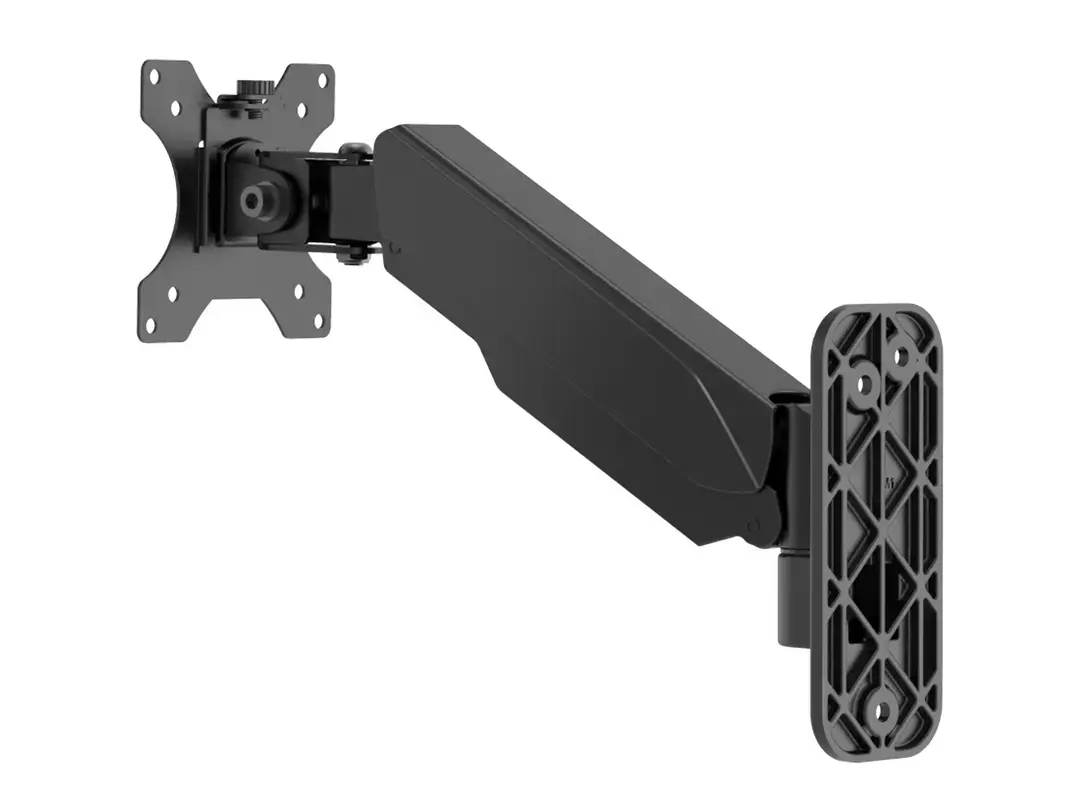
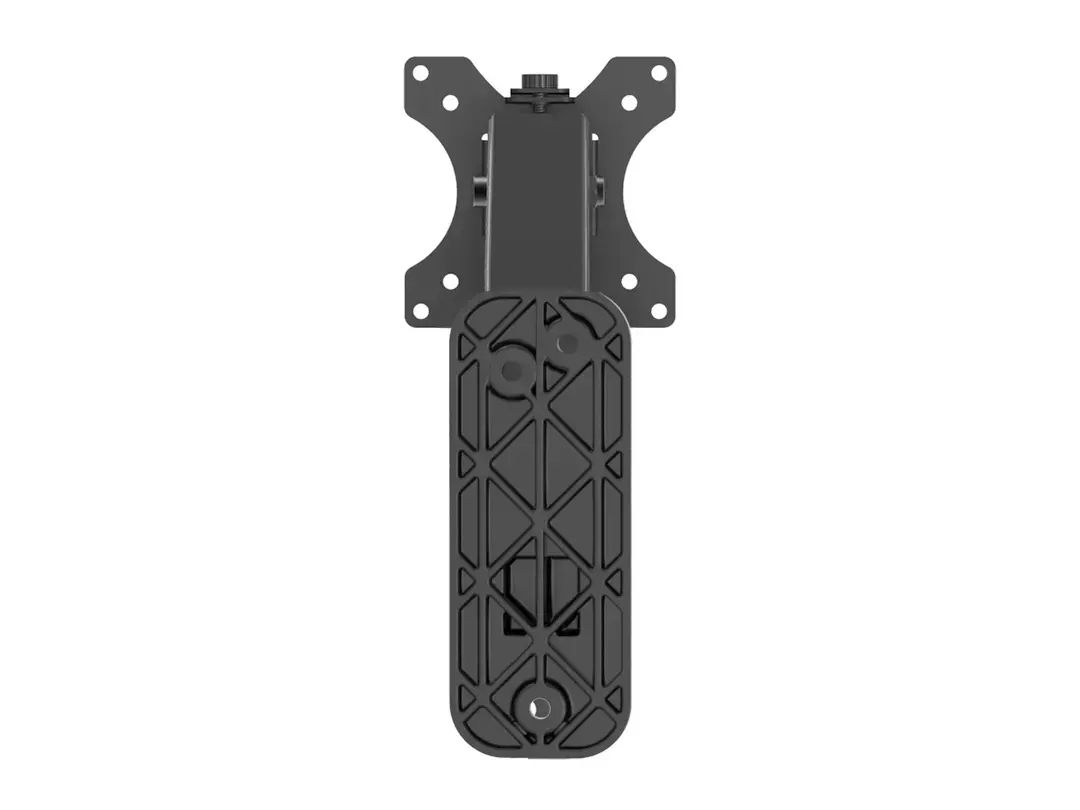
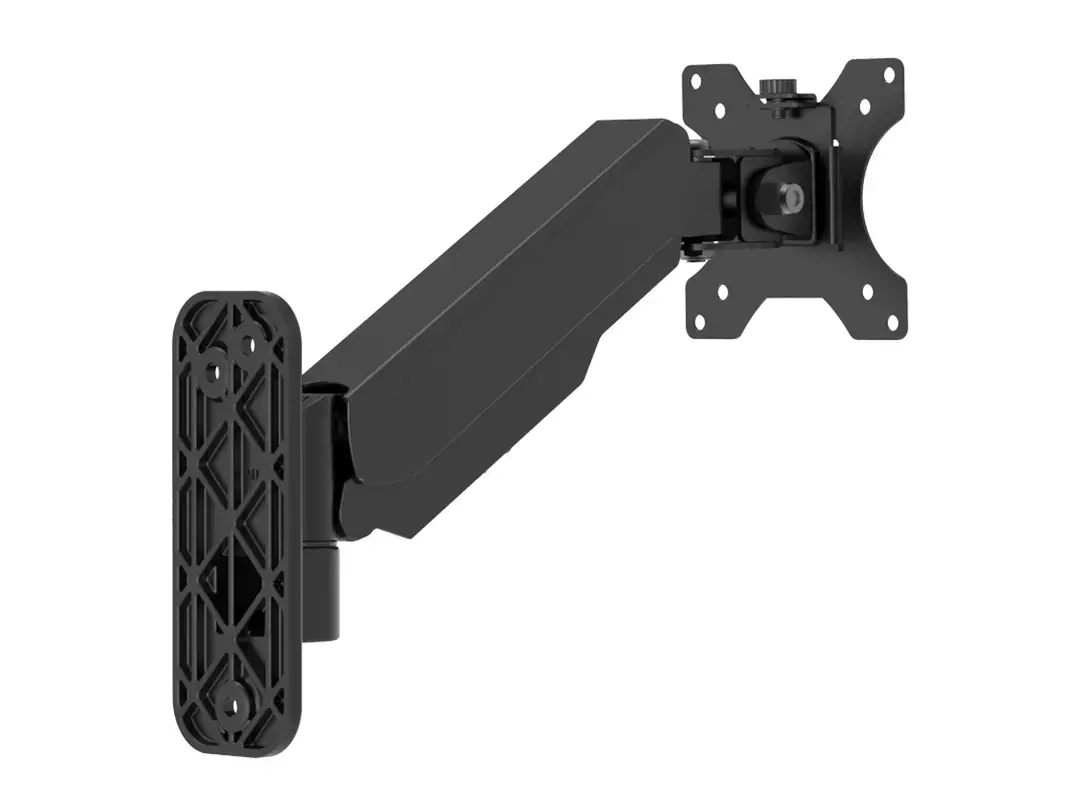
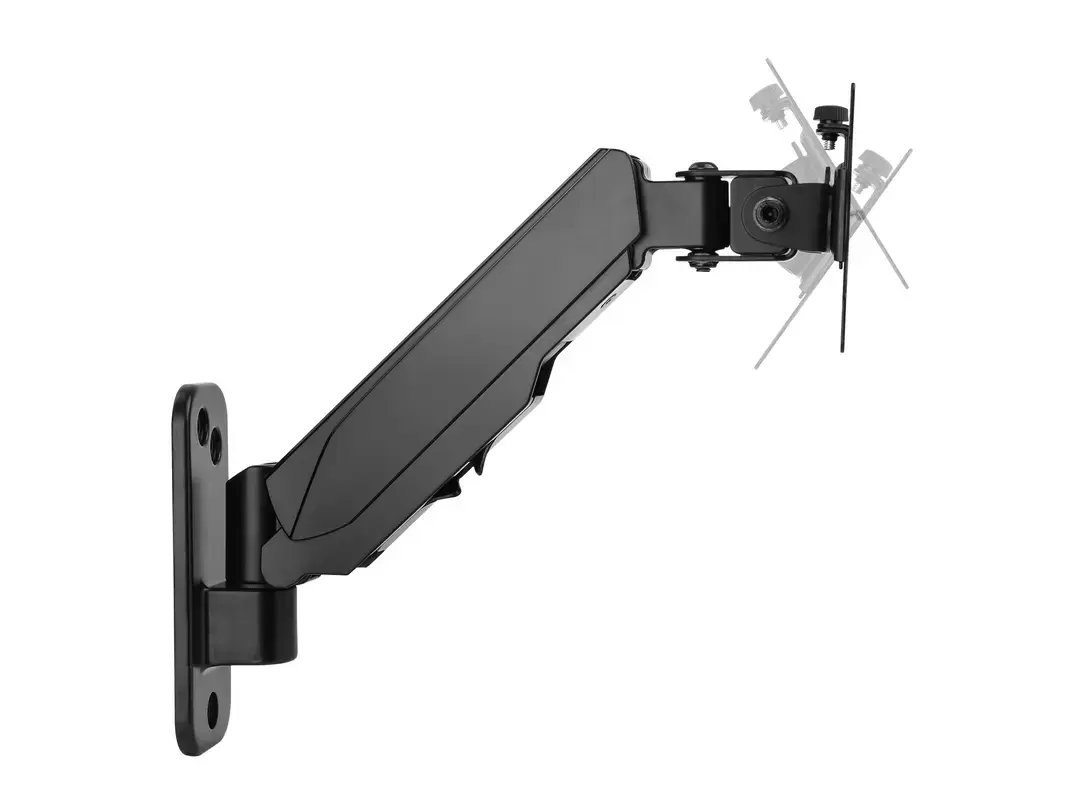
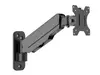
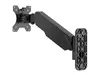
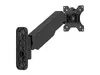
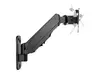
Multibrackets M Monitormount Wall Basic Single for 17-32 inch screens up to 8 kg, VESA 100x100, Black
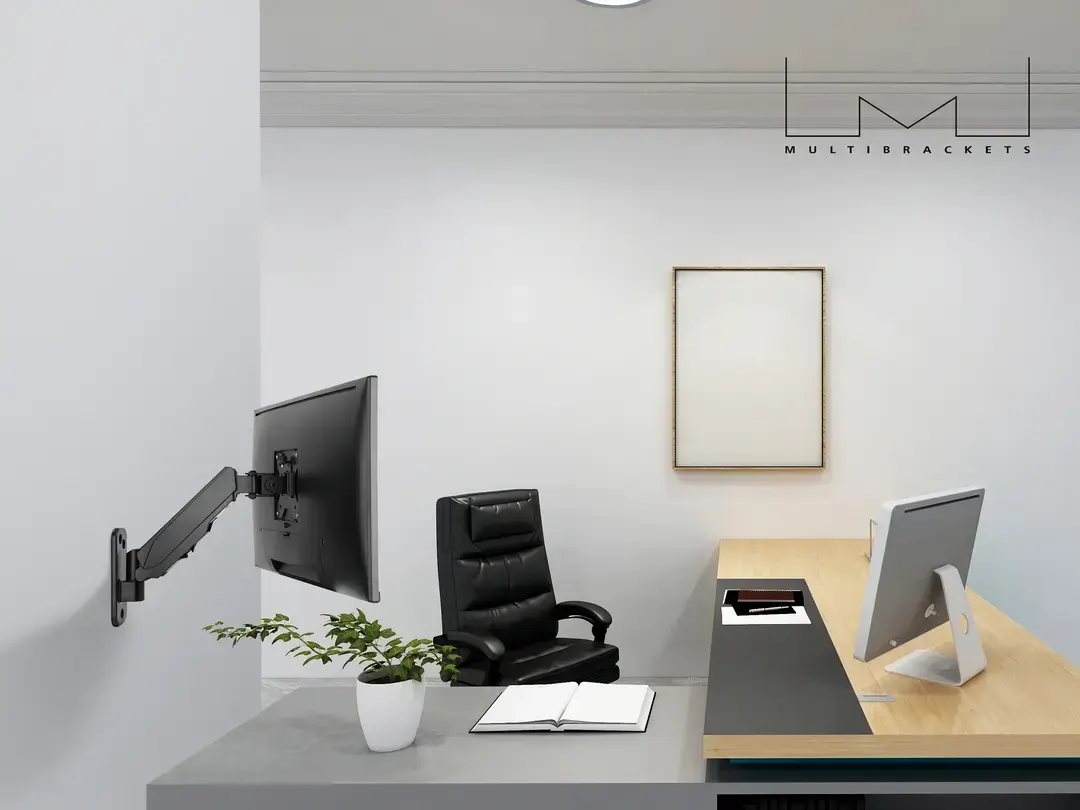
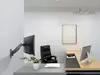
The Multibrackets M Monitormount Wall Basic Single is a robust and versatile wall mount designed to support monitors ranging from 17 to 32 inches. Engineered for durability and stability, this mount is constructed from high-quality steel and finished in a sleek black coating, making it a reliable addition to any professional or home office environment. By mounting your display directly to the wall, you can effectively reclaim valuable desk space and create a more organized, efficient workspace.
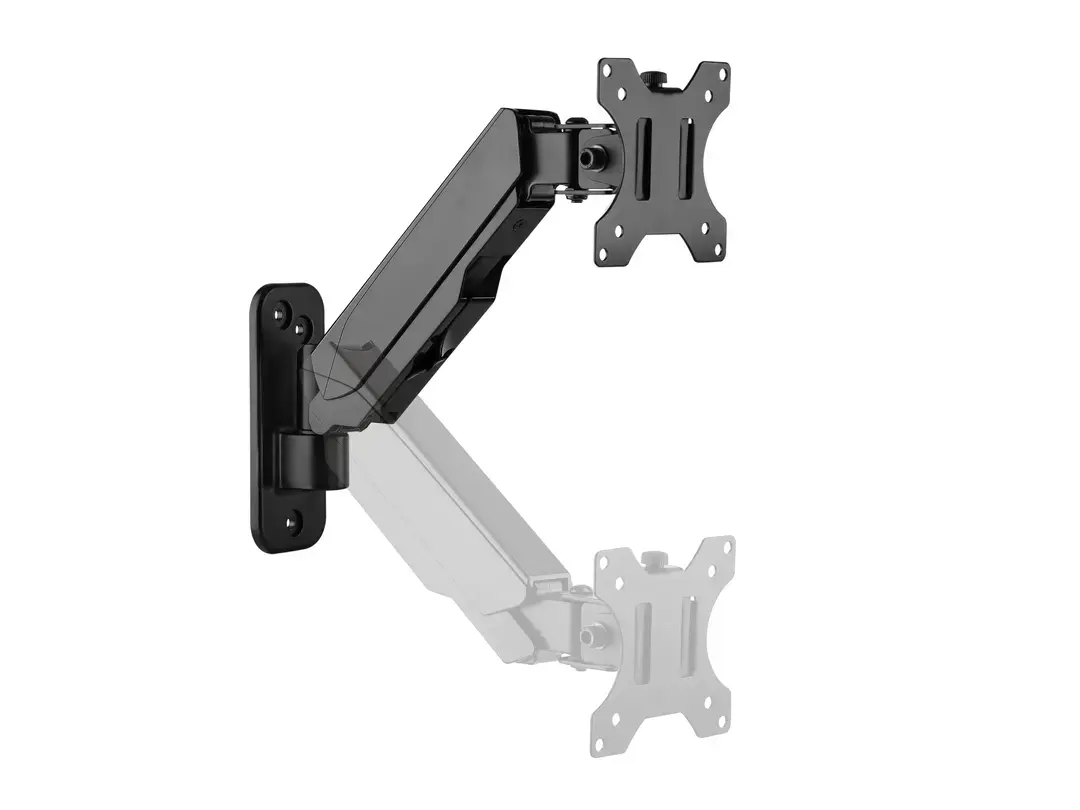
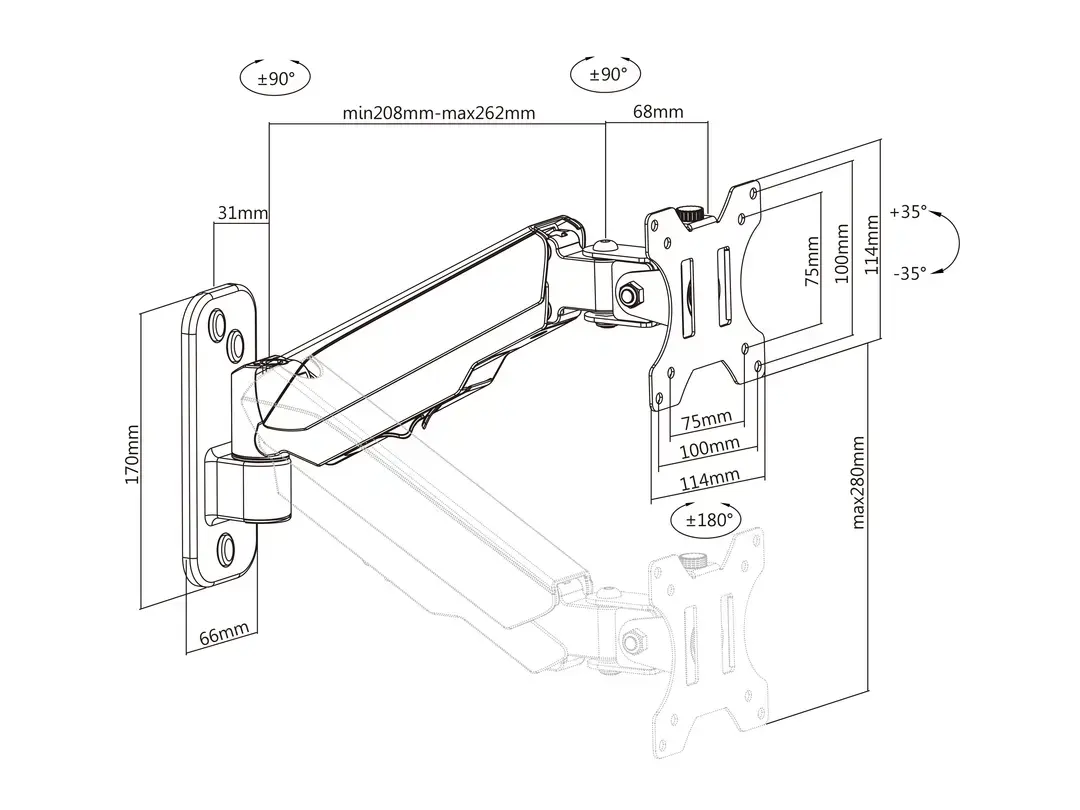
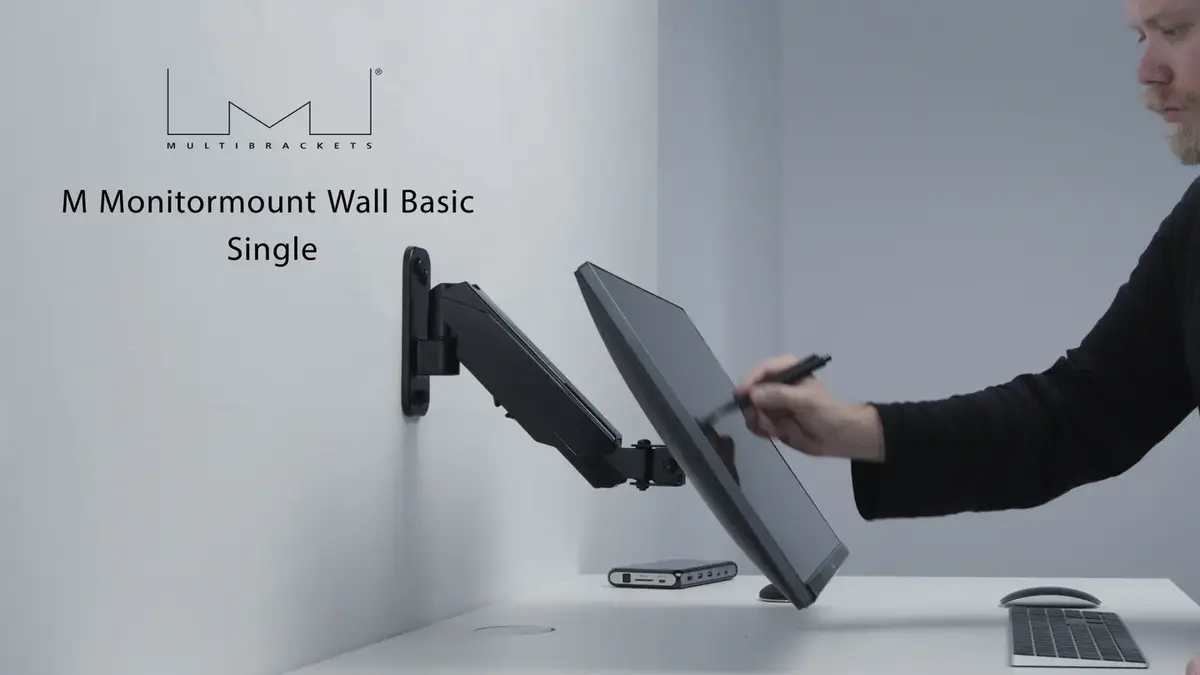
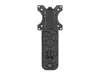
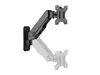
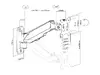
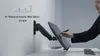
This monitor mount offers significant flexibility, allowing users to achieve an ergonomic viewing position through adjustable tilt and swivel functions. The ability to move the screen forward, backward, up, or down ensures that you can reduce strain on your neck, back, and eyes during long working hours. The inclusion of a detachable VESA plate simplifies the installation process, while the integrated cable management system helps maintain a clean and clutter-free desk area. Its sturdy construction supports screens weighing up to 8 kg, providing peace of mind regarding the safety and stability of your equipment.
This mount may not be suitable for monitors that exceed the 8 kg weight limit or those that do not conform to the VESA 75x75 or 100x100 mm mounting standards. Additionally, it is intended for wall mounting only and cannot be used on surfaces that lack the structural integrity to support the weight of the monitor and the mount itself.
Begin by attaching the VESA plate to the back of your monitor using the provided screws. Once the plate is secure, mount the main arm assembly to your wall using appropriate hardware for your wall type. After the arm is firmly attached, slide the monitor onto the mount until it clicks into place. You can then adjust the tilt and swivel angles to your preferred position. Use the integrated cable management clips to route your power and video cables neatly along the arm.
For the best ergonomic results, position the top of your monitor screen at or slightly below eye level to maintain a neutral posture throughout your workday.
{{highlightedFeature.featureTitle}}:
{{getProductFeatureValueById(product, highlightedFeature.featureId)}}
{{ productComparisonGenerationError }}