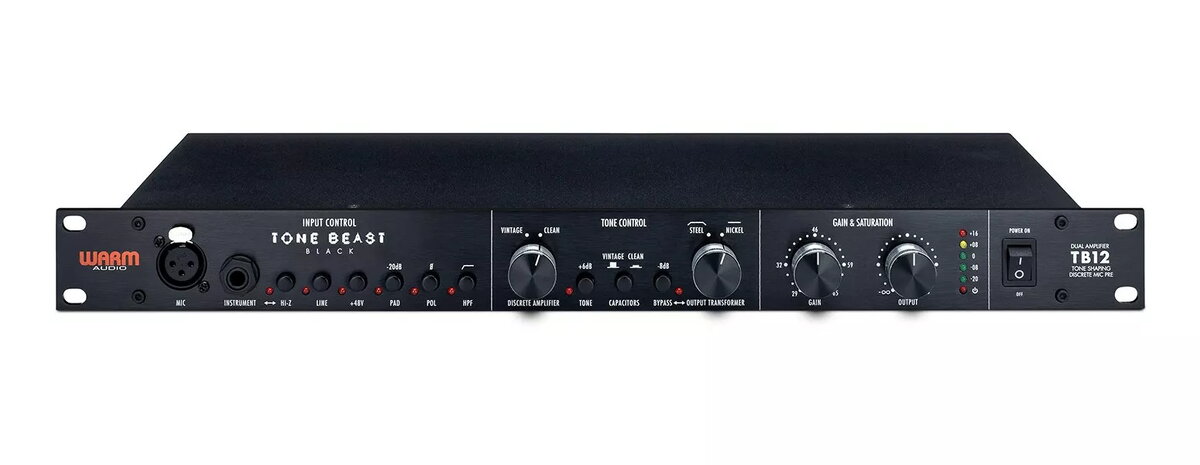
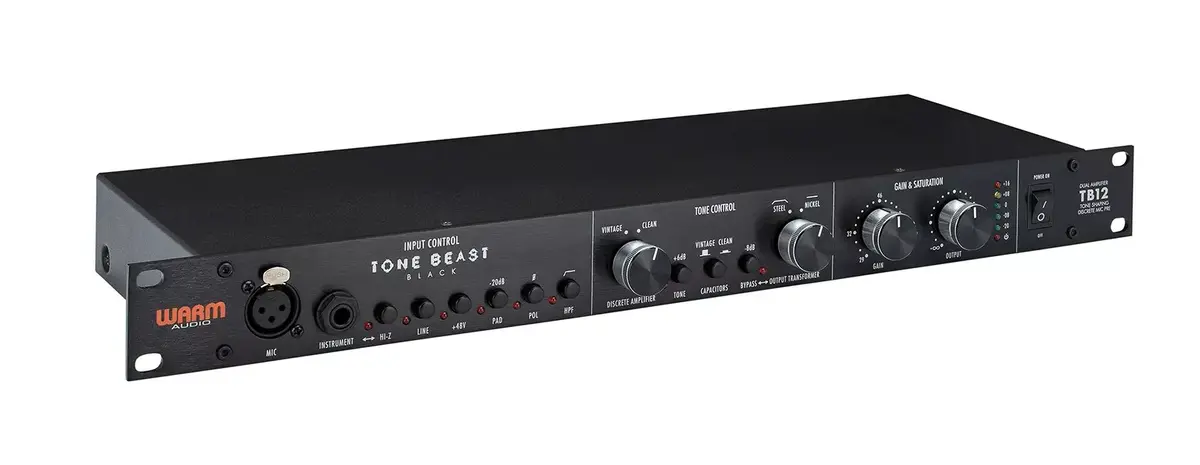
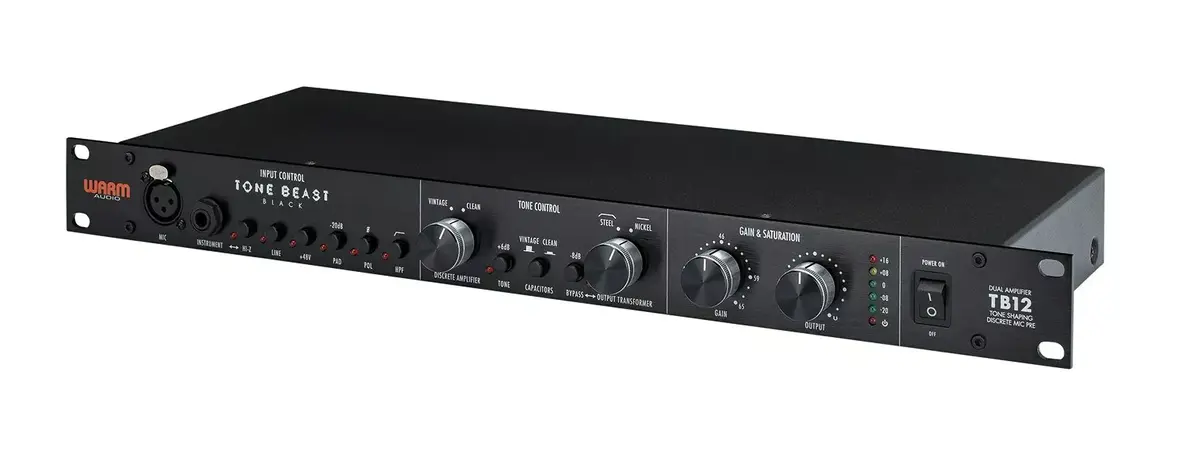
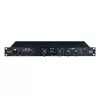
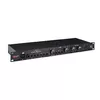
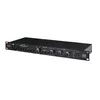
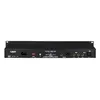
The WARM AUDIO TB12 Black is a professional-grade microphone preamplifier engineered to provide exceptional tonal versatility and high-fidelity signal amplification. Designed for demanding studio environments, this unit allows engineers and musicians to shape their sound with precision, offering a robust architecture that ensures clarity and warmth in every recording. By integrating high-quality components, the TB12 Black serves as a reliable foundation for any professional audio signal chain, enabling users to achieve studio-standard results across a wide range of recording applications.
Advantages
The primary strength of the WARM AUDIO TB12 Black lies in its ability to offer extensive tonal shaping options, allowing for both clean, transparent amplification and more colored, vintage-inspired saturation. Its flexible design provides users with precise control over gain staging, which is critical for managing different microphone sensitivities and line-level sources. The unit is built with high-quality components that maintain signal integrity while adding a professional character to the audio, making it a versatile addition to any studio setup that requires consistent and high-quality performance.
Suitable for
- Professional studio recording of vocals and acoustic instruments
- Adding harmonic saturation and warmth to digital recordings
- Managing gain staging for ribbon and dynamic microphones
- Enhancing line-level signals for outboard processing
When it may not be suitable
This preamplifier may not be the ideal choice for users seeking a strictly transparent, ultra-clean signal path without any harmonic coloration. Additionally, those working in highly portable or mobile recording setups may find the desktop-oriented form factor less convenient than smaller, bus-powered interface preamps.
Key specifications
- Variable input impedance for microphone matching
- Discrete operational amplifiers
- High-pass filter functionality
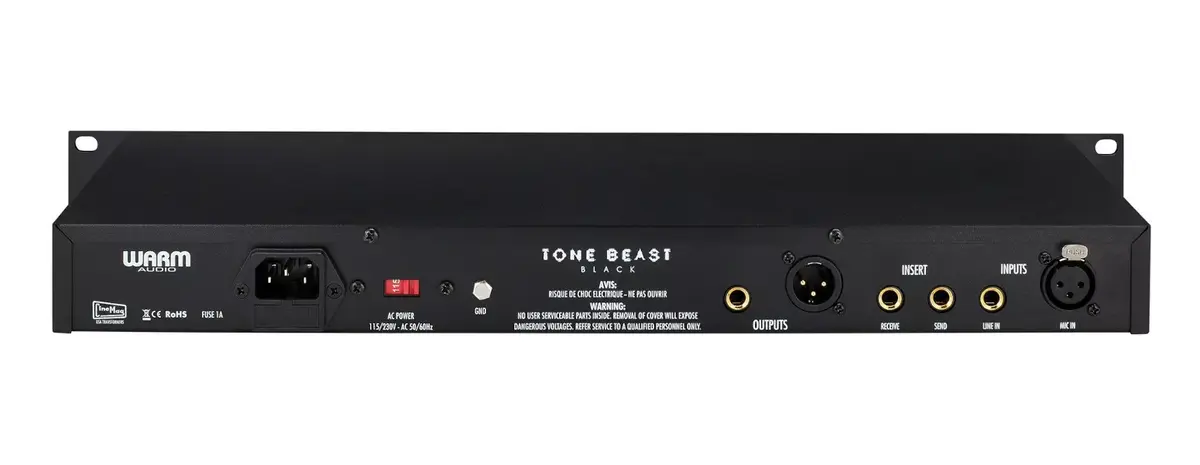
- Multiple input and output connection options
- Precise gain and output level controls
How to use
To use the WARM AUDIO TB12 Black, connect your microphone or line-level source to the appropriate input on the rear panel. Ensure your audio interface or recording device is connected to the output. Adjust the input gain to set the desired level of signal intensity, and use the output control to manage the final volume sent to your recording chain. Experiment with the impedance settings to alter the frequency response and tonal character of your microphone to best suit the source material.
What to consider before purchase
- Ensure your studio rack or desk space can accommodate the unit dimensions
- Verify compatibility with your existing audio interface and patch bay
- Consider the need for additional cabling for balanced connections
Usage recommendations
For optimal results, always engage the phantom power only after the microphone is connected and ensure the gain is turned down before switching impedance settings to prevent audible pops or damage to sensitive equipment.