


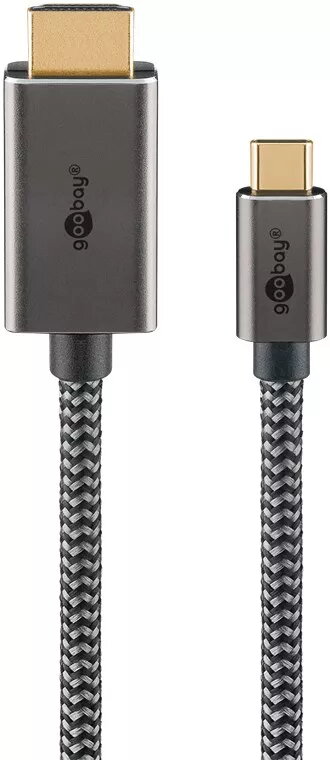
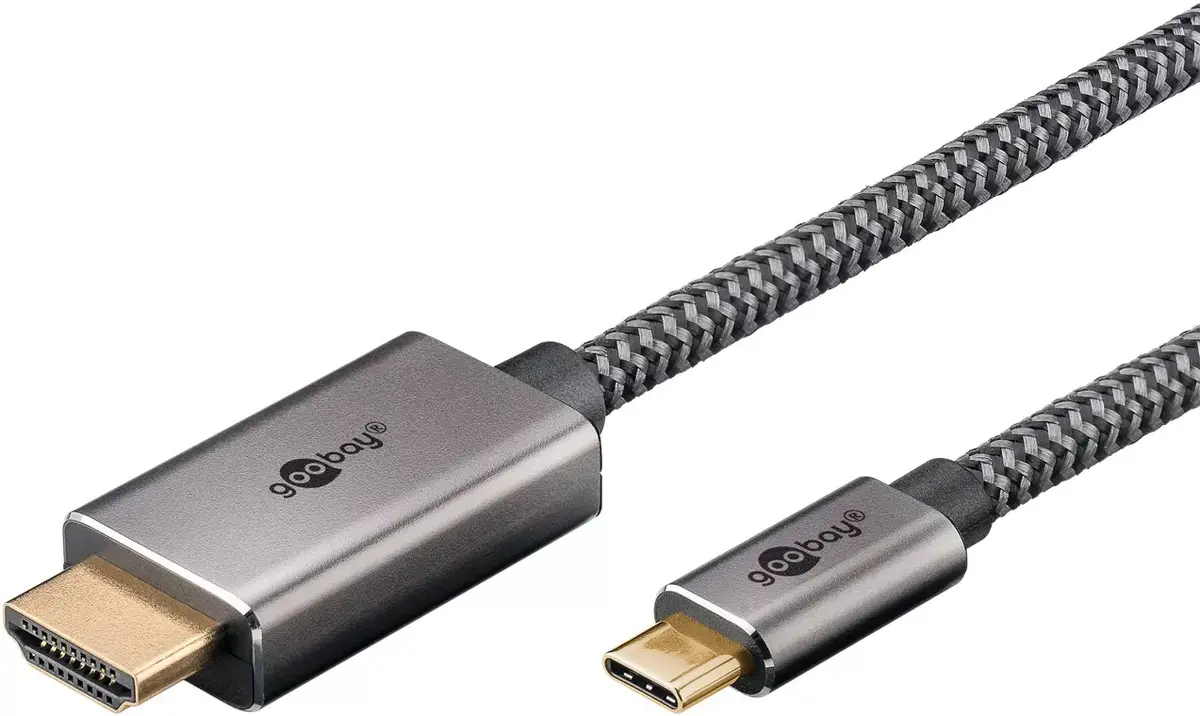
Goobay Video Cable Adapter 3m USB Type-C to HDMI Type A Black Silver
Offer for a legal entity, non-cash payment.
Short description

Cheapest delivery:
Unisend LV
Product information
Description
The Goobay Video Cable Adapter 3m USB Type-C to HDMI Type A Black Silver is a 3-metre video cable designed to connect devices with USB-C ports to HDMI displays. The cable supports transmission of high-quality video signals from laptops, tablets or smartphones with USB-C video output to external monitors, TVs or projectors equipped with a standard HDMI Type A input. The product colour combines silver and black finishes and the cable is intended for straightforward plug-and-play use where the host device supports USB-C video output.
Advantages
This 3 m adapter cable provides an extended reach for flexible device placement while maintaining a simple single-cable connection between source and display. The USB Type-C to HDMI interface delivers uncompressed digital video compatible with common HDMI displays, and the cable’s build combines a silver connector housing with a black cable for a neutral look. The cable complies with CE and WEEE standards, indicating conformity with applicable safety and environmental requirements.
Suitable for
- Connecting USB-C laptops to HDMI monitors or TVs
- Displaying presentations from USB-C tablets on projectors
- Extending screen output from smartphones with USB-C video support
- Home entertainment setups requiring a longer HDMI connection
Key specifications
- Cable length: 3 m
- Connector 1: USB Type-C
- Connector 2: HDMI Type A (Standard)
- Product colour: Silver, Black
- Compliance: CE, WEEE
How to use
Connect the USB Type-C end of the cable to a device that supports USB-C video output. Plug the HDMI Type A connector into the HDMI input of the display device. Select the appropriate HDMI input on the display. If required, adjust the output resolution or display settings on the source device to match the connected display. No additional drivers are normally required for basic video output when the source device provides native USB-C video (DisplayPort Alternate Mode or equivalent).
Usage recommendations
Use this cable for direct connections where the source device supports USB-C video output. Avoid excessive bending near the connectors and ensure both device ports are free of dust before connecting. For best results, set the display resolution on the source device to a value supported by the external display.
Features
- Maximum resolution:
- 3840 x 2160
- Connector 1 gender:
- Male
- Connector 1:
- USB Type-C
- Cable length:
- 3 m
- Connector 2 gender:
- Male
- Connector 2:
- HDMI Type A (Standard)
- Product colour:
- Black, Silver


