Powerful EcoFlow stations for energy anywhere!
In cart {{totalProductsCount}} item(s)
Your cart is empty
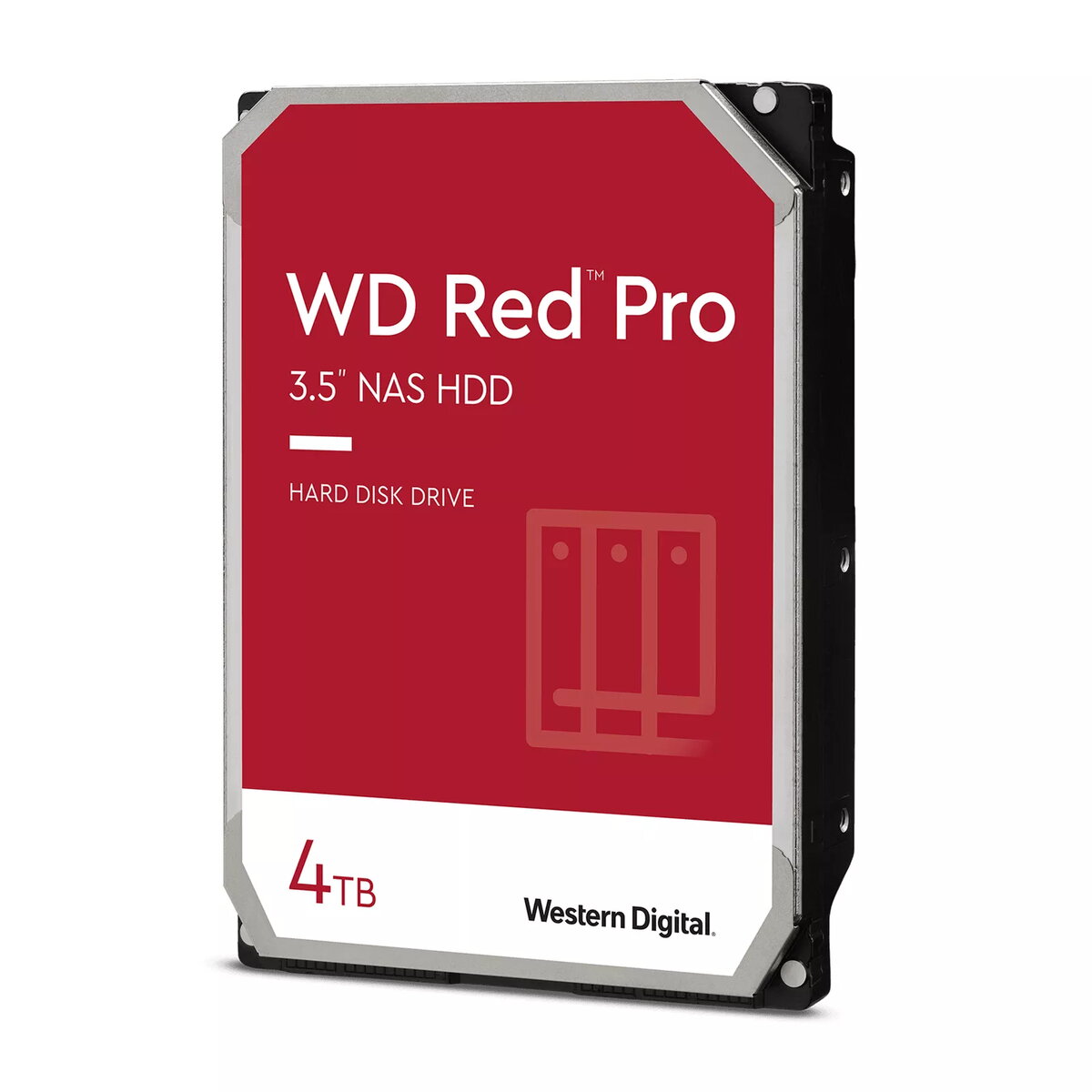
HDD Western Digital 4 TB 3.5" Serial ATA III RED PRO
The Western Digital RED PRO 4 TB internal hard drive is a high-performance storage solution specifically engineered for medium to large-scale NAS environments with up to 16 bays. Featuring a 3.5-inch form factor and a 7200 RPM spindle speed, this drive provides the necessary throughput and reliability for demanding business workloads. Equipped with NASware 3.0 technology, it ensures seamless integration and robust data protection, making it an ideal choice for businesses that require consistent access to shared files, backups, and collaborative data.
This hard drive offers significant benefits for professional storage setups by balancing high-speed performance with long-term reliability. The inclusion of multi-axis shock sensors allows the drive to detect and compensate for vibrations common in larger NAS enclosures, which helps protect data integrity during intensive read and write operations. Furthermore, the drive is designed to handle increased business workloads, providing a stable foundation for file synchronization and client data sharing. Its specialized architecture ensures that it operates efficiently within RAID configurations, reducing the risk of system downtime.
This drive is not optimized for standard desktop computers or gaming PCs where silent operation and low power consumption are prioritized over NAS-specific features. It may also be overkill for single-bay home NAS units that do not experience high vibration levels or heavy multi-user workloads.
To install the drive, ensure your NAS system is powered off and disconnected from the electrical outlet. Insert the drive into an available 3.5-inch drive bay, ensuring it is securely fastened to the chassis to minimize vibration. Connect the Serial ATA III data and power cables firmly to the drive and the NAS backplane. Once installed, power on the system and use the NAS management interface to initialize, format, and configure the drive within your storage pool or RAID array.
For optimal performance and longevity, it is recommended to maintain adequate airflow within the NAS enclosure to prevent overheating. Regularly monitor the drive health status through your NAS management software to proactively identify and address potential issues before they impact data availability.
{{highlightedFeature.featureTitle}}:
{{getProductFeatureValueById(product, highlightedFeature.featureId)}}
{{ productComparisonGenerationError }}