Save time and money with our discounts!
In cart {{totalProductsCount}} item(s)
Your cart is empty
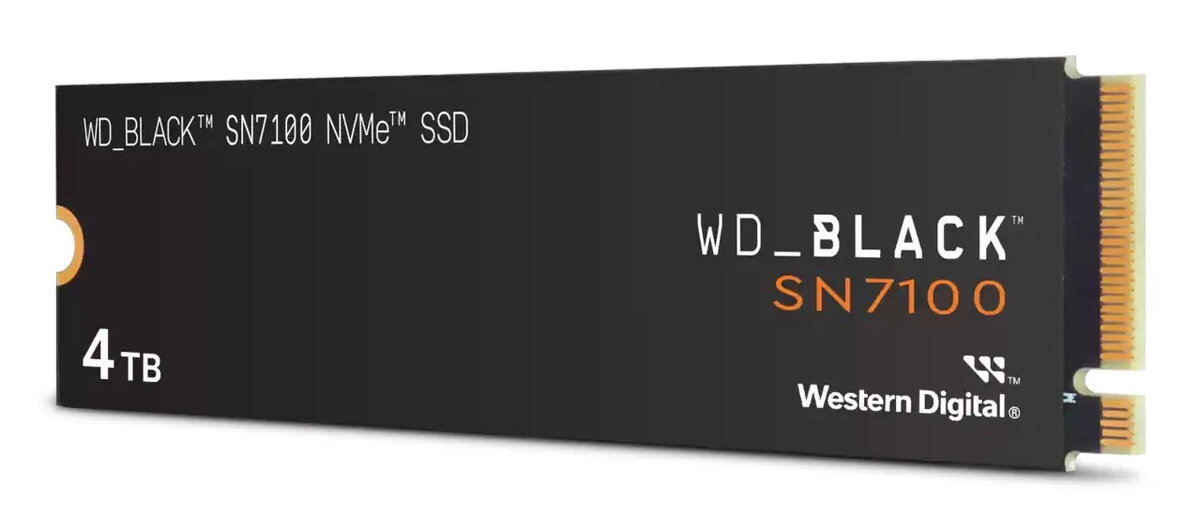
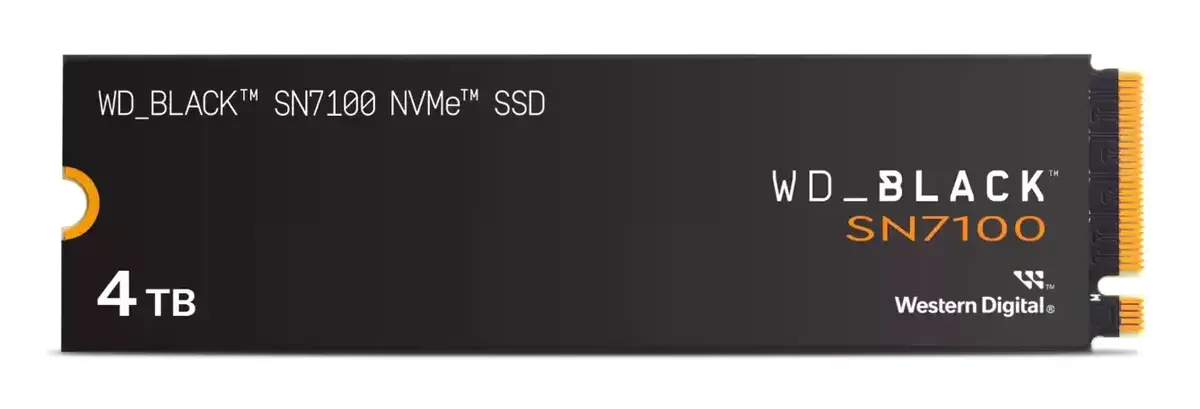
SSD M.2 PCIe 4.0 Western Digital Black SN7100 4 TB — 7000 MB/s read, 6700 MB/s write, 3D TLC NAND
The Western Digital Black SN7100 4 TB SSD is a high-performance storage solution designed for users who require significant capacity and rapid data transfer speeds. Utilizing the PCIe 4.0 interface and advanced 3D TLC NAND technology, this M.2 NVMe drive provides the reliability and efficiency needed for demanding computing environments. It is engineered to handle large files and complex applications with ease, ensuring that your system remains responsive during intensive tasks.
This solid-state drive offers exceptional sequential read speeds of up to 7000 MB/s and write speeds of up to 6700 MB/s, significantly reducing loading times for games and applications. The 4 TB capacity provides ample space for extensive media libraries, high-resolution video projects, and large game installations without the need for frequent file management. Its compact M.2 form factor allows for seamless integration into modern desktop PCs and compatible laptops, optimizing internal airflow and space utilization.
This drive may not be suitable for older computer systems that lack an M.2 slot or do not support the PCIe 4.0 interface, as the drive will not reach its maximum performance potential in such configurations. It is also not intended for use in environments requiring specialized enterprise-grade hardware with specific power-loss protection features.
To install the Western Digital Black SN7100, ensure your computer is powered off and disconnected from the power source. Locate the M.2 slot on your motherboard, insert the drive at a slight angle, and secure it using the appropriate screw or locking mechanism provided with your motherboard. Once installed, initialize the drive through your operating system's disk management utility to format it and assign a drive letter before transferring your data.
For optimal performance and longevity, ensure that your motherboard firmware is updated to the latest version and that the drive is installed in a slot with adequate cooling or heat dissipation.
{{highlightedFeature.featureTitle}}:
{{getProductFeatureValueById(product, highlightedFeature.featureId)}}
{{ productComparisonGenerationError }}