
Filters you can trust. Pure water every day.
In cart {{totalProductsCount}} item(s)
Your cart is empty
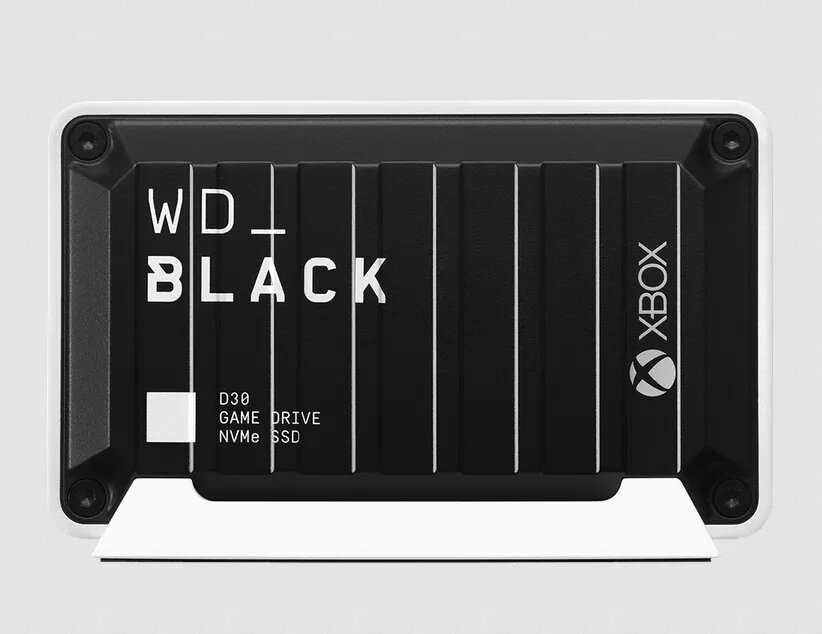
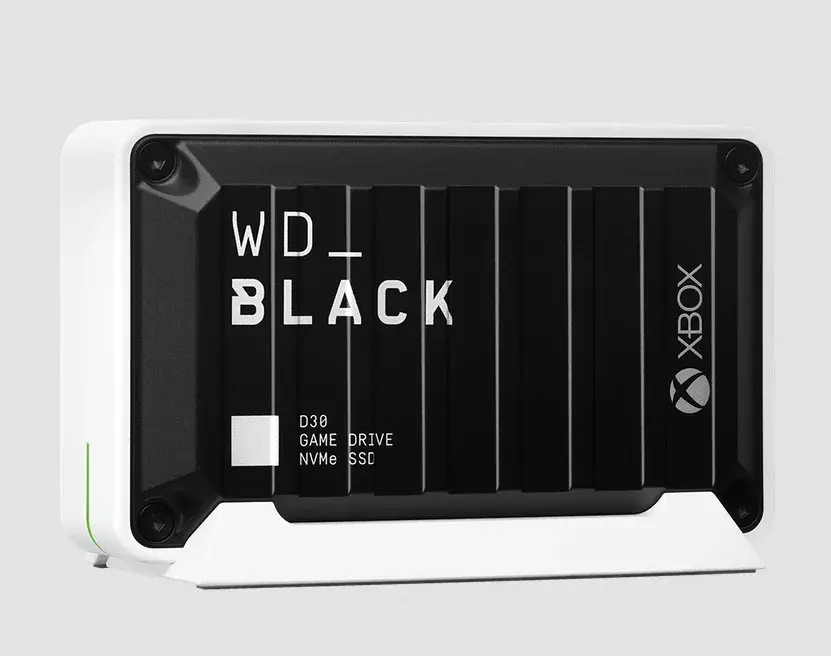
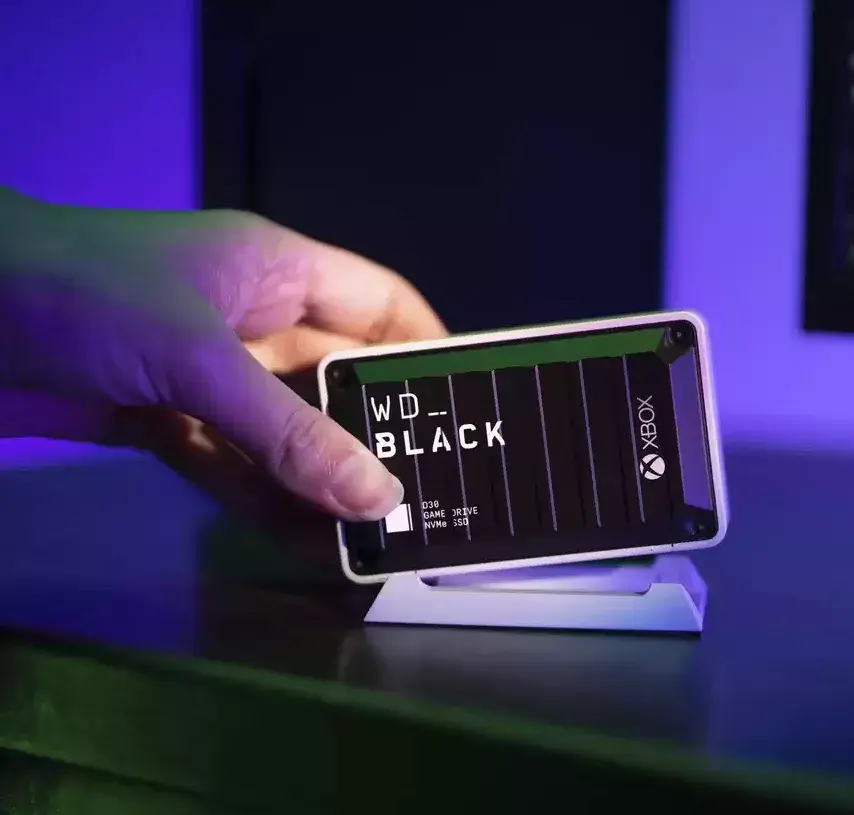
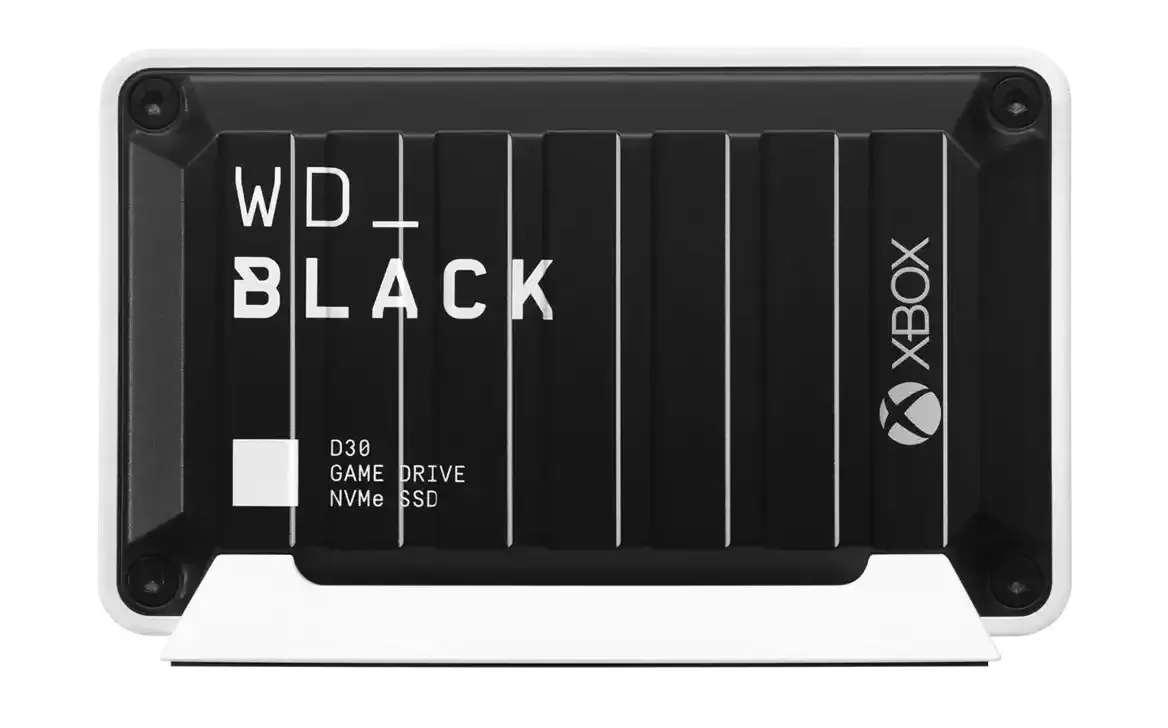
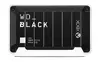
Western Digital WD_BLACK D30 External SSD 1 TB USB 3.2 Gen 2 Black and White
The Western Digital WD_BLACK D30 is a high-performance external SSD designed to expand storage capacity for gaming consoles and PCs. With a capacity of 1 TB, this drive allows users to store a large library of games, reducing the need to delete existing titles to make room for new ones. It utilizes a USB 3.2 Gen 2 interface to ensure rapid data transfer, which significantly reduces game loading times and enhances overall system responsiveness during gameplay.
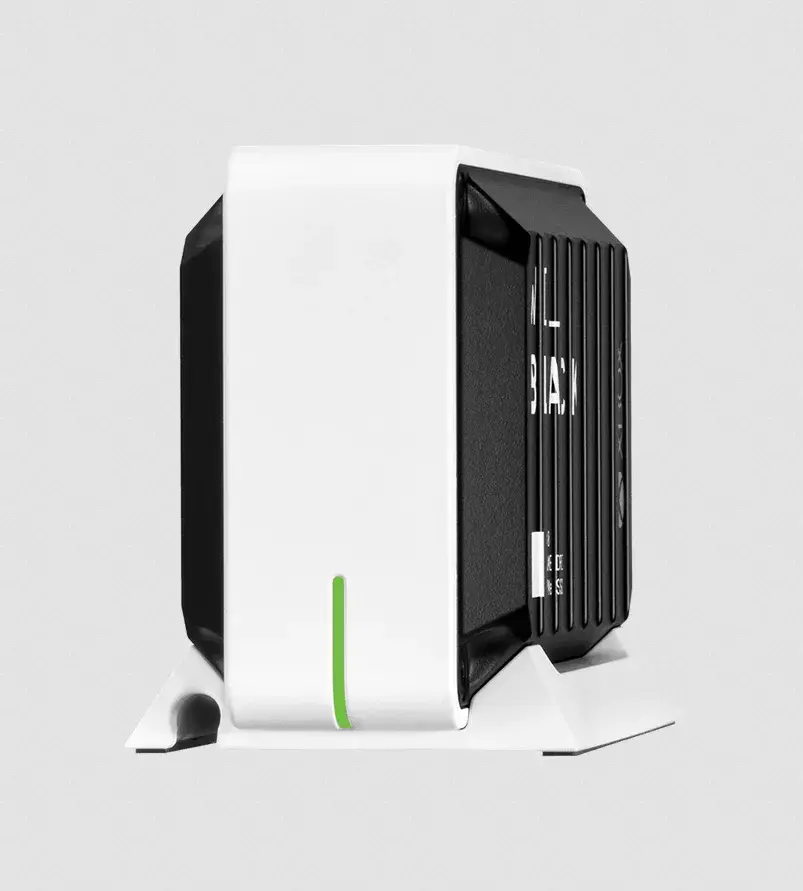
The primary benefit of the WD_BLACK D30 is its ability to provide fast, reliable storage that keeps up with the demands of modern gaming. By offloading game files to this external drive, users can maintain the performance of their primary console or PC storage. The compact and stylish black and white design, complemented by an included stand, allows it to integrate seamlessly into any gaming setup. Furthermore, the drive is built for durability and consistent performance, ensuring that game data remains accessible and secure.
This drive may not be the ideal choice for users who require massive storage capacities exceeding 1 TB, as this specific model is limited to that size. Additionally, while it is optimized for gaming, it is not intended for high-end professional video editing or tasks requiring sustained write speeds beyond those provided by the USB 3.2 Gen 2 interface.
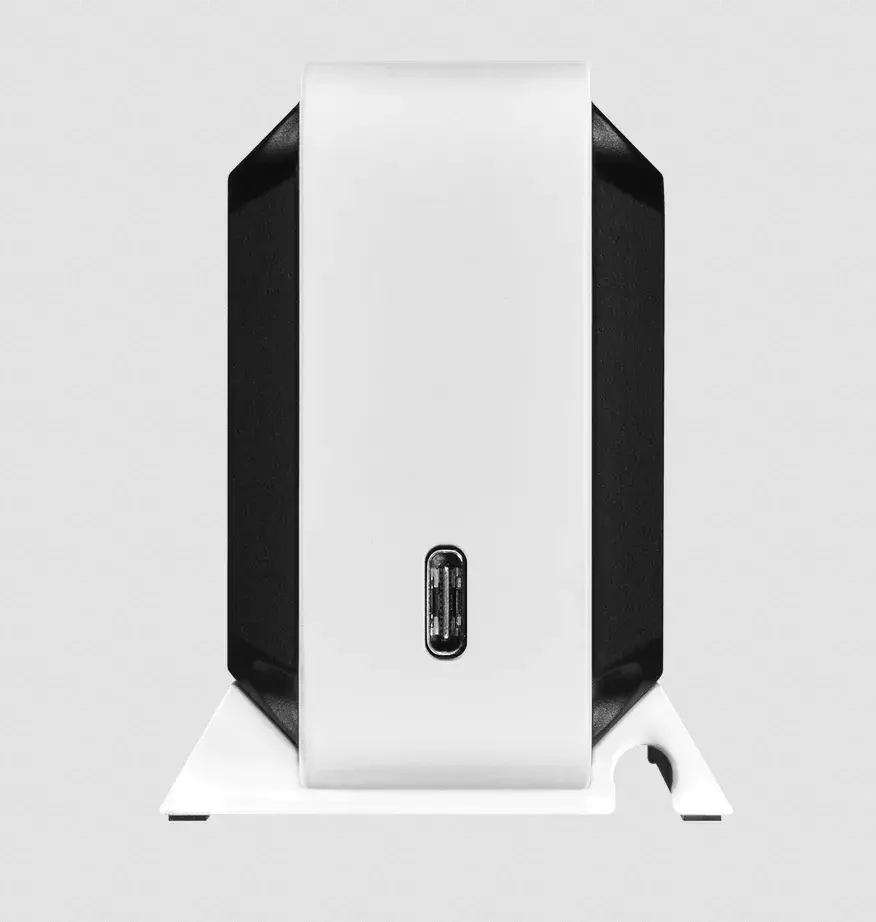
To use the WD_BLACK D30, simply connect the drive to an available USB port on your console or computer using the provided cable. Once connected, the device should be recognized by the operating system. For gaming consoles, you may need to navigate to the storage settings menu to format the drive or set it as the default location for new game installations. Ensure the drive is placed on a stable surface using the included stand to maintain proper airflow and aesthetics.
For optimal performance, always connect the drive directly to a high-speed USB port on your device rather than through a USB hub. Keep the drive in a well-ventilated area to prevent overheating during extended gaming sessions.
{{highlightedFeature.featureTitle}}:
{{getProductFeatureValueById(product, highlightedFeature.featureId)}}
{{ productComparisonGenerationError }}