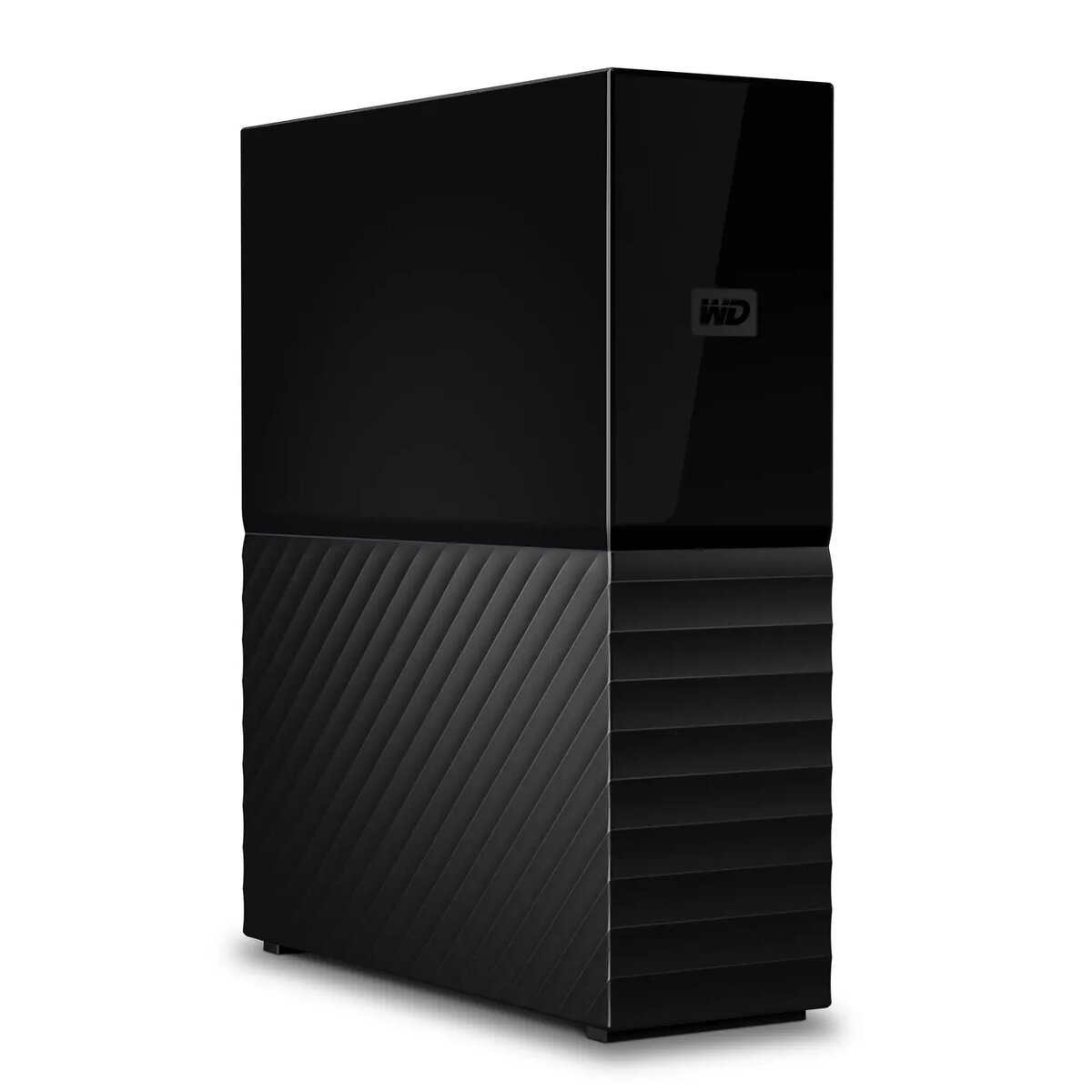
The Western Digital My Book desktop external hard drive is a single-drive USB-connected storage solution designed for backup, archive and general file storage. It provides spinning-disk capacity intended for users who need additional local storage for large media libraries, documents and system images. The drive connects to a computer via USB and is formatted to work with common desktop operating systems, offering a simple, passive external HDD option for home offices and small businesses.
Advantages
The My Book external HDD delivers large-capacity storage in a compact desktop enclosure, allowing straightforward expansion of local storage without internal installation. It supports continuous file access and typical backup workflows, and its USB interface ensures broad compatibility with PCs and Macs. The design emphasizes reliable magnetic disk storage for long-term archiving of photos, videos and documents while keeping setup and day-to-day use simple.
Suitable for
- Local backups of system images and user files on desktop computers
- Archive storage for large photo and video collections
- Expanding storage for home office and small business desktops
- Transferring large data sets between computers over USB
When it may not be suitable
This desktop HDD is not optimized for high-performance tasks that require sustained high read/write throughput, such as active video editing projects or database servers where SSD-level latency matters. It also requires an available USB port and a stationary setup; it is not intended as a rugged or portable drive for frequent travel.
Key specifications
- Form factor: 3.5-inch single internal HDD in an external desktop enclosure
- Interface: USB (USB cable connection for data and power where applicable with external power supply)
- Intended use: Desktop backup, storage expansion and archiving
- Storage type: Spinning magnetic disk (HDD)
- Compatibility: Works with common desktop operating systems when formatted accordingly
How to use
Connect the My Book drive to a desktop or laptop using the supplied USB cable and attach the external power adapter if provided. The operating system should detect the drive automatically; if necessary, initialize or format the drive to match the desired file system for your operating system (for example, NTFS for Windows or exFAT for cross-platform use). Use built-in backup software or third-party backup tools to schedule regular backups, copy files directly, or store archived data. For long-term archives, verify file integrity after transfer and maintain multiple copies where possible.
What to consider before purchase
- Confirm the required storage capacity for current and future needs
- Check that your computer has a compatible USB port and available power for a desktop external drive
- Decide on the preferred file system for compatibility between operating systems
- Consider backup strategy and whether redundancy (additional drives or offsite copies) is needed
Usage recommendations
Place the drive on a stable, flat surface with adequate ventilation, avoid physical shocks while in use, and use regular scheduled backups. For critical data, maintain at least one additional copy and consider pairing with cloud or offsite storage for disaster recovery.